

Support our independent tech coverage. Chrome Unboxed is written by real people, for real people—not search algorithms. Join Chrome Unboxed Plus for just $2 a month to get an ad-free experience, access to our private Discord, and more. Learn more about membership here.
START FREE TRIAL (MONTHLY)START FREE TRIAL (ANNUAL)
Nowadays, being responsible about time spent surfing the web can be easier said that done. With a society inundated with social media, internet shopping and countless other ways to spend hours online, some might find it hard to imagine extended periods actually disconnected from the world wide web.
Forgive me but I am going to get on the soap box for a moment. Please know that I am preaching to myself. I am the worst about disconnecting from my devices. I have had to make a deliberate, intentional effort to keep my attention focused on conversations, a tv show or even reading a book. I’m getting better, I swear. It often helps to remind myself that what I do in moderation my kids will likely do in excess.
If I am spending quality time with them and they see me constantly checking my phone they will find that acceptable behavior when they are older and having a mobile device permanently glued to their face will become the standard. I set the example and that means disciplining myself as well as metering their internet use to teach healthy habits. My work may revolve around the internet but at the end of the day I must remind myself it’s just a tool.
Ok. Moving On.
Own Your Wifi, Not Vice Versa
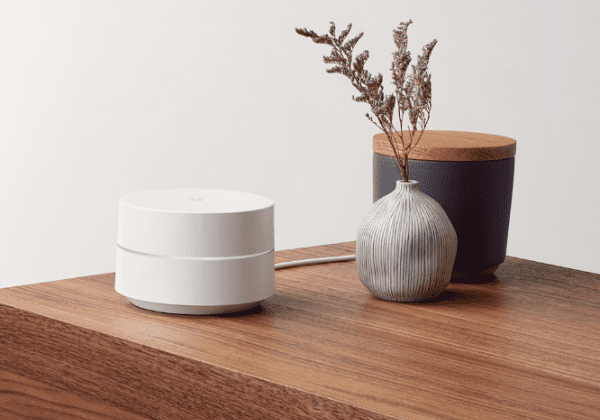
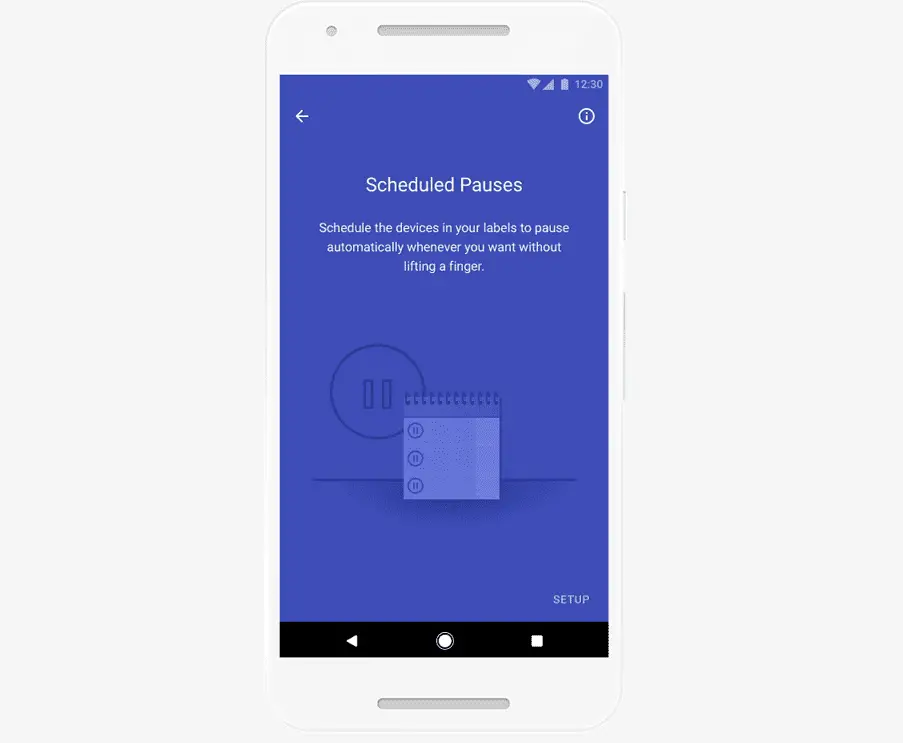
Although it is up to me to control the internet usage in my home, it’s great to know there are tools out there to help keep me accountable as well as help my family learn to balance life on and offline. Google Wifi is doing just that. The new Scheduled Pauses function allows you to carve blocks of time when internet access is and isn’t available on your Google Wifi router.
From directly inside the Google Wifi app on your Android device you can create automatic pause points for the Google Wifi devices in your home. Great option for those wanting to limit internet use for the kids or keep themselves from browsing aimlessly into the night and losing needed hours of sleep.
Edith Chao, Product Manager for Google Wifi, explains the drive behind Scheduled Pauses in the latest Keyword Blog post:
The idea behind Scheduled Pause started a year ago. While exploring how to best create tools for families, I noticed that I was having trouble falling asleep. I’d check emails and surf the web late into the night. Experimenting with options, I started using a timer on my computer to turn the internet off at 11 p.m. The first night was a shock, but after a few nights I was ready to shut down earlier. And I was more refreshed and rejuvenated in the morning.
This new feature is a big win in my book. Google Wifi is already by far one of the best routers out there and adding features like this only solidify its distinct edge over other brands. Growing up, time around the dinner table was very important and rarely, if ever, neglected. It was a time to give each other undivided attention and strengthen the family bond. We need more of that in the world today and if a simple app can help, even if only a little, then I’m all for it.

