

Support our independent tech coverage. Chrome Unboxed is written by real people, for real people—not search algorithms. Join Chrome Unboxed Plus for just $2 a month to get an ad-free experience, access to our private Discord, and more. Learn more about membership here.
START FREE TRIAL (MONTHLY)START FREE TRIAL (ANNUAL)
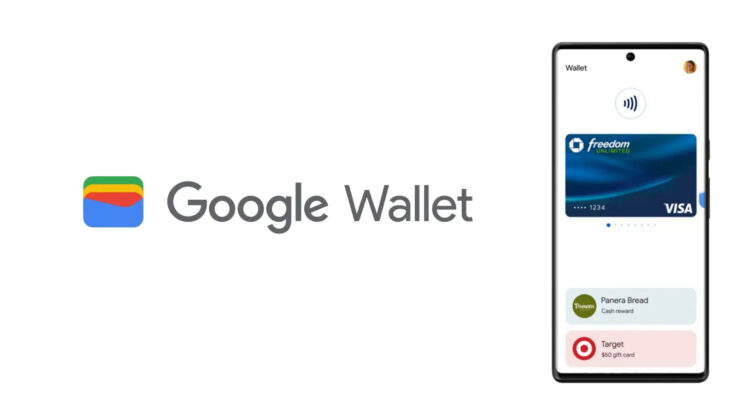
Google Wallet has long been a champion of reducing the bulk of physical wallets, making it possible to store essential cards securely on your smartphone, thus reducing keyring clutter and scoliosis. Now, it’s introducing a feature that simplifies this process even further.
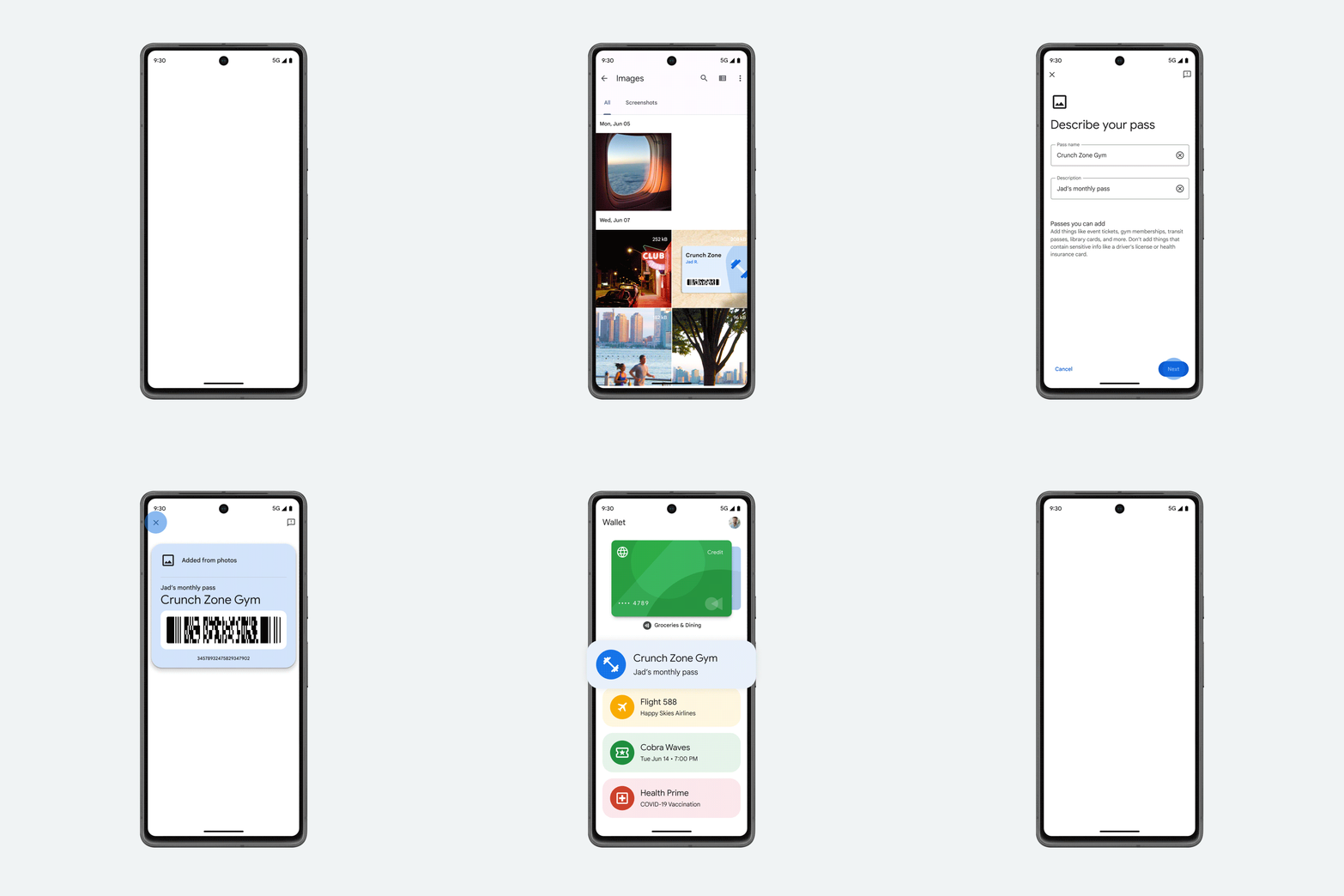
First noticed back in June, the “Photo Pass” option that lets you snap a picture of any payment card, transit pass, loyalty card, gift card or ID like a driver’s license is now rolling out to some users according to 9to5Google.
All you need to do once you get a hold of this update is tap the add button and then capture the QR code or barcode using your camera. The new option for “Photo: Create a pass using a photo with a barcode or QR code” now appears at the bottom of the “Add to Wallet” section.
Of course, once you snap a pic, you just “Describe your pass” by entering the name and description. Afterward, it’s added to your Wallet and you can use it anywhere it’s accepted! This should really help out anyone who has a bunch of small gym membership or store loyalty cards. Mark my words, I will get my girlfriend to adopt this as she’s notorious for keycard collecting!
Anyway, if you’ve already received it, let me know in the comments! I’m interested to see how fast this rolls out, and with how important Wallet is to Google, I imagine it will move quickly now that the option is appearing in the app.
Newsletter Signup

SUBSCRIBE TO UPSTREAM
Get Chrome Unboxed delivered straight to your inbox
Upstream is our flagship, curated newsletter with the top stories, most click-worthy deals, giveaways, and trending articles from Chrome Unboxed sent directly to your inbox a few times a week. Join 31,000+ subscribers.

