

Support our independent tech coverage. Chrome Unboxed is written by real people, for real people—not search algorithms. Join Chrome Unboxed Plus for just $2 a month to get an ad-free experience, access to our private Discord, and more. Learn more about membership here.
START FREE TRIAL (MONTHLY)START FREE TRIAL (ANNUAL)
When a developer creates an ‘Action on Google‘, it allows them to run it through Assistant-enabled smart devices and interface with the user as a third-party application. Because many creators just haven’t placed as much quality assurance into their app as Google would like for them to, the company has updated its Actions policy to set some rules for how things should operate from a performance standpoint to make sure that the user experience is ideal.
The idea is to help developers more quickly create their Actions and help streamline the certification and launch process. These updates will most certainly make sure that end-users aren’t frustrated due to a third-party app being slower or less efficient than Google’s own software (read: this directly affects the hardware of the smart home device!). In order to make sure that each device type responds in a timely fashion, Google has created a minimum latency and reliability metric. Device types include AC Units, air purifiers, Blenders, and pretty much anything that can be considered an IoT device.
Each device type is required to provide a minimum functionality for the user – Because smart bathtubs apparently exist (much to my surprise), they are required to provide the following functionality – ‘Fill’, ‘Temperature Control’, and ‘StartStop’. This is just one example from the Google Assistant smart home guide page.
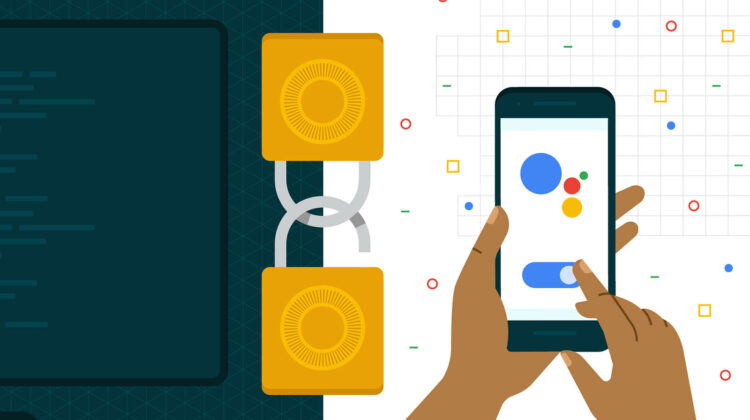
Additionally, sensitive Actions must provide a ‘secondary user verification’ for devices that unlock doors or perform other tasks more closely related to the privacy and safety of the user. Once these devices are configured in this way, developers can provide users a way to opt-out of the flow. If they do, they have to provide a warning message to users so that they understand the security implications for turning the feature off. Google themselves has provided a template for this message. This way, the user who has agreed takes the responsibility off of the developer and Google.
Lastly, these changes affect all smart home devices that rock the ‘Works with Google Assistant’ badge. The badge itself will only be available for use on marketing materials for new Smart Home Direct actions that have successfully integrated any device types in the aforementioned guide (that also adheres to the minimum Actions requirements!) All of this rolls out today, and there is a one-month grace period (ends on April 12, 2021) for developers to update their devices with these new integrations. Google will need to annually inspect and sign off on all developer’s devices to make sure that the Action guidelines are being maintained. It’s kind of like a fire safety inspection, right?
It’s fantastic to see Google setting some boundaries to make sure that we all enjoy using our smart home devices and that we can continue to advance towards a thoughtful home without the friction of slow, buggy Actions. The Actions on Google guidelines don’t really seem too stringent, but I am glad they’re in place. If you see your favorite third-party app drop off of the face of the earth any time soon, then perhaps they didn’t stay up to code.
SUBSCRIBE TO UPSTREAM
Get Chrome Unboxed delivered straight to your inbox
Upstream is our flagship, curated newsletter with the top stories, most click-worthy deals, giveaways, and trending articles from Chrome Unboxed sent directly to your inbox a few times a week. Join 31,000+ subscribers.

