


Support our independent tech coverage. Chrome Unboxed is written by real people, for real people—not search algorithms. Join Chrome Unboxed Plus for just $2 a month to get an ad-free experience, access to our private Discord, and more. Learn more about membership here.
START FREE TRIAL (MONTHLY)START FREE TRIAL (ANNUAL)
Just a few weeks ago, Google officially announced that Stadia would officially be supported on Chromecast with Google TV as well as Shield TV, several televisions, and even MIBOX 3 and 4 on June 23, 2021. Today, we’re just two days from that deadline, and the company has made the Stadia app available on these devices early. Unfortunately, installing and launching it will present you with the following screens captured by 9to5Google.

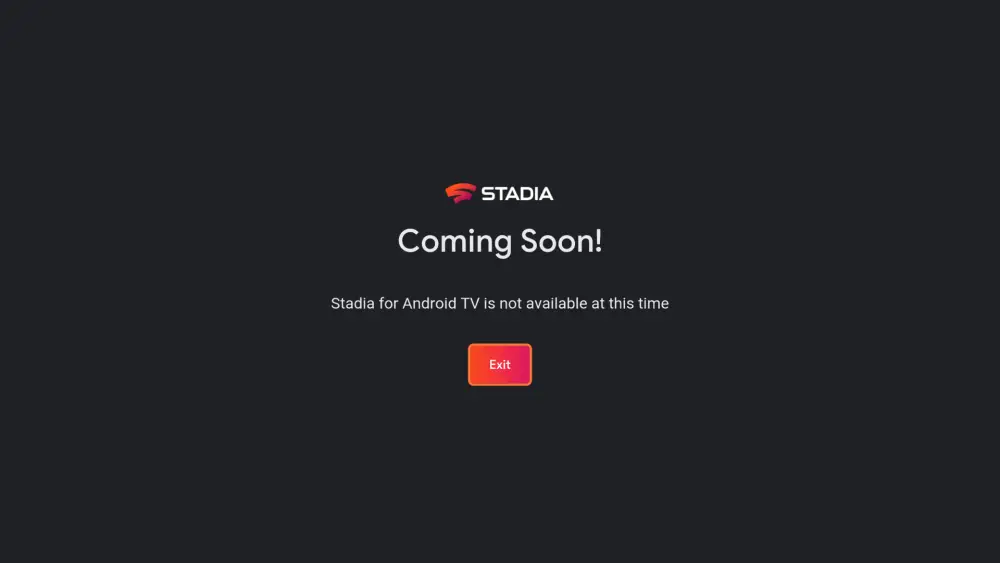
Listed on the Google Play Store as ‘Stadia for Android TV’, you can navigate to and install it by pressing and holding the Assistant button on your remote (or visiting the search bar on your specific device). From there, just speak or type in ‘Stadia’, and click the install button. Upon opening it up, you’ll be met with a short description that reads ‘Coming Soon! Stadia for Android TV is not available at this time’.
In the meantime, you can log in with your Google account and go through the entire account process. 9to5Google notes that the pure existence of this UI indicates that you may be able to use multiple user accounts with the app, something that’s different from the Android app. However, with Chromecast with Google TV profiles well on their way for a public release, this may not matter much to many users. With other set-top boxes, televisions, and more though, this could prove useful for families.
If you’re one of the handful of people who have sideloaded the Stadia app to your device recently and have been playing it that way unofficially, you can keep it installed or swap it out with the new app (found below). You should know that the new app takes up only about half of the space of the original, though, so it may just be worth your time to delete the sideloaded version. Besides, they’ll likely function identically aside from account swapping and maybe even performance. Hang in there, folks, just two days left until we can play our games library on our televisions without using the old Chromecast Ultra – are you as excited as I am?
SUBSCRIBE TO UPSTREAM
Get Chrome Unboxed delivered straight to your inbox
Upstream is our flagship, curated newsletter with the top stories, most click-worthy deals, giveaways, and trending articles from Chrome Unboxed sent directly to your inbox a few times a week. Join 31,000+ subscribers.


