


Support our independent tech coverage. Chrome Unboxed is written by real people, for real people—not search algorithms. Join Chrome Unboxed Plus for just $2 a month to get an ad-free experience, access to our private Discord, and more. Learn more about membership here.
START FREE TRIAL (MONTHLY)START FREE TRIAL (ANNUAL)
It seems the gloves are well and truly off in the ongoing battle between Google and Microsoft for enterprise dominance. Citing Microsoft 365’s “frequent and severe” outages and recurring security incidents, Google has unveiled two new Workspace plans explicitly designed to lure frustrated Microsoft customers away, offering both a backup lifeline and a complete escape route.
In a Workspace blog post, Google argues that for Microsoft 365, outages aren’t a question of if, but “when and for how long.” Pointing directly at Microsoft’s own status updates, Google is positioning Workspace as the secure, reliable alternative for businesses tired of disruption and vendor lock-in.
Plan A: The Safety Net (Business Continuity)
The first new offering, called Business Continuity, is a clever and pragmatic approach. It’s designed for organizations that aren’t ready to ditch Microsoft entirely but desperately need a backup plan. This solution runs Google Workspace in parallel with Microsoft 365.
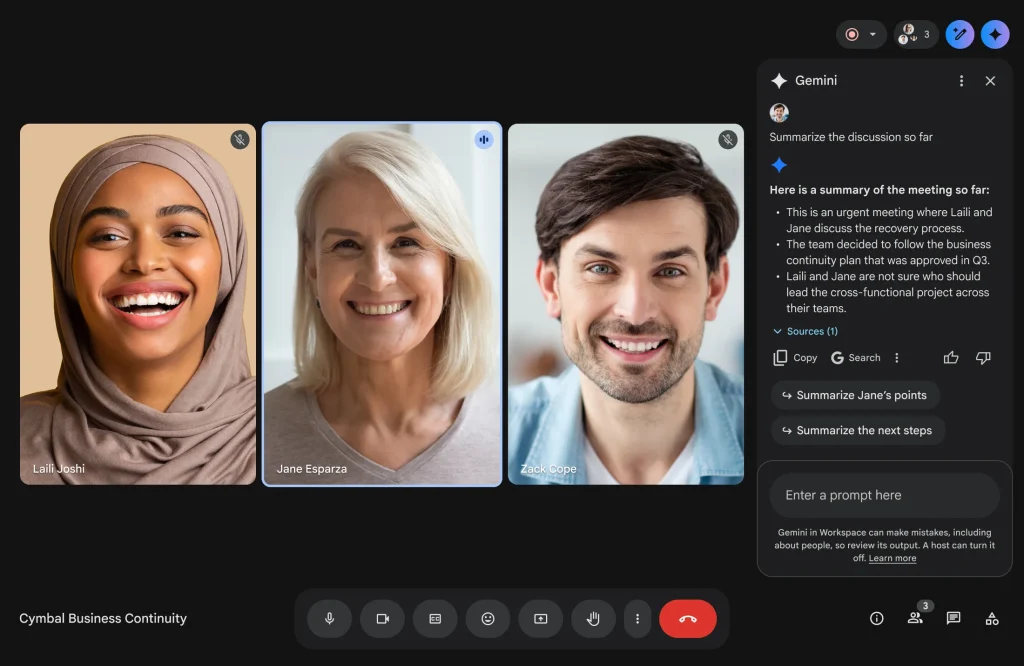
With support from partners, Google syncs emails, calendars, chats, and more between the two platforms. When (not if, according to Google) the next Microsoft 365 outage hits, teams can seamlessly switch over to using Gmail, Calendar, Meet, and the Gemini app without missing a beat and without needing a complex migration. Google touts Workspace’s 99.99% uptime so far in 2025 and claims organizations using it experience 3x fewer email security incidents compared to M365.
Plan B: The Escape Hatch (Work Transformation Set)
For businesses that are ready to break free entirely, Google is offering the Work Transformation Set. This is positioned as a secure, flexible, and cost-effective replacement for Microsoft 365. It bundles the full Google Workspace suite (including Gemini AI) with identity and device management solutions from partners.
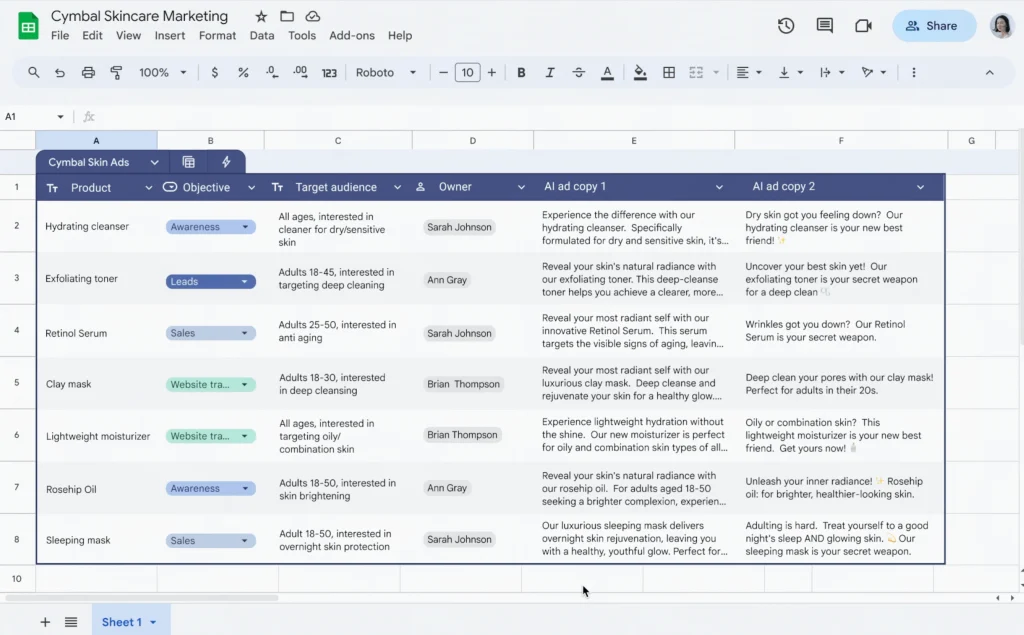
Customers get a choice: one option pairs Workspace with Okta and Omnissa for demanding compliance needs, while another pairs it with JumpCloud for a streamlined, unified platform. Both are offered under a single, competitively priced contract directly from Google Cloud, aiming to simplify the often-complex process of switching ecosystems. This plan leans heavily on Workspace’s AI capabilities, browser-based accessibility, and strong security foundation as key differentiators.
This kind of direct attack isn’t entirely new but this move by Google is a clear signal that they see Microsoft’s recent reliability and security stumbles as a major opportunity. While switching enterprise productivity suites is a massive undertaking, Google is making a compelling argument here, especially for businesses whose operations have been genuinely hurt by Microsoft’s downtime. Offering both a safety net and a clear off-ramp is a smart strategy, and it will be fascinating to see how many organizations take the bait. If you’re ready to learn more about either of these new plans, you can get in touch with the Enterprise team here.
SUBSCRIBE TO UPSTREAM
Get Chrome Unboxed delivered straight to your inbox
Upstream is our flagship, curated newsletter with the top stories, most click-worthy deals, giveaways, and trending articles from Chrome Unboxed sent directly to your inbox a few times a week. Join 31,000+ subscribers.

