

Support our independent tech coverage. Chrome Unboxed is written by real people, for real people—not search algorithms. Join Chrome Unboxed Plus for just $2 a month to get an ad-free experience, access to our private Discord, and more. Learn more about membership here.
START FREE TRIAL (MONTHLY)START FREE TRIAL (ANNUAL)
 Google I/O is well under way and we’ve already seen some really exciting stuff from the team at Mountain View. We’re anticipating even more as the developer talks go on over the next two days. From the Google Assistant evolving to a full-fledged concierge to the official announcement of Linux apps for Chrome OS, this year’s I/O is ushering in some of the biggest news of 2018.
That’s all great but that doesn’t mean we don’t have more great stuff to share with our Chromies. Spotted back in September, there has been tons of work going on surrounding Picture-in-Picture (PiP) for the Chrome browser and we’ve been following it closely in the Chromium repository.
For months, there have been signs of the PiP feature which will closely mimic the same function released with Android O last year. There’s even been a PiP flag on Chrome and Chrome OS for months but unfortunately, it has been completely non-functional up unto this point.
Thanks to François Beaufort, we now have a first look at PiP for Chrome and I must say, it was worth the wait. For those of you who do not know Mr. Beaufort, he was once the leading source for much of what we do here at Chrome Unboxed. Scouring the Chromium repositories, François outed new devices like the Google Chromebook Pixel as well as many of the features being developed for the Chrome browser and Chrome operating system.
Since then, he has become part of the Google team and has been dubbed the “happiness evangelist” as he “officially” shares new Chrome features that are heading our way. However, François Beaufort is more than just a glorious herald for Chrome. He has his hands in the repositories and is directly working on the PiP function for the Chrome browser.
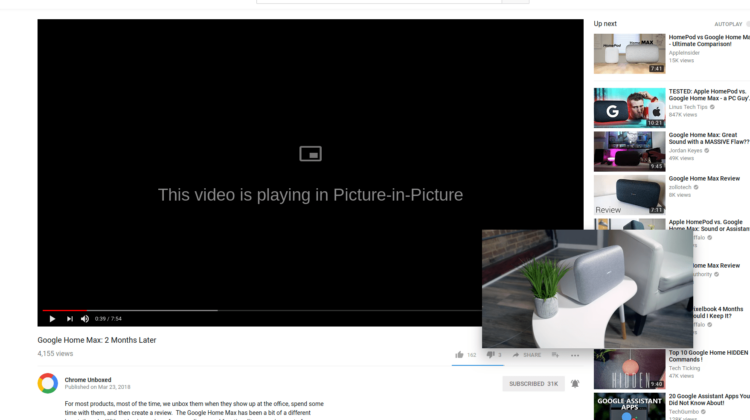
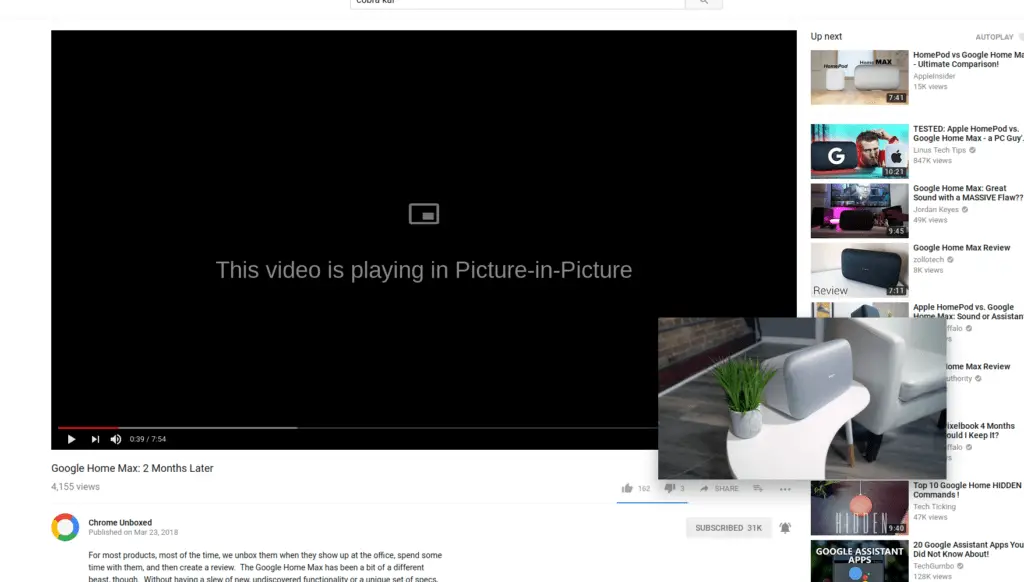
His commit, added this morning, details the new Picture-in-Picture feature and links to the GitHub page that holds the keys to getting PiP up and running. So, I decided to give it a try. Check out the video below to see Chrome’s PiP in action.
According to the Git, this feature will be running as an experiment for a couple of months. Likely, that will be a period of gathering data and feedback to work out any bug in Chrome’s new capabilities. I must admit, I was incredibly impressed with the robust nature of the PiP.
I initially presumed the video playback would be similar to that of sites like Facebook where the mini video play just floats down the page but there isn’t much else you can do with it. That is not the case for PiP on Chrome. This feature will stay on top of anything you have open and allows you to navigate to new pages, open other apps and you can even move and resize the video at will while it plays.
You can tell from the video above that there’s some aspect ratio stuff that needs to be locked down but at no point did the player hiccup or have any issues with playback. The only real issues that arose were when I tried to revert back to the video embedded on a page or close a page while the video was playing which caused a browser restart. Still, the things that are working on Chrome’s PiP far outweigh its initial glitches.
At least for now, the PiP function is implemented as an extension which you have to click to pop out the video and you will have to be on at least Chrome 68 to use it with a number of flags enabled, as well. It is possible that down the road the PiP extension could just become integrated directly into the browser and according to the PiP flag, the feature will be available for Linux, Mac, Windows and Chrome OS.
I’ve tested on a few different file formats and found that most of your standard web video files work with PiP. I am really happy to see PiP finally making its way into Chrome so I suppose François has lived up to his title of Happiness Evangelist and for that, I thank him.
Check Out Chrome Unboxed’s Top Picks On Amazon
Source: Chromium repository, GitHub

