

Support our independent tech coverage. Chrome Unboxed is written by real people, for real people—not search algorithms. Join Chrome Unboxed Plus for just $2 a month to get an ad-free experience, access to our private Discord, and more. Learn more about membership here.
START FREE TRIAL (MONTHLY)START FREE TRIAL (ANNUAL)
Chrome’s dominance in the browser market is only growing, and Google continues to leverage that position to strengthen its enterprise offerings. With the rise of web-based workflows across many organizations, the browser has become a critical tool for businesses. This has led Google to focus on improving the experience for both employees and IT teams through Chrome Enterprise.
Separating work and home life
One common issue for those using Chrome for both personal and professional tasks is the potential for confusion between browser instances. Google is addressing this with visual updates that clarify when a user is in their work profile.
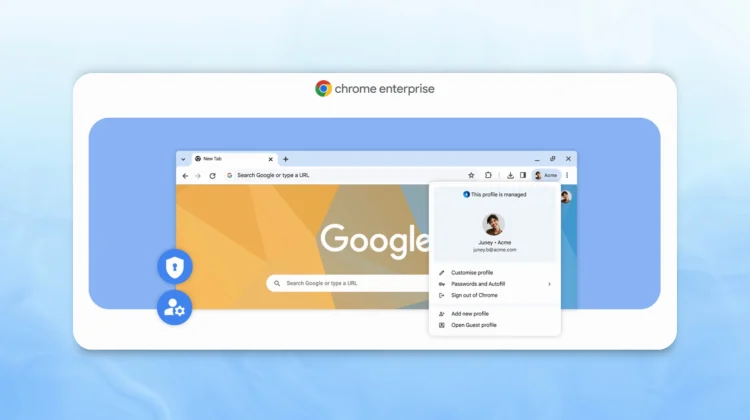
A key change involves the account switcher. Companies can now customize the avatar icon in the top-right corner with their logo, providing a clear visual cue that the user is in a managed work profile. Even without a custom logo, upcoming Chrome releases will display a prominent “Work” label, further distinguishing the work profile.
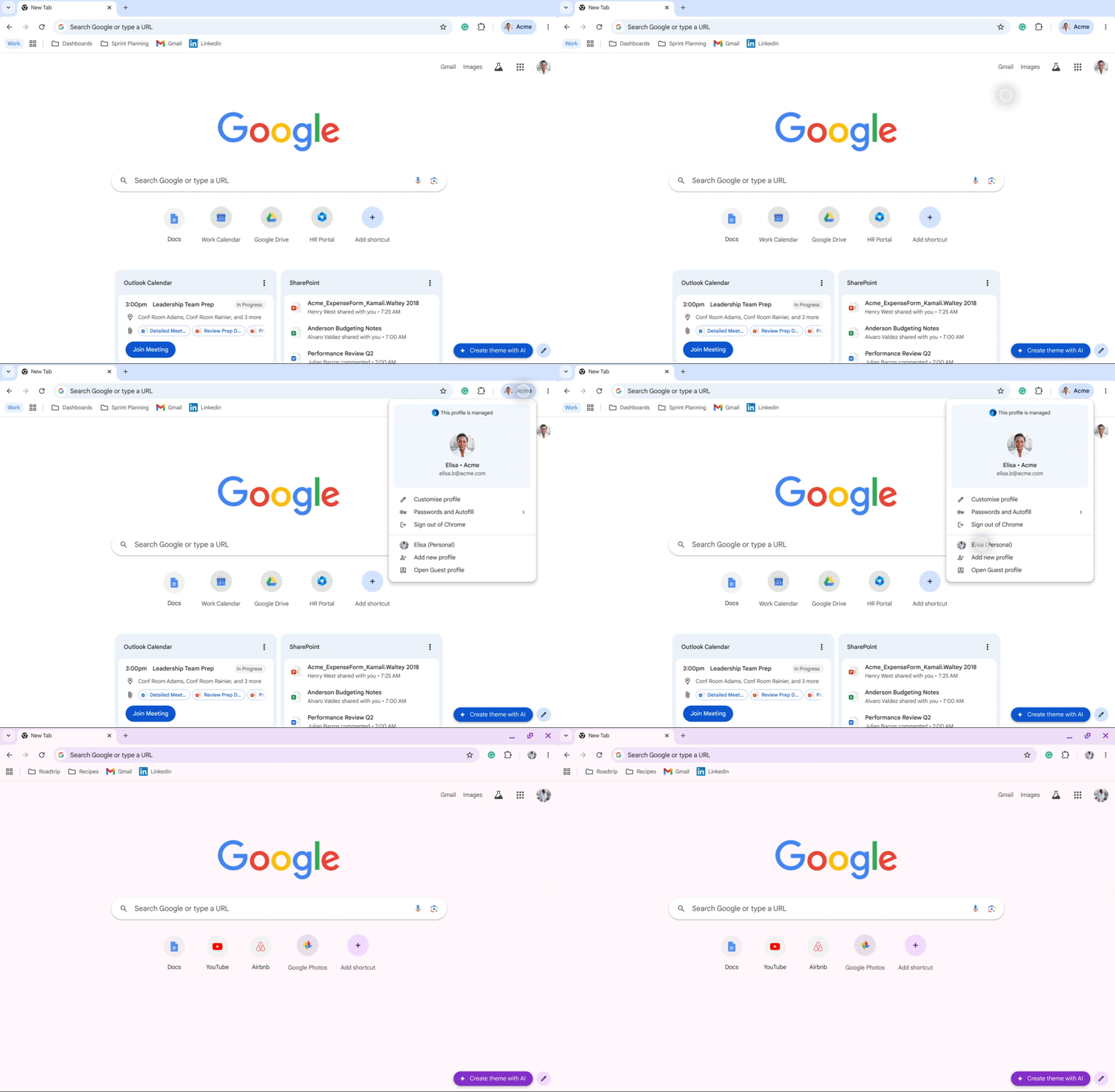
Before signing in, users will encounter an updated sign-in flow that provides greater transparency about the data and features managed by their organization. This clarity builds trust and offers better visibility into how data is handled, particularly when using personal devices for work.
Beyond the user-facing changes, Chrome Enterprise is also receiving updates that benefit IT departments. Managed user reporting is now available across various platforms, including Windows, Mac, Linux, and Android. IT teams can access a streamlined view of critical information, such as browser versions, operating systems, policies, and extensions. This is particularly useful for managing BYOD and contractor scenarios.

The browser’s role as a secure endpoint is also being enhanced. Companies can enforce secure access to critical apps and data directly at the browser layer. By customizing browser profiles with company logos, organizations can create a branded experience that reinforces the distinction between personal and work browsing.
Even on unmanaged devices, Chrome profiles can enforce secure access and data protection. With Chrome Enterprise Premium, organizations can apply data controls and make access decisions for business apps. For instance, a company can require a contractor to log into a work profile to access a CRM tool, while simultaneously implementing restrictions on copy-pasting or screenshots.
These updates to Chrome Enterprise aim to provide a more transparent and secure browsing experience for both employees and IT teams. By clearly delineating between personal and work profiles, Google is helping users maintain a clear separation between their professional and personal data.
SUBSCRIBE TO UPSTREAM
Get Chrome Unboxed delivered straight to your inbox
Upstream is our flagship, curated newsletter with the top stories, most click-worthy deals, giveaways, and trending articles from Chrome Unboxed sent directly to your inbox a few times a week. Join 31,000+ subscribers.

