


Support our independent tech coverage. Chrome Unboxed is written by real people, for real people—not search algorithms. Join Chrome Unboxed Plus for just $2 a month to get an ad-free experience, access to our private Discord, and more. Learn more about membership here.
START FREE TRIAL (MONTHLY)START FREE TRIAL (ANNUAL)
A new campaign of malicious Chrome extensions was just uncovered by a Guardio Labs research report called “Dormant Colors”. It’s a large campaign with 30 extensions and millions of active installations across the globe. You may or may not have installed one of these on your Chrome browser or Chromebook, so check out the list below! They are no longer active on either the Chrome or Edge web stores, but you should still uninstall them immediately! Also, the campaign itself remains fully active.
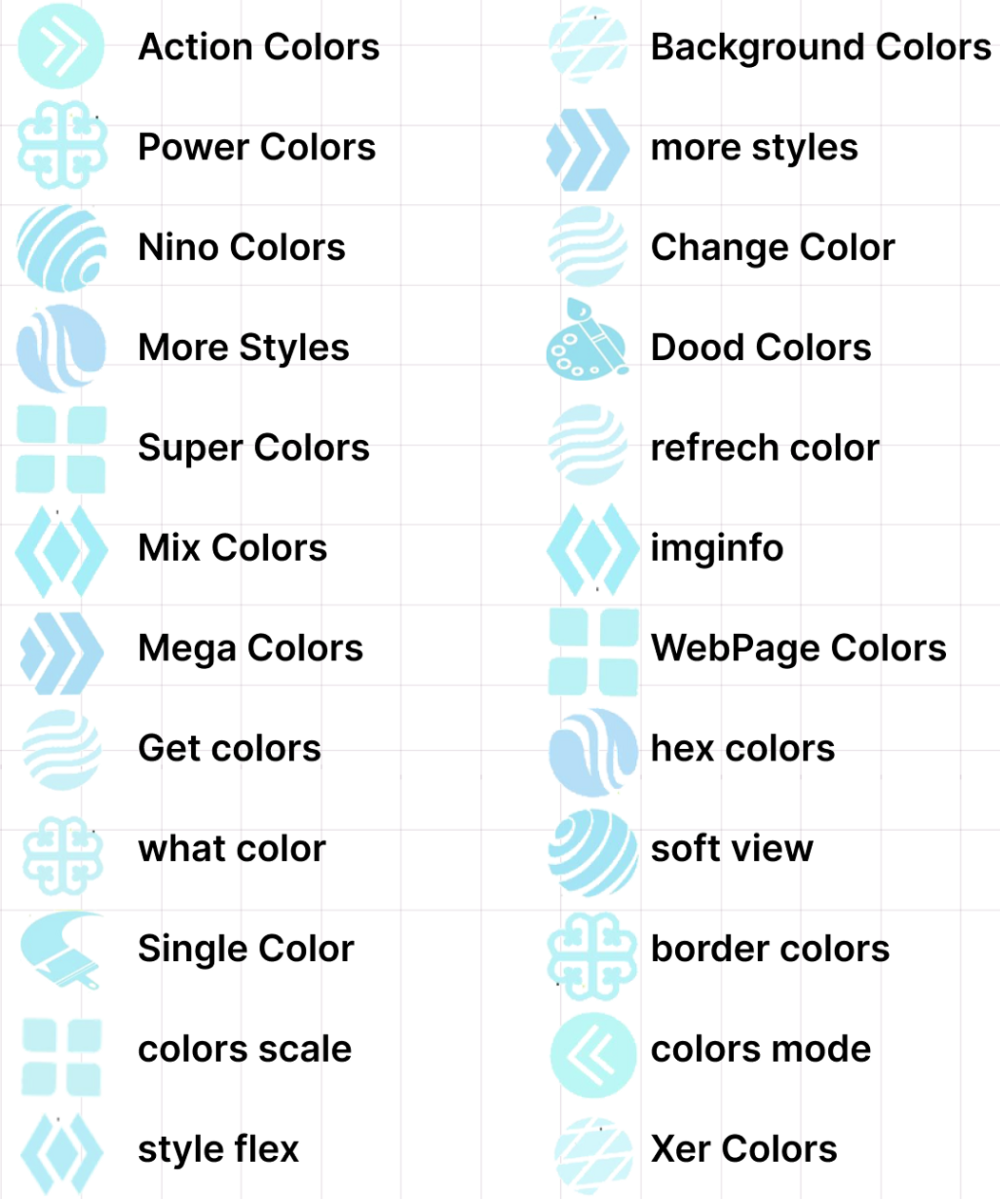
Each of these was built to change browser element colors and your theme and are essentially customization tools. Unfortunately, they weren’t pre-loaded with malicious code, and the hijacking was injected via a side loading method post-install.
Once a user who had this on their device was targeted, it would steal their browser data including search history. Insert audible sigh here. I’m really getting wary of extensions when you see things like this happen. Even despite the seal of approval that Google added to the Web Store, side loading code later on in the user experience means they can effectively bypass the store itself, robbing us all of any peace of mind that the process of scanning and checking for bad actors provided, to begin with!
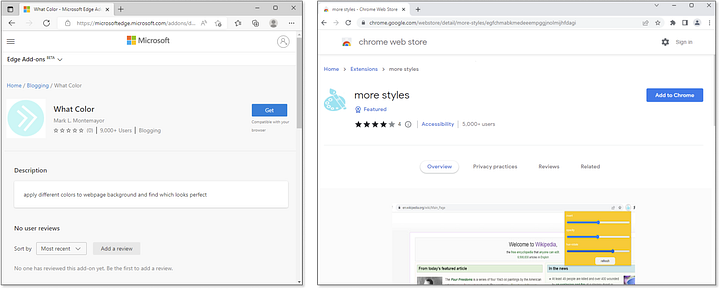
The catalog of the 30 extensions listed above rolled out just a few weeks ago for both Chrome and Edge and as you can see, they looked rather harmless and unsuspecting. The truth is that much of the code in these extensions was harmless, but provided a ‘dormant’ attack.
After being installed, the user would be redirected to another one of the extensions in the campaign and told they must install it before continuing. This is what’s called ‘malvertising’, and once the ‘Ok’ button is clicked, the individual is redirected to a blank ‘Thank you’ page loaded with malicious script.
To cut it short, this bad extension is much more than another search hijacker — it includes stealth modules for code updating and telemetry collection, as well as a backbone of servers harvesting data from millions of users, classifying potential targets, and being able to target specific users with many kinds of social engineering attack vectors that can quickly steal credentials and put people and even big organizations out of business!
Guardio Security Medium Blog
You can read all of the highly technical details on exactly how the script works over on Guardio’s blog post, but the end result is that the dormant code is activated, a list of 10,000 affiliate websites is injected, and any time you visit a website with a shopping list, you’re redirected through their affiliate link and they make money off of your back while stealing your privacy and data!
According to researchers, this campaign has the potential to do more than earn a few bucks on your purchases by appending affiliate links to the end of your shopping cart and could go on to create phishing pages for things like Google Workspace, bank website social media sites and more where it can directly steal your credentials for logging in.
As a reminder, the malicious setup is still active and even though the extensions have been completely removed and can no longer be installed, code can still be sideloaded to those who have them on their systems, allowing these jerks to harm millions of users who remain unaware.
SUBSCRIBE TO UPSTREAM
Get Chrome Unboxed delivered straight to your inbox
Upstream is our flagship, curated newsletter with the top stories, most click-worthy deals, giveaways, and trending articles from Chrome Unboxed sent directly to your inbox a few times a week. Join 31,000+ subscribers.

