

Support our independent tech coverage. Chrome Unboxed is written by real people, for real people—not search algorithms. Join Chrome Unboxed Plus for just $2 a month to get an ad-free experience, access to our private Discord, and more. Learn more about membership here.
START FREE TRIAL (MONTHLY)START FREE TRIAL (ANNUAL)
If you have been mourning BlackBerry for the last decade, CES 2026 just delivered some very good news. Clicks—the company that went viral last year for slapping a physical keyboard case onto your smartphone—is back. But this time, they aren’t just making accessories; they are making a phone.
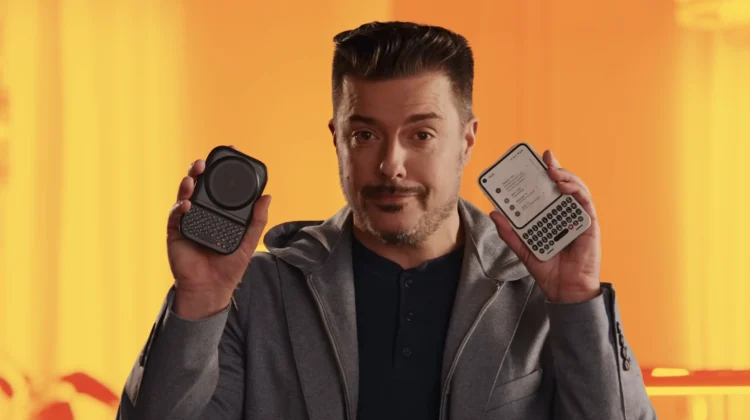
It’s called the Clicks Communicator, and it is an unapologetic throwback “designed for doing, not doomscrolling.” But that’s not all. They also dropped a wild new accessory called the Power Keyboard that can turn your current phone into a modern-day Sidekick.
The Clicks Communicator: A “Second Phone” (or a minimalist main?)
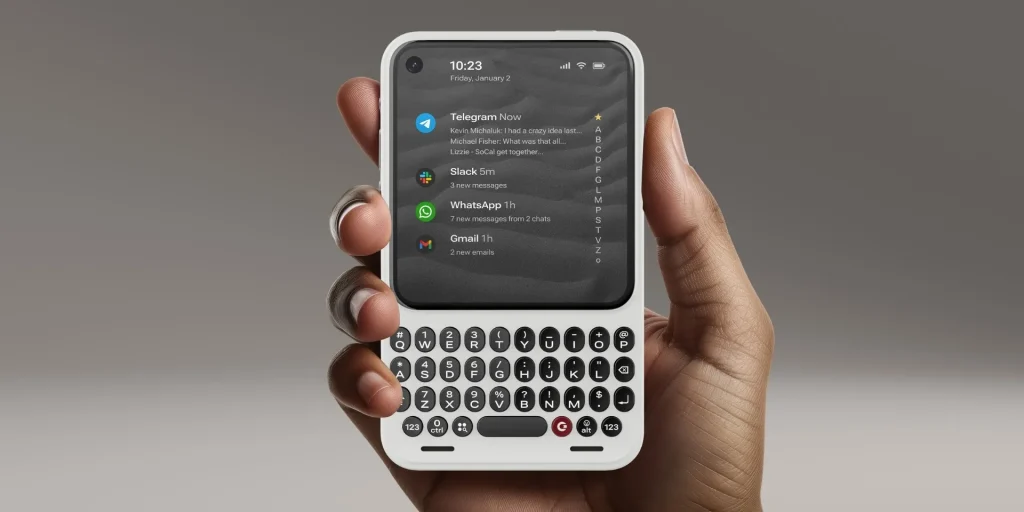
The Communicator is a compact smartphone designed entirely around a tactile, physical keyboard. Clicks is pitching this as a “secondary device”—a phone dedicated to messaging and communication rather than doom-scrolling and content consumption.
But looking at the specs, I think many people might be tempted to use this as their daily driver. It runs Android 16 right out of the box, meaning you get the latest software features and security. It features a 4-inch OLED display, which sounds small by today’s standards but is perfect for a device focused on typing emails and texts.
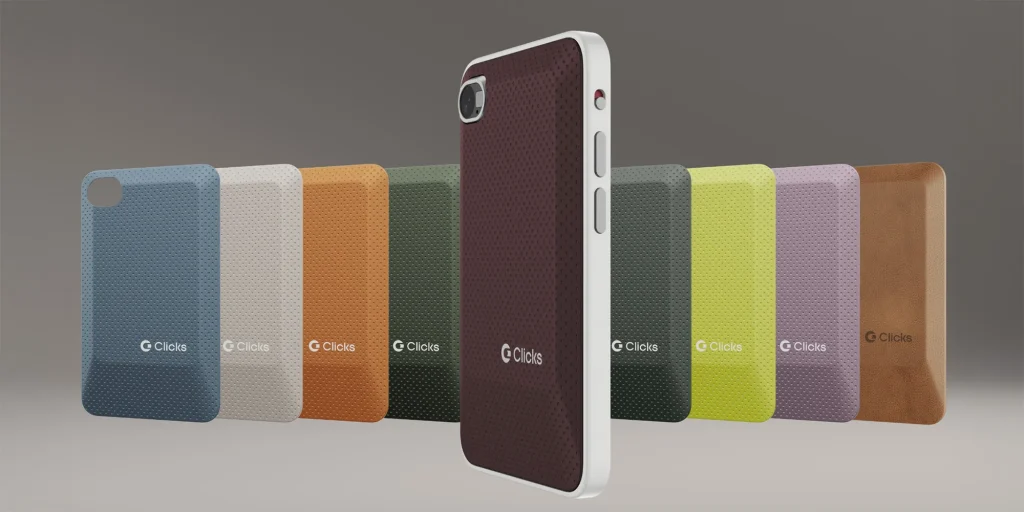
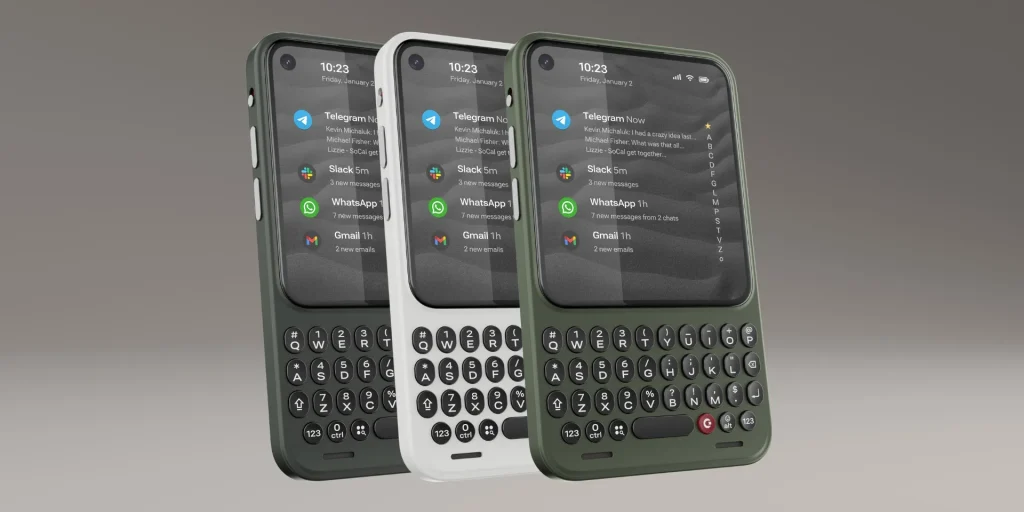
Clicks Communicator full specs:
- Keyboard: Full tactile QWERTY with a fingerprint sensor hidden in the spacebar.
- Cameras: A surprisingly capable 50MP main shooter and 24MP front camera.
- Battery: 4,000 mAh with wireless charging.
- The “Legacy” Ports: It has a 3.5mm headphone jack and microSD expansion (up to 2TB). Yes, you read that right.
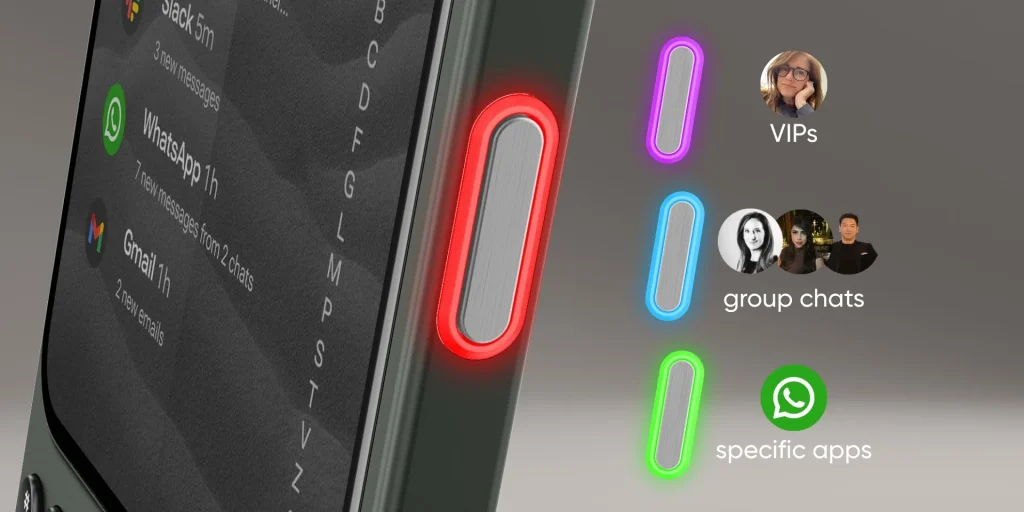
It also features a customizable “Signal LED”—a notification light that lets you know who is messaging you without turning on the screen. It’s a feature we haven’t seen since the old notification LEDs on early Android phones, and I love that it’s back.
Clicks says this is for “communication, not consumption,” but with full Android app support and NFC for Google Pay, this could easily be the perfect “digital detox” phone for someone who wants to stay connected without getting sucked into TikTok for three hours.
Price & Availability: You can reserve it now for $399 (price jumps to $499 on Feb 27).
The Power Keyboard: Sidekick vibes for sure
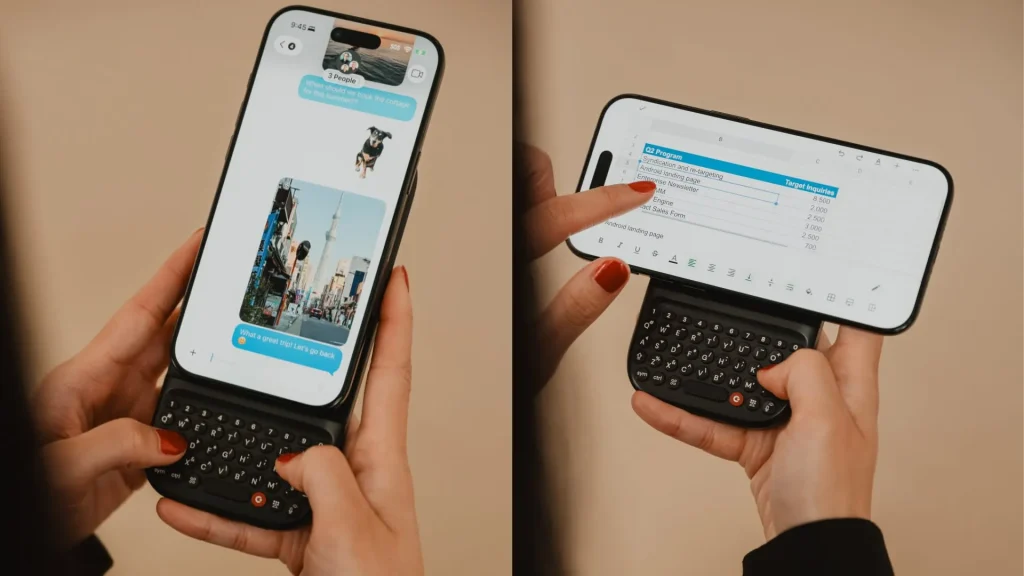
If you aren’t ready to give up your Pixel 10 or iPhone, Clicks also announced the Power Keyboard. Unlike their previous fitted cases, this is a standalone Bluetooth keyboard that attaches to the back of your phone using MagSafe or Qi2 magnets. Once attached, you can flip your phone into landscape mode, giving you a setup that looks and feels remarkably like the legendary T-Mobile Sidekick.
It features a full QWERTY layout with a number row and directional keys. Plus, it has its own 2,150 mAh battery built-in, so it can actually charge your phone while you type. Since it connects via Bluetooth, it’s not limited to just phones—you can use it with tablets, smart TVs, or even VR headsets.
Price & Availability: Pre-orders open today for $80 (early bird price), with a standard retail price of $110. It ships this spring.
SUBSCRIBE TO UPSTREAM
Get Chrome Unboxed delivered straight to your inbox
Upstream is our flagship, curated newsletter with the top stories, most click-worthy deals, giveaways, and trending articles from Chrome Unboxed sent directly to your inbox a few times a week. Join 31,000+ subscribers.

