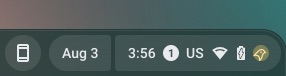
Update, August 3rd, 4:20PM EST: An update was pushed to the Canary channel today that made the #release-track-ui feature flag available. Once enabled, we were able to see for ourselves what the Canary channel indicator in the system tray will look like, which also includes the feedback button. The flag is not yet available in the Dev or Beta channels.
Support our independent tech coverage. Chrome Unboxed is written by real people, for real people—not search algorithms. Join Chrome Unboxed Plus for just $2 a month to get an ad-free experience, access to our private Discord, and more. Learn more about membership here. START FREE TRIAL (MONTHLY)START FREE TRIAL (ANNUAL)
Original Post, August 3rd, 2022, 12:38pm EST:Changing ChromeOS release channels is par for the course for users like myself who like to experiment and see what features my Chromebook will be getting down the line. Although I mostly tend to stay in the Beta channel, there may be times when I have to move my Chromebook to the Dev or Stable channels to try out a feature, do research for an article, or take proper screenshots.
I realize this is not a thing most people worry about, as the general Chromebook user will stay in the Stable channel (as they should), either because they don’t know about the experimental channels or prefer to have a “stable” experience where their Chromebook won’t glitch out or have half-baked features.
For those that like to live on the bleeding edge of everything ChromeOS, there are the Beta, Dev, and Canary channels which, at the risk of having an unstable operating system, can give you some insight into what developments and feature flags Google may be cooking up for your Chromebook. However, if you are switching back and forth between those four different channels, you may struggle to pinpoint which one your Chrome device is running on at the time.
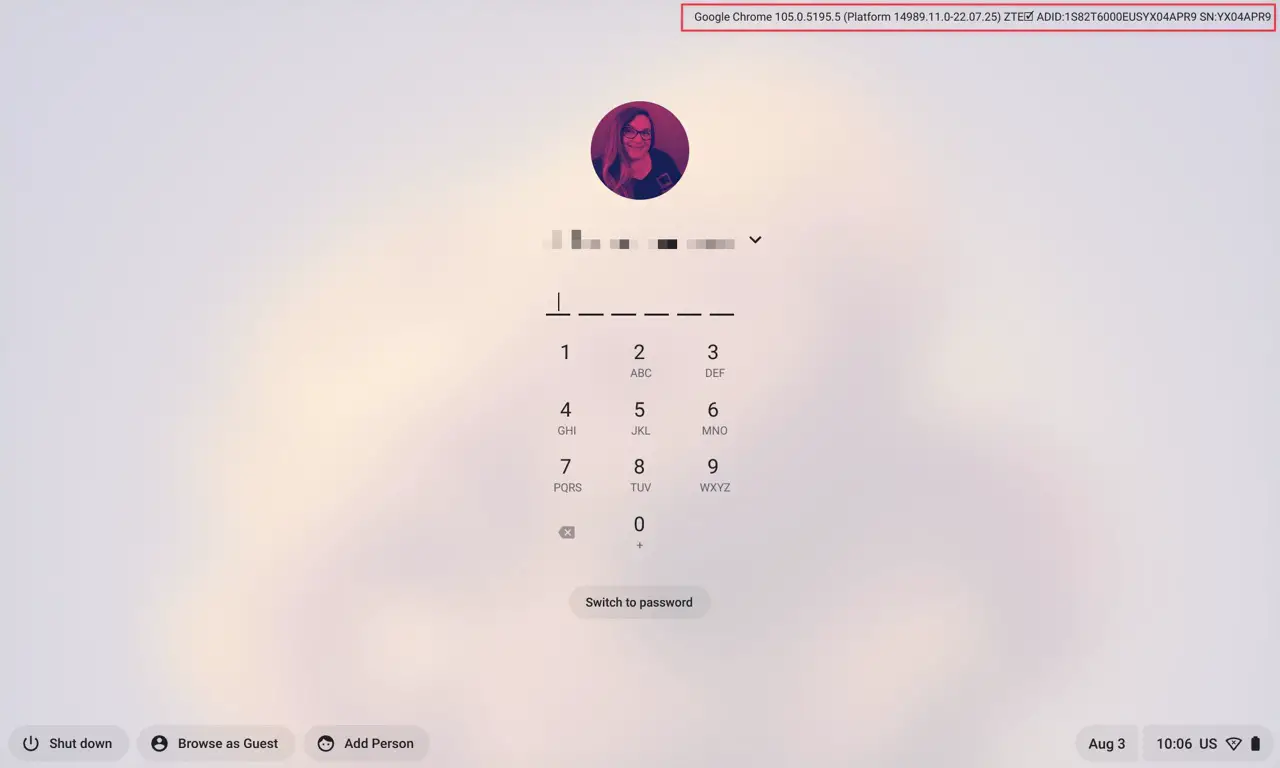
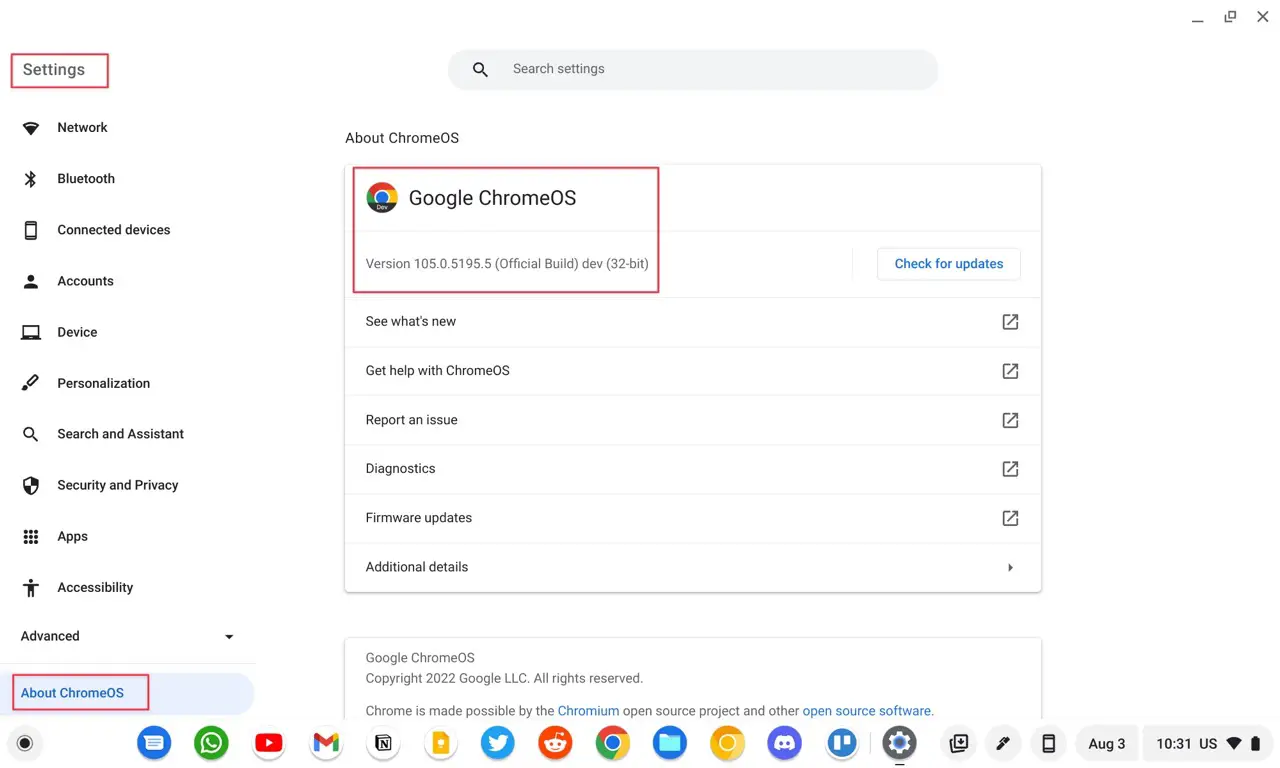
Of course, you can always find this out by going to Settings > About ChromeOS > Additional Details and on the login page’s build information on the top right, even though that only gives you a Chrome version number. However, to date, there hasn’t been a clear-cut way to identify whether you are in Beta, Dev, or Canary without digging deeper.
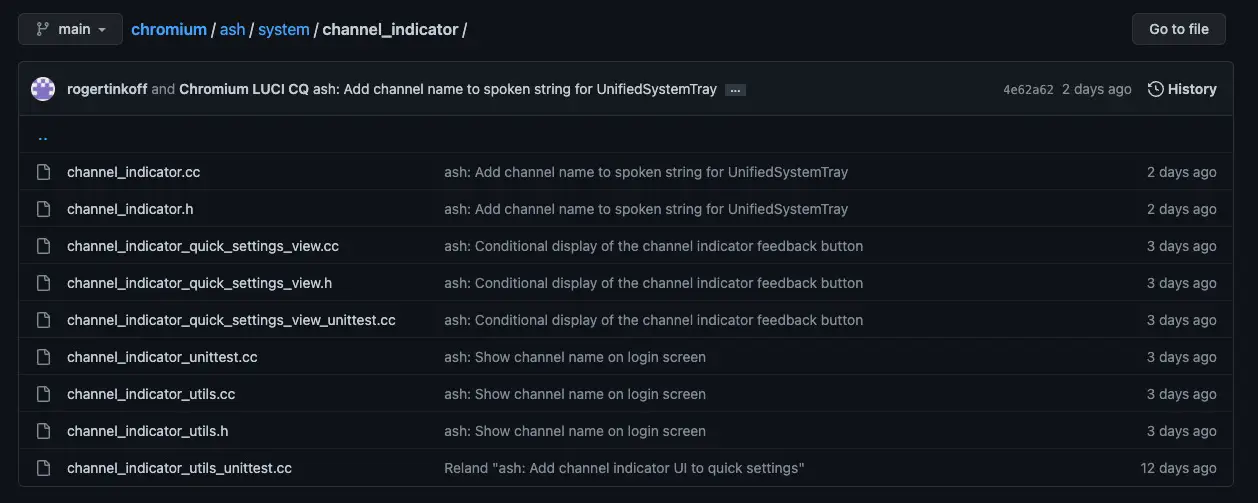
Fortunately, though, that is about to change. About Chromebooks has discovered a couple of new commits which show that Google is working on a way to display this information in a clear and precise manner. This is currently planned for the login page and the system tray area’s Quick Settings, seemingly only showing up if the device is on a release track other than Stable. Additionally, this functionality seems to be initially behind a feature flag.
Upon digging further into the commit, I came across more details on how this is planned to be implemented, which is by adding two extra buttons: One that displays the channel name and OS version and goes into the “additional details” section of the ChromeOS settings upon being pressed, and one to submit feedback, much like how Android devices get a Feedback app when running a Beta build.
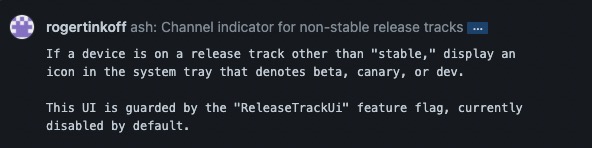
ash: Add channel indicator UI to quick settings
If a device is on a release track that’s “beta,” “dev,” or “canary” then UnifiedSystemInfoView will show two extra buttons:
– “version,” displays the channel name and OS version, and takes the user to the “additional details” section of ChromeOS settings
– “feedback,” displays a word-bubble icon and opens the “submit feedback” dialog
As Kevin Tofel noted, this isn’t a groundbreaking Chromebook feature that the masses will be waiting on, but rather a nicety and attention to detail that we can appreciate. It is also quite nice that Google is adding a way to submit feedback when running these test builds, as there is currently no Feedback app, except for the one that showed up last year in Canary and was forgotten about. Regardless, I’m looking forward to these updates showing up in Canary, Dev, Beta, or whichever channel I happen to be on when it happens.
Get Chrome Unboxed delivered straight to your inbox
Upstream is our flagship, curated newsletter with the top stories, most click-worthy deals, giveaways, and trending articles from Chrome Unboxed sent directly to your inbox a few times a week. Join 31,000+ subscribers.