
• Skip to main content
  • Skip to primary sidebar
  • Deals
  • Features
  • Guides
  • Chromebooks
  • Videos
  • Podcast
  • More +
    • Reviews
    • Unboxing
    • Upcoming Devices
    • Chromebook Plus
    • Chrome
    • ChromeOS
    • Chrome OS Flex
  • Search
  • Sign Up
  • Log In
Chrome Unboxed – The Latest Chrome OS News

Chrome Unboxed - The Latest Chrome OS News

A Space for All Things Chrome, Google, and More!

  • Deals
  • Features
  • Guides
  • Chromebooks
  • Videos
  • Podcast
  • More +
    • Reviews
    • Unboxing
    • Upcoming Devices
    • Chromebook Plus
    • Chrome
    • ChromeOS
    • Chrome OS Flex
  • Search
  • Sign Up
  • Log In

These new Chromebook perks should help you explore your creative side

December 2, 2020 By Michael Perrigo View Comments

Chromebooks are known for being fast, light-weight productivity machines. Normally, when someone unfamiliar with Chrome OS speaks of them in terms of creativity and design, they’re dismissed as completely incapable. While they may not be able to run the full-fledged version of Adobe’s Creative Suite, they can do a lot more than they’re often given credit for and that’s becoming more true with each passing year.

In an effort to help Chromebook owners understand and explore the possibilities with their new and existing devices, Google has posted a blog that outlines many web apps geared towards creativity. For instance, they mention how easy it is to tweak the lighting of a photo in Adobe Lightroom or to bring your creative vision to life with some of our favorites – ArtFlow and Concepts.

Xremove ads

More importantly, they’ve updated the Chromebook Perks page to include a handful of powerful photo and video editors – all of which you’ll get to experience without charge! Let’s take a look at these new offers and what you’ll get with them. Don’t forget that Google is offering a slew of other perks as well, like a year of Google One, 3 months of Stadia Pro, GeForce NOW, Youtube Premium, KineMaster, and much more! You can also find your Chromebook Perks in the Explore app on your Chromebook and you should check back often as they’re updated constantly.
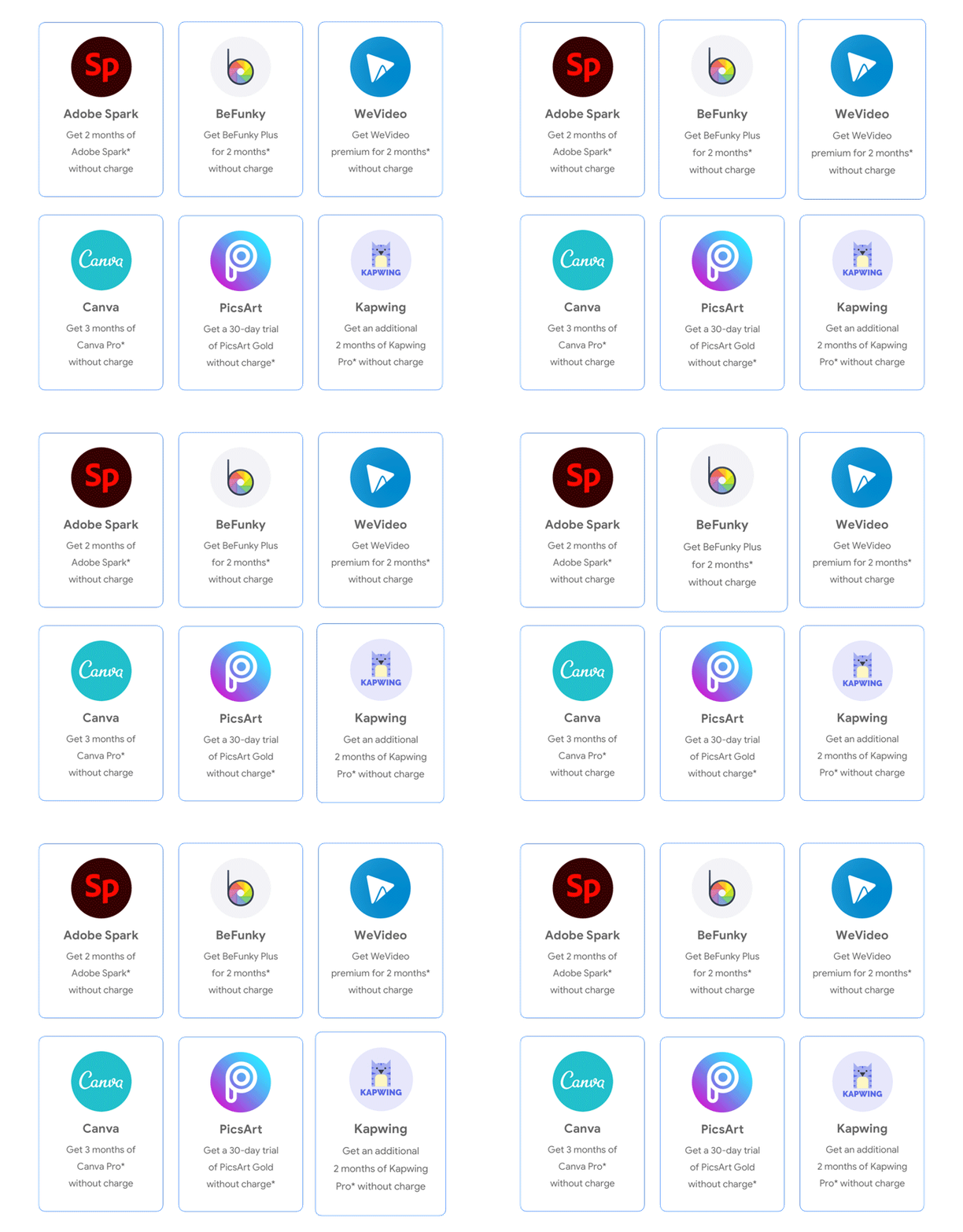
A bundle of creativity offers are available to Chromebook users today. *Terms apply.

Adobe Spark lets you create stunning visual stories, social graphics, web pages, and short videos in minutes. You’ll get 2 months without charge for free – a $19.98 value.

Featured Videos

Xremove ads

BeFunky is an all-in-one creative platform that has everything you need to easily edit photos, create graphic designs, and make photo collages. You’ll get 2 months without charge for free – a $13.98 value.

WeVideo is one of the best web-based video editors and has many of the same features (for basic to mid-tier editing needs) as well known editors. You’ll get 2 months without charge – up to $120 value.

Canva lets you create professional designs by yourself or with a team. Tri-fold pamphlets, greeting cards, social media graphics, business cards Youtube thumbnails, and more! They have templates for nearly everything you could think of. You’ll get 3 months of Pro for free – a $38.97 value!

Xremove ads

PicsArt lets you create amazing photos and video edits with templates, fonts, stickers, and more. You’ll get a 30-day free trial of PicsArt Gold for free – an $8.99 value.

Kapwing is an online image, video, and GIF editing platform that enables you to create memes, stop motion videos, looping clips, use filters, resize photos, trim videos, and more. This one actually snuck up on us and we’d never heard of it! You’ll get 2 months of Kapwing Pro without charge – a $34 value.

Claim your Perks

Xremove ads

Join Chrome Unboxed Plus

Introducing Chrome Unboxed Plus – our revamped membership community. Join today at just $2 / month to get access to our private Discord, exclusive giveaways, AMAs, an ad-free website, ad-free podcast experience and more.

Plus Monthly

$2/mo. after 7-day free trial

Pay monthly to support our independent coverage and get access to exclusive benefits.

Xremove ads
Start free trial

Plus Annual

$20/yr. after 7-day free trial

Pay yearly to support our independent coverage and get access to exclusive benefits.

Start free trial

Our newsletters are also a great way to get connected. Subscribe here!

Click here to learn more and for membership FAQ

Filed Under: Deals, News

About Michael Perrigo

Known as "Google Mike" to his customers, Michael worked at Best Buy as a Chromebook Expert who dedicated his time to understanding the user experience from a regular Chromebook owner's perspective. Having spent nearly 20 years meeting you face-to-face, he strives to help you understand your technology through carefully crafted guides and coverage, relentlessly seeking out the spark in what's new and exciting about ChromeOS.

Primary Sidebar

Xremove ads

Deals

The Acer Chromebook Plus Spin 514 hits an all-time low price of $499

By Robby Payne
December 23, 2025

The best Chromebook deals today

By Robby Payne
December 22, 2025

Save $220 on the powerful, versatile Acer Chromebook Plus Spin 714

By Robby Payne
December 10, 2025

The Google Pixel 9a just hit its lowest price ever at $150 off

By Joseph Humphrey
December 8, 2025

At $349, this Lenovo Chromebook Plus is one of the best value laptops you can buy

By Joseph Humphrey
December 3, 2025

More Deals

Xremove ads

Reviews

Acer Chromebook Plus Spin 514 Review: Kompanio Ultra power in a convertible

By Robby Payne
December 24, 2025

My review after 6 weeks with the Lenovo Chromebook Plus 14 [VIDEO]

By Robby Payne
August 11, 2025

One week with the best small Android tablet you can buy, and I’m sold

By Robby Payne
May 9, 2025

Best Chromebooks of 2024 [VIDEO]

By Robby Payne
November 28, 2024

Samsung Galaxy Chromebook Plus Review: Samsung is back! [VIDEO]

By Robby Payne
October 28, 2024

More Reviews

Xremove ads

Guides

This Chromebook trackpad shortcut is definitely not new, but is blowing my mind

By Robby Payne
March 11, 2024

How to reduce broadcast delay on YouTube TV to stop live spoilers

By Robby Payne
December 8, 2023

Windows PC keyboard and Chromebook

How to use a Windows keyboard with a Chromebook

By Joseph Humphrey
December 8, 2023

How reset and revert your Chromebook to the previous version of Chrome OS

By Robby Payne
November 29, 2023

My Chromebook Plus features disappeared: here’s how I fixed it

By Robby Payne
November 24, 2023

More Guides

TWITTER · FACEBOOK · INSTAGRAM · YOUTUBE · EMAIL · ABOUT

Copyright © 2025 · Chrome Unboxed · Chrome is a registered trademark of Google Inc.
We are participants in various affiliate advertising programs designed to provide a means for us to earn fees by linking to affiliated sites.

PRIVACY POLICY