• Skip to main content
  • Skip to primary sidebar
  • Deals
  • Features
  • Guides
  • Chromebooks
  • Videos
  • Podcast
  • More +
    • Reviews
    • Unboxing
    • Upcoming Devices
    • Chromebook Plus
    • Chrome
    • ChromeOS
    • Chrome OS Flex
  • Search
  • Sign Up
  • Log In
Chrome Unboxed – The Latest Chrome OS News

Chrome Unboxed - The Latest Chrome OS News

A Space for All Things Chrome, Google, and More!

  • Deals
  • Features
  • Guides
  • Chromebooks
  • Videos
  • Podcast
  • More +
    • Reviews
    • Unboxing
    • Upcoming Devices
    • Chromebook Plus
    • Chrome
    • ChromeOS
    • Chrome OS Flex
  • Search
  • Sign Up
  • Log In

Chrome isn’t feeling so blue anymore – ditches antiquated styling for fresh material makeover

August 23, 2021 By Michael Perrigo View Comments

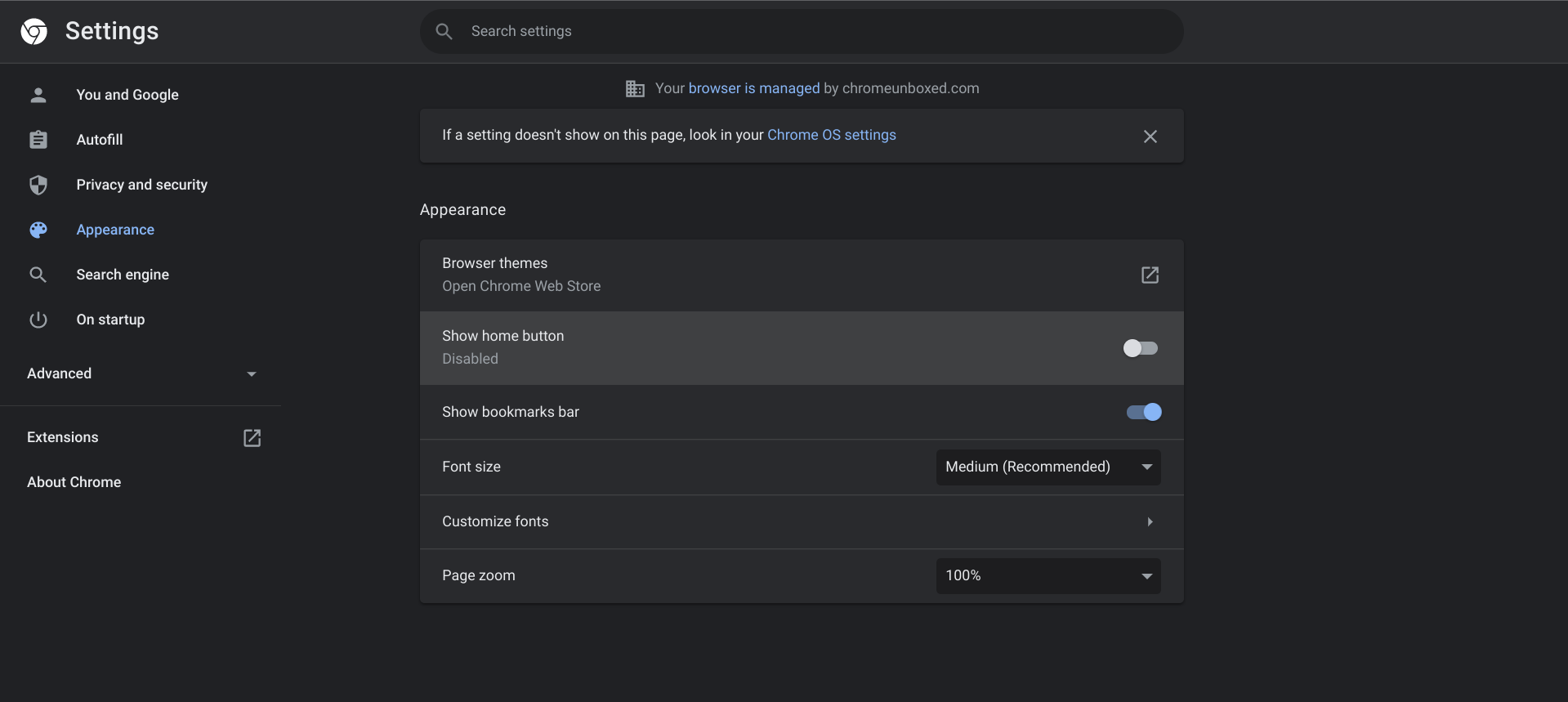
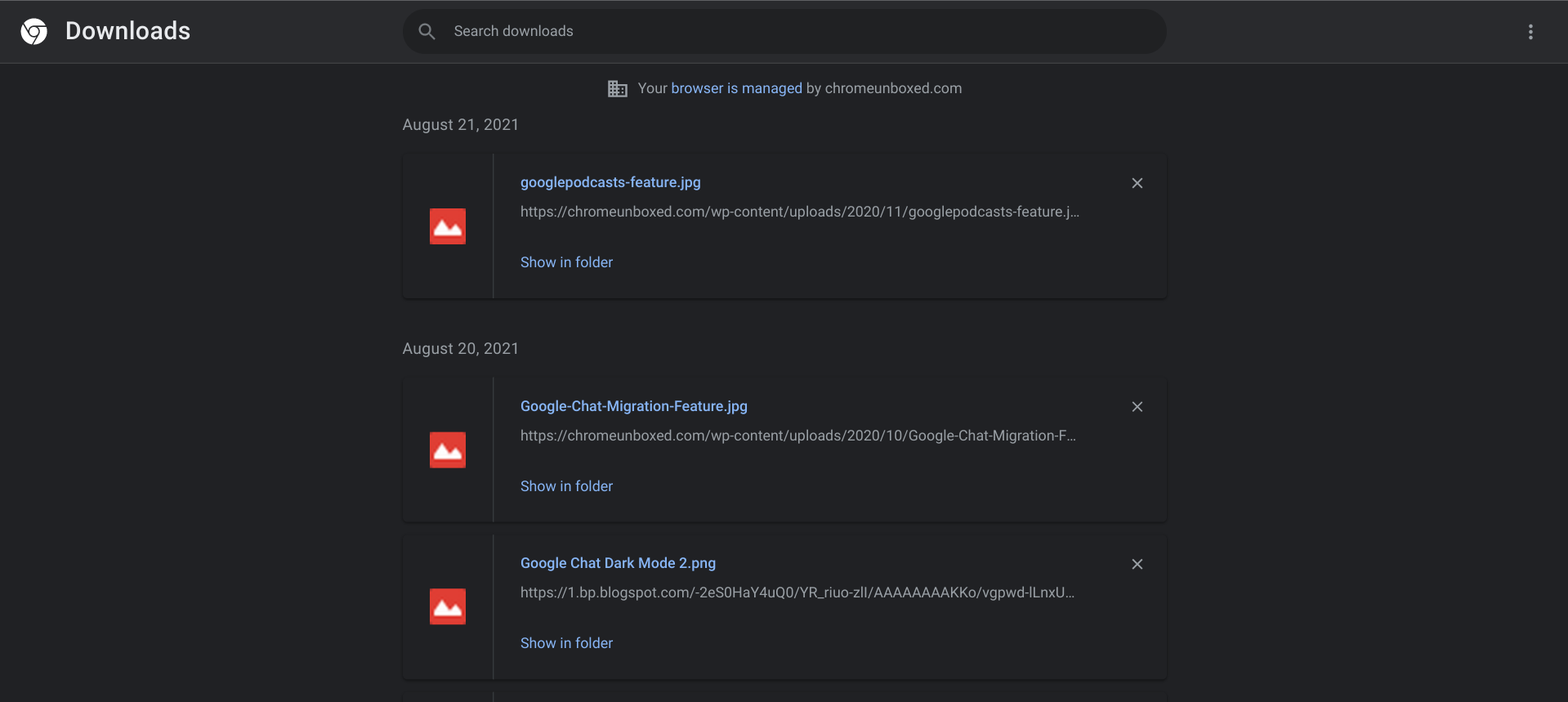
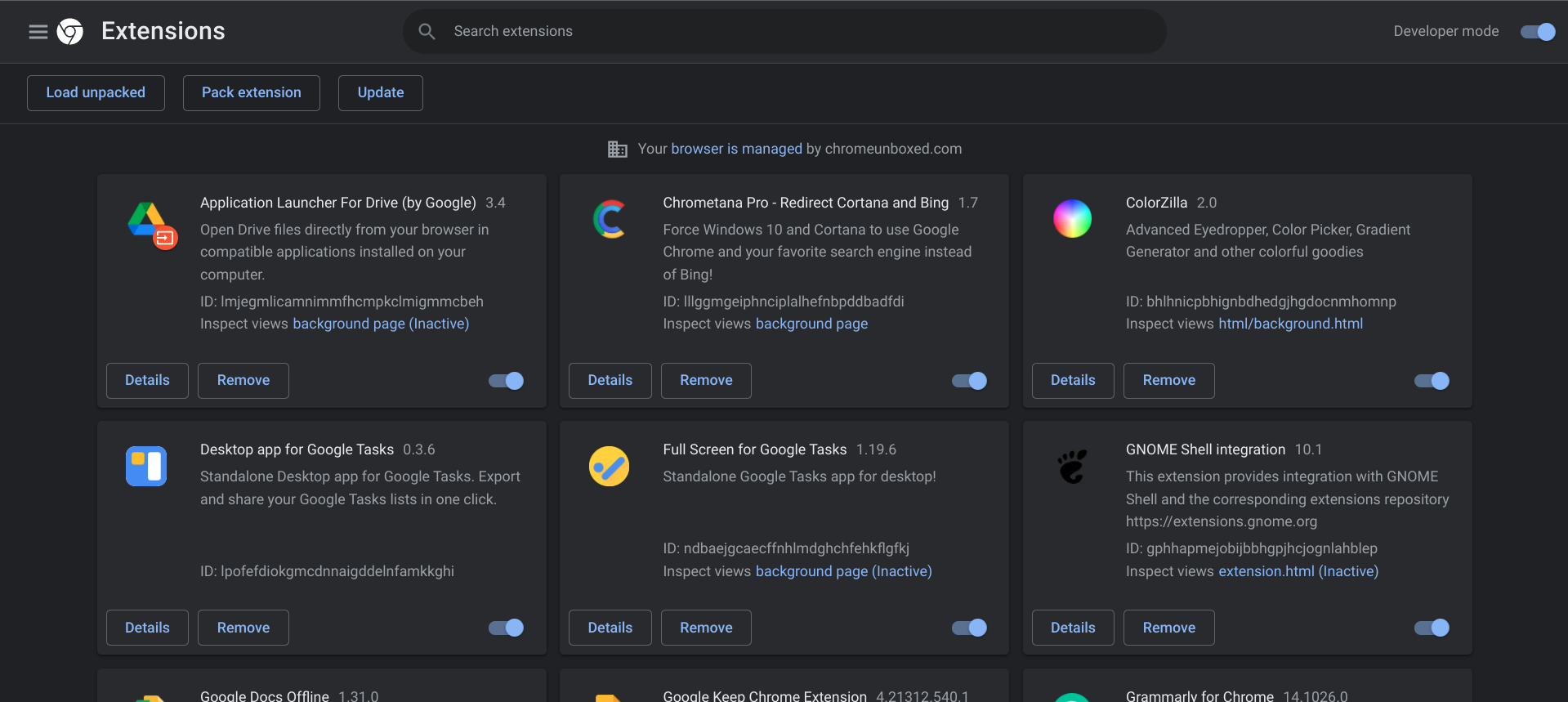
This week brings a new Material design refresh to several of the Chrome browser’s system pages. For many years, the history, bookmarks, settings, extensions, and downloads pages have sported a rather objectively ugly blue accent color, and while many of the other aspects of the browser have changed with the times, these pages have remained the same. With Google rolling out the Material You theming across Chrome for Android, and several of its other products as of late, it now seems it’s working from the inside out on Windows, macOS, and Chrome OS to bring Desktop Chrome into the fold.

With the developer flag ‘WebUI Branding Update’ on Chrome Beta and Canary, various UI components have been updated to have a more modern look. In light mode, Chrome will have all white pages as first discovered by Android Police earlier this week. In dark mode, the changes are much more subtle by color, but you’ll also notice that the page headers use larger, more bold typography. More notably, page headers now have iconography to help users identify them easier. Check out the screenshots below for the material refresh – I pulled dark mode screens, but once again, the changes are more substantial with light mode since the blue accent bars are all gone. Good riddance!

Xremove ads

WebUI Branding Update

Changes various UI components in WebUI pages to have a more modern look. – Mac, Windows, Linux, Chrome OS

#webui-branding-update

Search bars have also been rounded off instead of looking rectangular, and a bit more padding exists around elements of the UI, and so on. Ultimately, this Material Design update seems twofold – on one front, it’s meant to increase the accessibility and readability of everything across the browser’s internal pages, and on the other front, it looks like the company is prepping the desktop for a splash of Material You, but only time will tell.

I’ve already created a mock-up that shows off what Chrome OS could look like featuring Material You, Google’s highly personalized theming design language, but in it, I didn’t exactly show off how the browser itself would appear. I think it’s exciting to see Google touching up all of its older and more utilitarian pages and tools. It doesn’t seem like we’ll have to wait much longer for a major push toward Material You on Chrome for desktop and Chrome OS, but let me know if you agree in the comments!
Featured Videos

Xremove ads
Chrome Material Redesign for System Pages

Join Chrome Unboxed Plus

Introducing Chrome Unboxed Plus – our revamped membership community. Join today at just $2 / month to get access to our private Discord, exclusive giveaways, AMAs, an ad-free website, ad-free podcast experience and more.

Plus Monthly

$2/mo. after 7-day free trial

Pay monthly to support our independent coverage and get access to exclusive benefits.

Xremove ads
Start free trial

Plus Annual

$20/yr. after 7-day free trial

Pay yearly to support our independent coverage and get access to exclusive benefits.

Start free trial

Our newsletters are also a great way to get connected. Subscribe here!

Click here to learn more and for membership FAQ

Xremove ads

Filed Under: Chrome, Updates

About Michael Perrigo

Known as "Google Mike" to his customers, Michael worked at Best Buy as a Chromebook Expert who dedicated his time to understanding the user experience from a regular Chromebook owner's perspective. Having spent nearly 20 years meeting you face-to-face, he strives to help you understand your technology through carefully crafted guides and coverage, relentlessly seeking out the spark in what's new and exciting about ChromeOS.

Primary Sidebar

Xremove ads

Deals

The Acer Chromebook Plus Spin 514 hits an all-time low price of $499

By Robby Payne
December 23, 2025

The best Chromebook deals today

By Robby Payne
December 22, 2025

Save $220 on the powerful, versatile Acer Chromebook Plus Spin 714

By Robby Payne
December 10, 2025

The Google Pixel 9a just hit its lowest price ever at $150 off

By Joseph Humphrey
December 8, 2025

At $349, this Lenovo Chromebook Plus is one of the best value laptops you can buy

By Joseph Humphrey
December 3, 2025

More Deals

Xremove ads

Reviews

Acer Chromebook Plus Spin 514 Review: Kompanio Ultra power in a convertible

By Robby Payne
December 24, 2025

My review after 6 weeks with the Lenovo Chromebook Plus 14 [VIDEO]

By Robby Payne
August 11, 2025

One week with the best small Android tablet you can buy, and I’m sold

By Robby Payne
May 9, 2025

Best Chromebooks of 2024 [VIDEO]

By Robby Payne
November 28, 2024

Samsung Galaxy Chromebook Plus Review: Samsung is back! [VIDEO]

By Robby Payne
October 28, 2024

More Reviews

Xremove ads

Guides

This Chromebook trackpad shortcut is definitely not new, but is blowing my mind

By Robby Payne
March 11, 2024

How to reduce broadcast delay on YouTube TV to stop live spoilers

By Robby Payne
December 8, 2023

Windows PC keyboard and Chromebook

How to use a Windows keyboard with a Chromebook

By Joseph Humphrey
December 8, 2023

How reset and revert your Chromebook to the previous version of Chrome OS

By Robby Payne
November 29, 2023

My Chromebook Plus features disappeared: here’s how I fixed it

By Robby Payne
November 24, 2023

More Guides

TWITTER · FACEBOOK · INSTAGRAM · YOUTUBE · EMAIL · ABOUT

Copyright © 2025 · Chrome Unboxed · Chrome is a registered trademark of Google Inc.
We are participants in various affiliate advertising programs designed to provide a means for us to earn fees by linking to affiliated sites.

PRIVACY POLICY