
Though Google rolled out fixed IP ranges for Google Meet in Workspace domains last year, they’re taking things a step further and introducing the same feature to non-Google Workspace accounts. In doing so, Workspace customers and those who join their calls can configure optimize video conference traffic. This will also apply to users who connect […]
Continue Reading
This unofficial client brings Google Assistant to Windows and Mac desktops
I don’t think I need to point out that Google Assistant isn’t on Windows or macOS right now. Google is pretty protective of its secret sauce appearing on rival operating systems – limiting it only to Android phones, tablets, Chromebooks, Android Auto, WearOS, and IoT devices. However, that hasn’t stopped programmers from trying to adapt […]
Continue Reading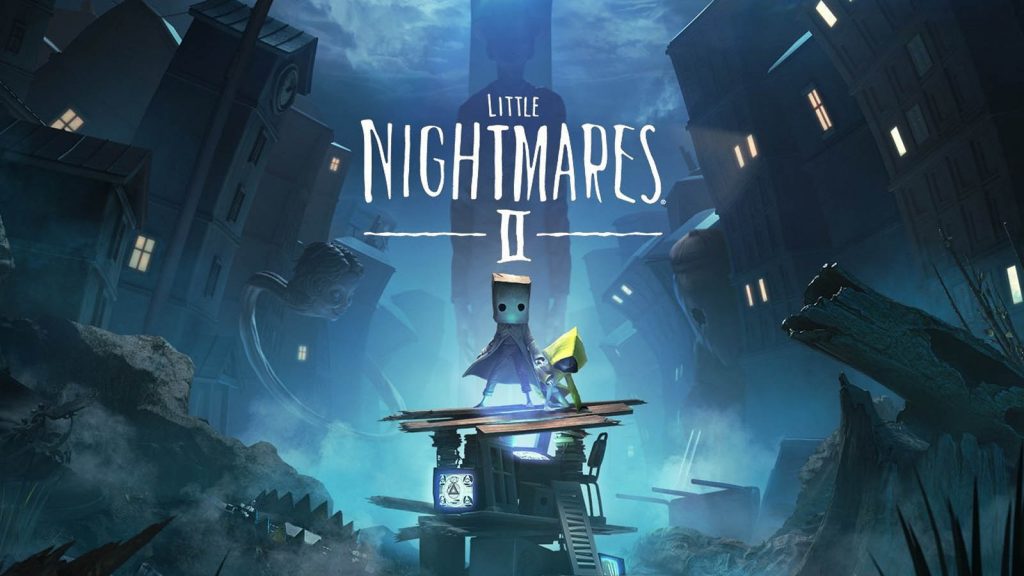
[U: Claim] Little Nightmares II is coming to Stadia this week – free for Pro subscribers
Update 2/12/21: Little Nightmares II is now free to claim with Stadia Pro! Little Nightmares II on Stadia When Little Nightmares first released on Stadia, we did a First Look Gameplay showcasing it. It’s a creepy, unsettling Tim Burton-esque stealth puzzle game that explores some pretty heavy themes. The sound design alone is insanely engulfing […]
Continue Reading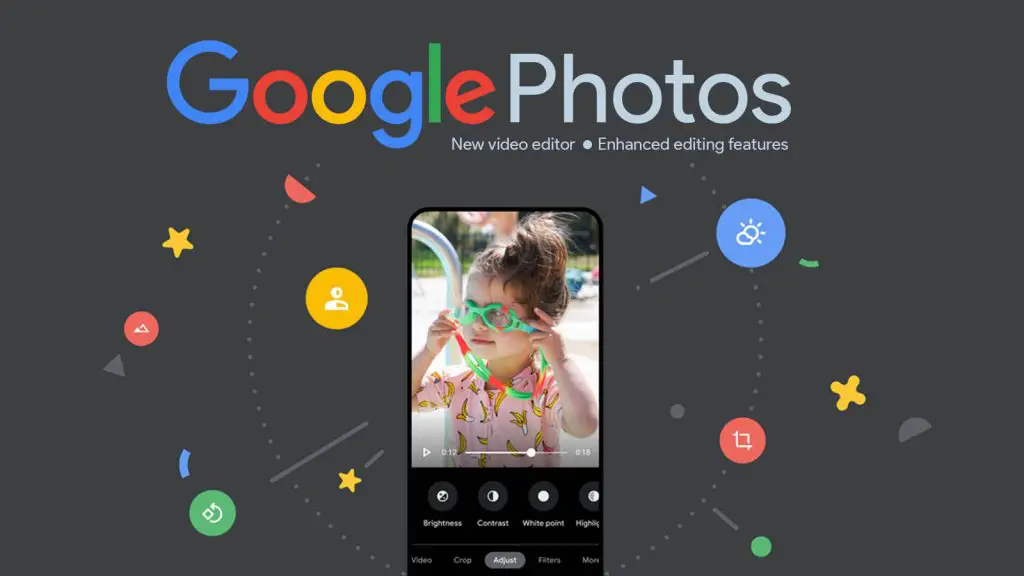
Google Photos gets a new video editor, unlocks Pixel features for One subscribers
Google Photos recently got an updated editor with powerful new features and a fresh design. Many Android users who were excited about it were hoping that a new built-in video editor would follow suit since it launched quite a bit before that for iOS. Now, Google is bringing this new video editor to Android after […]
Continue Reading
Your new Google Play Pass games include Dandara, Persephone, ALTER, and 23 more
Google Play Pass just launched a ton of new games into its lineup, and many of these will be worth checking out. The service offers over 500 apps and games in an ad-free experience for each entry. It even bundles the respective in-app purchases at no cost to you and five other members of your […]
Continue Reading
The Nest Thermostat E finds a new home with Goodman Pro installer partnership
After being removed from the Google Store back in October, and being replaced by the new Nest thermostat which could intelligently predict heating and cooling issues in the home, Google’s Nest Thermostat E is now finding a new home with Goodman Air Conditioning & Heating. While you can still purchase this older thermostat through The […]
Continue Reading
How to use your Chromebook as a digital journal with and without a stylus
Journaling can be an important aspect of personal development and can even be therapeutic. Whether you’re jotting down your thoughts or simply planning out your week, it helps to reflect introspectively and realign your life toward your goals, among other things. In this digital age, it can be understandable to want to find ways to […]
Continue Reading
Crayta: Starter Edition is now completely free to play on Stadia
Joining the other free to play titles on Stadia, such as Destiny 2, and Super Bomberman R Online, the Starter Edition of Crayta is now completely free to play! Please note that the Starter Edition consists of the base game only. If you want to buy the Deluxe Edition to gain access to the following […]
Continue Reading
Stadia will now come “pre-installed” on Chromebooks, and why that could be a bad thing
According to a recent tweet by the official Made By Google account, Stadia is now coming pre-installed on Chromebooks. Now, let’s clear something up right out of the gate – The Stadia ‘app’ that’s being referred to here is not the Google Play app, it’s the web app. Now, you may be saying to yourself, […]
Continue Reading
Google Fi’s VPN is coming to iPhones, exits beta for Android, and gains new safety features
As a part of Safer Internet Day, Google is rolling out new tools and information that you can use to protect your privacy and security across its products. One of these highlights is its VPN for Google Fi. In a new blog post on The Keyword, the company covers several new features coming to the […]
Continue Reading
Google Chrome will no longer support dusty old computers from the mid-2000s
If you’re someone who’s using the same Windows computer today that you first played the original Guild Wars on or purchased the year that Youtube and Reddit were born, then you may soon face some difficulty going forward if you prefer the Chrome browser for surfing the web. Though admittedly small, the user base for […]
Continue Reading
Google shuts down the Play Store for its long-gone Daydream VR headset
Two years ago, Google gave up the ghost on its Daydream VR headset, pulled the remaining stock of them from stores, and decided that you could no longer view third-party apps and experiences through the headset using the Daydream app. Now, they’ve gone a step further and killed off the Google Play Store that you […]
Continue Reading
Google Photos will now let you pinch-to-zoom on videos as they play
Google Photos is finally getting a feature that I’ve been a bit jealous of iPhones for having – pinch-to-zoom on videos! First spotted by Android Police, double-tapping on the video as it plays will allow you to zoom in, and dragging your finger over it will let you pan across to see details up close […]
Continue Reading
Terraria for Stadia is canceled after the game’s developer is locked out of his Google accounts
If you get locked out of your Google account for any reason, the company has provided you with several ways to regain access. Recovery codes, backup codes that you can print, two-step verification, et cetera, et cetera. However, there are varying circumstances where most of those recovery options are meaningless and honest people get locked […]
Continue Reading
Huddle up for the Super Bowl with a little help from Google
Whether or not you’re able to sit in front of the TV during the Super Bowl this afternoon, you’re still able to keep an eye on who’s winning. Google took to The Keyword to share a few helpful tips from Google Assistant which can help you get the most out of the event. For example, […]
Continue Reading