

Support our independent tech coverage. Chrome Unboxed is written by real people, for real people—not search algorithms. Join Chrome Unboxed Plus for just $2 a month to get an ad-free experience, access to our private Discord, and more. Learn more about membership here.
START FREE TRIAL (MONTHLY)START FREE TRIAL (ANNUAL)
I cannot count the number of times I have searched the Play Store for an app with a specific widget functionality, downloaded a few different apps, and come up completely empty-handed. You either end up with a layout that doesn’t fit your home screen, or a dashboard bloated with information you simply do not care about.
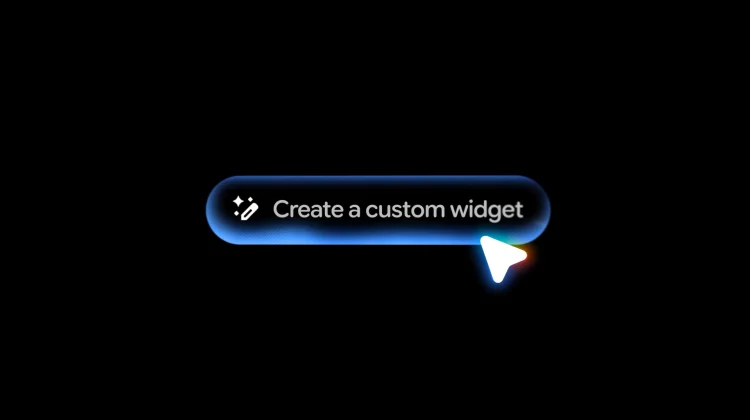
With the newly announced “Create My Widget” feature rolling out as part of Gemini Intelligence, that frustration is finally over. Google is bringing generative AI directly to the Android home screen, and it is going to completely change how we customize our devices.
Building exactly what you need
Instead of hunting for an app developer who happens to share your exact preferences, you can now build entirely custom widgets just by describing what you want using natural language.
When I am heading out for a round of golf, I don’t want a massive, cluttered weather dashboard taking up half my screen. I really only care about the wind speed and the chance of rain. With this new feature, I can simply prompt Gemini to build a weather widget that surfaces those exact stats, tailored specifically to my needs.
The system is incredibly flexible, too. If you are trying to dial in your nutrition, you can ask Create My Widget to suggest three high-protein meal prep recipes every week. Gemini will instantly generate a custom dashboard that you can pin and resize right on your home screen. It turns the concept of a widget from a static display into a functional, intelligent tool that works exactly the way you want.
From your phone to your Googlebook
While this is starting as a major upgrade for Android smartphones, the implications for the wider ecosystem are massive. Google has confirmed that Create My Widget will also be available on Wear OS watches, ensuring your most important, customized information is always front and center right on your wrist.
Even better, we already know this functionality is heavily tied into the upcoming Googlebook desktop. Taking this level of deep customization and applying it to a laptop workspace is going to make the Googlebook feel incredibly personal and capable right out of the box.
We expect to see Create My Widget start hitting the latest Pixel and Galaxy devices later this summer alongside the broader Gemini Intelligence rollout. I will definitely be spending a lot of time testing the limits of what these custom widgets can do once they arrive, that’s for sure.
SUBSCRIBE TO UPSTREAM
Get Chrome Unboxed delivered straight to your inbox
Upstream is our flagship, curated newsletter with the top stories, most click-worthy deals, giveaways, and trending articles from Chrome Unboxed sent directly to your inbox a few times a week. Join 31,000+ subscribers.

