


Support our independent tech coverage. Chrome Unboxed is written by real people, for real people—not search algorithms. Join Chrome Unboxed Plus for just $2 a month to get an ad-free experience, access to our private Discord, and more. Learn more about membership here.
START FREE TRIAL (MONTHLY)START FREE TRIAL (ANNUAL)
You read that right! We have our hands on the world’s first Chromebook powered by the Snapdragon 7c from Qualcomm. Though this device won’t debut for a few months at this point, there’s still a lot to love about what we’ve already been able to test and we want to share those first impressions with you all. We’ve been waiting nearly 3 years for this to happen, all the way back to December of 2017 when we first spotted work being done on a baseboard called ‘Cheza’ that housed a Snapdragon 845 chipset. While the Snapdragon 7c isn’t quite as powerful as the 845, it is still powerful and a far better match for Chromebooks since the 7c and 8c platforms are built by Qualcomm with laptop functionality in mind.
Acer Chromebook Spin 513 key specs
- Qualcomm Snapdragon 7c with Adreno GPU
- Up to 8GB of RAM
- Up to 128GB of eMMC storage
- Aluminum lid
- Gorilla glass screen and trackpad
- Full-size backlit keyboard
- 13.3-inch 1080p screen at 300 nits
- Convertible 2-in-1 form factor
- 2x USB Type C ports
- 1x USB Type A port
- Headphone/mic jack
- LTE optional
- Bluetooth 5
- Wi-Fi 5 2×2 MIMO
- 2.64 pounds
- 310mm (W) x 209.35mm (D) x 15.55mm (H) mm
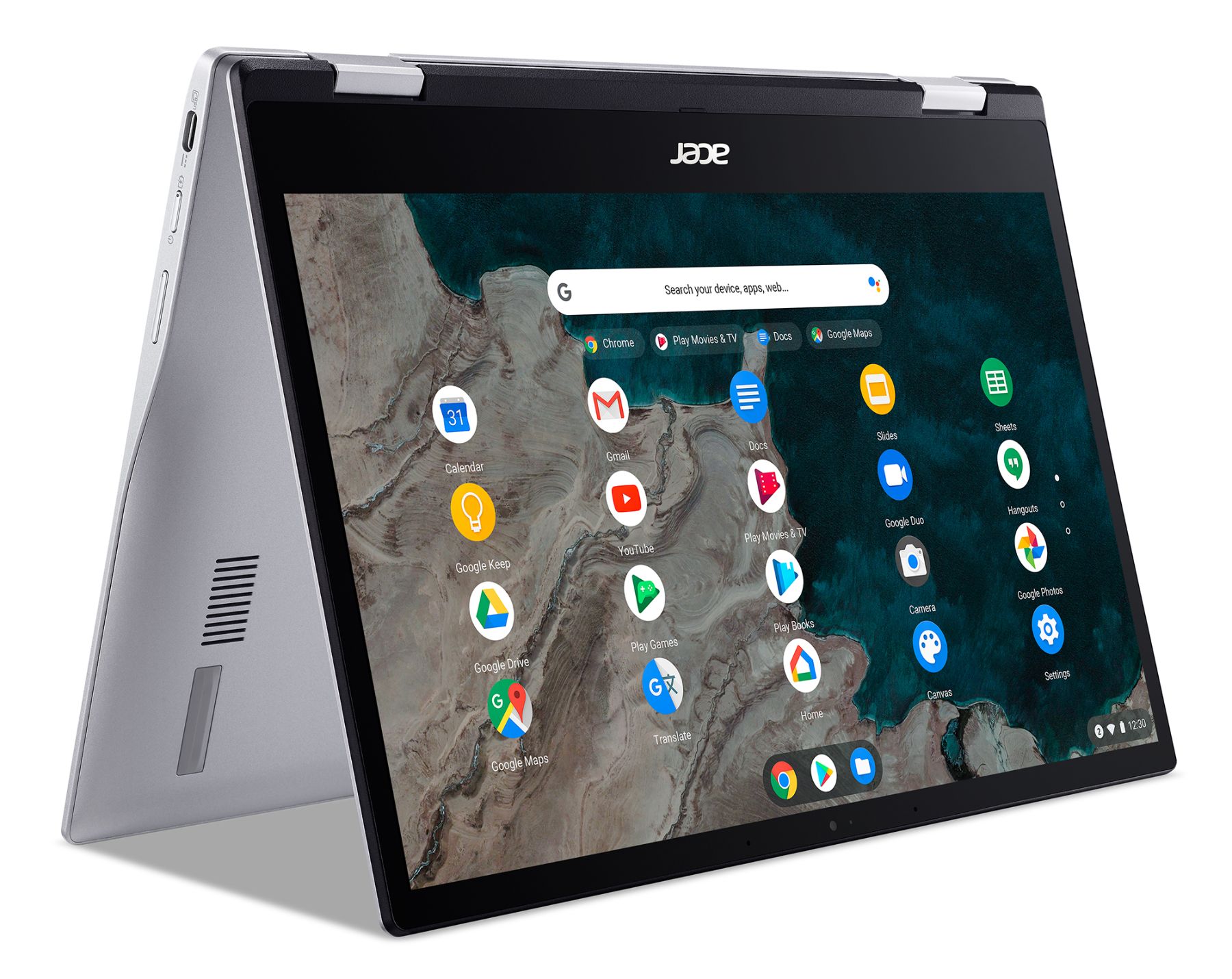
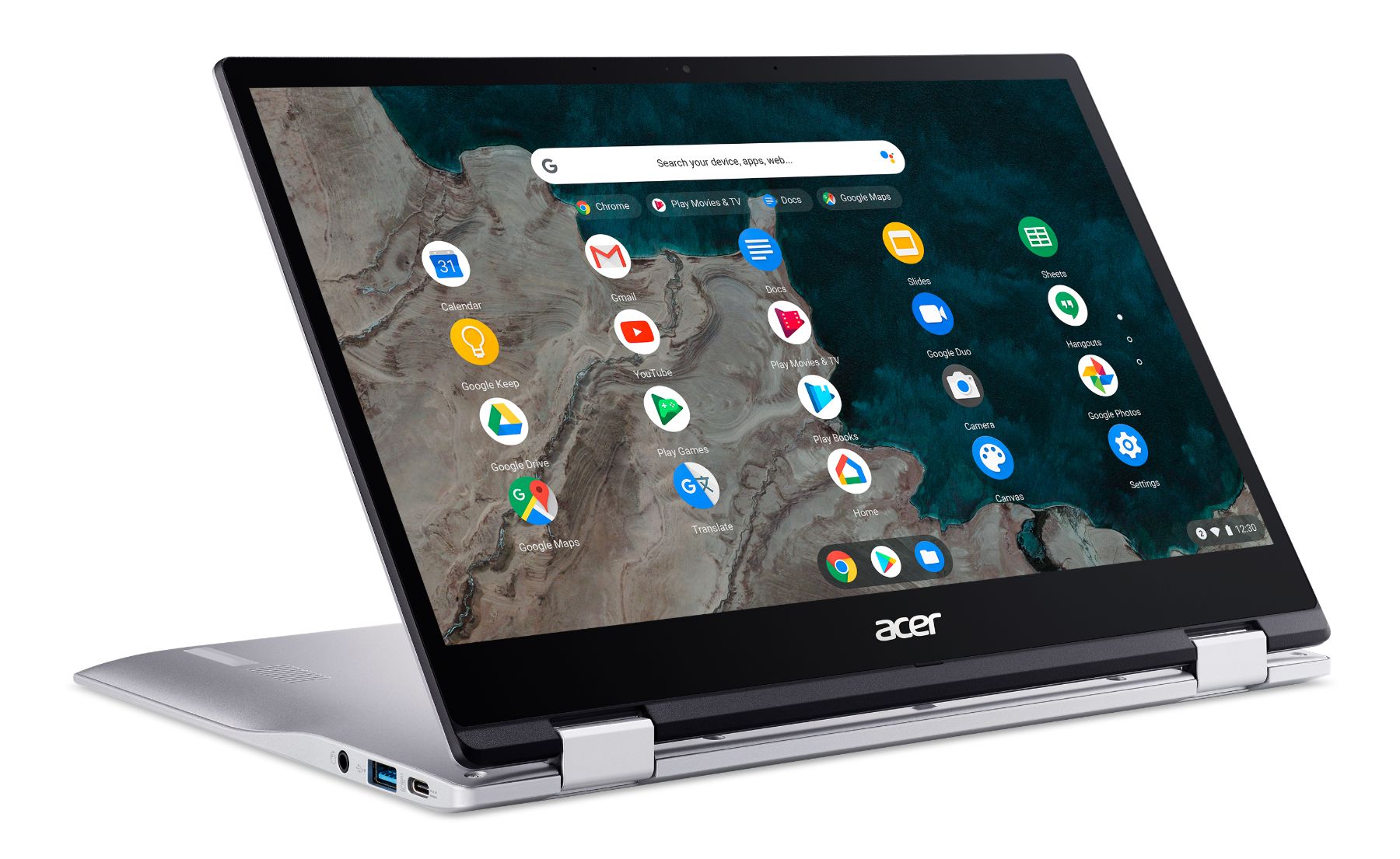
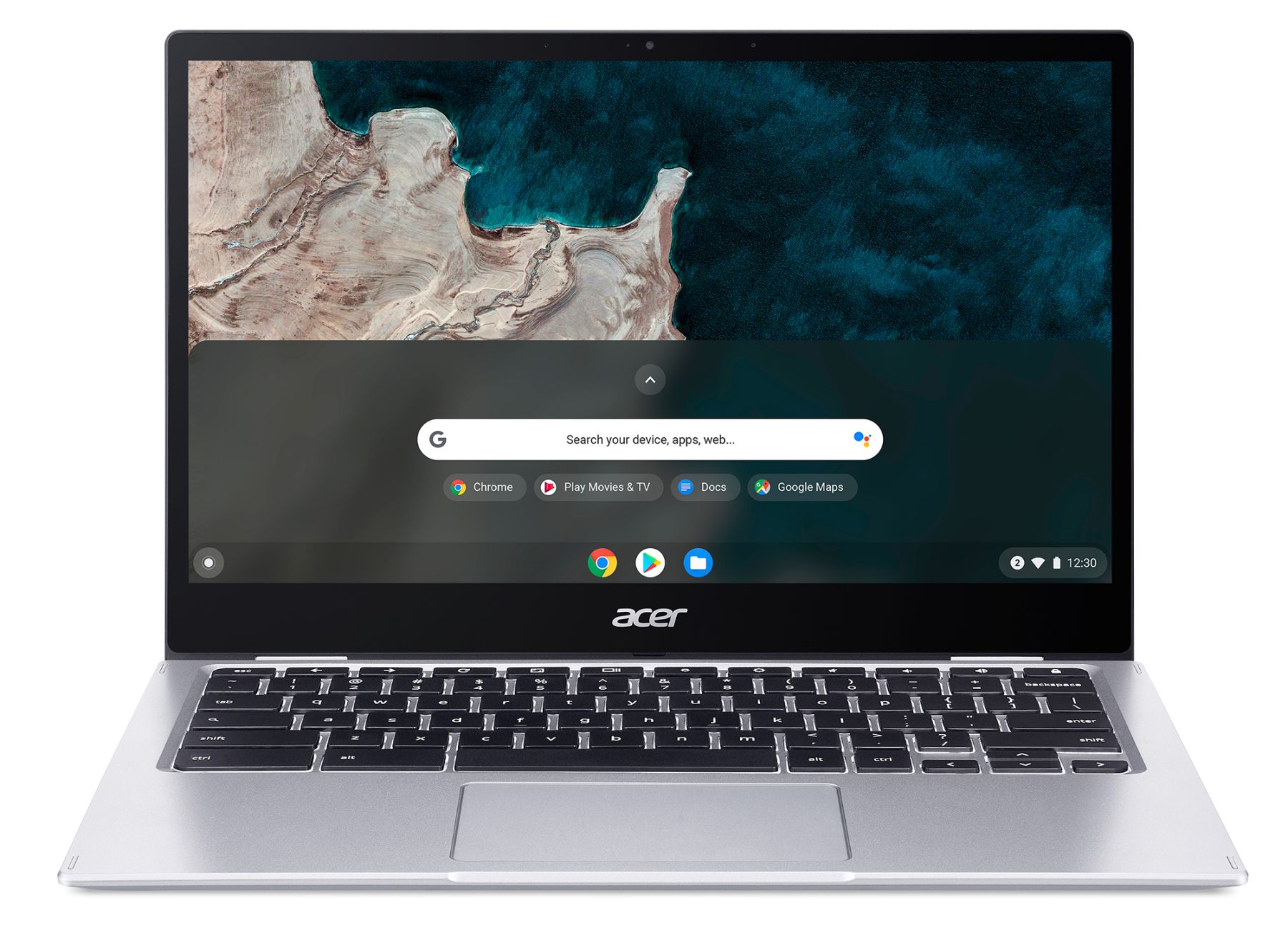
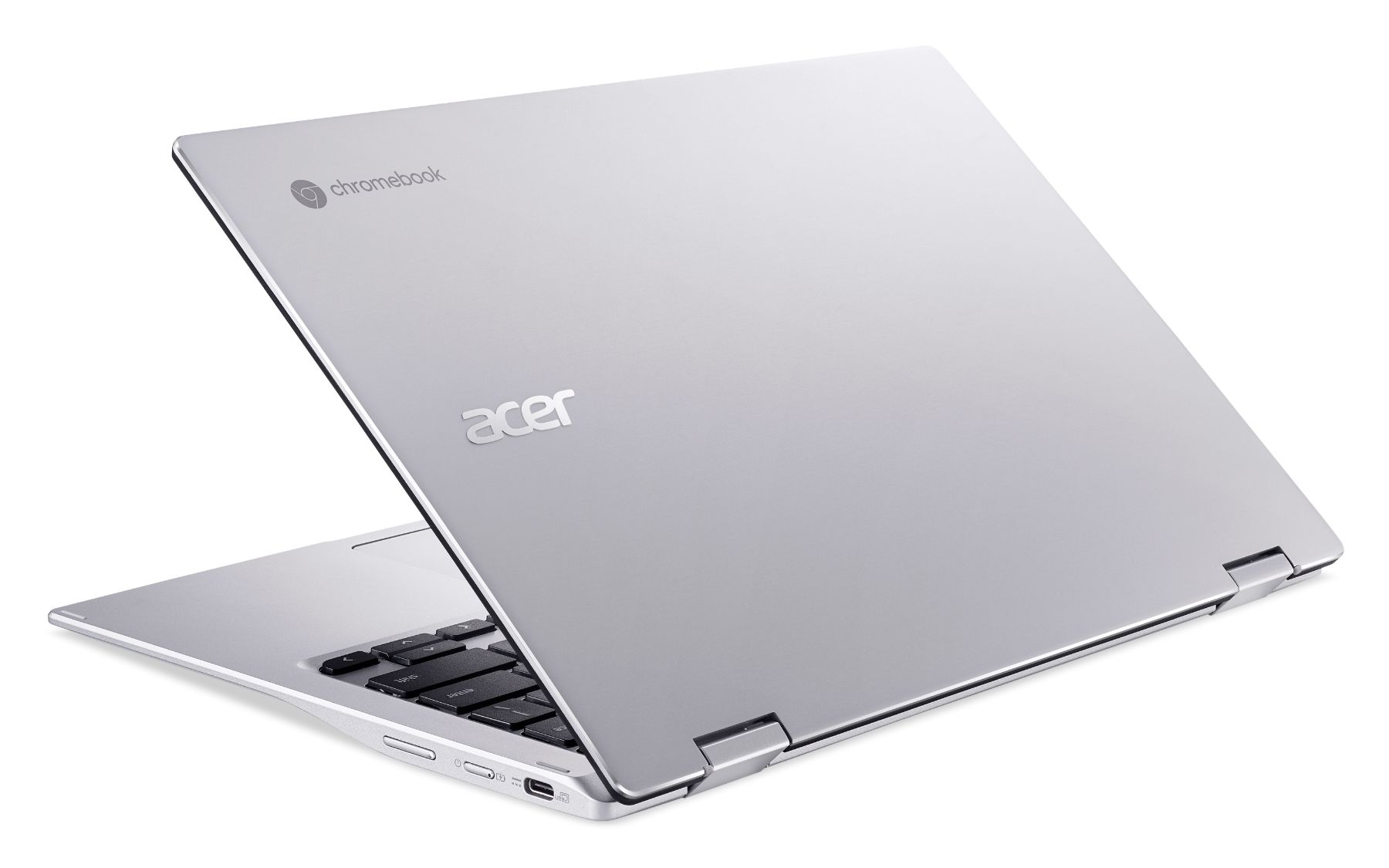

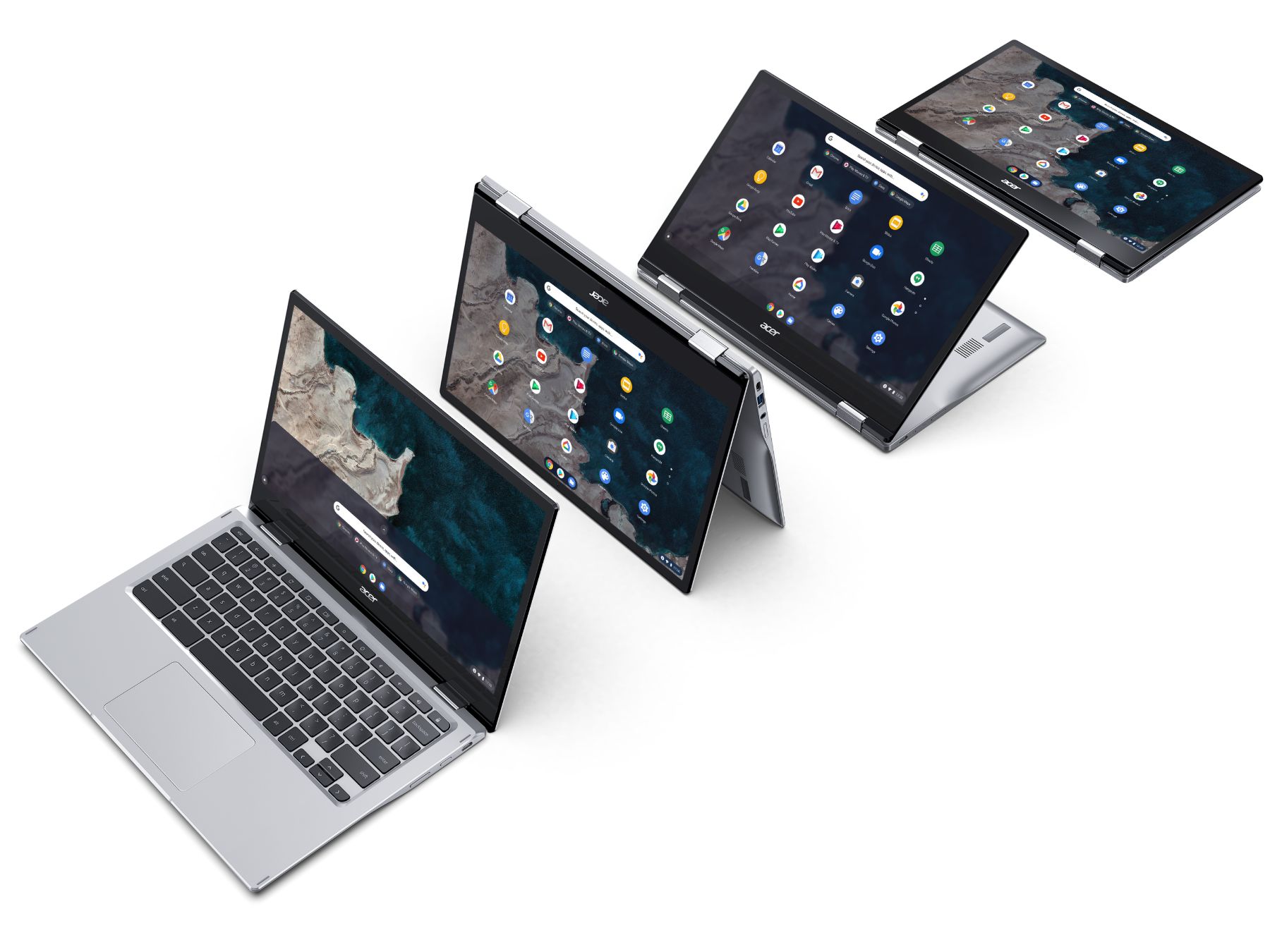
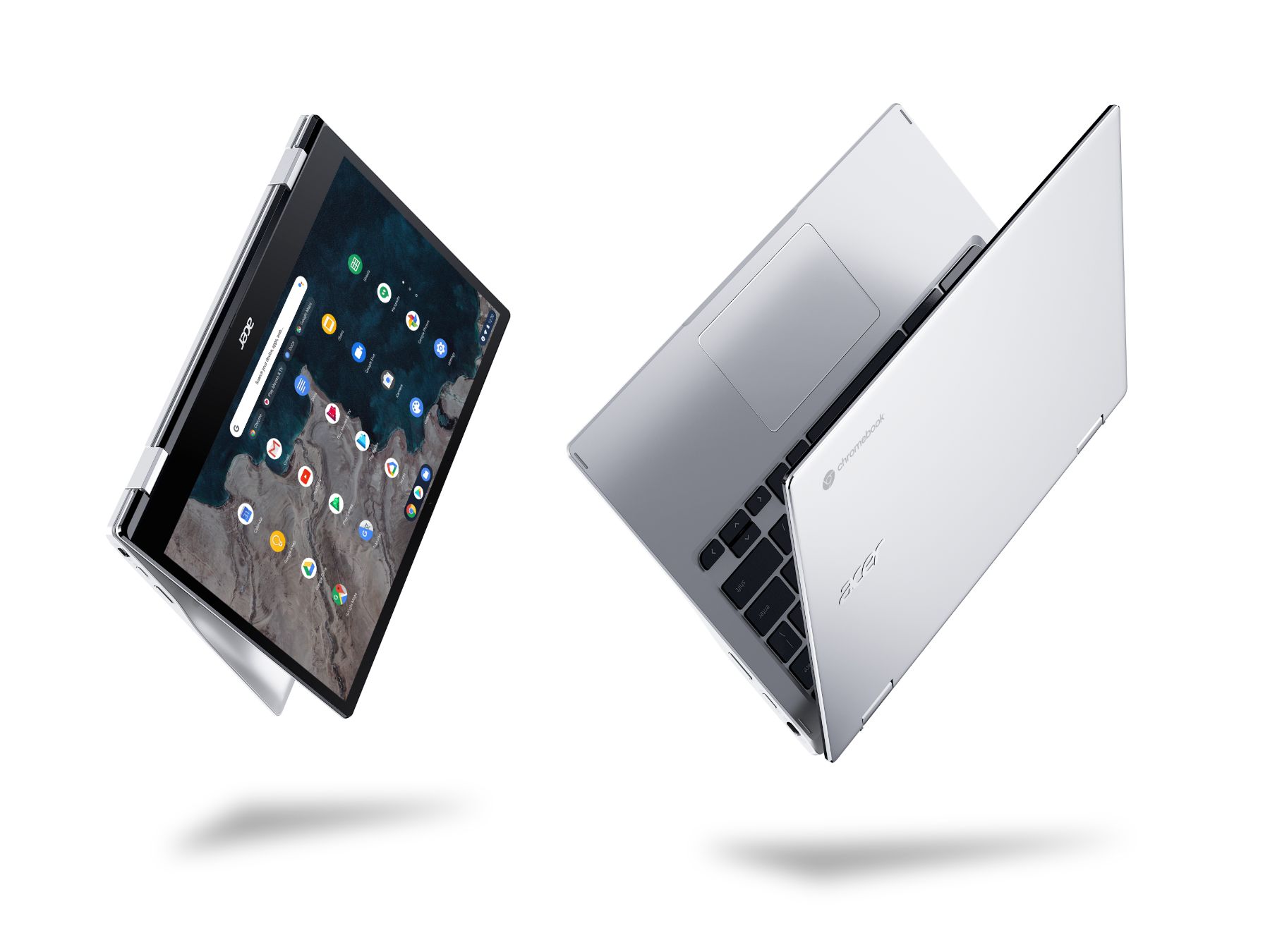
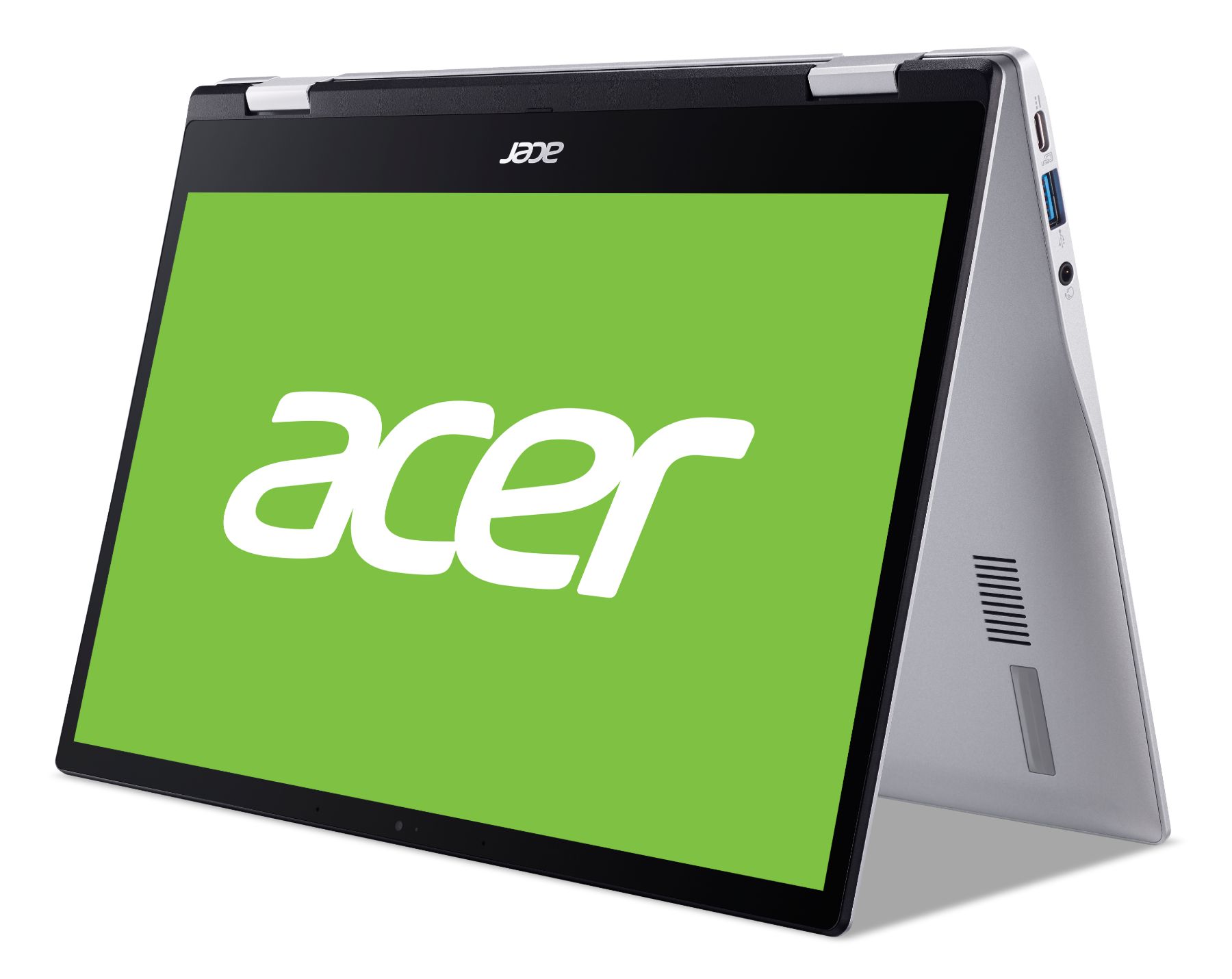

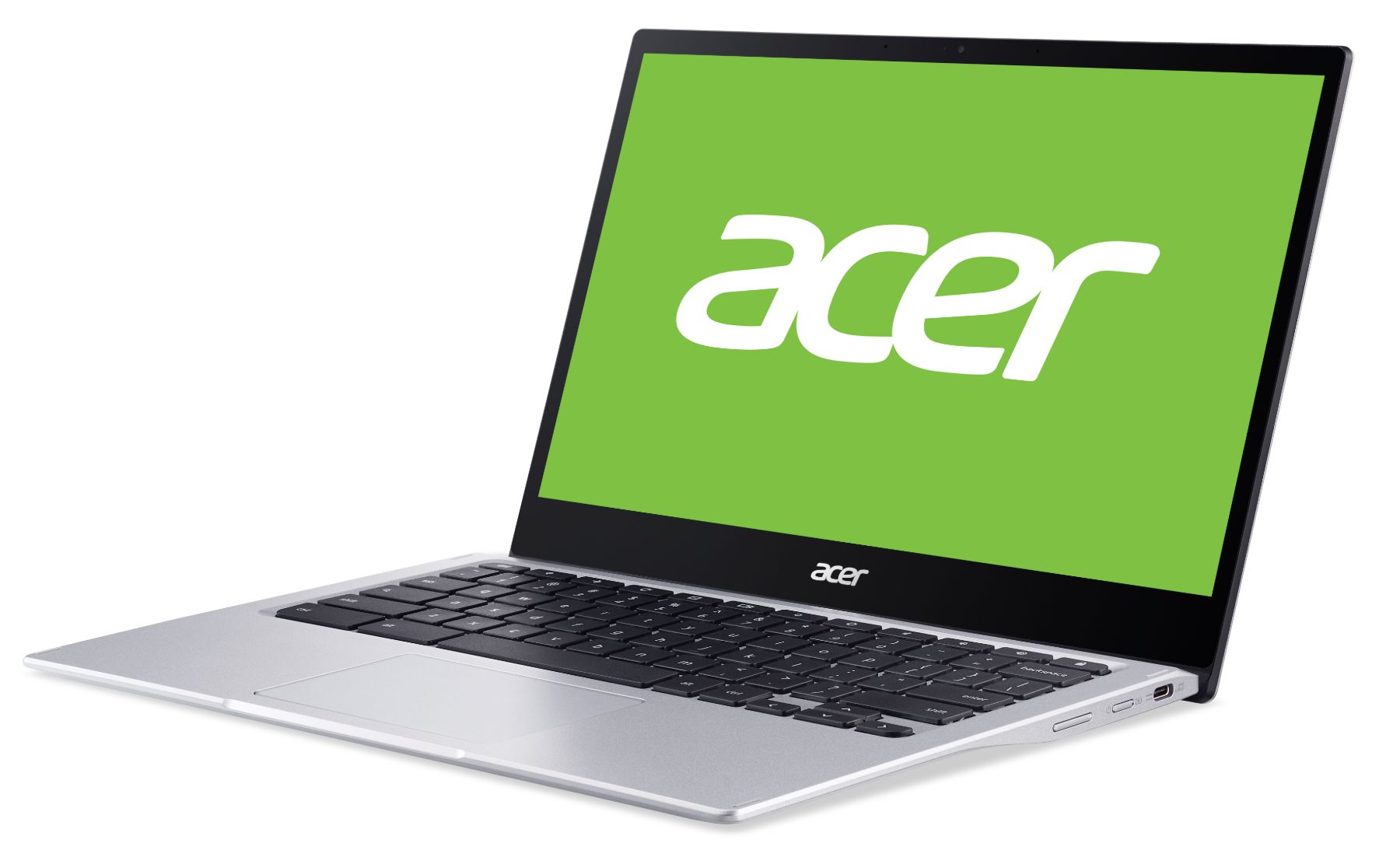
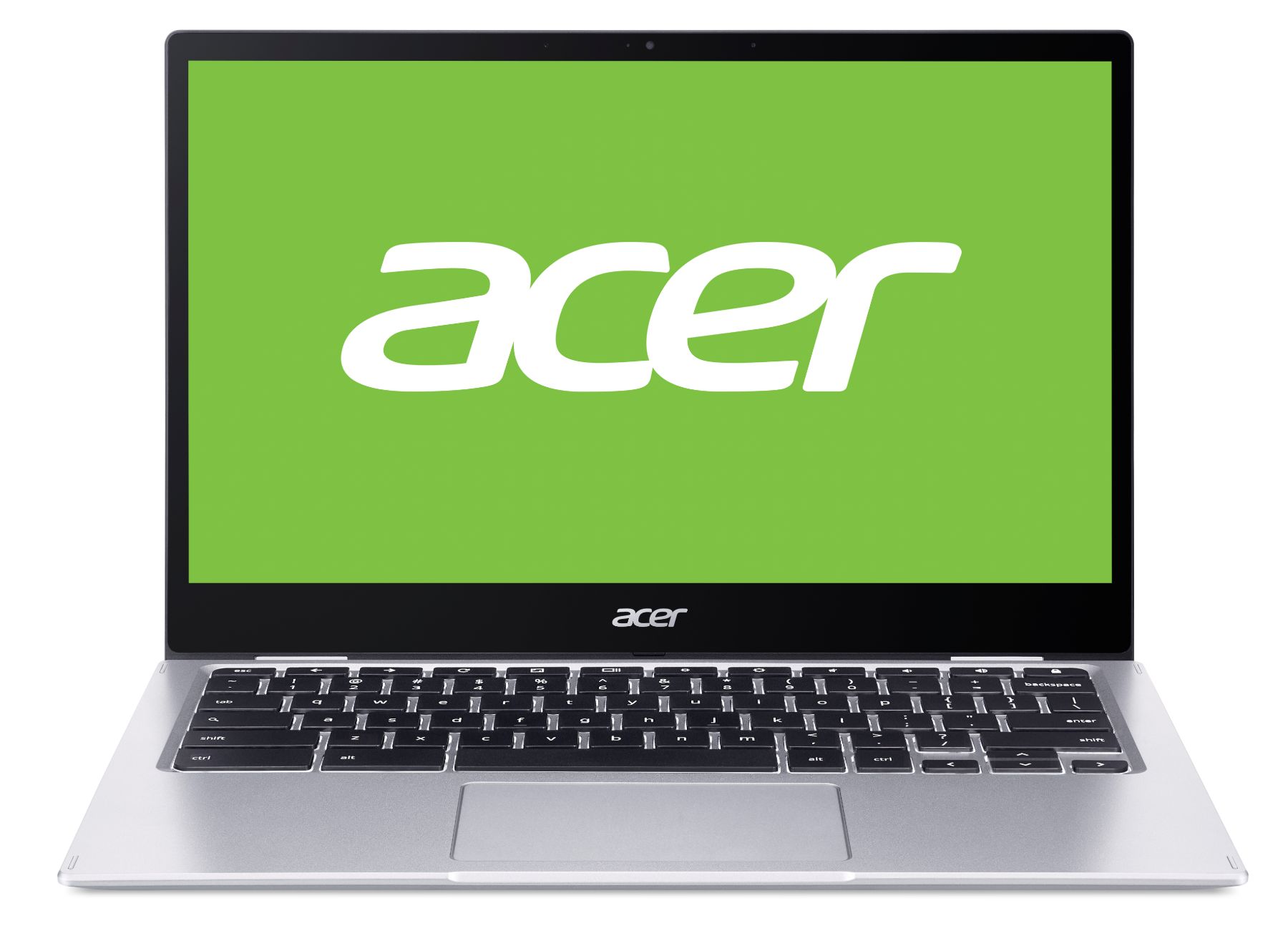
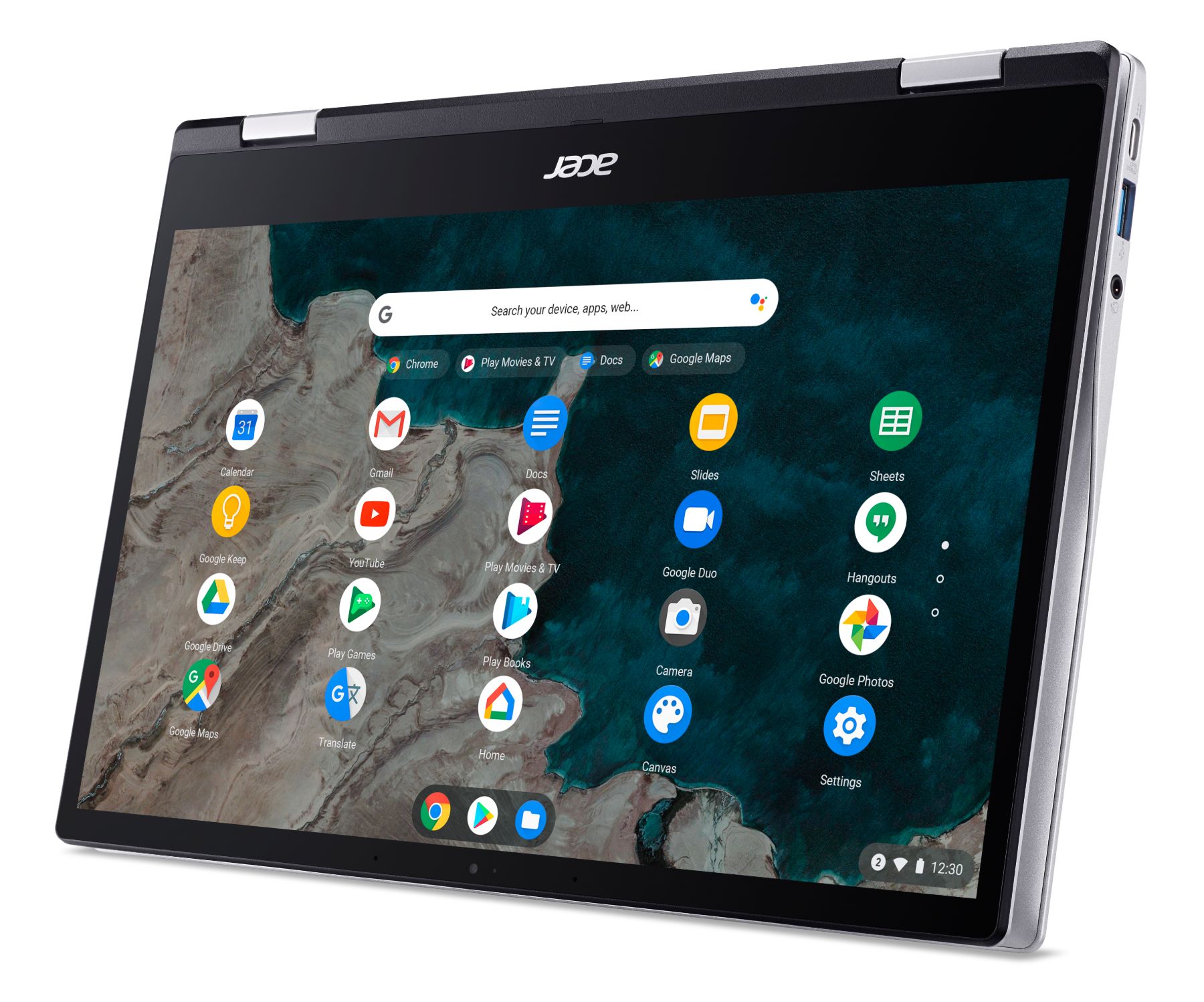

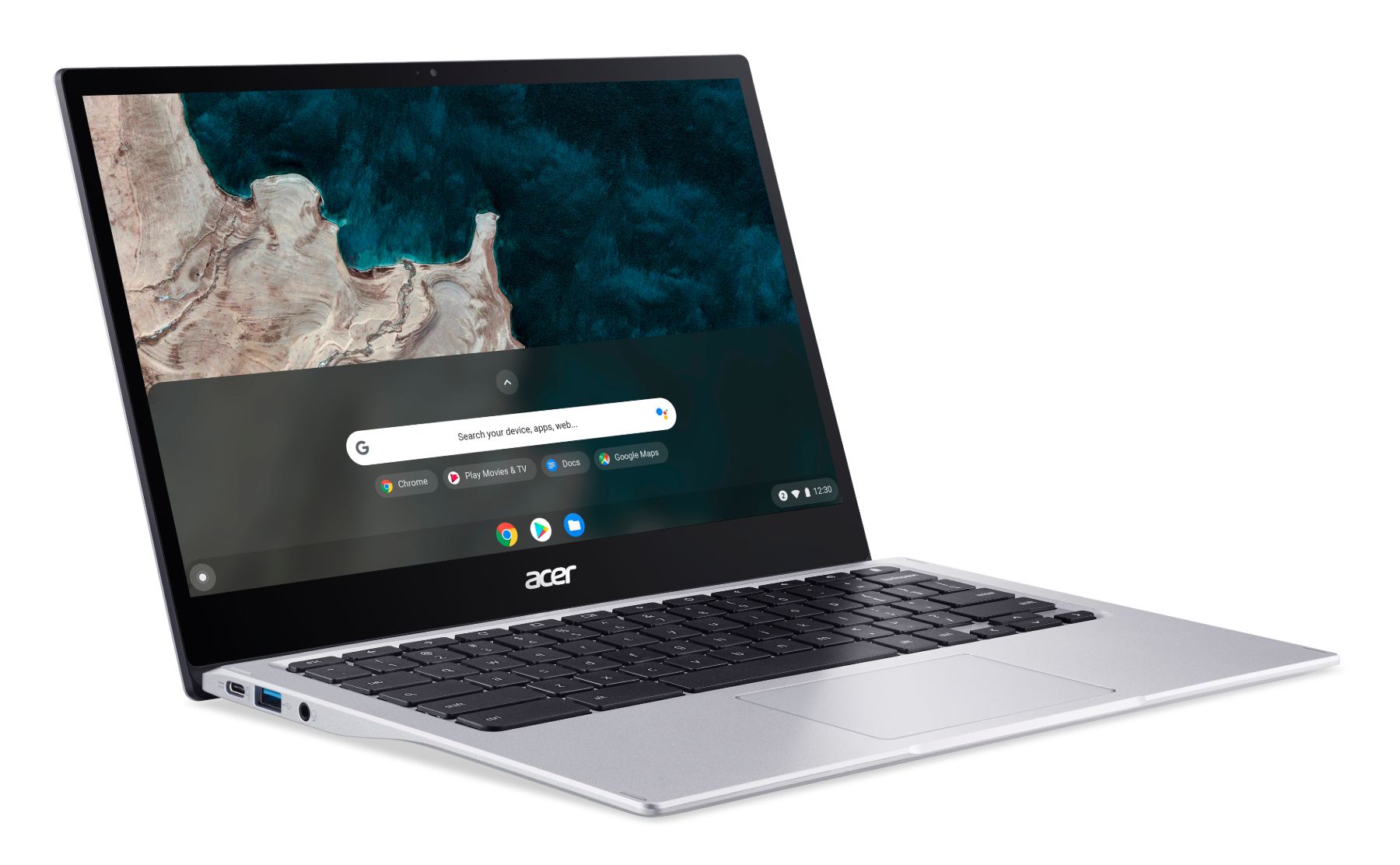
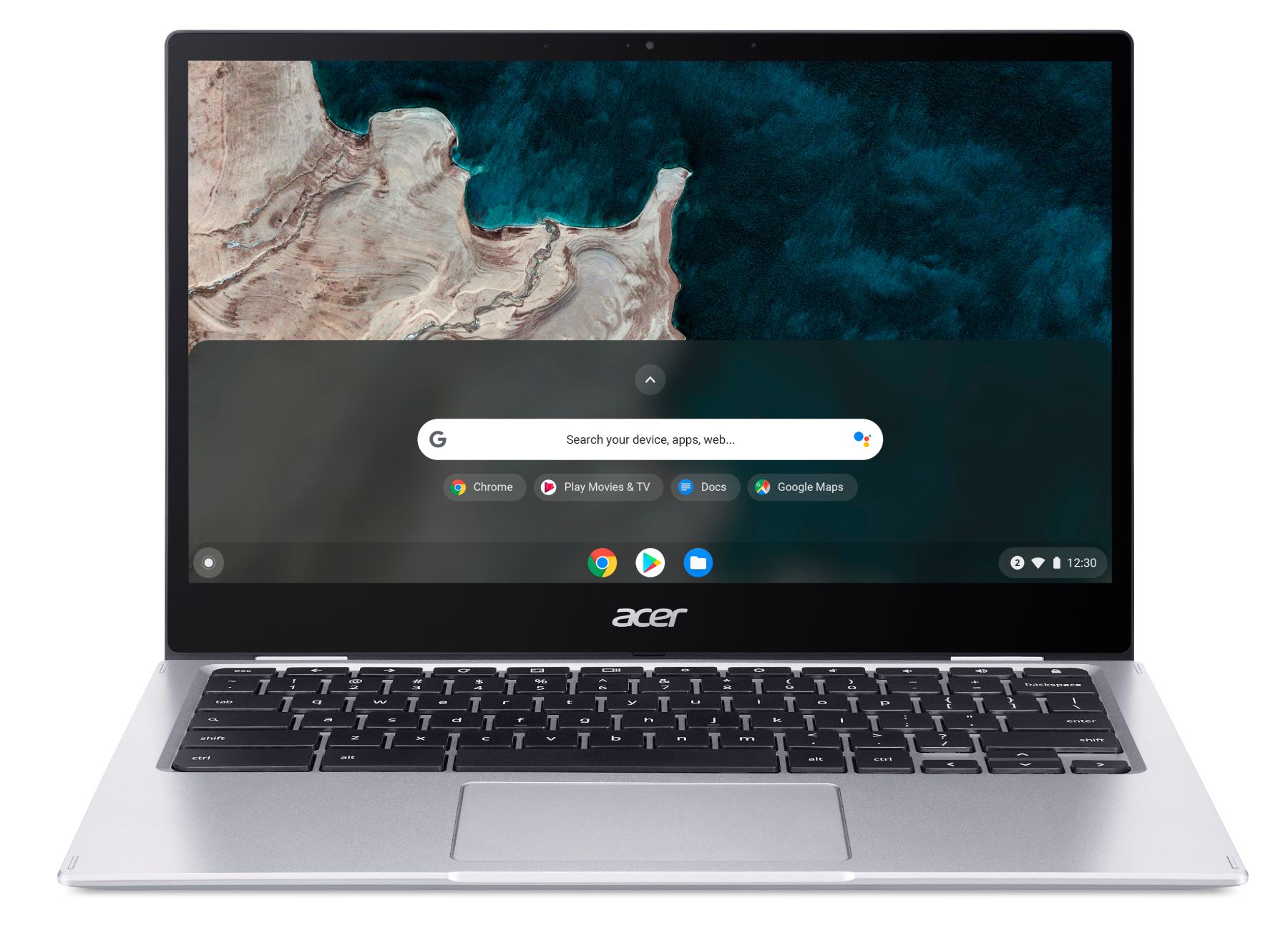
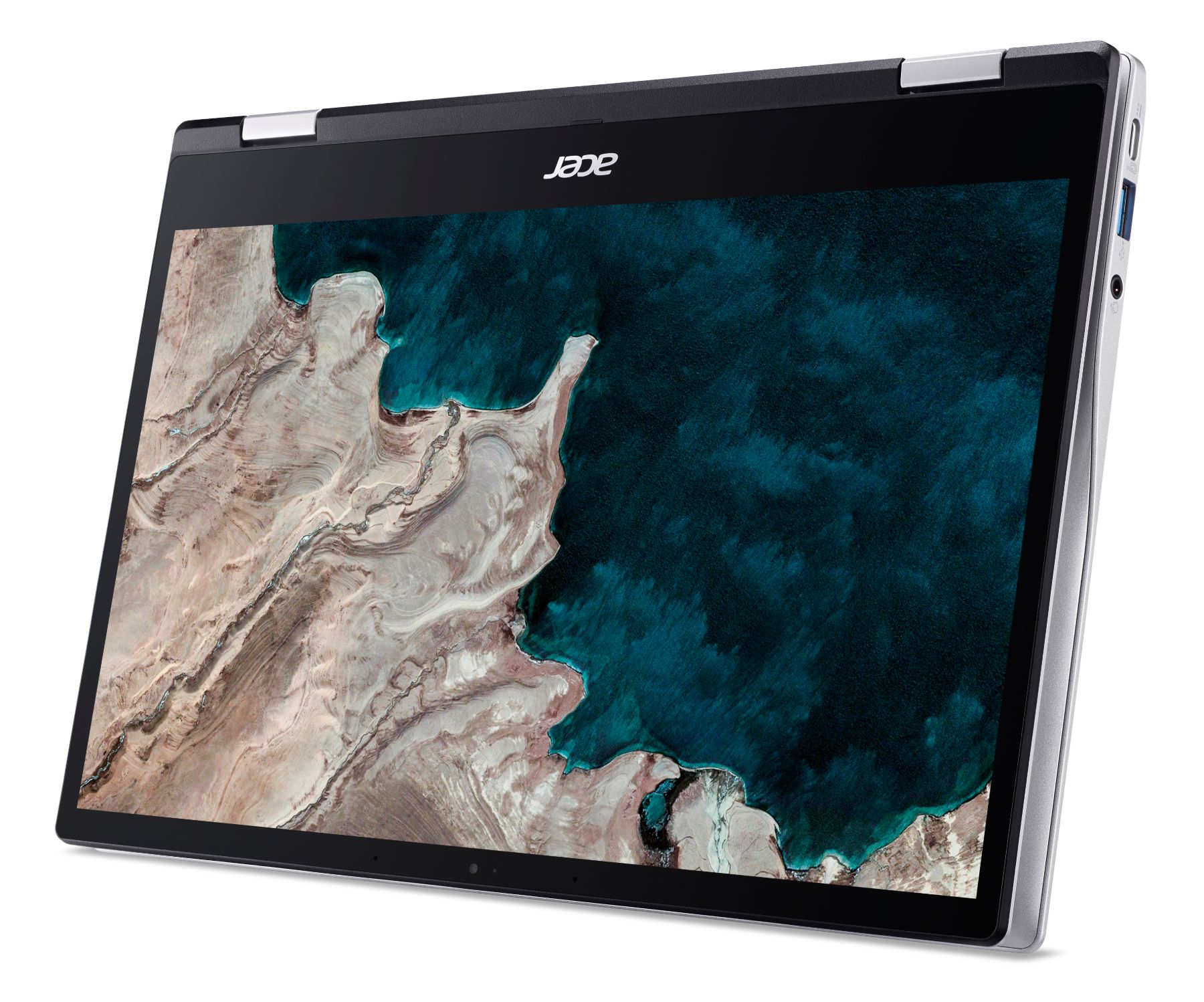
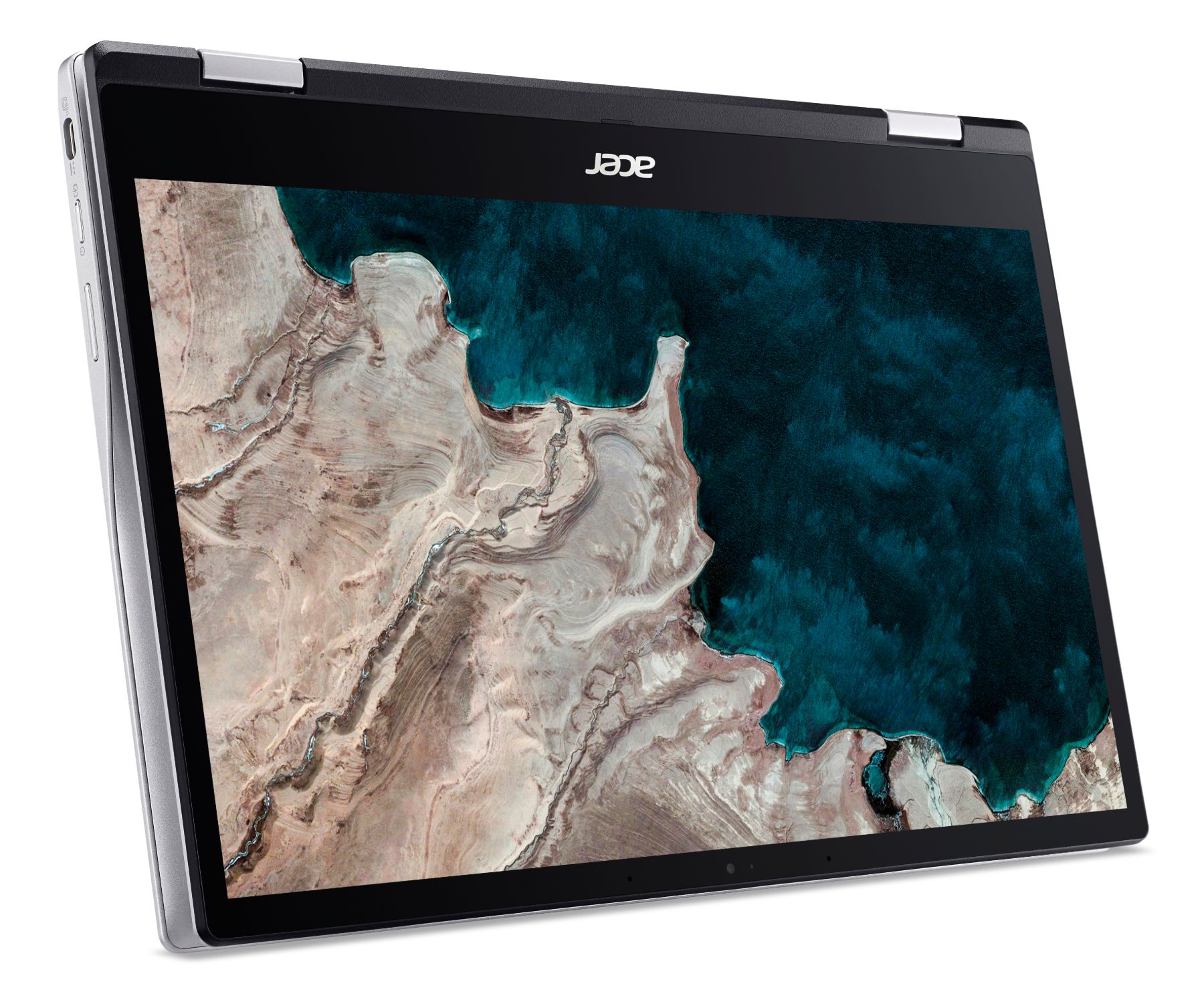
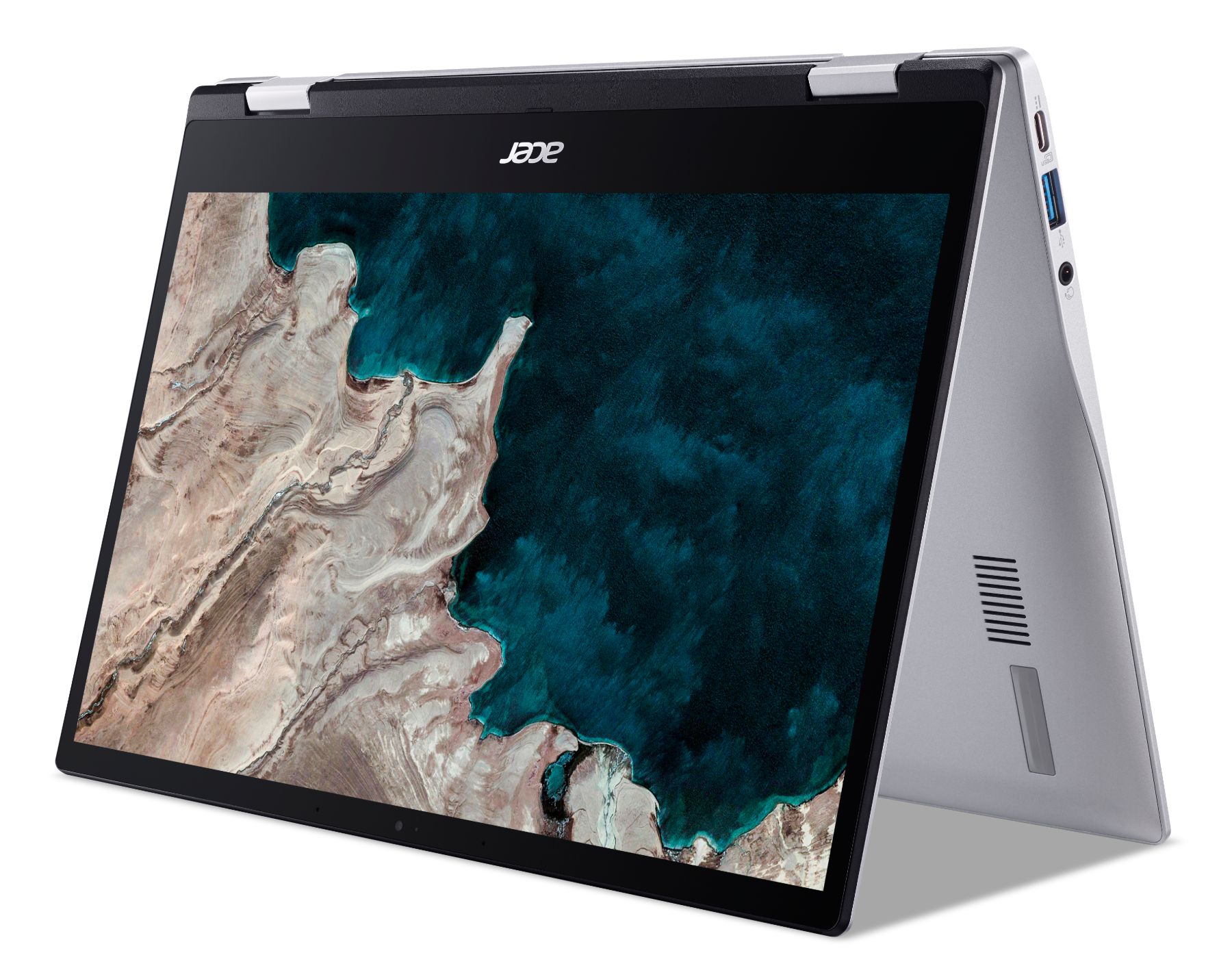
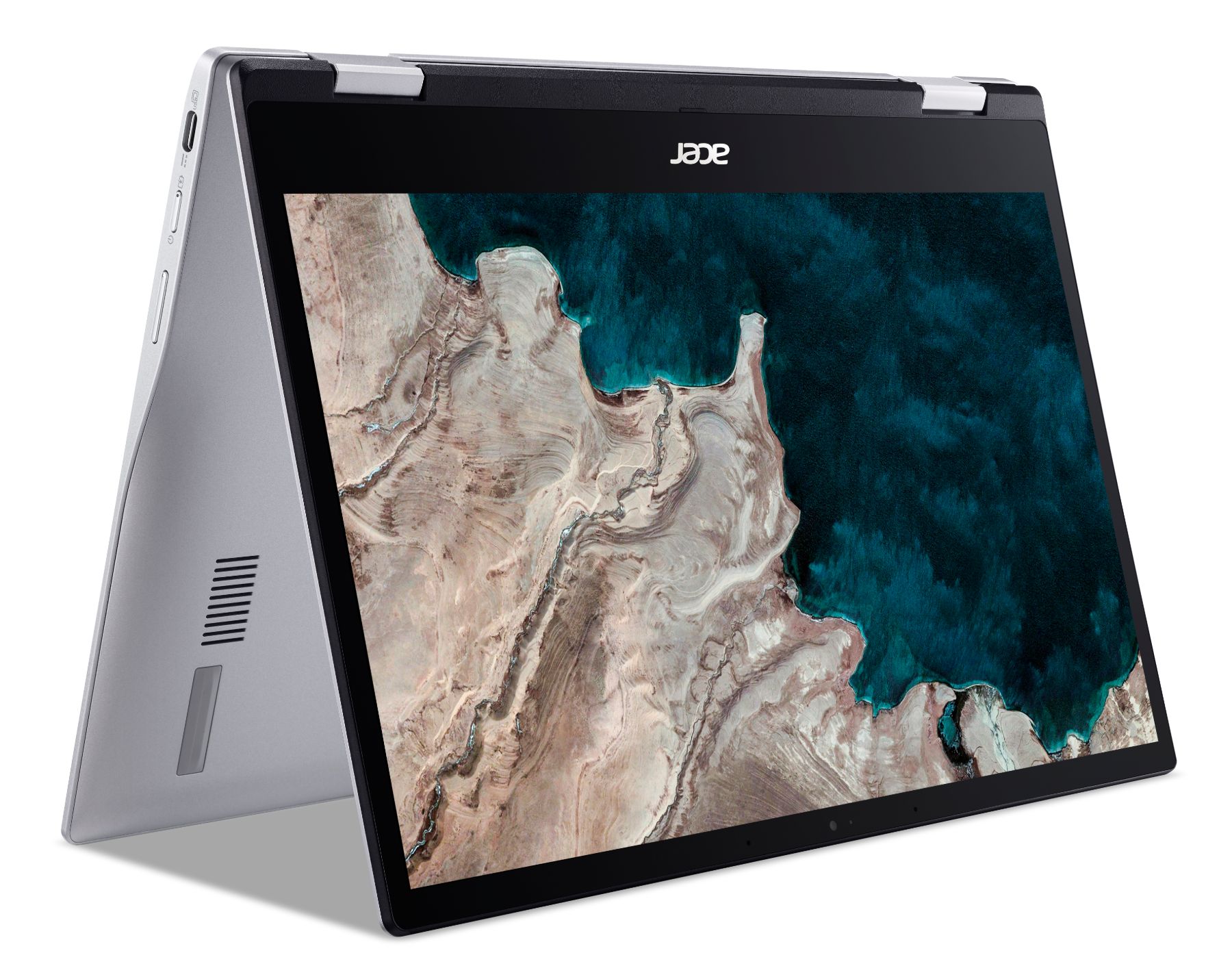
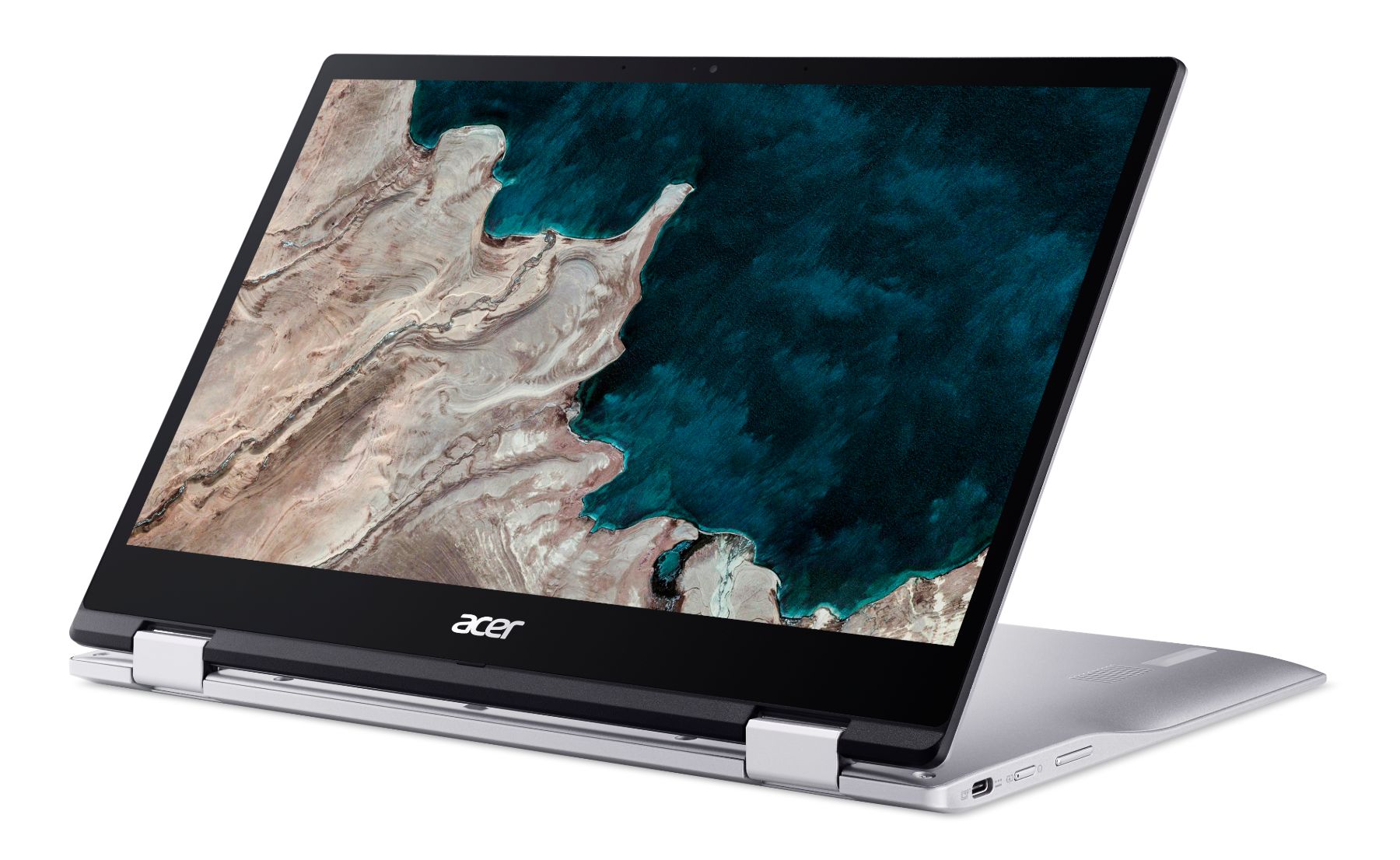
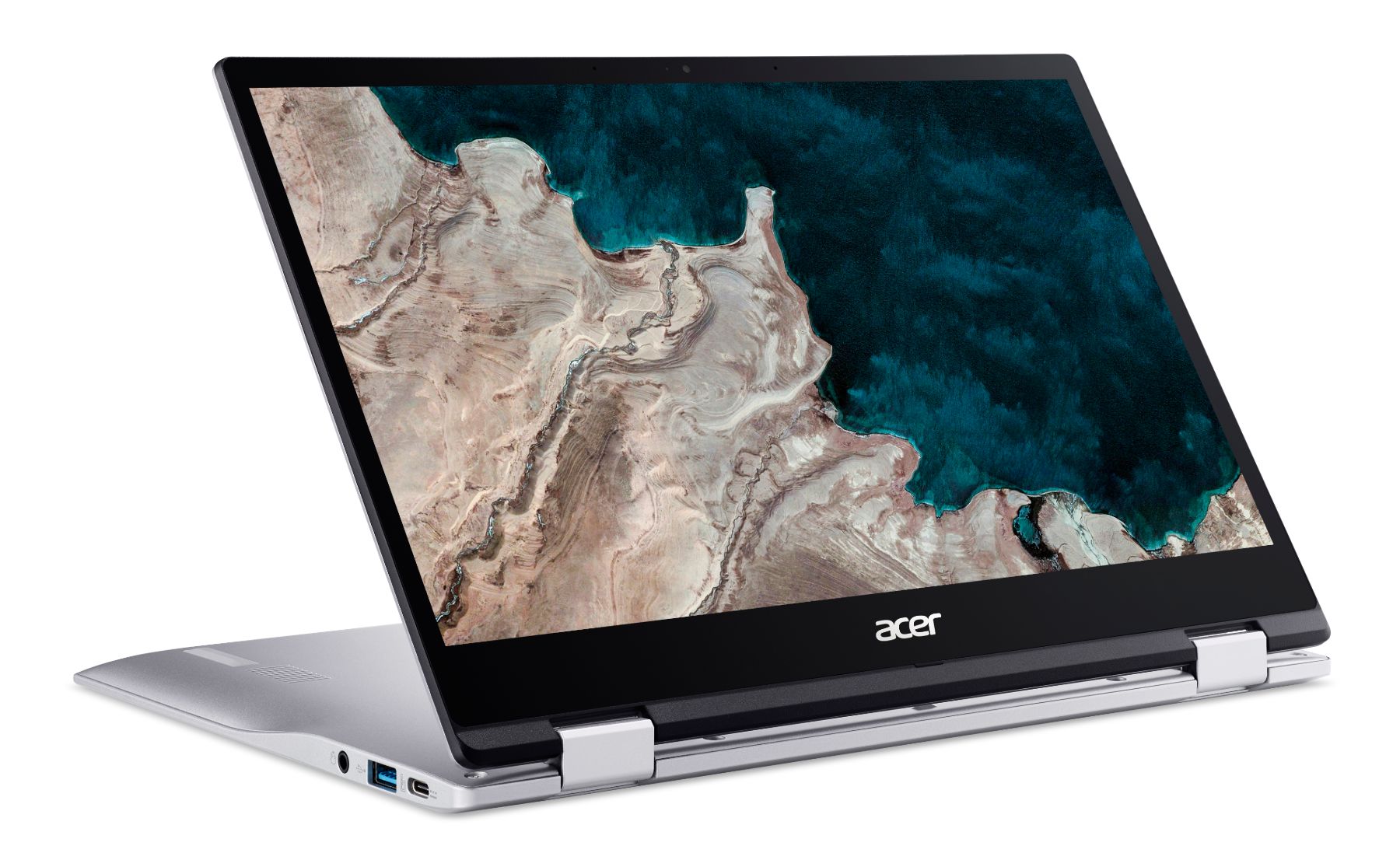

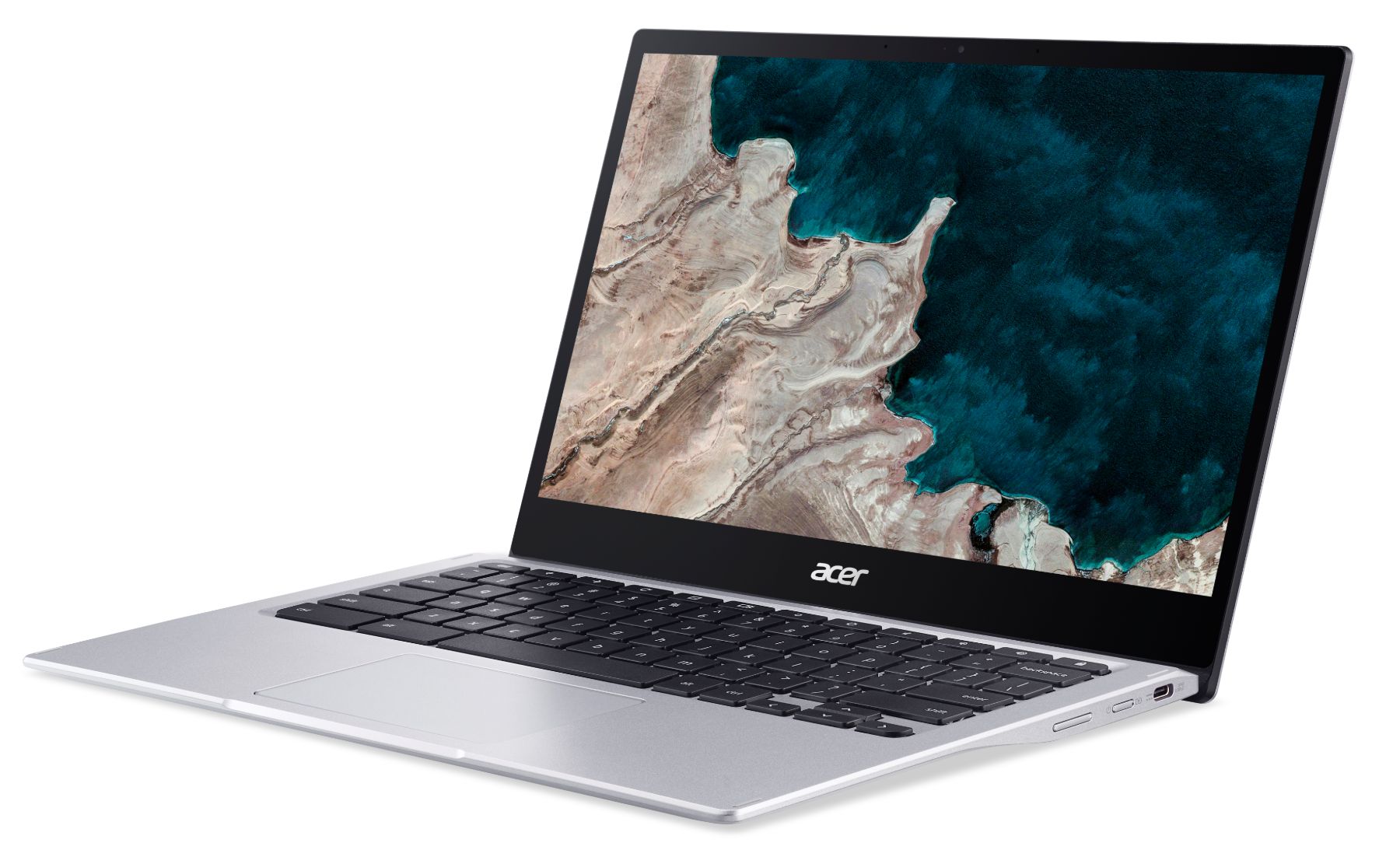
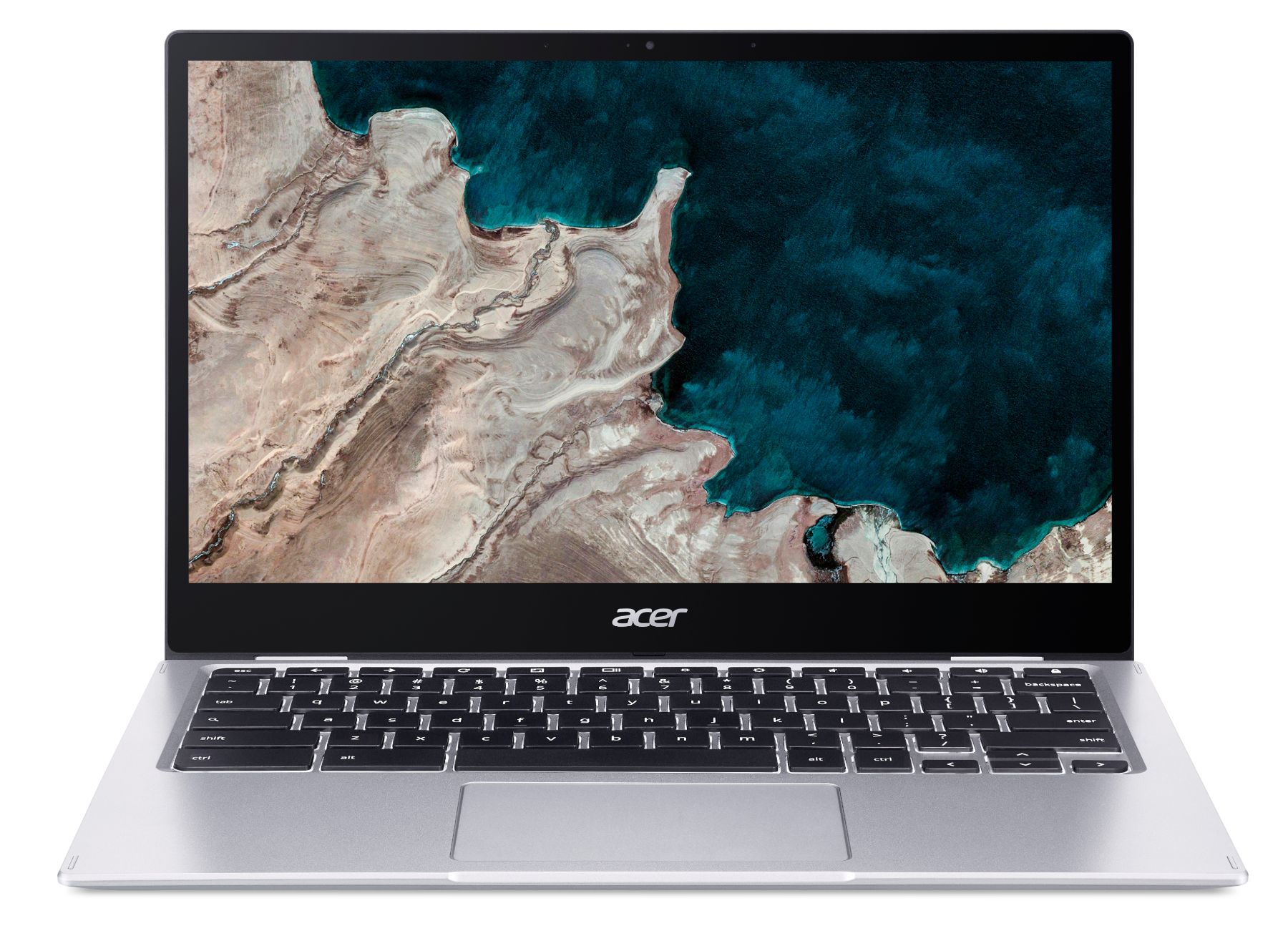
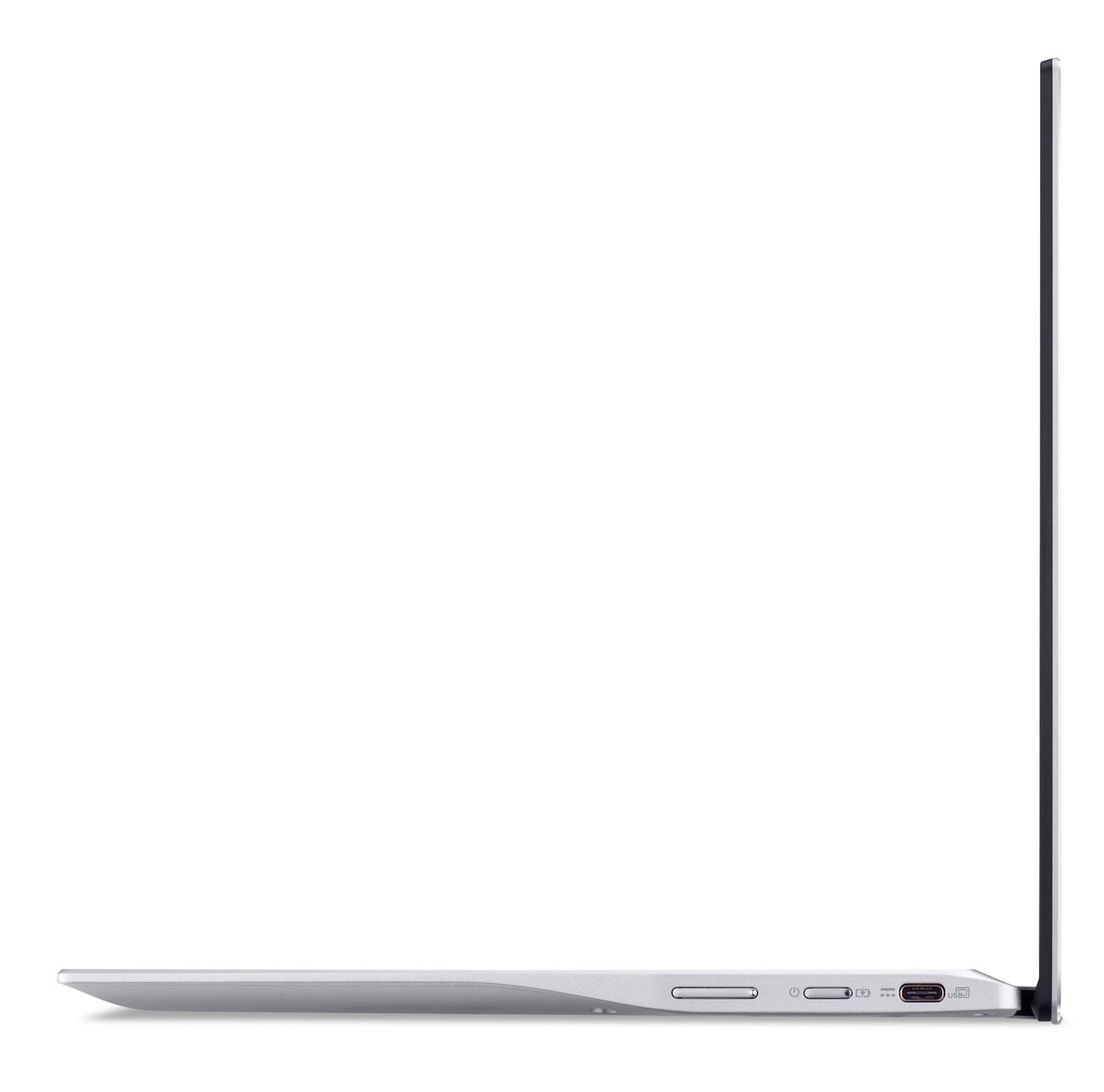
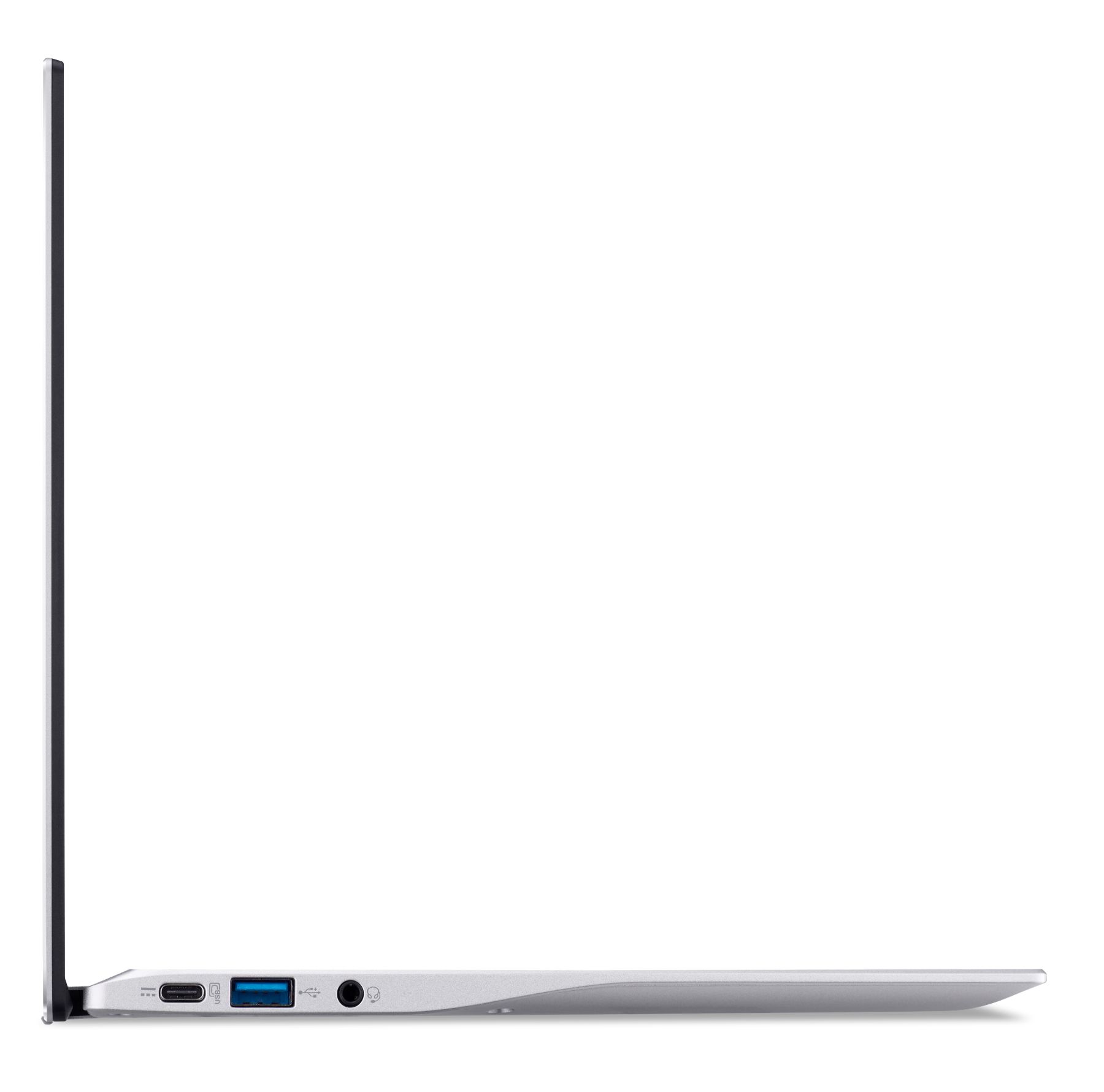
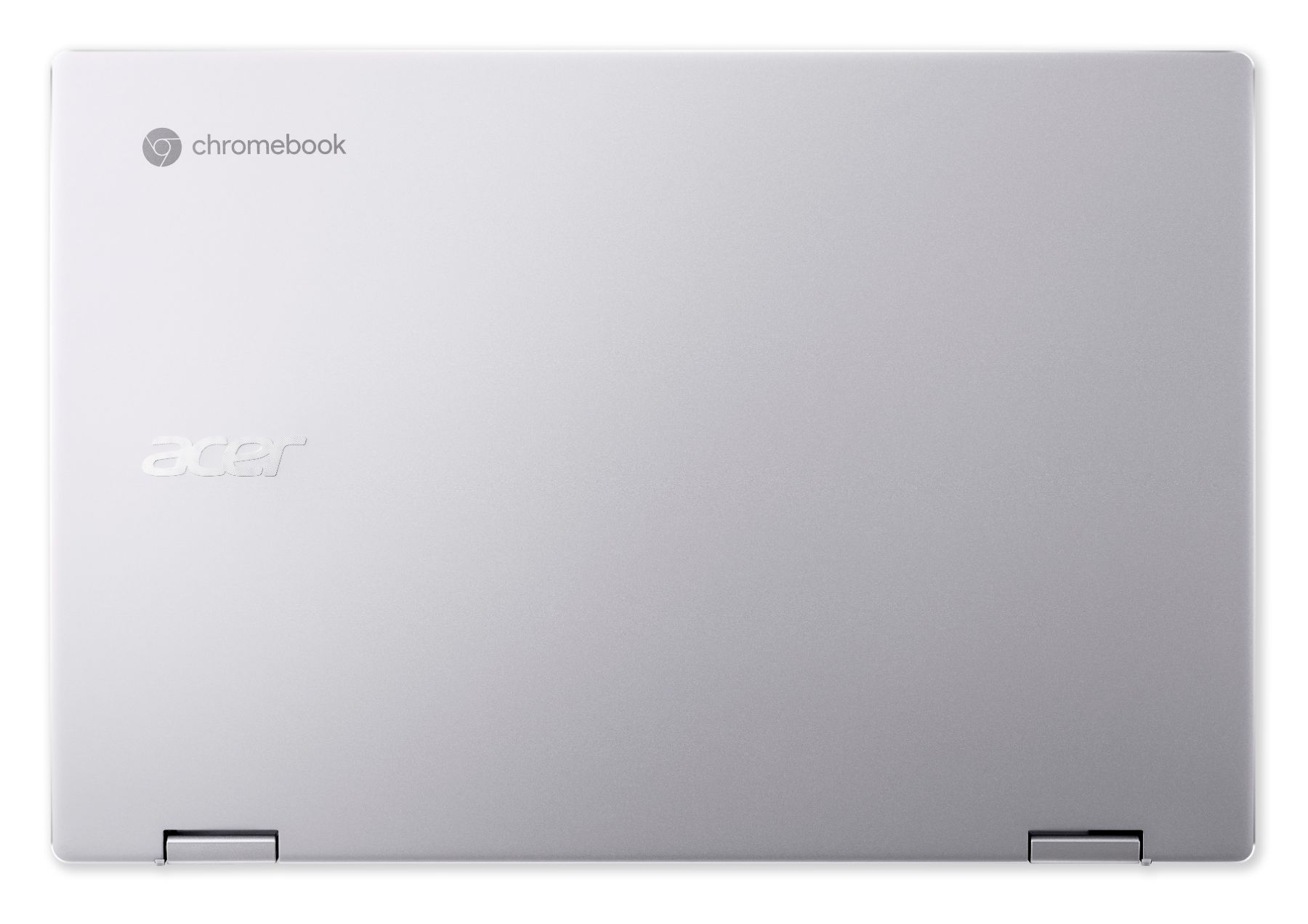
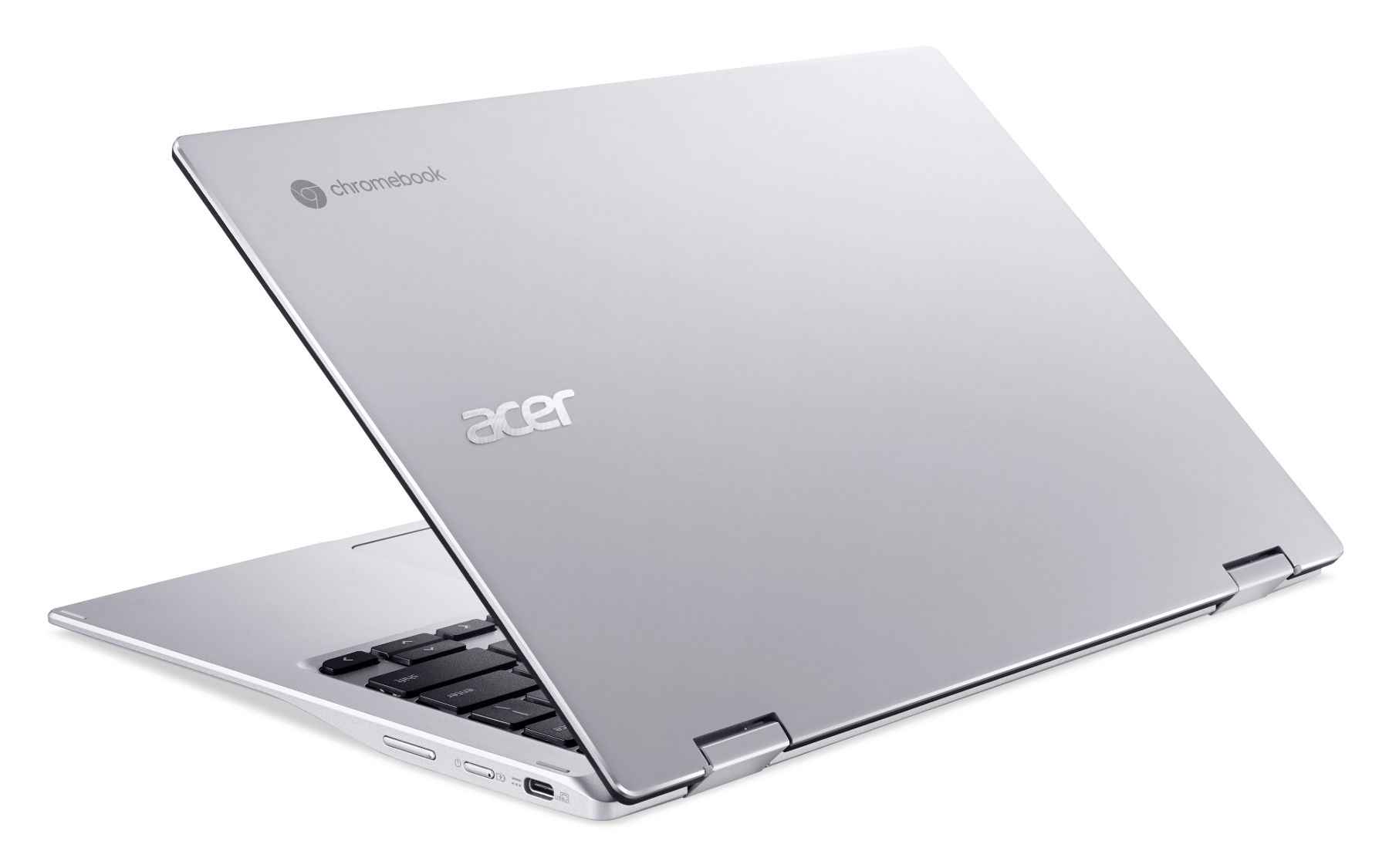
Honestly, what has been such a breath of fresh air with this device is the feel and build quality already on display with this pre-production unit. There are things we agreed not to talk about as this is not a market-ready Chromebook at this point, but you can tell quite a few things right off the bat. This thing feels thinner and lighter than the spec sheet implies, and that spec sheet is already implying quite a bit. At roughly a half pound lighter than what you generally expect from a 13-inch laptop and considerably thinner than most, the Acer Chromebook Spin 513 continually impressed me each time I picked it up. While not as dainty as the razor-thin Samsung Galaxy Chromebook, this thing feels every bit as light and portable.
Secondly, the build quality is refreshing. With the Snapdragon 7c being the budget companion to Qualcomm’s bigger, badder 8c chip, I was expecting a mediocre laptop build with the Spin 513. Instead, the Spin 513 feels far closer to the current flagship Chromebooks on the market. The device is firm, the keyboard feels great, the glass trackpad is basically perfect, and the overall aesthetic is on-point, too. It is a gorgeous Chromebook that nails all the pieces necessary to make a great experience: and remember, this is pre-production! Once Acer gets all the small kinks worked out, this device looks to be an absolute knockout from a design perspective.
While the software is clearly not quite ready for primetime on this new Snapdragon 7c Compute platform, I have high hopes that once things are finalized, this device will be a solid performer, too. Acer is touting 14 hours of battery life and I’ll bet that’s exactly what we’ll get with this ARM chip inside. With no fans to distract, no real overheating issues, LTE and a long-lasting battery, this Chromebook was built for being on-the-go.
Acer is also positioning a version of the Spin 513 as a new enterprise offering as well. Just like other Chromebooks for enterprise, comapanies will have the option to enroll devices with the Chrome Enterprise Upgrade, giving them the ability to roll-out and manage devices at scale across a large fleet of workers. All the normal Chrome Enterprise features apply, like simple setup, solid security, quick app updates, and ease of management over the lifetime of the device.
Are there still questions about this device? Sure. We don’t know how long this device will get regular software updates. We can’t really test true performance just yet, we can only guess that this device will run Android apps better than any Chromebook that has come before it, and we can’t verify the overall battery life, either. Those things all need to wait until we have a device in hand that is ready to hit store shelves. There will still be a little wait as Acer is set to begin shipping this thing in February 2021, so don’t expect this one before the holidays, unfortunately. The good news is the starting price is only $399 for the model with 4GB of RAM and 64GB of storage. Obviously, there’s no LTE on that version, and we don’t yet have firm pricing on the higher-spec configurations just yet.
We’re just excited to see things beginning to heat up in the higher-end ARM Chromebook space. We know there are a handful of other Snapdragon 7c devices in the works, including a new tablet, so the early parts of 2021 should bring us quite a few new, speedy, battery-sipping Chromebooks with this new chip on board. If the first impressions of this Acer Chromebook Spin 513 are anything to go by, there’s a lot to be looking forward to.
SUBSCRIBE TO UPSTREAM
Get Chrome Unboxed delivered straight to your inbox
Upstream is our flagship, curated newsletter with the top stories, most click-worthy deals, giveaways, and trending articles from Chrome Unboxed sent directly to your inbox a few times a week. Join 31,000+ subscribers.

