

Support our independent tech coverage. Chrome Unboxed is written by real people, for real people—not search algorithms. Join Chrome Unboxed Plus for just $2 a month to get an ad-free experience, access to our private Discord, and more. Learn more about membership here.
START FREE TRIAL (MONTHLY)START FREE TRIAL (ANNUAL)
If you haven’t seen it yet, there’s been a massive leak of the early Googlebook OS in action that gives us our first real glimpse into what Google’s vision for the mash-up of Android and ChromeOS will look like. While the footage of this Android 17-based OS is very much a work in progress, one specific icon in the app drawer is incredibly interesting for sure: Link to iOS.
We already know Google is building Googlebooks to be the ultimate companion devices for Android phones with native app streaming and seamless file sharing. But based on this leak, it looks like they are making sure iPhone users aren’t left out in the cold, either.
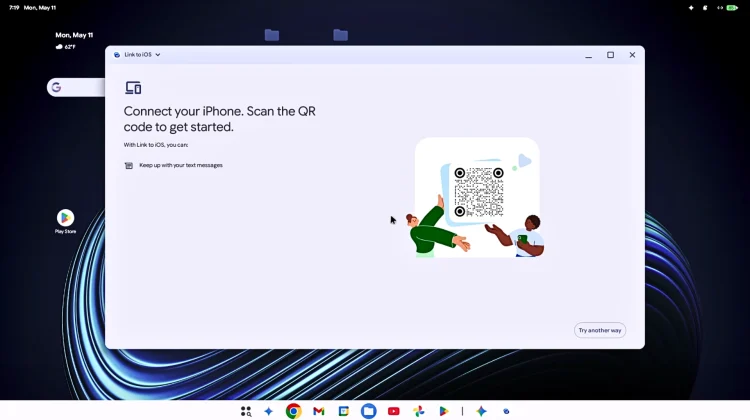
Taking a closer look at the leaked video, we get to see the initial setup process for the Link to iOS app. While we don’t get to see the app fully functioning with a paired device just yet, the permission requests give us a very clear picture of exactly what you’ll be able to do.
Bringing your iPhone to the Googlebook desktop
When the Link to iOS app is launched in the video, it prompts the user with three specific permission requests:
- Access contacts and accounts: This ensures your address book is synced and available right on your laptop.
- Make and manage phone calls: You’ll be able to answer incoming calls and dial out directly from your Googlebook.
- Send and view SMS messages: Keep up with your text threads without having to constantly pick up your phone.

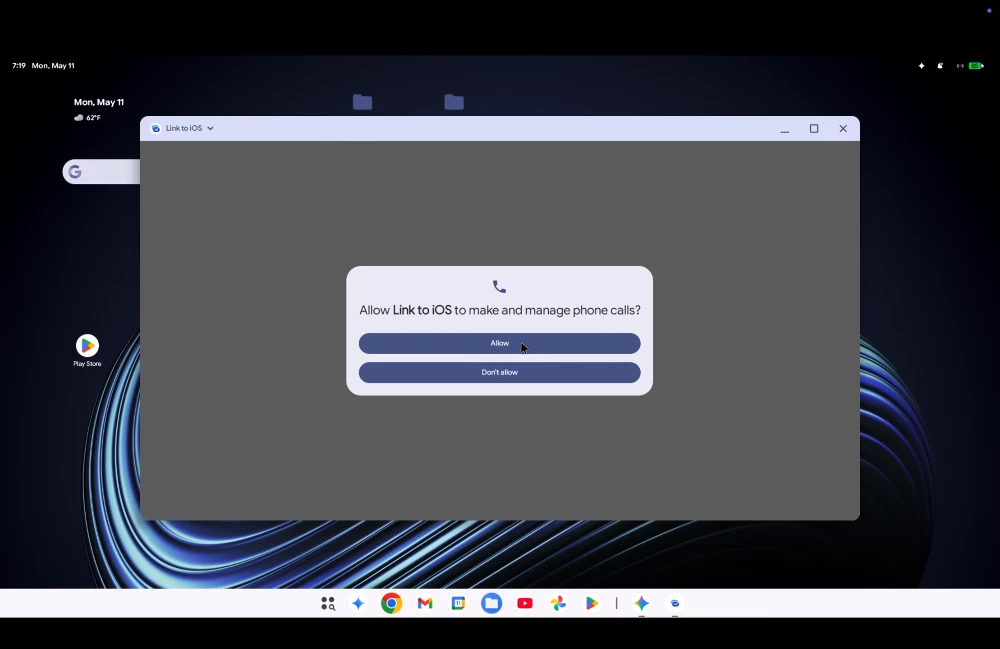
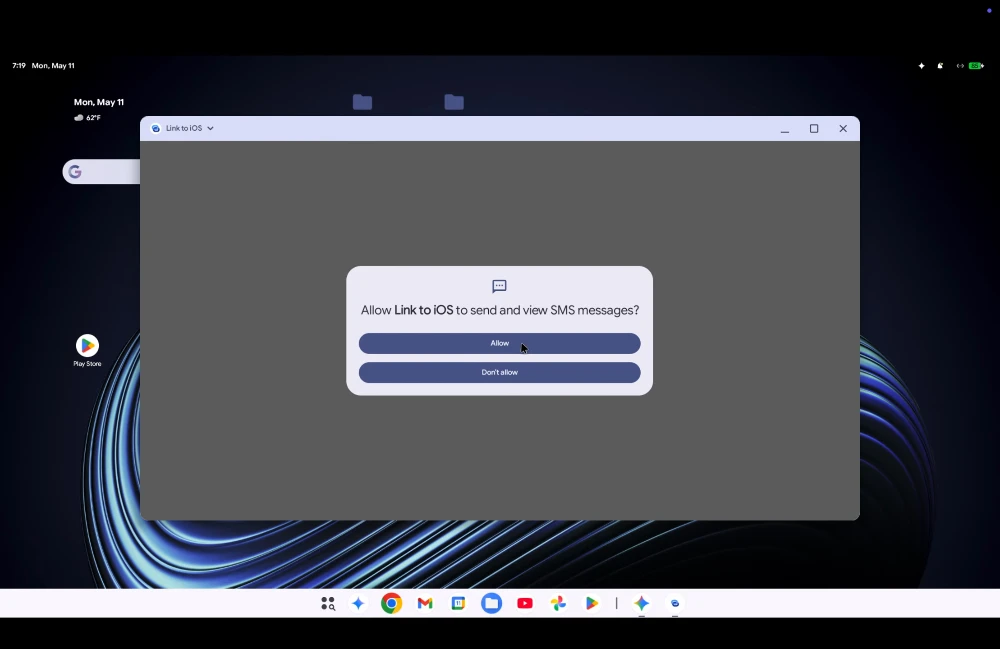
This points to a deeply integrated, Phone Hub-style experience tailored specifically for Apple devices. It is a massive step up from the current ChromeOS ecosystem, which doesn’t have any sort of built-in ability to connect with iPhone on any real level.
A simple setup process
Getting things connected looks incredibly straightforward. The app greets the user with a prompt to simply scan a QR code with their iPhone to link the devices. For those who prefer a more traditional route, there is also a manual pairing option that walks you through connecting the phone and laptop via standard Bluetooth settings.
While this leaked build is still in the early stages of development, seeing this app natively built into the app drawer is a fantastic sign. It shows that Google understands the reality of the market: plenty of people who might want a premium Googlebook are carrying iPhones. Giving them a built-in, straightforward way to be included in the mix is a very, very smart thing to do.
SUBSCRIBE TO UPSTREAM
Get Chrome Unboxed delivered straight to your inbox
Upstream is our flagship, curated newsletter with the top stories, most click-worthy deals, giveaways, and trending articles from Chrome Unboxed sent directly to your inbox a few times a week. Join 31,000+ subscribers.

