

Support our independent tech coverage. Chrome Unboxed is written by real people, for real people—not search algorithms. Join Chrome Unboxed Plus for just $2 a month to get an ad-free experience, access to our private Discord, and more. Learn more about membership here.
START FREE TRIAL (MONTHLY)START FREE TRIAL (ANNUAL)
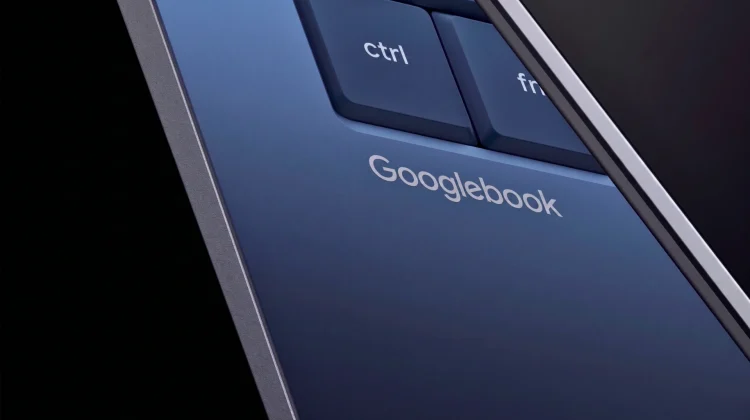
While we got our first glimpse of Googlebook yesterday, Google is still playing a bit coy with unveiling deeper details on the underlying OS, what it will be called, and exactly what it will look like in action. Thanks to a very interesting leak, however, we now have our first glimpse at what the Googlebook UI actually looks like in practice at the moment.
According to a report from 9to5Google, a 16-minute video posted by Mystic Leaks gives us a pretty comprehensive tour of the new platform at its current stage. While this is certainly a very early look, it reveals a ton about how Google is blending its mobile OS with traditional desktop computing.
A familiar desktop with new tricks
The most immediate takeaway from the leaked footage is how much this new Android environment respects traditional desktop workflows. Unlike the current iteration of ChromeOS, this leaked build allows users to place app icons and widgets directly on the desktop. You can even right-click to create new folders, bringing the file management experience much closer to what you expect from macOS or Windows.
The build also features full support for virtual desktops, giving users the ability to spread out their windowed Android apps across multiple canvases to keep their workspaces organized.
Still early days for Android 17 on the desktop
Since this is running through a virtual machine on a MacBook Pro rather than native Googlebook hardware, it is expectedly rough around the edges. The video highlights basic UI elements like Quick Settings, notification panels, and touchpad gestures that feel like a direct hybrid of Android and ChromeOS.
Interestingly, there is an explicit “Link to iOS” app visible on the desktop, hinting that Google wants to make sure iPhone users feel just as at home on a Googlebook as Android users do. There is also a task manager present, though the leak notes that it immediately crashed upon opening.
Setting expectations before launch
And that’s a good picture of where things are currently with all of this. Expect things to change before the actual launch. Google has already confirmed that the first wave of Googlebooks isn’t launching until later this year, giving the engineering teams plenty of time to refine the UI, squash the bugs, and implement more AI features and unique elements along the way.
Don’t forget, this entire effort is built on the basis of re-basing ChromeOS on the Android kernel, so the team has a lot to work with from a desktop UI standpoint. While it will look different in many ways, Google has spent a lot of time and effort getting ChromeOS where it is today. I have no doubt this new OS will incorporate all those years of knowledge with Googlebook a few months down the road.
SUBSCRIBE TO UPSTREAM
Get Chrome Unboxed delivered straight to your inbox
Upstream is our flagship, curated newsletter with the top stories, most click-worthy deals, giveaways, and trending articles from Chrome Unboxed sent directly to your inbox a few times a week. Join 31,000+ subscribers.

