

Support our independent tech coverage. Chrome Unboxed is written by real people, for real people—not search algorithms. Join Chrome Unboxed Plus for just $2 a month to get an ad-free experience, access to our private Discord, and more. Learn more about membership here.
START FREE TRIAL (MONTHLY)START FREE TRIAL (ANNUAL)
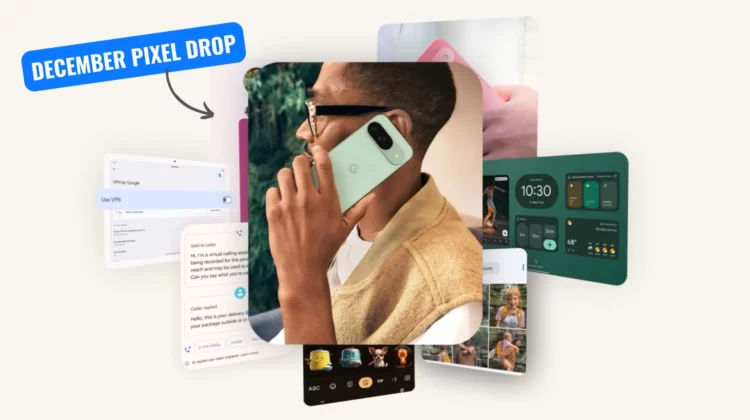
Google’s December Pixel Feature Drop is upon us, and it’s brimming with enhancements designed to make your Pixel experience even more intelligent and intuitive. This update goes beyond simple tweaks, offering substantial upgrades to Gemini AI, camera capabilities, and security measures. Let’s break down the key improvements.
A more personal Gemini
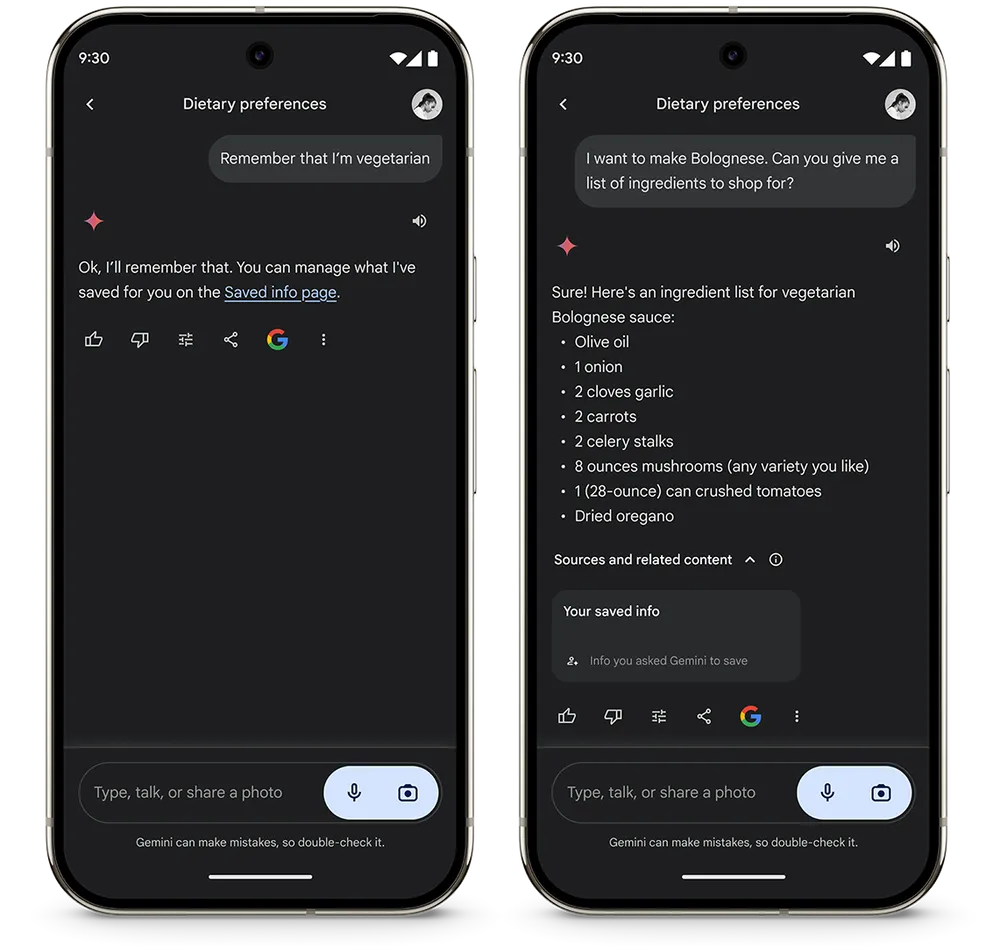
Gemini, Google’s powerful AI, takes center stage in this update. The new “saved info” feature within Gemini Advanced allows you to personalize its responses by providing it with your interests and preferences. Imagine telling Gemini you’re a vegetarian, and it subsequently tailors recipe suggestions accordingly – no more constant reminders needed.
This level of personalization extends to app integration as well. Gemini can now interact with your contacts, messaging apps, alarms, device settings, and even your camera. Support for Spotify and smart home devices is also on the horizon, promising even deeper integration with your digital life.
Call Screening evolution
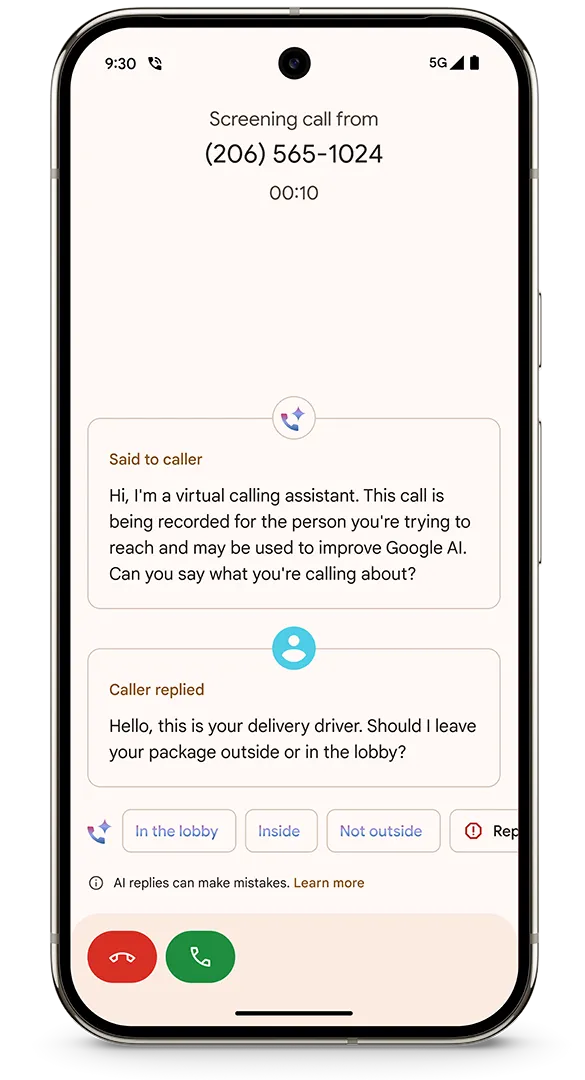
Call Screen, a Pixel staple, receives a significant boost from Gemini Nano (the on-device Gemini model). Now, when an unknown number calls, Gemini Nano suggests contextual, easy-to-tap replies, allowing you to engage with callers without actually picking up the phone. Need to confirm a delivery or answer a simple question? Gemini Nano handles it for you. Plus, you can now see live transcripts of these screened conversations, giving you the option to jump in at any time.
Camera and sharing enhancements
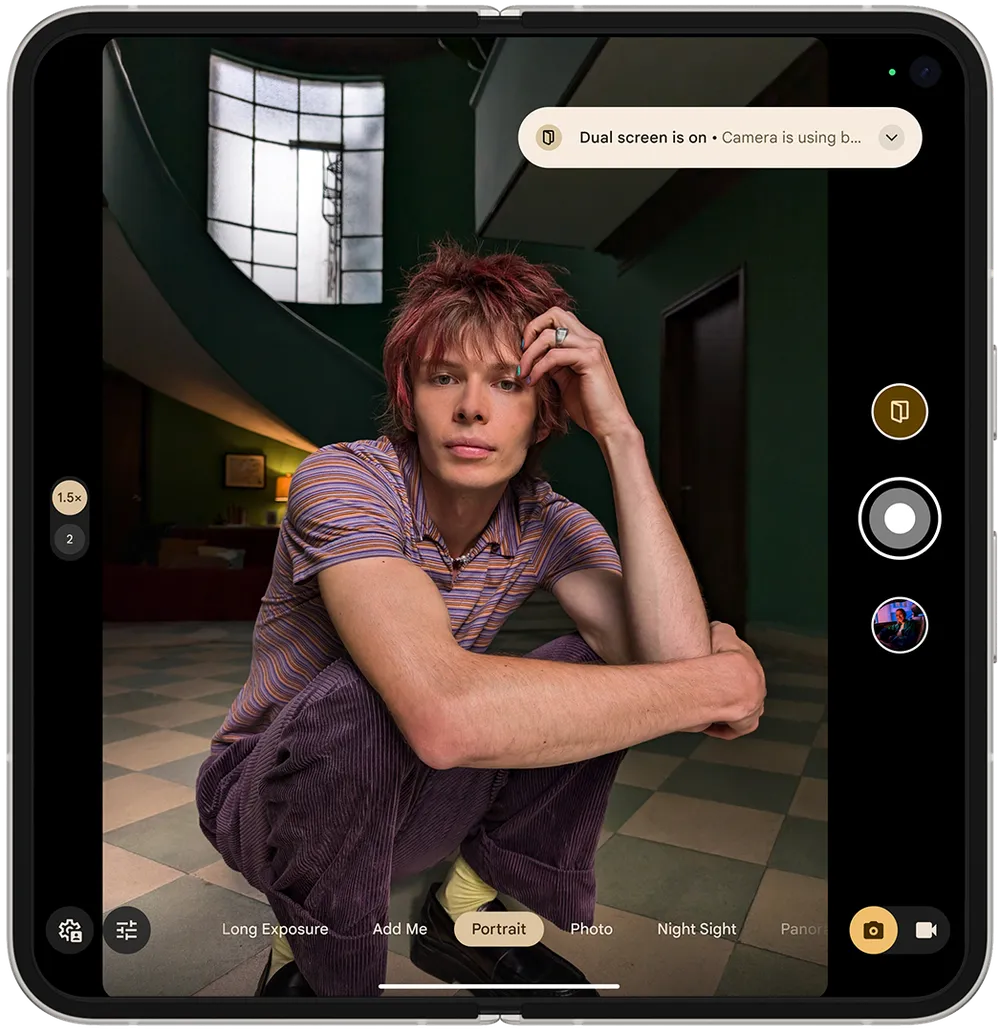
Photography enthusiasts will appreciate the camera and sharing upgrades. Share your stunning Ultra HDR photos directly to Instagram, effortlessly find the perfect pictures for Snapchat with the improved Photo Picker, and utilize Dual Screen on the Pixel Fold for optimal portrait shots.
Made You Look, the fun animation feature for capturing kids’ attention, now extends to the first-generation Pixel Fold and even includes a guest appearance from Joy from Inside Out on the Pixel 9 Pro Fold.
Organization and productivity tools
This Pixel Drop introduces tools to help you stay organized. Pixel Screenshots now automatically categorizes your captures and offers helpful suggestions based on their content. Save items found with Circle to Search directly to Pixel Screenshots for easy retrieval later. You can even add screenshots of tickets or credit cards to Google Wallet for quick access.
Audio-Visual upgrades
The update also brings notable audio-visual improvements. Expressive Captions use AI to capture the emotion and intensity of spoken words, adding dynamic visual cues to captions. The Recorder app receives a noise reduction feature, ensuring clearer audio playback. And for music lovers, Now Playing now displays album art for each song in your history, making music discovery a breeze.
Enhanced safety and security
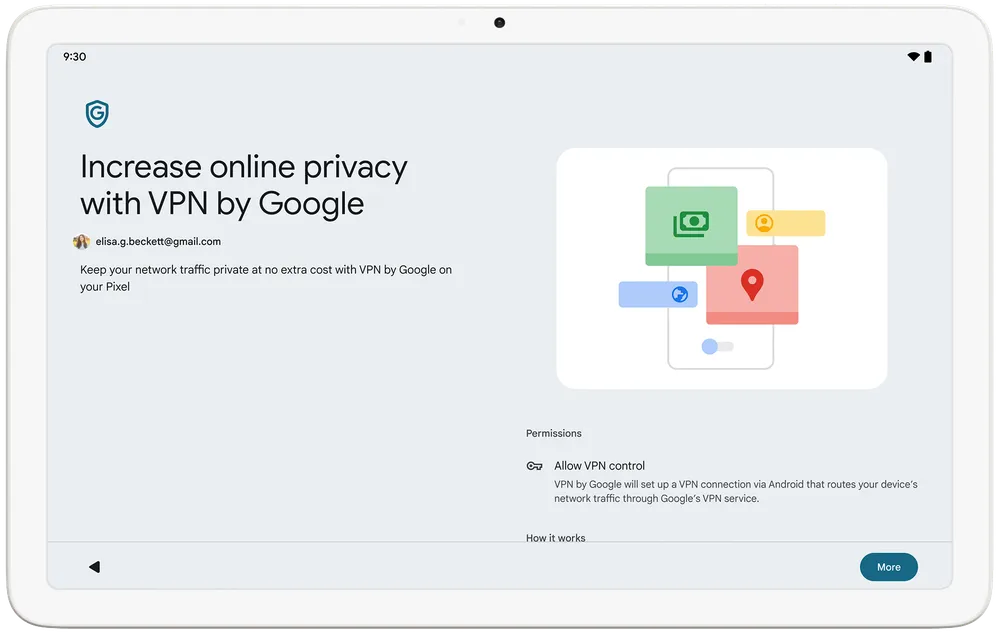
Security remains a priority. When traveling, the new Identity Check feature requires biometric authentication before any sensitive settings can be altered on your phone. The free, built-in Google VPN, previously exclusive to Pixel phones, now extends to the Pixel Tablet, safeguarding your data on public Wi-Fi. Pixel Watch 2 users can now view and interact with Nest Cam and Nest Doorbell notifications directly from their wrist.
Expanded health and safety features
Google is expanding the availability of crucial health and safety tools as well. Loss of Pulse Detection for Pixel Watch 3 users is now available in Germany and Portugal, while Germany also gains wider access to Fall Detection and Car Crash Detection. Furthermore, enhanced Daily Readiness metrics, including Cardio Load and Target Load, are coming to Pixel Watches and Fitbit devices, providing valuable insights for optimizing workouts and recovery.
SUBSCRIBE TO UPSTREAM
Get Chrome Unboxed delivered straight to your inbox
Upstream is our flagship, curated newsletter with the top stories, most click-worthy deals, giveaways, and trending articles from Chrome Unboxed sent directly to your inbox a few times a week. Join 31,000+ subscribers.

