

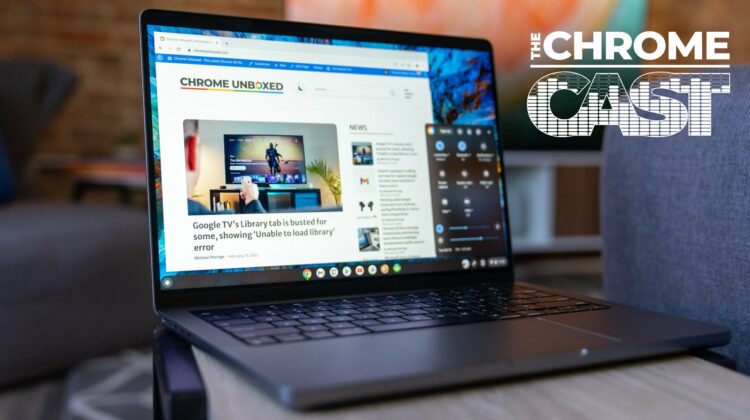
This week on The Chrome Cast, we begin the show with a bit of an unplanned dive into the new website, highlighting all the changes and reasons we felt it was time to roll out a new version – V4 – of Chrome Unboxed. There are so many new things to explore on the site and we’re genuinely hoping that all our readers find the new site more helpful and more engaging as an overall experience.
The rest of the podcast is spent talking about the biggest news of the past week in the Chrome OS universe: Chrome OS Flex. This new version of Chrome OS aims to bring the same Chrome OS experience we know and love to aging PCs and Macbooks in just about the simplest way possible. And it is legit, full-blown Chrome OS, too. It’s wild how well it works and there’s a lot to talk about with Google’s latest move, here.
The Chrome Cast 153
Links
- Chrome OS Flex versus CloudReady: here are the main differences
- Chrome OS Flex brings the Chromebook experience to PC and Mac for free
- Google acquires Neverware bringing official support to Cloudready OS
- Install Chrome OS (Chromium OS) On Your Old Laptop PC or Macbook
Join Chrome Unboxed Plus
Introducing Chrome Unboxed Plus – our revamped membership community. Join today at just $2 / month to get access to our private Discord, exclusive giveaways, AMAs, an ad-free website, ad-free podcast experience and more.
Plus Monthly
$2/mo. after 7-day free trial
Pay monthly to support our independent coverage and get access to exclusive benefits.
Plus Annual
$20/yr. after 7-day free trial
Pay yearly to support our independent coverage and get access to exclusive benefits.
Our newsletters are also a great way to get connected. Subscribe here!
Click here to learn more and for membership FAQ
This episode is brought to you by Fresh Roasted Coffee. To check it out, go to https://chromeunboxed.com/coffee/ and use the discount code CHROMEUNBOXED for 15% off your initial purchase!
This episode is also brought to you by NordVPN. CLICK HERE to try it out and get 2 years for $3.29 per month.

