

Support our independent tech coverage. Chrome Unboxed is written by real people, for real people—not search algorithms. Join Chrome Unboxed Plus for just $2 a month to get an ad-free experience, access to our private Discord, and more. Learn more about membership here.
START FREE TRIAL (MONTHLY)START FREE TRIAL (ANNUAL)
Google recently announced the first-ever Chromebooks designed specifically with cloud gamers in mind. Three new devices came along for the ride and now, we have “gaming” Chromebooks from Acer, ASUS, and Lenovo. Hopefully, other OEMs will follow suit but for now, the three options above are excellent devices. We haven’t had a chance to review all three of these Chromebooks but we know that each one has its own unique characteristics and each has some decided advantages and disadvantages.
The Acer and Lenovo models both feature RGB keyboards and high-res quad HD displays but max out at a 120Hz refresh rate. These Chromebooks also feature the latest 12th Gen Intel CPUs that boast some modest gains over their predecessors. ASUS took a bit of a different direction with its Vibe Chromebook Flip and appears to have simply recycled the chassis from the Ryzen-powered Chromebook CM5. The keyboard is backlit but you lose the cool RGB features found on the Lenovo and Acer. The Vibe also uses an 11th Gen Intel Core i5 but honestly, that CPU is more than powerful enough to handle any streaming game platform.
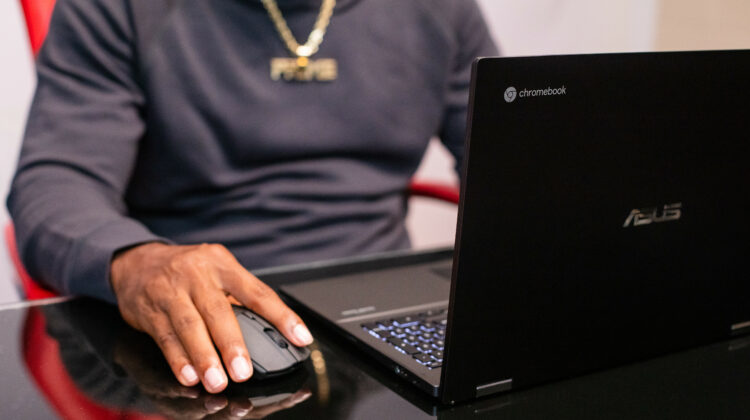
ASUS also opted for a 1080P display but it does offer up a 144Hz refresh rate. That’s not really relevant for gaming as 120Hz is the max you’re going to get but it could be “refreshing” for other applications. On paper, the ASUS Chromebook Vibe Flip may be the lesser device of the three but the convertible form factor and touch display do give it an edge over the other two if you’re use case demands these features. Anyway, the ASUS Chromebook Vibe Flip is available from Best Buy for $699 and that’s a very respectable price for a Chromebook with a ton of power and features. However, there is another model of the Vibe that’s available from ASUS and Amazon that, in my opinion, is a better value.
The “other” version of the ASUS Chromebook Vibe differs in only one way from the version at Best Buy but that difference is a big one. If you’re a long-time ChromeOS user, you know that 8GB of RAM is the sweet spot for a premium device. An Intel CPU matched with 8GB of memory gives you a device capable of handling moderately heavy workloads. If you double that to 16GB of RAM, you now have a device that’s capable of practically anything that ChromeOS do, and that includes Steam gaming whenever Google rolls it out to the public.
For only $30 more, you can get the 16GB model of the ASUS Chromebook Vibe Flip from ASUS or Amazon. Personally, this is a no-brainer. Some users may not really need the extra 8GB of RAM but you never know when a new feature may come along that could leverage all that extra memory. For $729, I feel this is a much better value and I would buy this one if I were looking to pick up that ASUS. That’s my two cents. Below, you can see the specs of the 16GB Vibe and you can find the buying options over on the Chrome Shop at the link below.
- ChromeOS
- 11th Gen Intel Core i5-1135G7
- 16GB RAM
- 256GB NVMe storage
- 15.6″ FHD 16:9 touch display @ 250 nits
- Backlit keyboard with anti-ghosting
- 2 x USB 3.2 Gen 2 Type-C
- 1 x USB 3.2 Gen 2 Type-A
- 1 x HDMI
- Audio combo jack
- MicroSD
- Wi-Fi 6

