


Support our independent tech coverage. Chrome Unboxed is written by real people, for real people—not search algorithms. Join Chrome Unboxed Plus for just $2 a month to get an ad-free experience, access to our private Discord, and more. Learn more about membership here.
START FREE TRIAL (MONTHLY)START FREE TRIAL (ANNUAL)
In last week’s episode of The Chrome Cast, we talked at length about Google’s new gaming service Stadia. Two weeks in, the platform appears to be getting its sea legs and the overall experience has proved to be quite excellent from the perspective of the casual gamer. During our chat, Robby mentioned that out of all the available methods and devices we’ve tested, the best gaming experience was found in the unlikeliest of places.
Playing on a Chromecast Ultra with the Stadia controller is practically seamless now that we’ve enabled “gaming mode” on the office television and our various Core-powered work devices run Destiny 2 like butter. However, it was the tiny Lenovo Chromebook C340 that impressed us the most. Because of the nature of Stadia, this came as no real surprise. You would think that the dual-core Celeron processor wouldn’t have the chops to handle high-end games but that’s the beauty of Stadia. Google’s servers are doing all the work and since the 11.6″ C340 doesn’t have to push a lot of pixels around the HD display, it ran like a champ.
Now, if you’re like me, you prefer to do your gaming on a desktop setup with a mouse and keyboard. Yes, I bought the Founder’s Edition and have the exclusive midnight blue controller but I’m just not the type to sit on the couch and dive into a game on my television. After a number of years of playing Source games on Steam, the desktop is where it’s at for me.
Thankfully, the same hardware magic applies when you’re playing Stadia on a desktop device which means you don’t have to drop hundreds of dollars on a Windows machine or a Core-i7 Chromebox to enjoy the platform. If you’re looking for an inexpensive desktop to play your Stadia games on, CTL has a killer deal that will get you up and running for just a couple of Benjamins.
The CTL Chromebox CBX1C comes equipped with the refreshed Intel Kaby Lake Celeron 3867U processor which is perfect for use as a home desktop for daily tasks and has enough horsepower to handle the light load that Stadia requires for gaming. For Cyber Week, CTL is offering their entry-level Chromebox for the low price of $199. The CBX1C also comes with 128GB of upgradeable storage which is 4X what you’ll get from other OEM’s boxes.
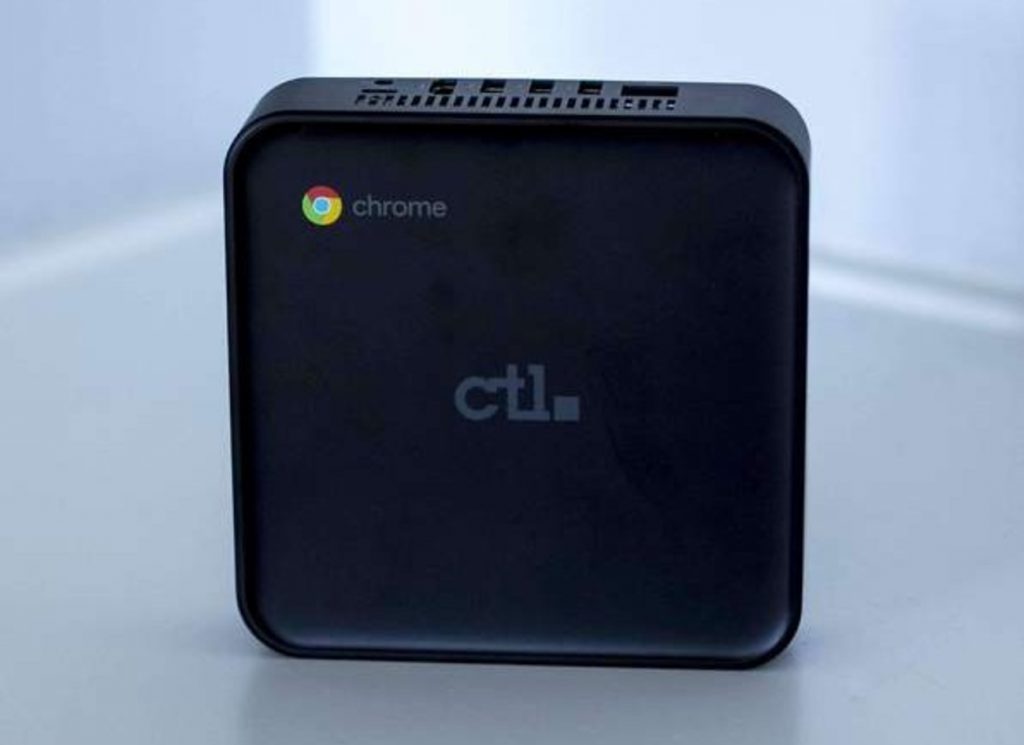
The CTL Chromebox has 4GB of RAM which is enough to handle Stadia and your normal daily usage but I understand that many users (myself included) really like having 8GB on a Chrome OS device. No worries. CTL will upgrade you to twice the memory for a mere $27. That’s not much more than you can do it for yourself and it saves you the headache of a teardown.
This deal runs through Monday and you won’t find a cheaper Chromebox on the market. CTL is based right here in the U.S. and shipping is free for orders over $99. So, you could have your new Stadia desktop up and running by the middle of the week. For inputs, I recommend a Logitech keyboard. Many users will want a wired setup and that’s fine but I use a wireless keyboard and mouse combo from Logitech that utilized the Unified Receiver dongle and I don’t notice any increase in lag with the Bluetooth setup.

