


Support our independent tech coverage. Chrome Unboxed is written by real people, for real people—not search algorithms. Join Chrome Unboxed Plus for just $2 a month to get an ad-free experience, access to our private Discord, and more. Learn more about membership here.
START FREE TRIAL (MONTHLY)START FREE TRIAL (ANNUAL)
The Chrome OS team continues to bring new features to Chromebooks that allow users to move seamlessly between their desktop and mobile devices. First, it was “Better Together” which evolved into what is now Connected Devices. The feature, now in Stable, gives users a way to sync their phones with Chrome OS. Then, they can take advantage of features such as Android Messages and Instant Tethering across all their “connected” devices.
Cool stuff, indeed.
It now appears that Google is working to further meld the two ecosystems with the help of the Chrome browser. The “Send tab to self” popped up in Chrome OS a couple of months back and back in March, Dinsan Francis of Chrome Story showed us the feature in action in Chrome Canary.
A recent update to the Developer channel of Chrome OS has now brought the feature to life but it’s still a work in progress as there are a few caveats.
What does it do?
As the name implies, the feature allows you to send a browser tab to other devices that are logged into the same account and set to sync. Once enabled, you can click into the Omnibox(URL bar) and you will see the connected devices icon from where you can send the tab.
Click the icon and you will see available devices from your account.

Alternatively, you can right-click the tab you want to send and you will see the “send to your devices” menu item if it is available.

Now for the caveats.
As I mentioned, this feature is still a work in progress and there are a few hoops to jump through in order to get it working. First, the Stable Channel of Chrome OS only has the ability to receive these sent tabs. So, if you’re in Stable, you won’t be able to play around with this at all.
Second, Stable Chrome for Android doesn’t appear to be receiving the tab pushes either. I have tested this with Chrome Canary and it works very well at the moment. On up in Chrome Beta, not so much. My phone will get the notifications but it’s hit or miss and often delayed by fifteen minutes or more when I do receive them.
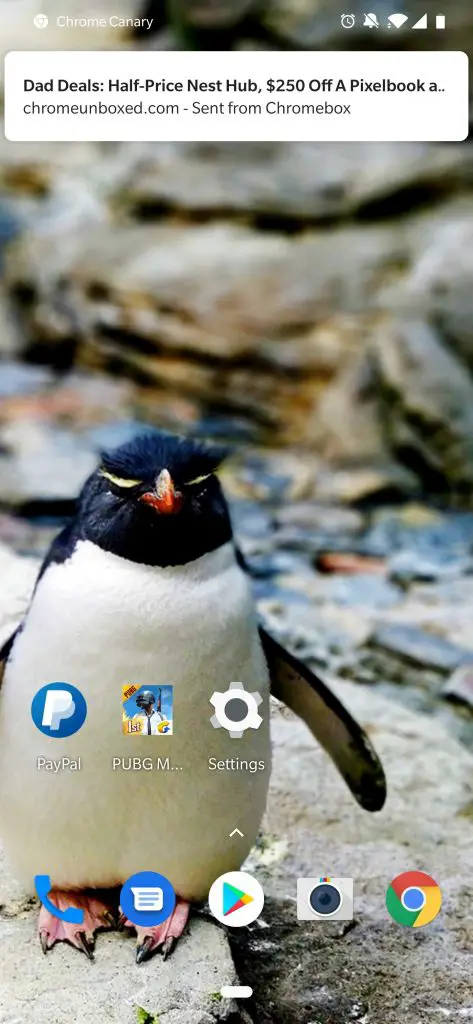
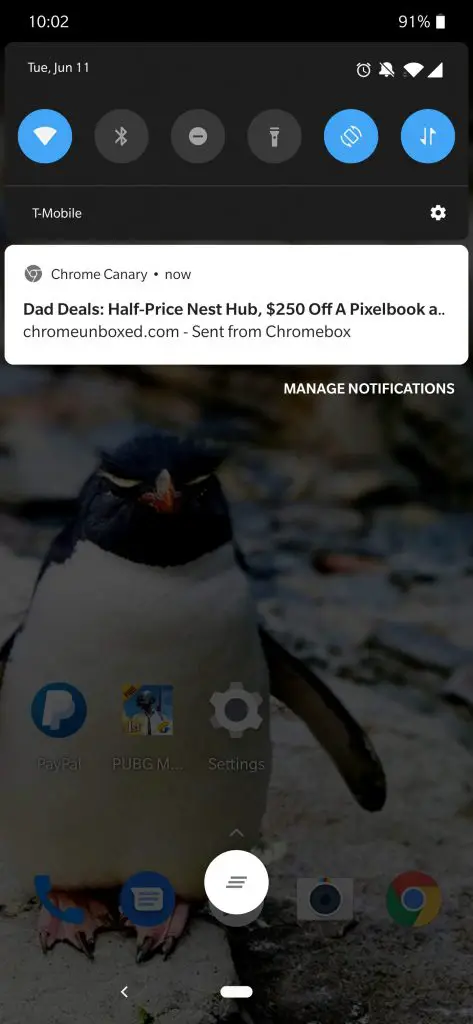
In Chrome OS Dev, some additional flags have been added around this feature which makes it appear that developers are looking to make it as robust as possible. At some point, you will be able to browse your sent tab history and even push tabs regardless of your sync settings. That will be very useful for those wanting to use the feature but need/want to have Chrome syncing turned off for whatever reason.
You will even be able to broadcast which will automatically send the tab to all devices synced to your account.

Seeing that this feature involves Chrome across all platforms, it is a massive undertaking and it could be a few weeks or even months before it finally lands in Stable. We’ll keep an eye on this one and update as we know more. The ability to push tabs instantly to other devices is a productivity pot of gold. Other browsers already have this feature and third-party apps can give you similar abilities but having it baked into Chrome will be invaluable.

