

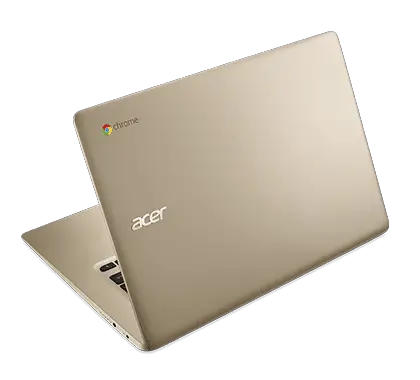
Without any pomp and circumstance, Acer quietly released a gold version of their Chromebook 14 this week. While there appear to be no updates, aside from aesthetics, we believe this is another shift in the Chromebook paradigm as we know it. … [Read more...] about Gold Acer Chromebook 14: Why It Matters
Search Results for: ces
Support our independent tech coverage. Chrome Unboxed is written by real people, for real people—not search algorithms. Join Chrome Unboxed Plus for just $2 a month to get an ad-free experience, access to our private Discord, and more. Learn more about membership here.
START FREE TRIAL (MONTHLY)START FREE TRIAL (ANNUAL)
64GB Asus C301SA Now on Pre-sale

There has been a lot of talk about storage in the Chromebook community as of late. The announcement of Asus' upcoming Chromebook C301SA was the answer to many users call for more local storage. … [Read more...] about 64GB Asus C301SA Now on Pre-sale
Pin Unlock Coming to Chrome OS: UPDATED
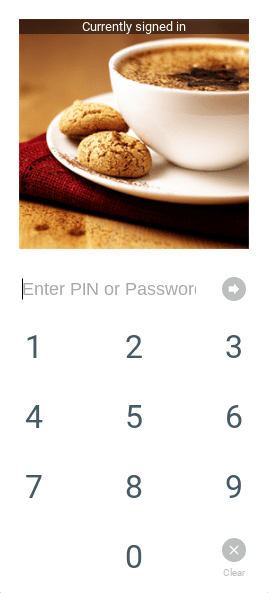
Here at Chrome Unboxed, we are all about work flow. That's one of the many reasons we are all about Chrome OS. Google continues to develop the operating system to be a seamless environment for its users. Whether it's using gestures on your track pad or unlocking your Chromebook with your mobile … [Read more...] about Pin Unlock Coming to Chrome OS: UPDATED
We Need More 15-Inch Chromebooks

Unlike just a few years ago, Chromebooks now come in a variety of sizes. Currently, they range all the way from 10.1 inches to 15.6 inches, including 11.6", 13", and 14" models. While all these sizes have some representation, the bulk of Chromebooks right now fall in the 13.3" category. As great … [Read more...] about We Need More 15-Inch Chromebooks
Quick Tips: Open Any Site As A Windowed ‘App’

With all the talk of Android Apps coming to Chrome OS this fall it is easy to forget that Chrome OS, as it stands right now, is a very capable and reliable OS. While we here at Chrome Unboxed have been eager to share and talk about all the advantages this change will bring, I feel it is necessary … [Read more...] about Quick Tips: Open Any Site As A Windowed ‘App’
App of the Week: Usecubes 3D Pixel Art

Have you ever thought, "I wish I had an app that would let me create pixel art on my Chromebook and then have it 3D printed"? If you haven't, you probably have now. You're welcome. Usecubes does exactly that. And that's why it's the Chrome Unboxed App of the Week. … [Read more...] about App of the Week: Usecubes 3D Pixel Art
Google Play Family Library Works For Chromebooks Too
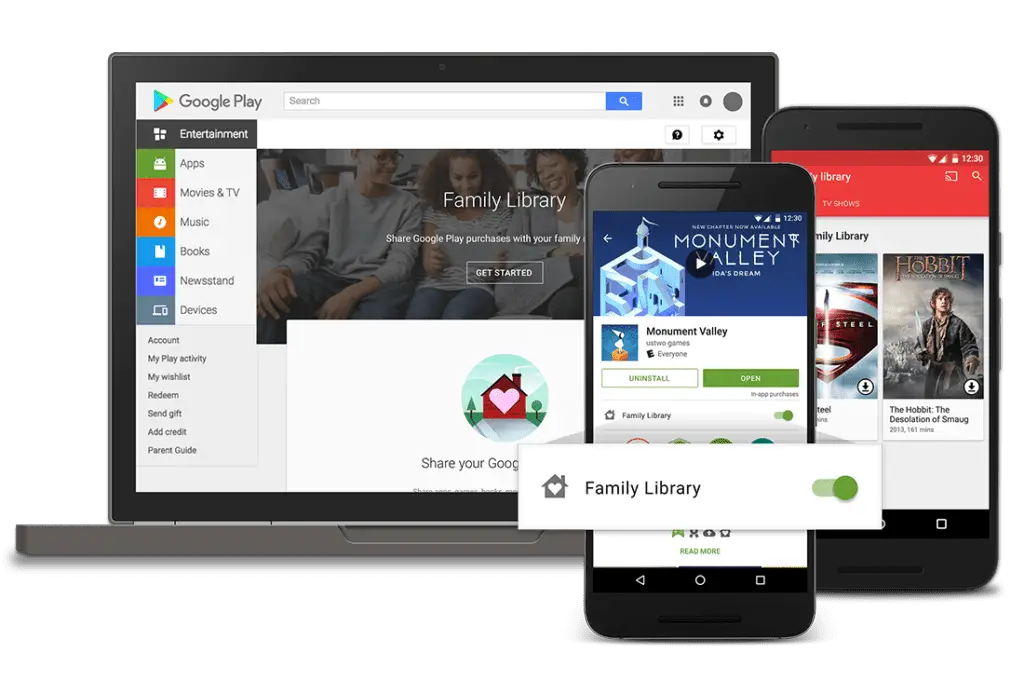
In the past week, Google went live with a service it had announced back in May of this year, allowing for 'families' of Google accounts to share most purchases made across all of Google Play. I use 'family' because it is open to any 6 accounts you want to use. Friends, co-workers, or any other … [Read more...] about Google Play Family Library Works For Chromebooks Too
Chrome OS 53 Lands In Beta Channel
According to the Chrome Releases Blog, the Beta Channel of Chrome OS has now been updated to 53.0.2785.36 (Platform version: 8530.35.0). This update brings along with it a few very interesting things. … [Read more...] about Chrome OS 53 Lands In Beta Channel
Chromebooks: Why I’m a Believer

May I rant for a moment? I will admit, a bit ashamedly, my first experience with a Chromebook was met with a fair amount of doubt and a dash of apprehension. At the time, I was working for a major Automobile group in Central Kentucky and was rarely more than an arms reach away from my Lenovo … [Read more...] about Chromebooks: Why I’m a Believer
Charles Schwab Implementing Chromebooks
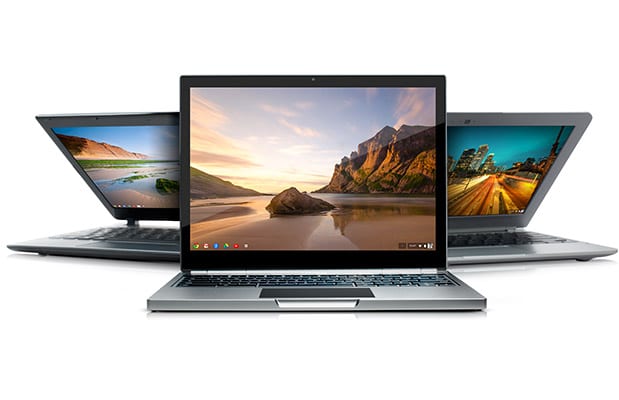
Chromebooks have had a slow and arduous fight to gain market share in the business sector. Companies have long relied on network capabilities and software designed for platforms that have longer track records. Those days may soon be coming to an end. … [Read more...] about Charles Schwab Implementing Chromebooks
How To Use A USB 3.0 Monitor With A Chromebook [video]

Secondary monitors are a great aid to productivity, especially for devices with screens smaller than 15 inches. Extra screen real estate gives users the ability to see multiple pages of info, work between the two, and avoid moving windows around to do so. While a second-screen setup has been … [Read more...] about How To Use A USB 3.0 Monitor With A Chromebook [video]
App of the Week: Soundtrap

Soundtrap is a cloud-based digital audio workstation(DAW) that allows you to create and record music online. The app allows you to collaborate with other musicians anytime, anywhere. It works across multiple platforms including Chrome OS, Mac, Windows, Linux as well as Android devices. Since all of … [Read more...] about App of the Week: Soundtrap
