

Support our independent tech coverage. Chrome Unboxed is written by real people, for real people—not search algorithms. Join Chrome Unboxed Plus for just $2 a month to get an ad-free experience, access to our private Discord, and more. Learn more about membership here.
START FREE TRIAL (MONTHLY)START FREE TRIAL (ANNUAL)
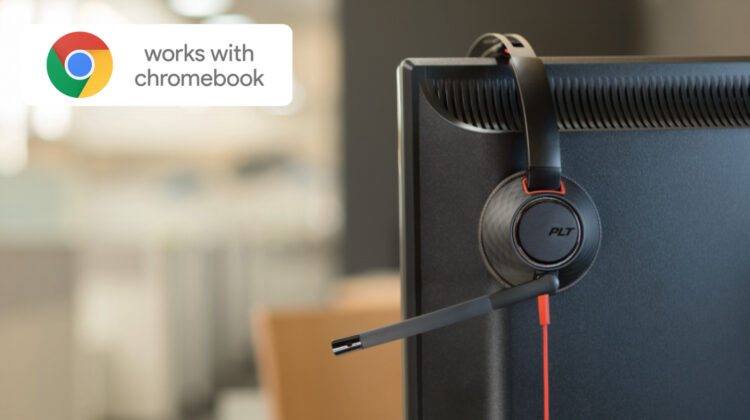
Google’s “Works with Chromebook” certification is gaining steam and it feels like every week we see a new company or group of devices that have adopted the branding. Just this month, HP revealed the first-every Works with Chromebook-certified monitor and you can bet that many manufacturers will follow suit in the coming year. As it sits, there are so many accessories that already “just work” with Chrome OS and this makes the barrier of entry into the certification program relatively low for unitasker products like dongles, adapters, and even USI pens.
For other devices, like headsets, the certification process is likely a bit more in-depth but that doesn’t negate the need for these types of products on the Chrome OS space. Now, when I say headsets, I do not mean headphones. You can buy just about any type of wired or wireless headphones and they will work with your Chromebook. I’m referring to headsets that are used for the sole purpose of making phone calls, video calls, or online audio chats. The type of devices that you would see in a call center or busy office space. If you’ve spent any time in one of these spaces, you’re probably familiar with the name Plantronics.
Since the 1960’s Plantronics has designed and produced headsets for aviation, offices, and even NASA. In 2018, Plantronics acquired Polycom and rebranded it as simply Poly. The company continues to produce high-quality headsets and audio devices for business and consumer customers alike. Since the work from home movement has seen mass adoption of Chrome OS devices, it only makes sense that Poly finds itself in the Works with Chromebook fold. Now, you can pick up a certified Works with Chromebook headset from Poly’s popular Blackwire series.
The Works with Chromebook certification was created by Google to ensure plug and play compatibility with the Chromebook platform. Poly has partnered with Google to optimize the user experience, and our Works With Chromebook certified products have gone through extensive testing to ensure they work seamlessly with Google Chromebook.
Poly
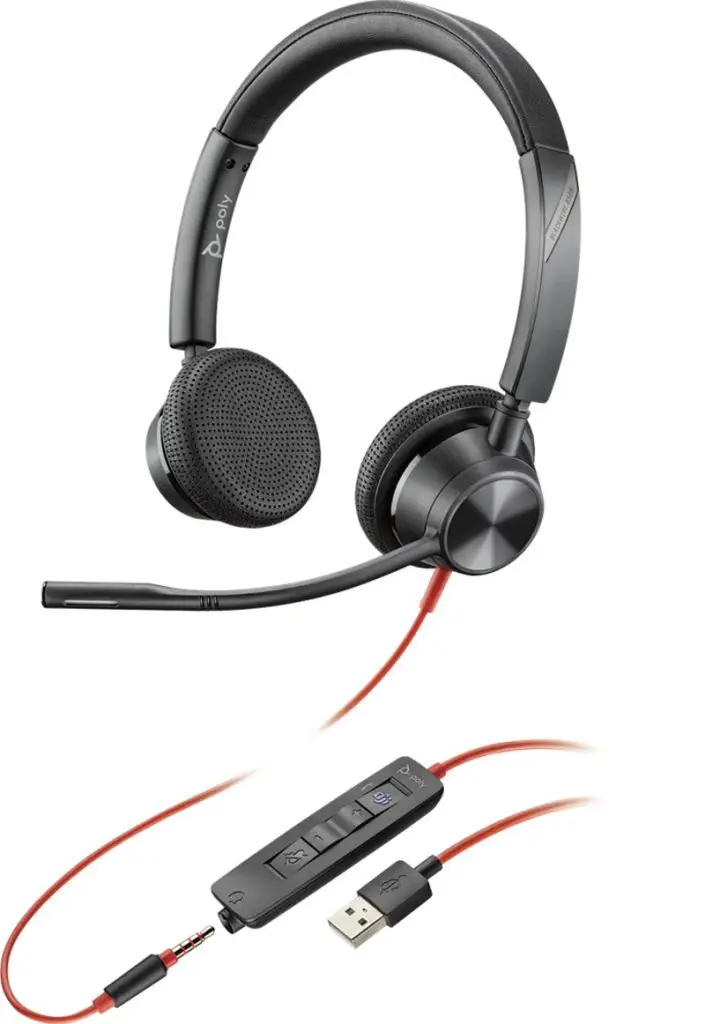
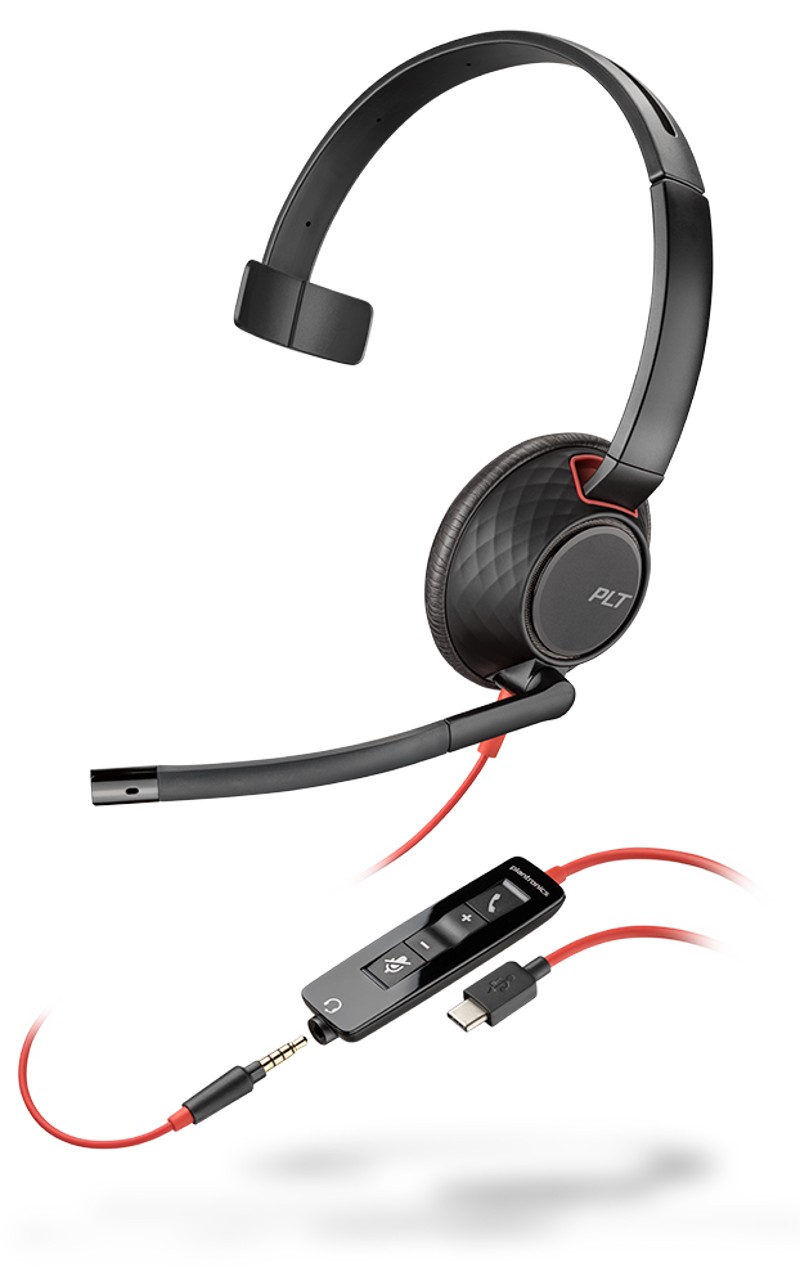
All four models of the Poly Works with Chromebook headsets feature connectivity via a 3.5mm audio jack or removable USB cable. You can opt for built-in noise cancellation on the microphone and select models come packing passive noise reduction. With a starting price of around $55, the Poly headsets are likely going to become very popular in the ever-expanding Chromebook space and I’m anxious to check them out. We’ll get our hands on one of these headsets ASAP and see just how well they work with Chrome OS but I’d venture to say that they will be well worth the money if you’re in need of this type of peripheral for your Chromebook. You can check out all four models at the link below.
SUBSCRIBE TO UPSTREAM
Get Chrome Unboxed delivered straight to your inbox
Upstream is our flagship, curated newsletter with the top stories, most click-worthy deals, giveaways, and trending articles from Chrome Unboxed sent directly to your inbox a few times a week. Join 31,000+ subscribers.

