

Support our independent tech coverage. Chrome Unboxed is written by real people, for real people—not search algorithms. Join Chrome Unboxed Plus for just $2 a month to get an ad-free experience, access to our private Discord, and more. Learn more about membership here.
START FREE TRIAL (MONTHLY)START FREE TRIAL (ANNUAL)
 François Beaufort is simply on fire of late. It seems each day he is bringing us a new, great feature that is nearing maturity for Chrome OS. As a self-proclaimed Chrome Evangelist (he’s now referred to as ‘Happiness Evangelist’ at this point), we’ve come to expect news drips like this from François, but the faucet has been turned on to full in the past few days, it seems.
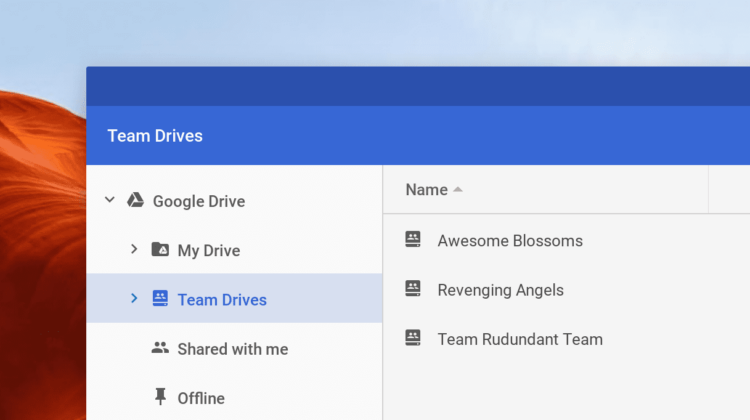
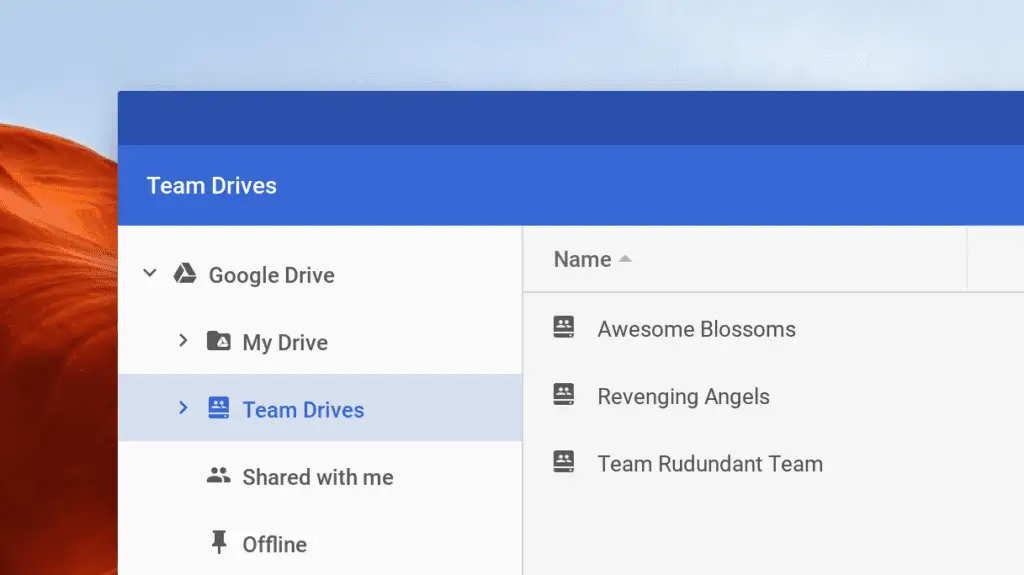
Today’s tidbit is something that only G Suite users will really care about, but it is pretty important for those of us in that ecosystem. The addition brings access to your Team Drive space right from the Chrome OS files app.
For those not familiar with Team Drive, it is a newer product offered by Google for G Suite users that give teams the ability to have shared files that belong to the entire team, not to an individual. If you’ve ever had files shared by an individual who either was fired or quit and then had to deal with getting those files reassigned, you know the benefit of handling files this way internally.
We recently started using Team Drive at my day job and it isn’t that different from standard Google Drive stuff, but the ability to simply create Admin-level file structures that aren’t tied to an individual is pretty useful for data that will be around for years to come.
A HUGE problem was the lack of support for Chromebooks. With a Files app that is built from the ground up to work with Google Drive, this omission was pretty painful. With my colleagues on their Macs having full access to Team Drive with Google’s new File Stream app, I was pretty jealous. After all, I’m the only one on the team that works exclusively on a Chromebook and this is one area I should have been out in front of everyone else.
Oh well. All ranting aside, Team Drive support for Chrome OS is overdue and I’m very glad to see it is nearing arrival. Right now it is in the Dev Channel and, as I’ve said before, if you don’t know how to get there you should just wait until this hits the Stable channel. Additionally, all the normal caveats apply here as well: you’ll lose all your local data when you leave the Dev channel and the whole experience is pretty unstable most times.
If all that is cool with you, all you need to do is put this in your omnibar: chrome://flags/#team-drives, enable it, and restart. After that, you will have access to your Team Drive associated with the Google Account you are signed in with.
Another day, another missing feature coming into focus for our favorite OS. Guess we’ll wait and see what tomorrow brings!
SOURCE: François Beaufort

