

Support our independent tech coverage. Chrome Unboxed is written by real people, for real people—not search algorithms. Join Chrome Unboxed Plus for just $2 a month to get an ad-free experience, access to our private Discord, and more. Learn more about membership here.
START FREE TRIAL (MONTHLY)START FREE TRIAL (ANNUAL)
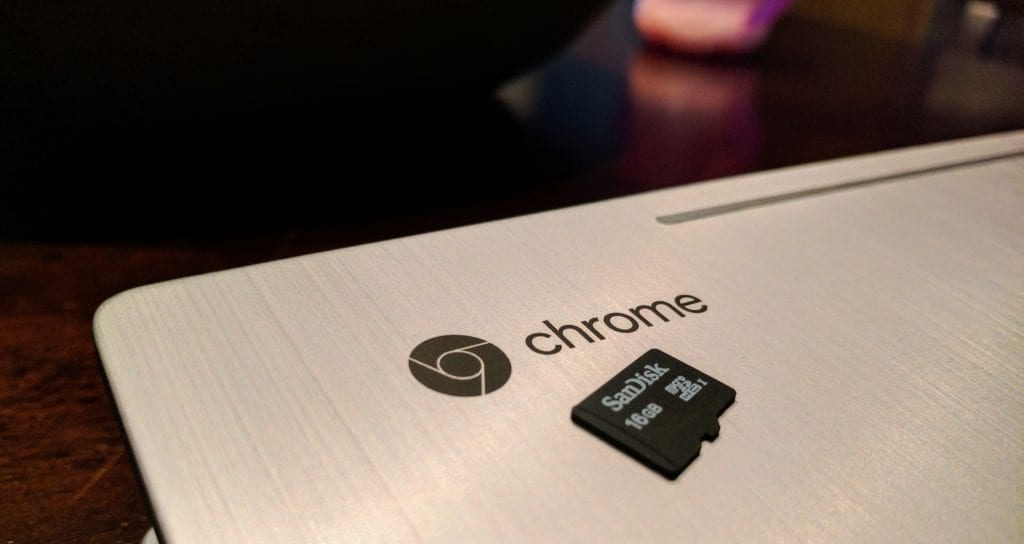 One of the ongoing pain points of the entire Android apps on Chromebooks venture has long-been SD card support and access. Early on, there simply wasn’t any support for this. Your favorite app that you wanted to save and load files with via the SD card slot on your Chromebook simply wouldn’t cooperate.
The situation as it sits today is far better than this and the argument that Chromebooks simply can’t access the SD card with Android apps is just incorrect.
The problem? It seems access to the SD card and other external media storage is up to the app developer, not the Chromebook.
Some Examples
There’s a pretty long, ongoing discussion in the Chromium Bug Tracker about all this, and people are a bit upset over the lack of flexibility on this subject.
I completely see their point and wanted to test some things on my own. One commenter pointed out that certain apps work just fine with SD cards, so I thought it was time to take a deeper look myself.
(By the way, I urge you to add to the conversation over there if you feel so inclined. Reporting and commenting on bugs help everyone.)
That said, I started opening apps and seeing what I could find. The results were pretty hit-and-miss.
I was able to access the SD card to both load and save files when using apps like Squid and Photoshop Mix without issue.
Then I ran into oddities like Microsoft Word. I was able to open files from the SD card, but since it won’t write to the card, I couldn’t edit unless I saved a copy on the main drive. Weird.
Some apps like Adobe Lightroom and Google’s own Files Go apps simply won’t see the SD card at all.
It is all over the place and severely needs attention.
But It Does Work
In my quick testing, one point of interest arose: Android apps, at least at a system level, have every opportunity to access and use external storage for saving and loading media. There’s no question about that.
So why doesn’t it work across the board? That answer is likely a bit more nuanced. First, you have apps like Netflix that have clear reasons (DRM or not) to consider not allowing downloads to happen with external storage: I could understand them simply disabling the feature. However, on Android phones, you get the ability to choose the external storage as a choice when downloading.
On the Pixelbook and other Chromebooks? No go.
That seems very strange to me. One thing users don’t want to guess about is how to move files around. File freedom should be a strength of Chromebooks when being compared to something like an iPad. And I think we’ll get there, but some real work needs to be done.
The truth is, this part of the Play Store integration feels very, very half-baked right now. With some apps utilizing full access, others with partial and more with no access at all, this is a super-confusing UI hurdle for many to get over.
Sure, operating on the Pixelbook, I have little concern from a personal perspective. All my apps can see my internal storage just fine and there’s plenty of it. But that feels like a sorry excuse for the state of things.
Perhaps there’s more to the story, and I’m sure some of our readers who are developers will be able to weigh in and add to this narrative. From a user’s perspective right now, however, this whole thing feels like a mess.
Sure, apps CAN access SD cards sometimes, but we really need to swiftly get to the point where they all DO.

