

Support our independent tech coverage. Chrome Unboxed is written by real people, for real people—not search algorithms. Join Chrome Unboxed Plus for just $2 a month to get an ad-free experience, access to our private Discord, and more. Learn more about membership here.
START FREE TRIAL (MONTHLY)START FREE TRIAL (ANNUAL)
 The next round of Chromebook accessories has been unveiled at ISTE 2018 as educators and administrators gather to see the latest and greatest in the world of educational technology.
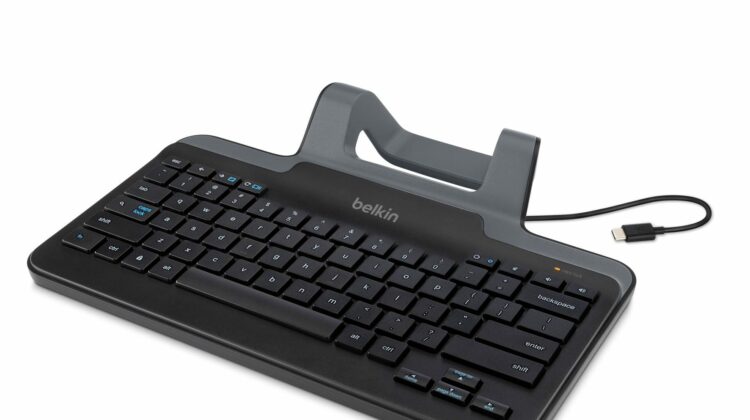
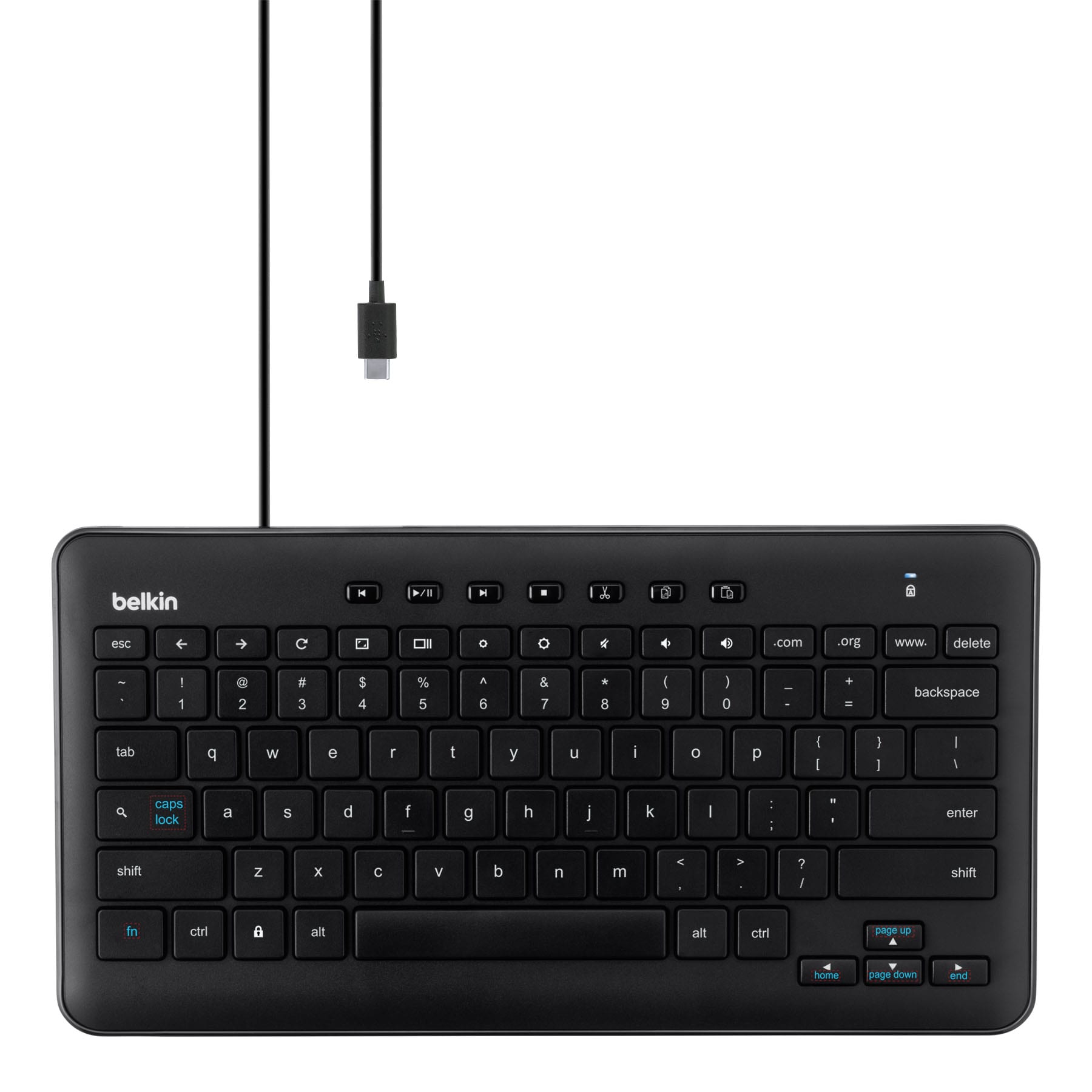
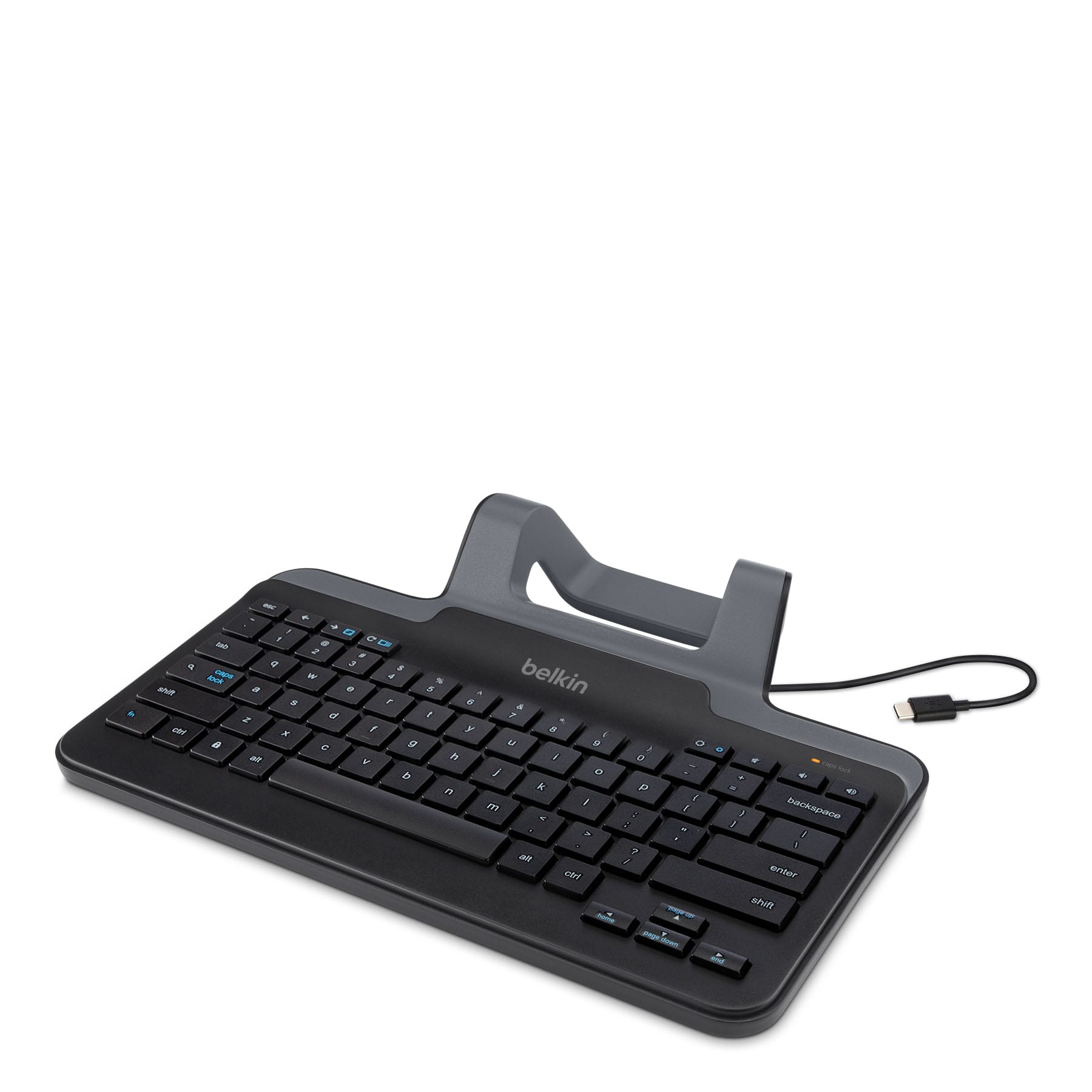
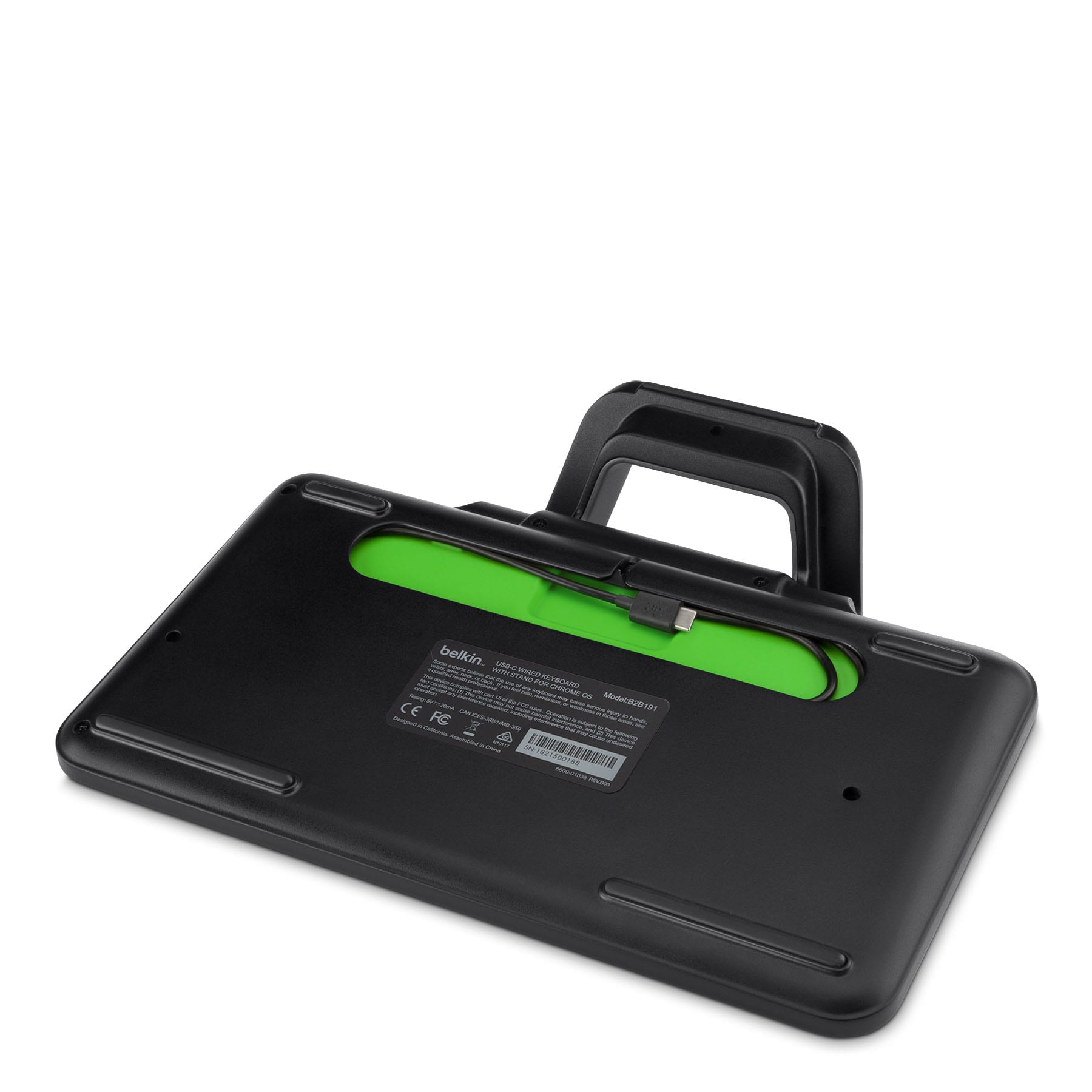
Belkin Education, a division of Belkin International, has released their first Chromebook-specific keyboard designed specifically for the Acer Chromebook Tab 10. The accessory connects via USB-C and comes with an optional stand to cradle your Chrome OS tablet.
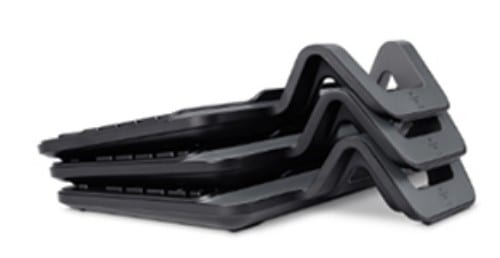
One of the many things we love about Chrome OS is that a wide variety of peripherals “just work” when you plug them in but seeing a company the size of Belkin going after the Chromebook market with accessories made specifically for Chrome OS is a big win for our beloved platform.
Belkin Education is dedicated to developing the best solutions for digital learning environments through hands-on research and spending time in classrooms.
From our many discussions with educators, we identified a need for a reliable solution for Chromebook Tab users as the integration of Chrome OS tablets in the learning environment increases. These new keyboards will help bridge the gap between educational technology and actual implementation in the modern classroom.
Jon Roepke, Director of product management at Belkin Education
Product highlights:
- Wired connection to USB-C tablet
- Durable, lightweight and includes full-sized, well-spaced keys for comfortable typing
- One-touch access to a variety of functions
- “Correct connect” diagnostic indicator to notify the user of a proper connection
- SBAC and PARCC testing compliant
For the most part, the functions of the new Chrome OS keyboards are cut and dry with the exception of the top row of keys. Instead of the traditional layout that spans the whole keyboard, the three center keys on the keyboard equipped with a stand (fullscreen, overview and decrease screen brightness) have been removed and those functions are now added to the outer keys and triggered using fn (function) key.
Both keyboards will be available this summer with pricing starting a $39.99. Check out more details from Belkin Education at the links below.
Belkin USB-C Chromebook Keyboard
Belkin USB-C Chromebook Keyboard w/Stand
About Belkin Education
Belkin Education, a division of Belkin International, offers technology solutions for classroom environments worldwide. Through hands-on research, spending time in classrooms and frequent interaction with teachers, Belkin Education defines and develops solutions for digital learning environments.
Belkin’s award-winning education product suite focuses on enabling the seamless integration of technology in the classroom to enhance every learning experience. Belkin solutions address collaboration, charging, protection and connectivity and feature the Store and Charge Go, the RockStar™ 10-Port USB Charging Station, Tablet Stage™ and Belkin Stage™ app, Air Shield Protective Case for Chromebooks, Snap Shield for MacBook and Chromebook and Universal HDMI to VGA Adapter kit with Audio.

