

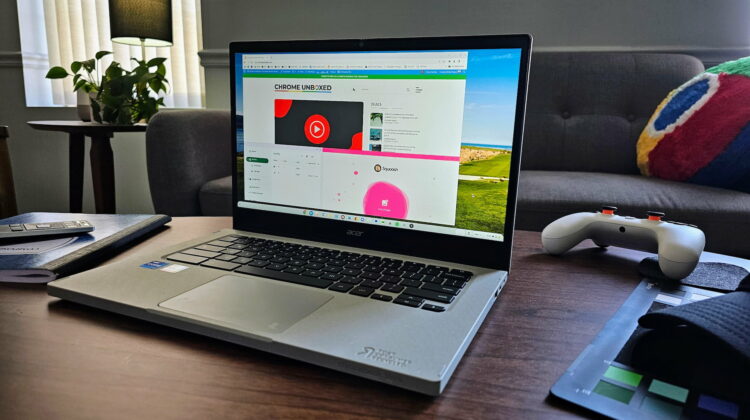
For as long as I can remember, Chromebooks have had window-split features of some sort. They started out simple, but the simple act of dragging a window to one side of the display and having it auto-split to half of the screen has been part of the ChromeOS experience for a very long time. Early on, Chromebooks were one of the only devices I knew of that also allowed users to hover the seam between two split windows and resize both at the same time with a handy resize tool. I’ve always loved that one.
More recently, ChromeOS introduced a few more options for users to arrange their windows in the form of a multi-choice window split/resize overlay when you hover the maximize button up in the top-right corner of any available window. Those options include a 1/3 – 2/3 split, 1/2 – 1/2, full-screen and the new floating (always on top) window. But those options are all in relation to your entire display.
A new way to split windows
What if you have a bigger, higher-res display and you don’t want a couple resized windows taking up the entire display? What if you want that side-by-side operation without stealing the entire screen canvas? Well, this new window splitting feature I recently stumbled upon is looking set to deliver on that exact premise.

With this new feature – in the Canary Channel for now behind the #cros-labs-window-splitting flag – you can drag any window over another and, depending on where you hover it, get an option to split the overall territory of that window with the hovering one. Place it on the top, and the two windows will get stacked top-to-bottom and retain the same overall area of the original window on the bottom. Hover to either side and you’ll get a side-by-side grouping that will once again stay within the bounds of the original window.
The pop-up resize tool still works when you hover the border between the two windows and, as it always has, window snapping will help to re-align things if you move one of the pair. For most scenarios, this looks to be more of an option to quickly align a few windows on a portion of your screen in quick fashion without being forced to take up the entire display when you do so.
As it is still in development right now, additional features could definitely arise, but this ability will give users a quick way to align something like 4 windows on a larger display with ease. As you can see in the video below, I can take four windows and use the existing window split tool to go 1/2 and 1/2 and then follow that move up by dragging the other two windows to the bottom side of the existing split.
Again, I’m sure there will be extra usefulness in this feature that I’m not thinking of, and there could even be more functionality in it when it launches. But even as-is, I think this new window split tool could be very, very helpful in a vast number of ways once it arrives in the Stable Channel of ChromeOS down the road. We’ll be keeping an eye out for it as it moves down the different ChromeOS channels over the coming weeks, and hopefully we see it arrive sooner than later for all users.
Join Chrome Unboxed Plus
Introducing Chrome Unboxed Plus – our revamped membership community. Join today at just $2 / month to get access to our private Discord, exclusive giveaways, AMAs, an ad-free website, ad-free podcast experience and more.
Plus Monthly
$2/mo. after 7-day free trial
Pay monthly to support our independent coverage and get access to exclusive benefits.
Plus Annual
$20/yr. after 7-day free trial
Pay yearly to support our independent coverage and get access to exclusive benefits.
Our newsletters are also a great way to get connected. Subscribe here!
Click here to learn more and for membership FAQ

