

Support our independent tech coverage. Chrome Unboxed is written by real people, for real people—not search algorithms. Join Chrome Unboxed Plus for just $2 a month to get an ad-free experience, access to our private Discord, and more. Learn more about membership here.
START FREE TRIAL (MONTHLY)START FREE TRIAL (ANNUAL)
A few weeks back, Lenovo teased us with a YouTube video that featured some very colorful new Chromebooks that have yet to hit the market. Apart from a landing page for one of the C340 models, we were given no information about the lineup sans the details in the video. Now, just ahead of IFA Berlin, Lenovo has made their new Chromebooks official and they’re looking really sharp.
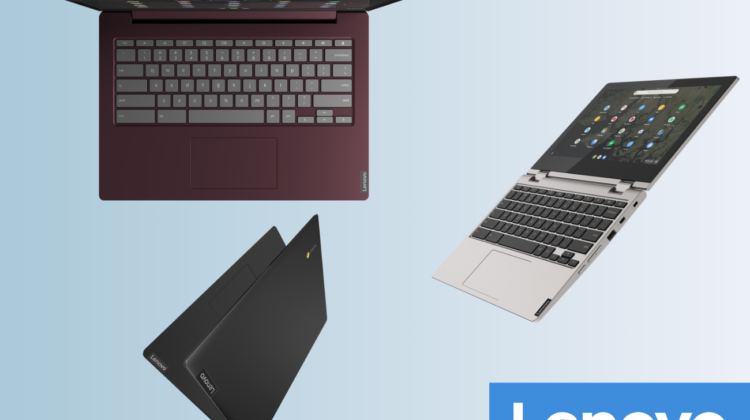
The vibrant Chromebooks from Lenovo will come in three form-factors including a 14″ clamshell and 11.6″ and 15.6″ convertibles with some very appealing colors to choose from that sets these devices apart from what we currently see in the Chrome OS market. I’ll save you the in-depth details for now so we can take a look at the models. We’ll just touch on the major features and you can find the technical specs at the bottom of the page if you’re interested.
Lenovo C340 11 and 15
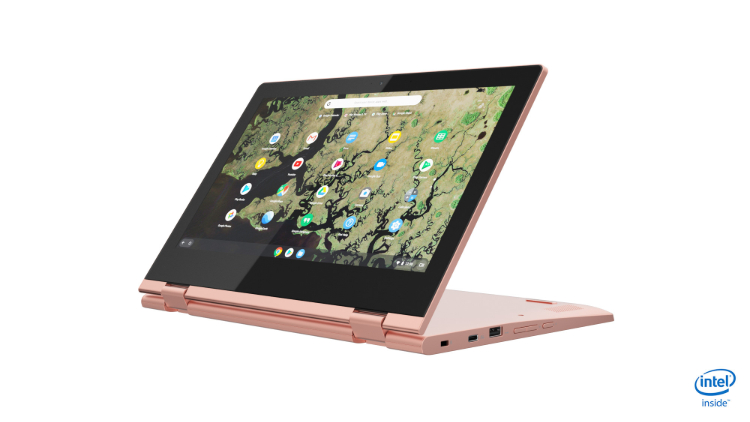
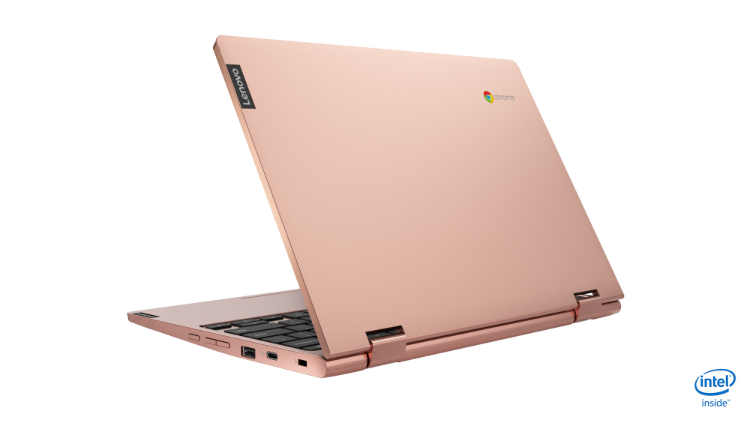
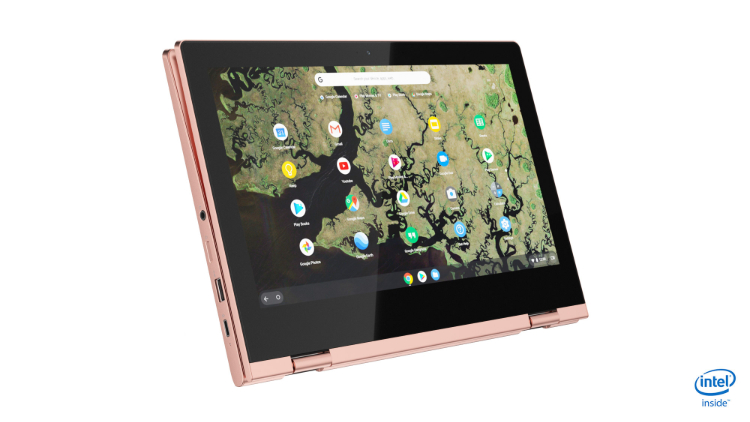
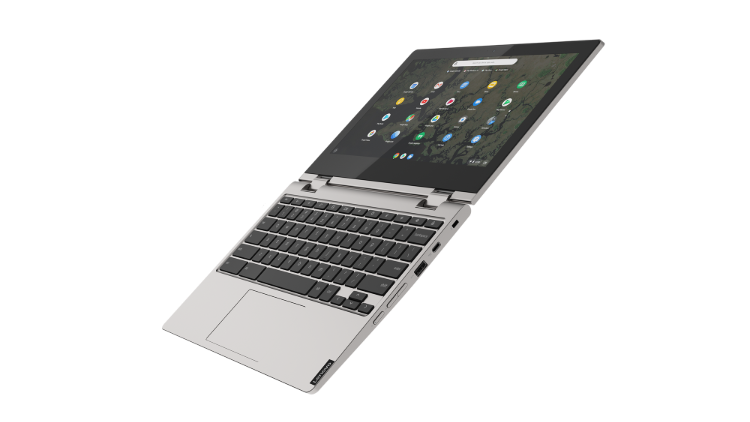
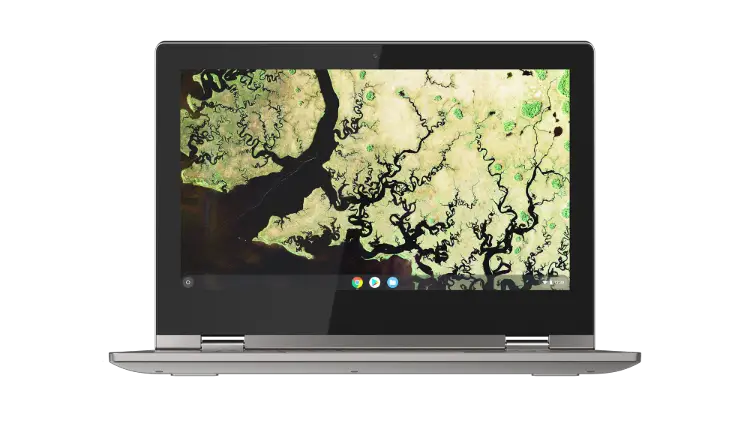
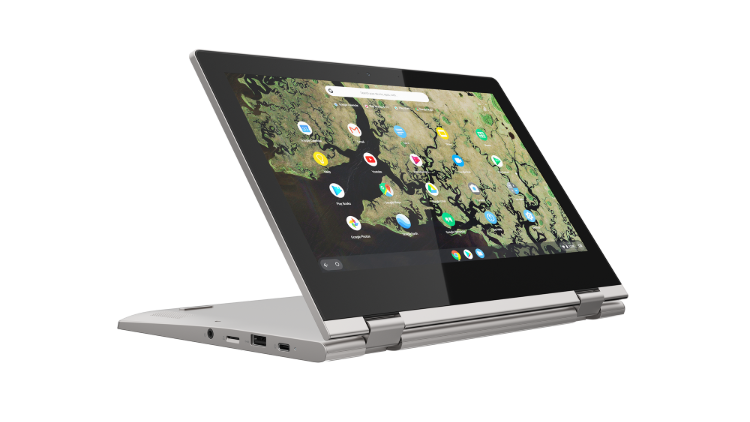
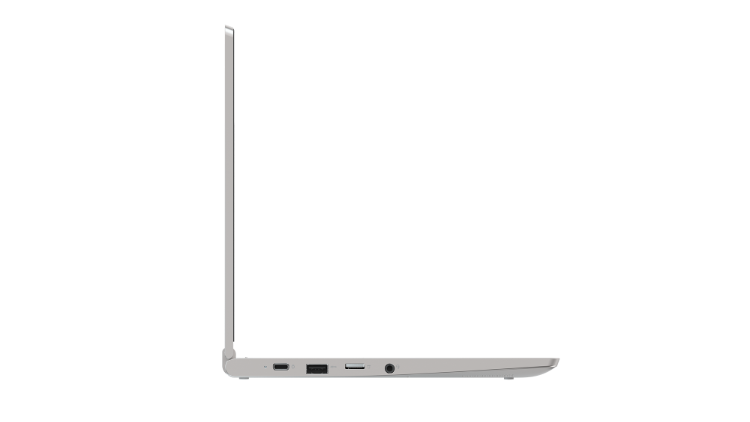
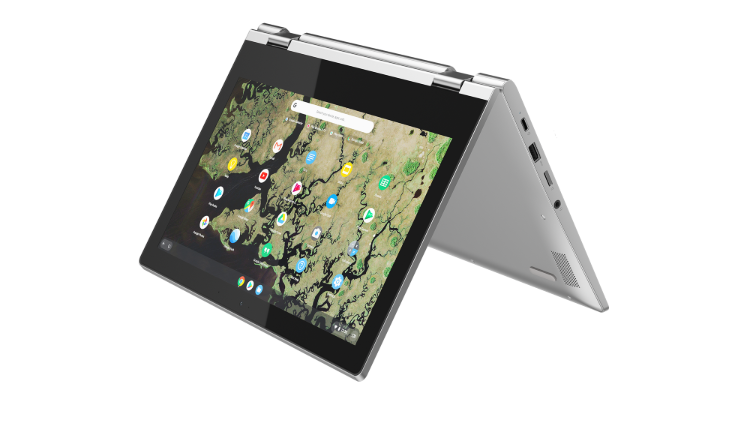
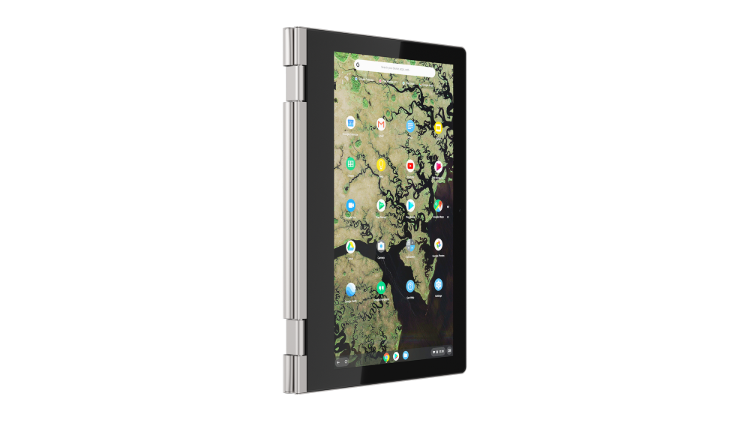
The convertible models look to offers a little something for everyone with the C340 11 powered by the Intel Gemini Lake N4000 Celeron processor and up to 8GB of RAM with 64GB being the top storage option. This device will be a great daily driver for the average user with ample horsepower for light tasks such as social media, video consumption, email, etc.
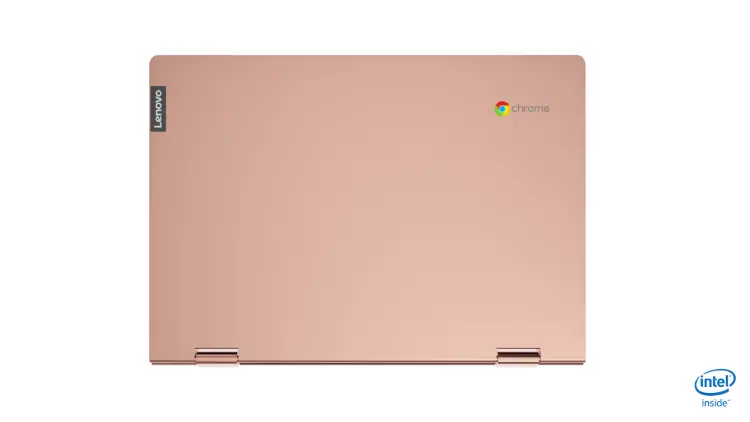
The bezels look pretty chunky but we’ve come to expect that in 11.6″ Chromebooks. Hopefully, the IPS touchscreen will be brighter than average. That would give the convertible a distinct advantage over other “budget” models. The C340 11 comes in two color options, Sand Pink and Platinum Grey. It will be available in September with prices starting at $289.99.
Lenovo Chromebook C340-11

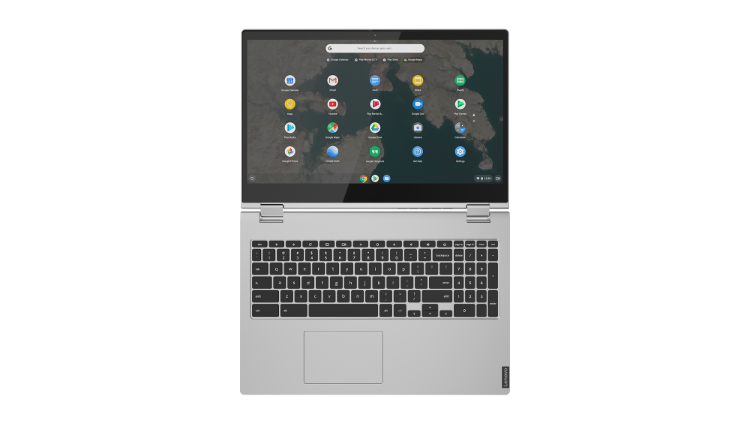
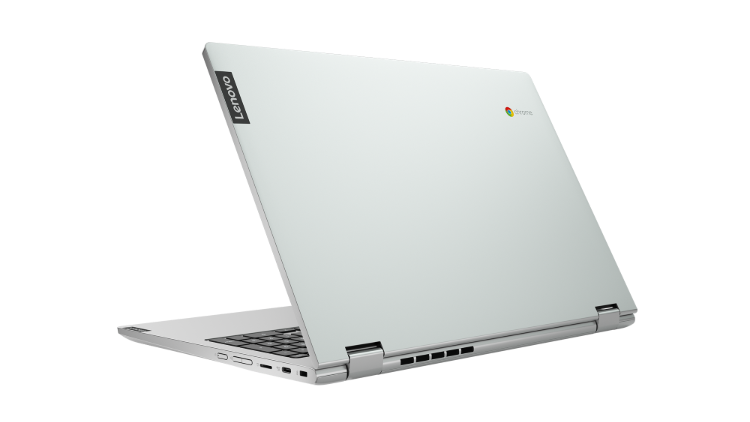
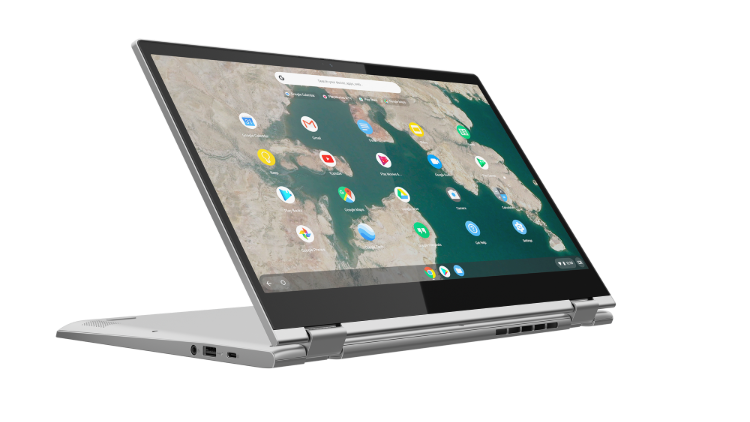
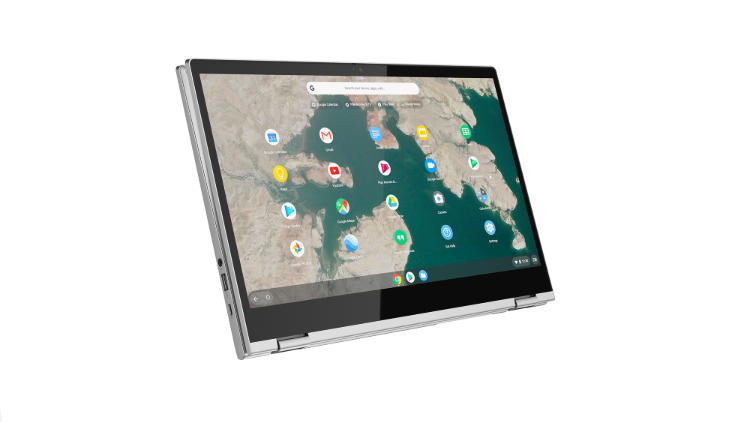
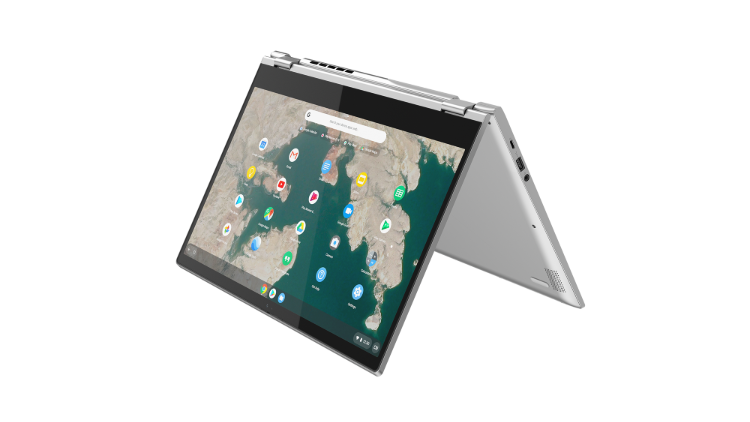
The C340 15 adds another model to Lenovo’s growing 15.6″ lineup but does so in a more budget-conscious manner than the Yoga Chromebook. The convertible will offer up to an 8th Gen Intel Core i3-8130U. The official spec sheet says up-to 4GB of RAM but I am hoping that is a typo. I have reached out to Lenovo for clarification. It would be a shame to make an attractive Core i-3 Chromebook and shoot it in the foot by limiting the RAM to anything less than 8GB. Storage options will be 64GB or 128GB eMMC depending on your processor choice.
Anyway, the Lenovo Chromebook C340 15 will also offer a Pentium Gold 4417U that will bridge the gap for users wanting a little more power but don’t need a Core i-series processor. The C340 15 will be available in November for $429.99 and up with Mineral Grey being the only color choice.
Lenovo Chromebook C340-15

Lenovo S340-14
The lone clamshell in the bunch could very well be the most eye-catching Chrome OS device to ever hit the market. (My opinion) The 14″ Chromebook will come in Onyx Black and a very Microsoft Surface-esque Dark Orchid. Powered by the Intel N4000, the S340 will offer up to 8GB of RAM and 64GB of storage. You can also opt for an FHD IPS touch display if that’s your thing.
Pricing will start at a very impressive $249.99 with sales beginning in September. If this device is any count, it would set a very high bar for what a budget Chromebook should look like. Attractive design, better-than-average internals and good port selection are not easy to find for under $300. Lenovo could have a winner so long as the display and input methods aren’t complete garbage.

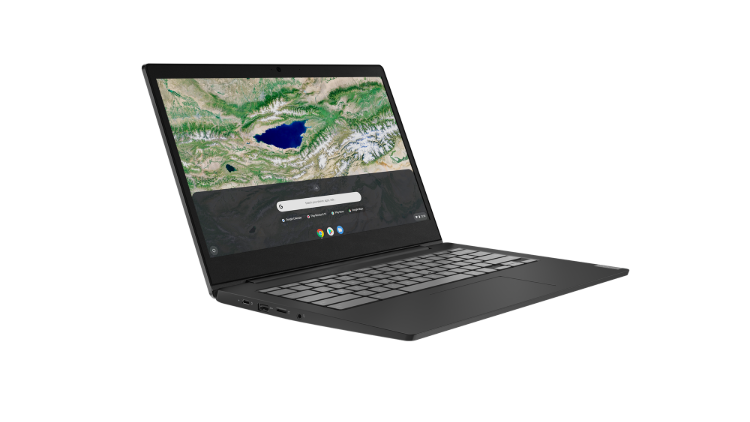
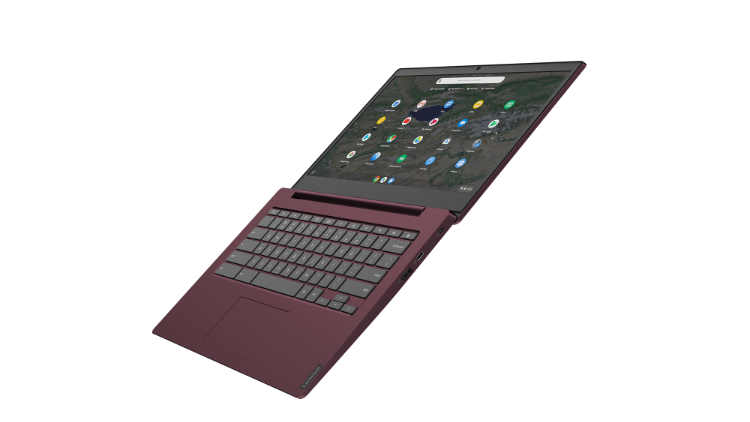




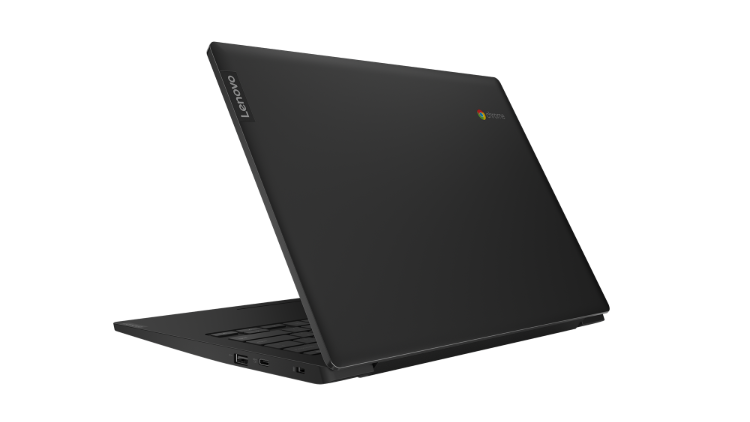


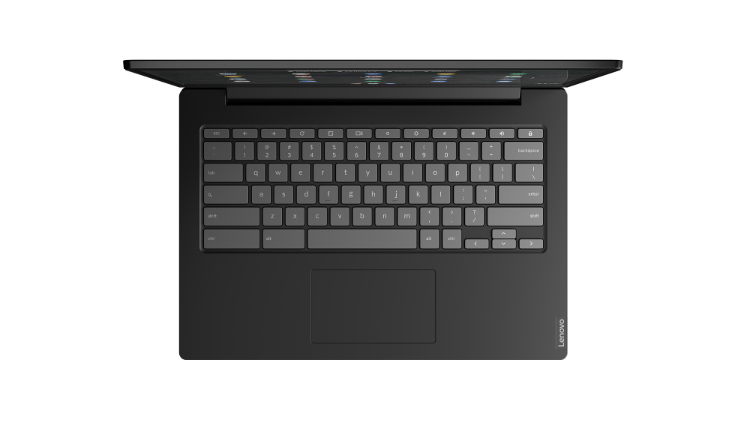
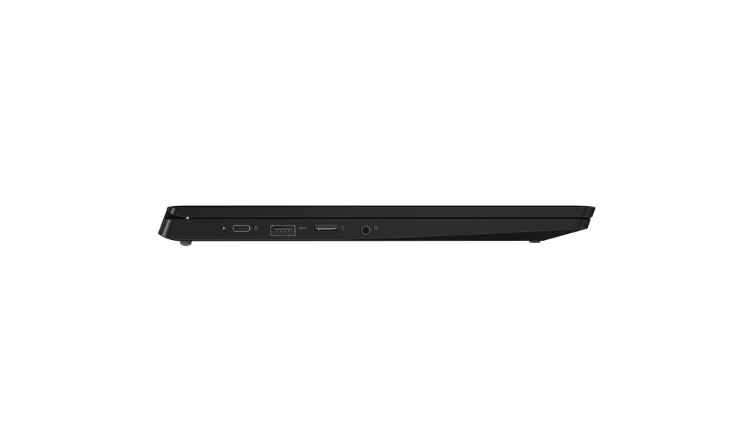

Seriously, that Dark Orchid is gorgeous. I can’t wait to get some of these in the office and take them for a test drive. All three models come with 2 x USB-C and MicroSD card slots. The C340-11 and S340-11 also give you 2 x USB 3.1 while the C340-15 is equipped with only one. As with all Chromebooks released this year, the Lenovo’s will come with support for Android apps out of the box as well as support for Linux apps. For detailed specs, check out the links below.
You can catch up with Lenovo at IFA Berlin next week as the consumer electronics show gets underway. Learn more here.
SUBSCRIBE TO UPSTREAM
Get Chrome Unboxed delivered straight to your inbox
Upstream is our flagship, curated newsletter with the top stories, most click-worthy deals, giveaways, and trending articles from Chrome Unboxed sent directly to your inbox a few times a week. Join 31,000+ subscribers.

