

Support our independent tech coverage. Chrome Unboxed is written by real people, for real people—not search algorithms. Join Chrome Unboxed Plus for just $2 a month to get an ad-free experience, access to our private Discord, and more. Learn more about membership here.
START FREE TRIAL (MONTHLY)START FREE TRIAL (ANNUAL)
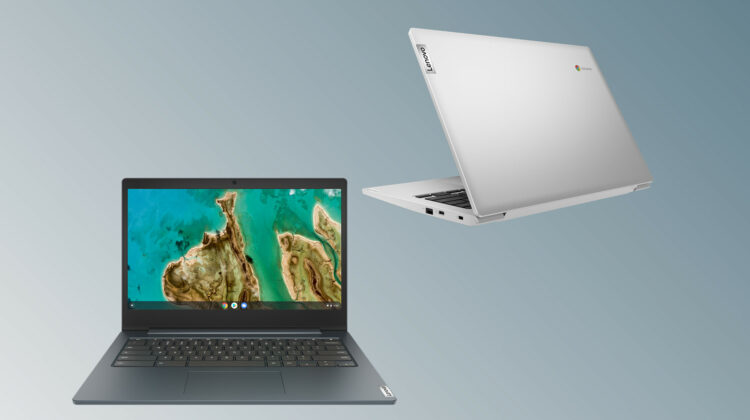
Yesterday was an exciting day for us as we saw the first real hints that Lenovo’s Chromebook Duet tablet could make its way to market very, very soon. Ironically, I was digging around for more information on the highly-anticipated “Chromeblet” when I discovered another Chromebook from Lenovo that was completely foreign to me. Branded the Lenovo IdeaPad 3 Chromebook, this new model appears to be a refresh of the Gemini Lake-powered Chromebook S340. You can see, in the side-by-side images below, the devices are nearly identical apart from the paint job. (They aren’t really painted, just different color plastic.) Lenovo has ditched the Onyx Black in favor of the new Abyss Blue and a Platinum Grey.
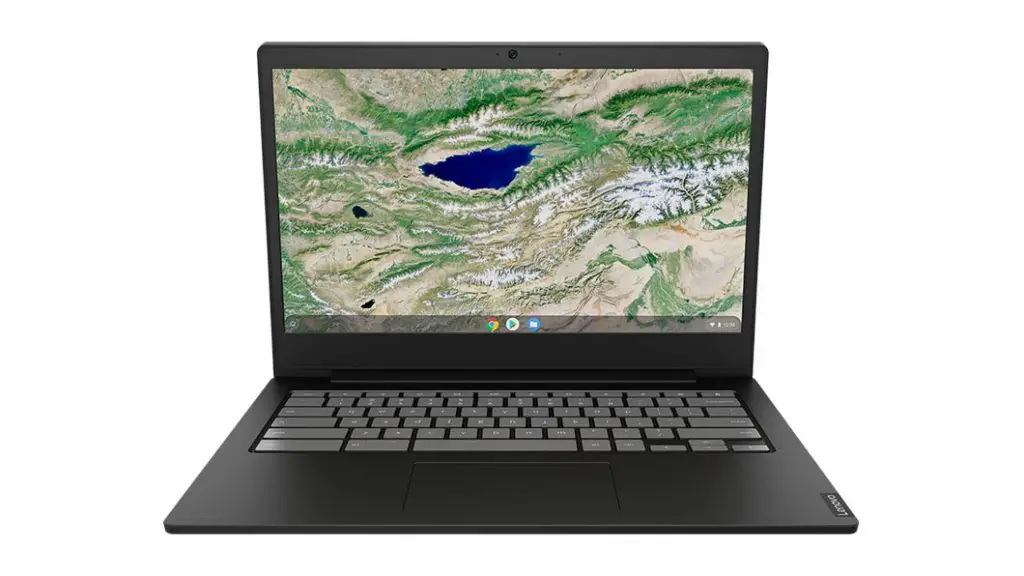
Chromebook S340 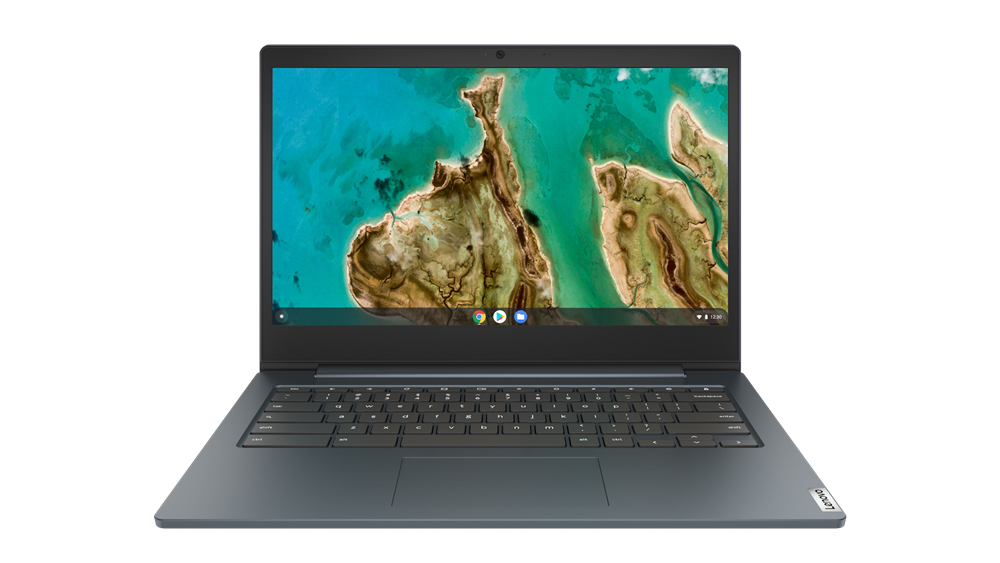
IdeaPad 3 Chromebook
Apart from the color change, the only significant upgrade to the IdeaPad 3 from the S340 is the processor. The S340 is powered by the N4000 Gemini Lake processor from Intel that was the follow-up to the very disappointing Apollo Lake chips released in EDU and budget Chromebooks back early 2018. The IdeaPad 3 features the refreshed Gemini Lake-R CPU that brings a slight performance boost over its predecessor. The only real difference between Gemini Lake and the refreshed version is the burst frequency and the date of release. A slightly higher burst frequency gives the Gemini Lake-R processor the marginal bump in benchmark scores.
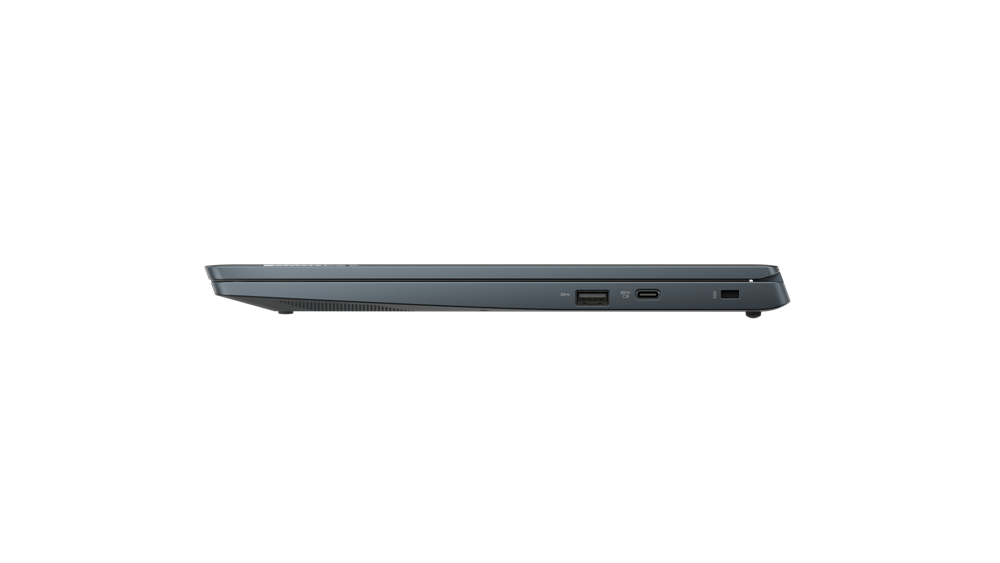
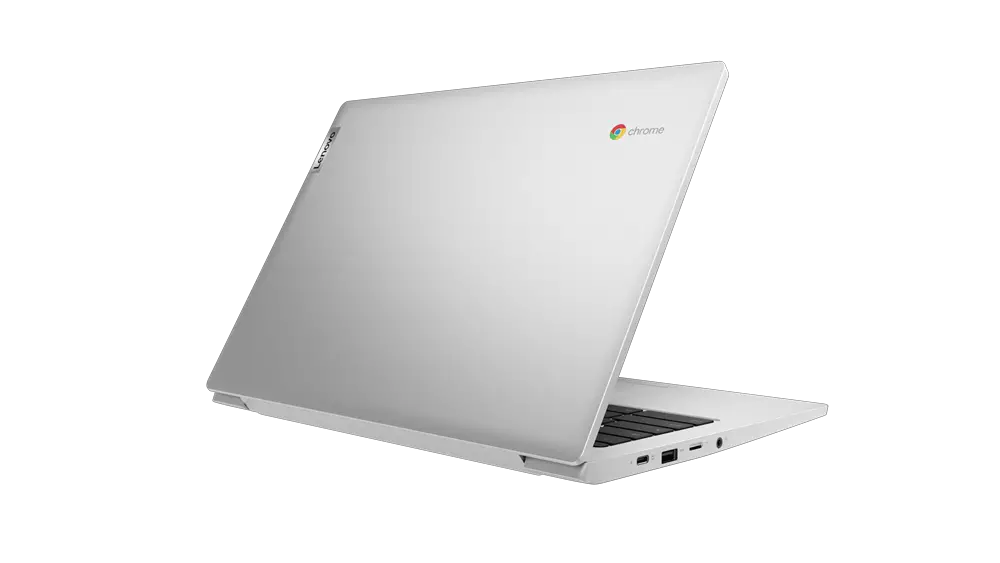

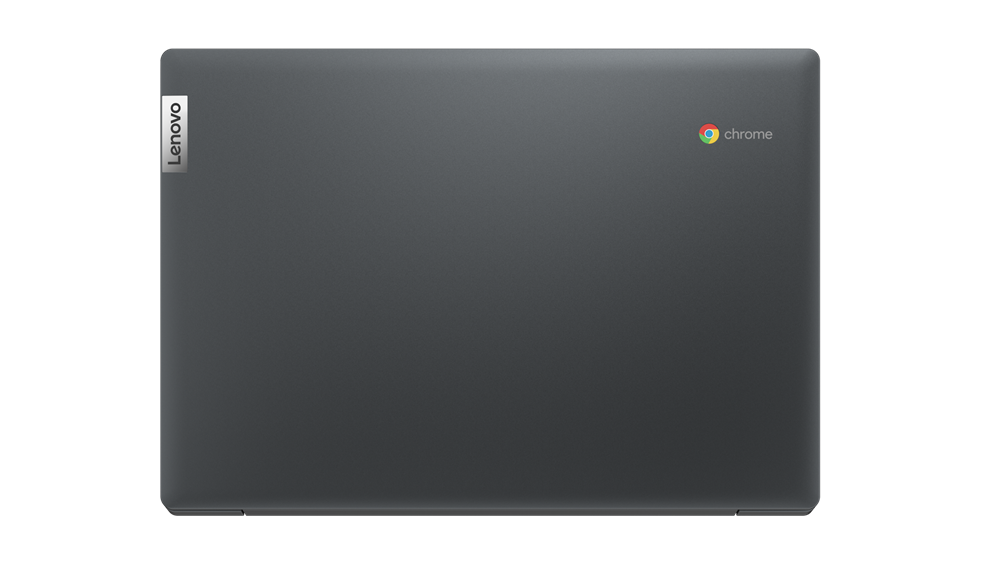
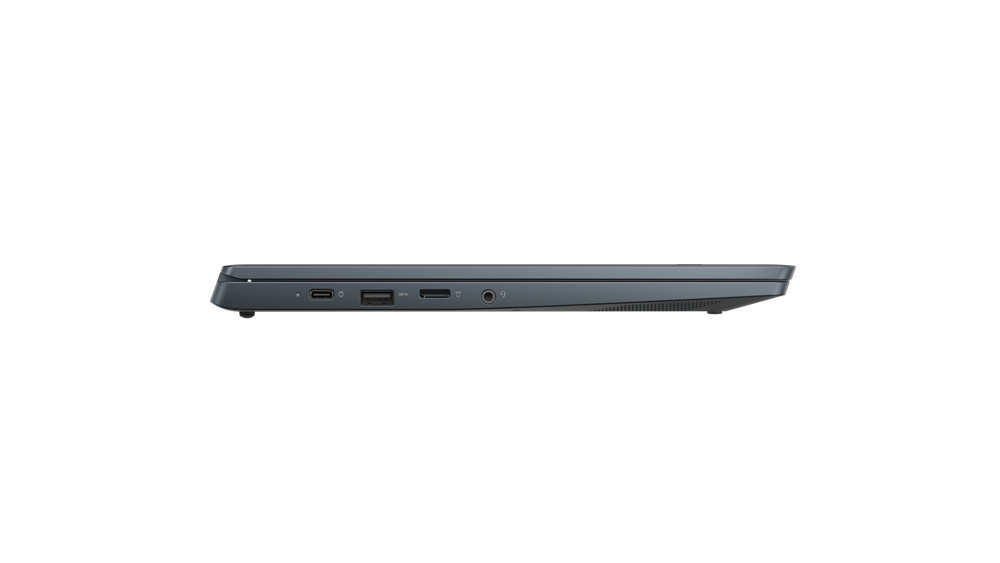
Lenovo’s spec website lists multiple models of the IdeaPad 3 and the internals vary depending on the region they are being released, which are many. There will be an HD model with a 1366×768 display. This is likely the same panel that’s in my MediaTek-powered S330. It’s not great and I would definitely go with the FHD model if I were to purchase another. RAM offerings here in the US appear to be 4GB and that’s it while other regions will have access to an 8GB model. Disappointing but hopefully that will change after it is officially launched. You can get 32GB or 64GB of storage and up-to a FullHD touch display on the 180-degree fold-flat Chromebook. Here’s a closer look at the specifications of the new IdeaPad 3 Chromebook by Lenovo.
- Chrome OS
- Intel N4020 dual-core processor
- 4GB/8GB RAM
- 32GB/64GB eMMC storage
- Up-to 1920×1080 FHD display (touch optional) 220 nits or 250 nits
- 2 x USB 3.1, 2 x USB-C
- MicroSD card reader, 3.5mm audio jack
- 720p webcam
- Bluetooth 4.2
- spill-resistant keyboard
- 2 x 2W stereo speakers
- Abyss blue or platinum grey
- AUE date: May 2026
I was a little disappointed to see that the updated 14″ Chromebook is still using Bluetooth 4.2. CTL’s Gemini Lake-R Chromebook that was recently announced features the much-needed Bluetooth 5 and I really expected manufacturers to move to the newer version across the board from here on out. I guess I was wrong. No pricing is available at this point and Lenovo hasn’t made an official announcement for the IdeaPad 3 but you can expect it to fall in the $250-$350 range depending on the model you’re interested in.

