

Support our independent tech coverage. Chrome Unboxed is written by real people, for real people—not search algorithms. Join Chrome Unboxed Plus for just $2 a month to get an ad-free experience, access to our private Discord, and more. Learn more about membership here.
START FREE TRIAL (MONTHLY)START FREE TRIAL (ANNUAL)
We’ve all been stuck trying to get an AI to edit an image, with the process of getting it to comprehend the exact spot you want to change becoming a nightmare. You end up typing things like, “Change the color of the small vase on the third shelf from the left,” and hoping the AI knows which one you mean.
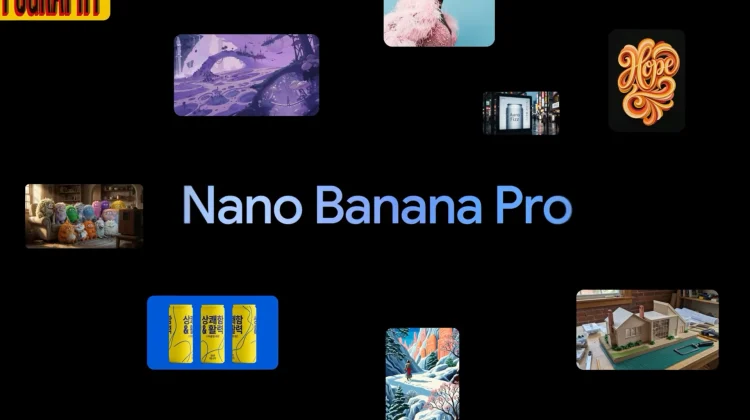
Google has fixed this long-standing issue, and following the big launch of the Gemini 3 family earlier this month, the Gemini app is adding a powerful new way to prompt its Nano Banana Pro image model by drawing or annotating directly on your images.
The new ‘Mark up’ editor
This new feature effectively turns the Gemini prompt box into a mini image editor. When you add an image to your prompt, you can now select it to launch a new “Mark up” interface. Inside, you’ll find two main tools that change the game for AI image editing:
- Sketch: This lets you draw, highlight, or point out specific areas of an image with a digital pen. Want to change the wheels on a car or add a hat to a dog? Just circle the area instead of trying to describe it.
- Text: You can now place text prompts directly on top of the image in specific locations.
No more “prompt engineering” required
The beauty of this update is that it saves you from having to write a long, descriptive instruction in the main prompt box. By combining a visual circle or arrow with a quick text label, you’re giving the AI exactly the context it needs to get the edit right the first time. Of course, Google says you can still add a traditional text prompt at the bottom if you want to give more overall direction.
Availability
This “draw-to-edit” capability is rolling out now and is available across almost every platform where you use Gemini, including Android, iOS, and the web.
It’s a small change that makes the whole creative process feel much more natural. The next time you need to tweak an AI-generated image, don’t type: just draw.
SUBSCRIBE TO UPSTREAM
Get Chrome Unboxed delivered straight to your inbox
Upstream is our flagship, curated newsletter with the top stories, most click-worthy deals, giveaways, and trending articles from Chrome Unboxed sent directly to your inbox a few times a week. Join 31,000+ subscribers.

