

Support our independent tech coverage. Chrome Unboxed is written by real people, for real people—not search algorithms. Join Chrome Unboxed Plus for just $2 a month to get an ad-free experience, access to our private Discord, and more. Learn more about membership here.
START FREE TRIAL (MONTHLY)START FREE TRIAL (ANNUAL)
While we all continue to speculate on the long-term convergence of ChromeOS and Android, a new piece of the puzzle has quietly appeared on the Play Store. Thanks to a cool find by 9to5 Google, we have a first look at a new app titled “Desktop Camera,” and its existence points toward a growing focus on optimizing the Android experience for traditional computer form factors.
The app is currently a “look but don’t touch” experience for most, as it is listed as incompatible with nearly every existing phone, tablet, and Chromebook. However, the screenshots and description provide a small glimpse into how Google is thinking about native utility apps for desktop-style interfaces.
A simplified camera for a different context
The Desktop Camera UI is remarkably straightforward, resembling a heavily simplified version of the Pixel Camera app. It features a large shutter button, a toggle for switching between photo and video, and a basic settings menu.
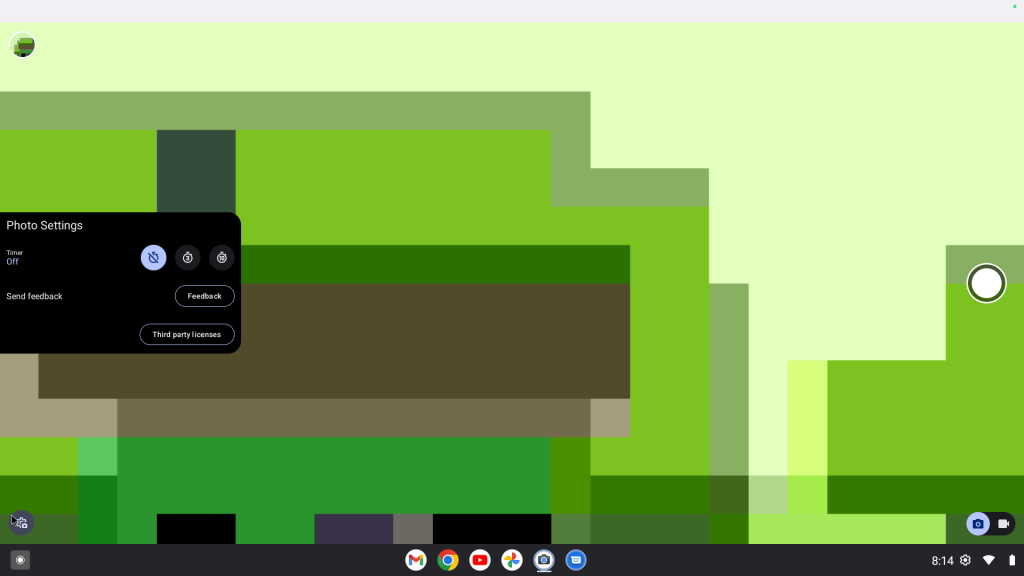
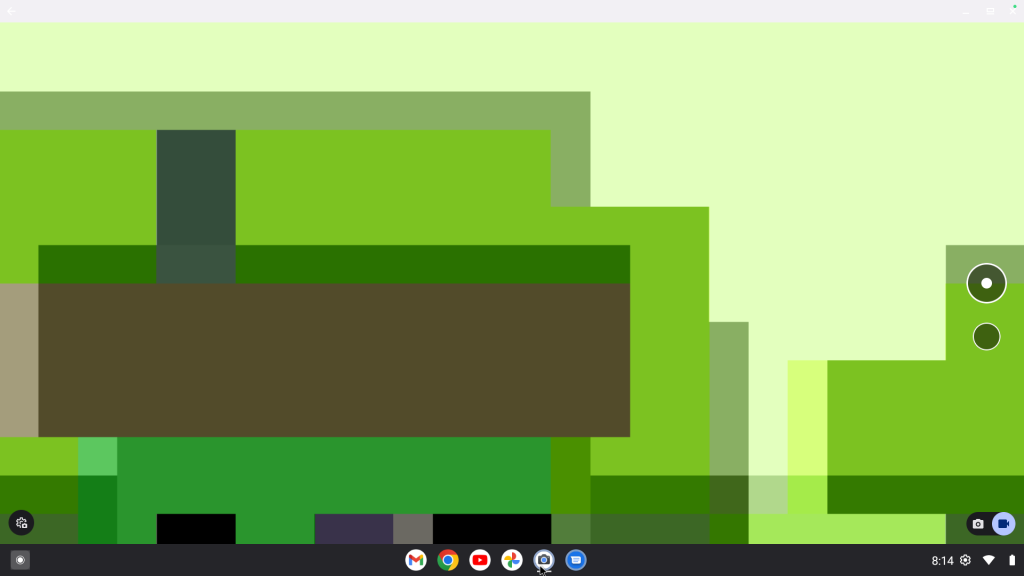
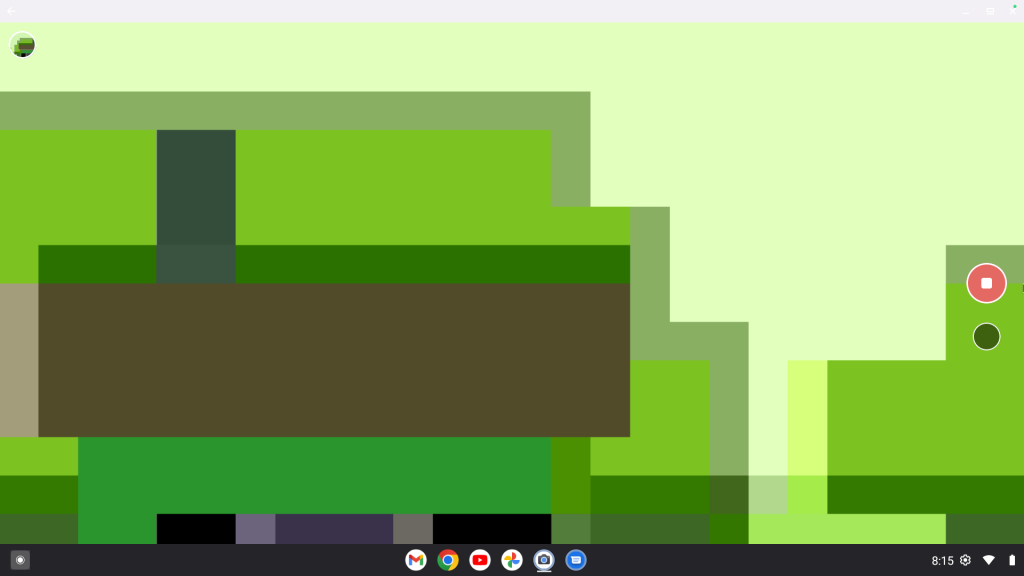
Unlike the feature-packed camera apps on our phones, this version feels built for the utility of a desktop and will be perfect for a quick headshot or a brief video recording without the clutter of mobile-first computational photography modes. It suggests that Google is looking to provide a consistent, native utility experience for devices that don’t fit the traditional mobile mold.
UI clues and contradictions
What’s particularly interesting are the screenshots provided in the listing. They show a desktop environment that feels very familiar to ChromeOS users, featuring a similar app drawer and system tray placement.
However, there are notable differences when compared to recent “Aluminium OS” leaks we’ve seen on boards like “Brya.” In those leaks, we saw a much taller, Android-centric status bar and a centered taskbar. In the “Desktop Camera” screenshots, the UI looks more traditional, with the app launcher button tucked back into the left corner. This suggests that Google is likely testing multiple interface iterations or that the UI is designed to be highly adaptive depending on the specific hardware it’s running on.
For now, “Desktop Camera” is more of a curiosity than a tool, but it serves as an interesting glimpse into the way Google working towards making Android play nice on the larger canvas of a laptop screen.
SUBSCRIBE TO UPSTREAM
Get Chrome Unboxed delivered straight to your inbox
Upstream is our flagship, curated newsletter with the top stories, most click-worthy deals, giveaways, and trending articles from Chrome Unboxed sent directly to your inbox a few times a week. Join 31,000+ subscribers.

