

Support our independent tech coverage. Chrome Unboxed is written by real people, for real people—not search algorithms. Join Chrome Unboxed Plus for just $2 a month to get an ad-free experience, access to our private Discord, and more. Learn more about membership here.
START FREE TRIAL (MONTHLY)START FREE TRIAL (ANNUAL)
We are still a few months out from the highly anticipated fall launch of the new Googlebook category, but Google is already actively laying the software foundation.
While we wait for official hardware reveals, a brand new application has quietly surfaced on the Google Play Store. According to a recent spot by 9to5Google, an app titled Magic Pointer was officially made live (though it seems to be gone, now), giving us another look at how deeply Gemini will be woven into the upcoming desktop experience.
Contextual AI directly on your cursor
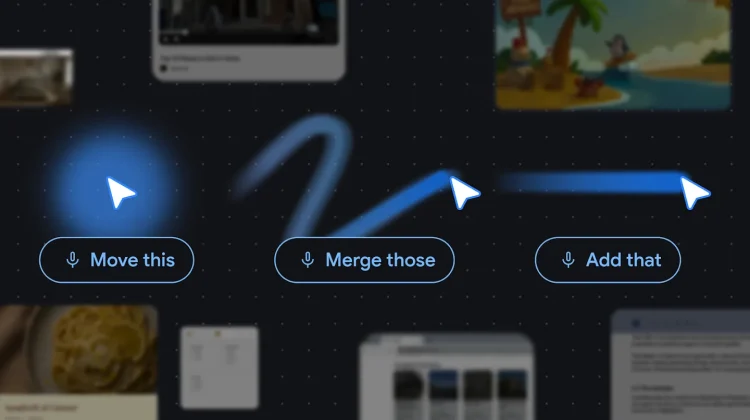
Based on the Play Store listing, Magic Pointer is designed to be an omnipresent AI assistant anchored straight to your mouse – exactly as we heard it described in the days prior to Google I/O 2026.
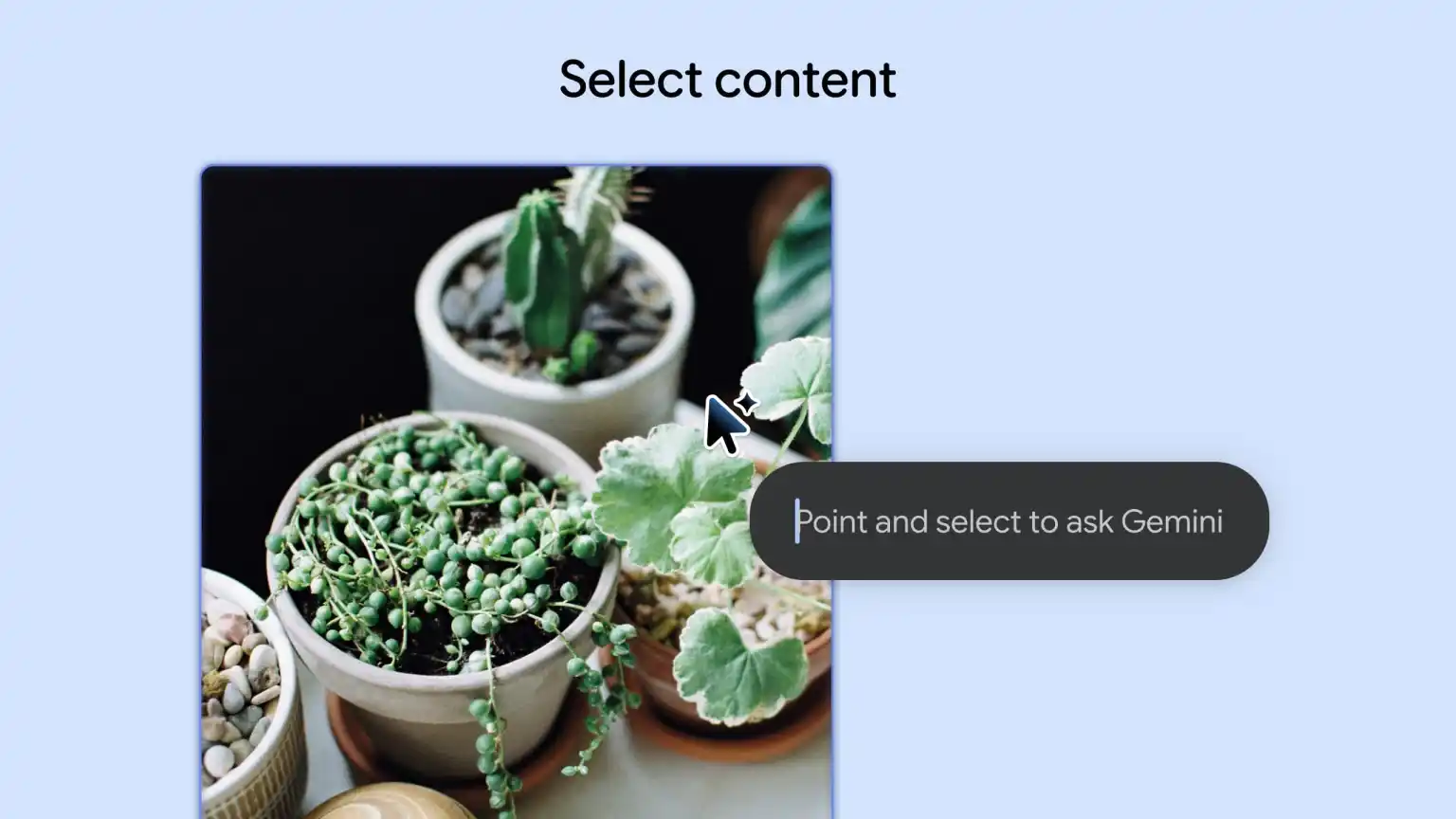
The app’s official description notes that users can “Select anything on your screen to get contextual AI suggestions and seamlessly get help from Gemini.” When active, the standard mouse cursor is badged with the familiar Gemini spark icon.
The listing includes a few UI mockups demonstrating exactly how this works in practice. By highlighting specific content – like a picture of a houseplant – the Magic Pointer summons a contextual menu offering instant actions like “Search with Lens,” “Create image” (presumably tapping into the Nano Banana engine), or direct “Buy now” shopping links. It essentially takes the power of Android’s Circle to Search and adapts it perfectly for a traditional desktop and trackpad workflow.



A fresh look at the Googlebook UI
Beyond the AI functionality, the Play Store mockups are providing some secondary details about the overarching Googlebook software experience.
The images showcase the Chrome browser running on the Googlebook interface, and it looks remarkably similar to the current Android tablet experience. This visual alignment tracks perfectly with what Google VP John Maletis told us earlier this year about Googlebook running a unified, native Android tech stack under the hood. The screenshots also give us a quick glimpse at a newly redesigned system status bar anchoring the top of the display.
Faster updates decoupled from the OS
The Magic Pointer app was initially released to Google Play on June 9 (carrying the package name com.google.android.desktop.gpointer.app) and is currently sitting at version 1.0.260708 with over 1,000 downloads.
Unsurprisingly, the app is not currently supported on any non-Googlebook devices. However, the fact that Google has chosen to host this core system tool on the Play Store is a big win. By uncoupling Magic Pointer from core system updates, Google will be able to rapidly push new Gemini features, bug fixes, and UI tweaks to Googlebook users on the fly, without forcing them to wait for a full OS update.
SUBSCRIBE TO UPSTREAM
Get Chrome Unboxed delivered straight to your inbox
Upstream is our flagship, curated newsletter with the top stories, most click-worthy deals, giveaways, and trending articles from Chrome Unboxed sent directly to your inbox a few times a week. Join 31,000+ subscribers.

