

Support our independent tech coverage. Chrome Unboxed is written by real people, for real people—not search algorithms. Join Chrome Unboxed Plus for just $2 a month to get an ad-free experience, access to our private Discord, and more. Learn more about membership here.
START FREE TRIAL (MONTHLY)START FREE TRIAL (ANNUAL)
If you’ve been involved in any way with the life cycle of ChromeOS over the last decade, you know that Google’s relationship with Android apps on laptops has been a journey of constant compromise. When the Play Store first arrived on Chromebooks, it felt like magic. Suddenly, a web-first operating system had access to millions of mobile utilities.
But as anyone who uses Android apps on a Chromebook daily will tell you, the performance barrier has always been a challenge. Because ChromeOS and Android are fundamentally built on different foundations, your laptop has to run a heavy, background emulation container just to translate and run those mobile apps. It works decently well these days, but it often results in sluggish performance, high battery drain, and apps that feel like they are fighting the hardware.
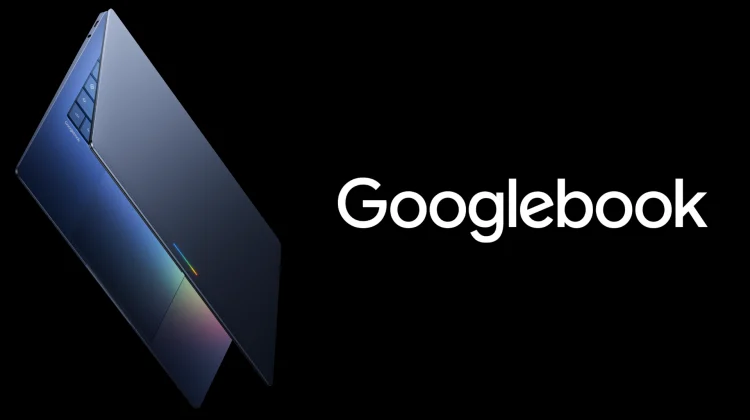
With Googlebook, that compromise will officially be coming to an end with Google’s laptops. During our recent virtual interview with Google VP John Maletis, he broke down how the upcoming Googlebook devices completely throw out the old emulation model in favor of true, native system integration due to the underlying basis of these devices being Android.
Truly native Android architecture
The foundational shift powering the Googlebook era comes down to a complete rewrite of how the underlying operating system communicates with software. Instead of sandwiching an Android layer on top of a separate platform, Google is building the Googlebook category directly on top of the Android tech stack.
This means that when you open an app on a Googlebook, it is no longer running inside a virtualized security box or fighting an emulation translator.
“We now have an ability to run truly native Android applications, not emulated,” Maletis told us during the discussion. “So performance of these apps is incredible.”
By removing the emulation layer, apps will tap directly into the raw power of the hardware, whether your device is running next-gen silicon from Intel, Qualcomm, or MediaTek. Tasks that used to feel stuttery or heavy on a Chromebook will run with the fluid, instantaneous response you expect from a native Android app running on a device that is based on Android instead of ChromeOS.
The “Build Once, Deploy Anywhere” reality
This architectural shift isn’t just a massive win for the user experience; it completely changes the conversation for software engineers. Historically, convincing major developers to optimize their Android apps for large screens, keyboards, and trackpads was a massive uphill battle for the ChromeOS team. Developers didn’t want to burn resources tuning an app for an emulated container.
With Google Books sharing the exact same native DNA as the rest of the Android ecosystem, Google is giving developers a massive, unified target to build for.
“They see this vision where we’re getting much, much closer to the point where an app developer can build once and deploy across form factors,” Maletis explained. “It is actually within reach now, and I think that’s really exciting for me, should be exciting for our users, and it’s really exciting for app developers.”
Because the friction of cross-platform optimization is practically gone, major industry players are completely rethinking how they bring their services to laptops. Maletis noted that the momentum and energy from developers is unlike anything he has seen in his time at the company, with traditional creative suites and progressive, AI-first teams actively building deep integrations that will launch exclusively on Google Books.
A platform ready for the future
It is easy to get caught up in the hardware excitement of the Googlebook launch, but software execution is what will ultimately define this new class of devices. By unifying their development stack, Google is finally eliminating the legacy caveats that required users to workflow around performance bottlenecks.
We are moving into an era where desktop productivity tools don’t need a massive, bloated operating system to run effectively. By unlocking true native app performance right alongside the class-leading Chrome browser, Google is prepping Googlebook to be a sleek, lightning-fast powerhouse that is ready for whatever developers can throw at it.
SUBSCRIBE TO UPSTREAM
Get Chrome Unboxed delivered straight to your inbox
Upstream is our flagship, curated newsletter with the top stories, most click-worthy deals, giveaways, and trending articles from Chrome Unboxed sent directly to your inbox a few times a week. Join 31,000+ subscribers.

