


Support our independent tech coverage. Chrome Unboxed is written by real people, for real people—not search algorithms. Join Chrome Unboxed Plus for just $2 a month to get an ad-free experience, access to our private Discord, and more. Learn more about membership here.
START FREE TRIAL (MONTHLY)START FREE TRIAL (ANNUAL)
Do you own a Google Nest Hub? If so, you may find that you’re hardly interacting with it unless your phone isn’t in your hand, and even though you’re lounging around the house, the glanceable information is just that – glanceable.
During Google’s hardware event today, the company discussed how it wants to help you make better use of larger screen devices around the home and while surveying tablet users, it found that most of the demographic hardly left the house with their device.
Despite this, there’s an increasing need for versatility in the technology we integrate into our lives. Four-in-one laptops, Pixel phones that double as smart home control centers while docked, and so on make it painfully obvious that the big, beautiful screen that’s glued to a dock on your kitchen counter is underutilized and underappreciated.
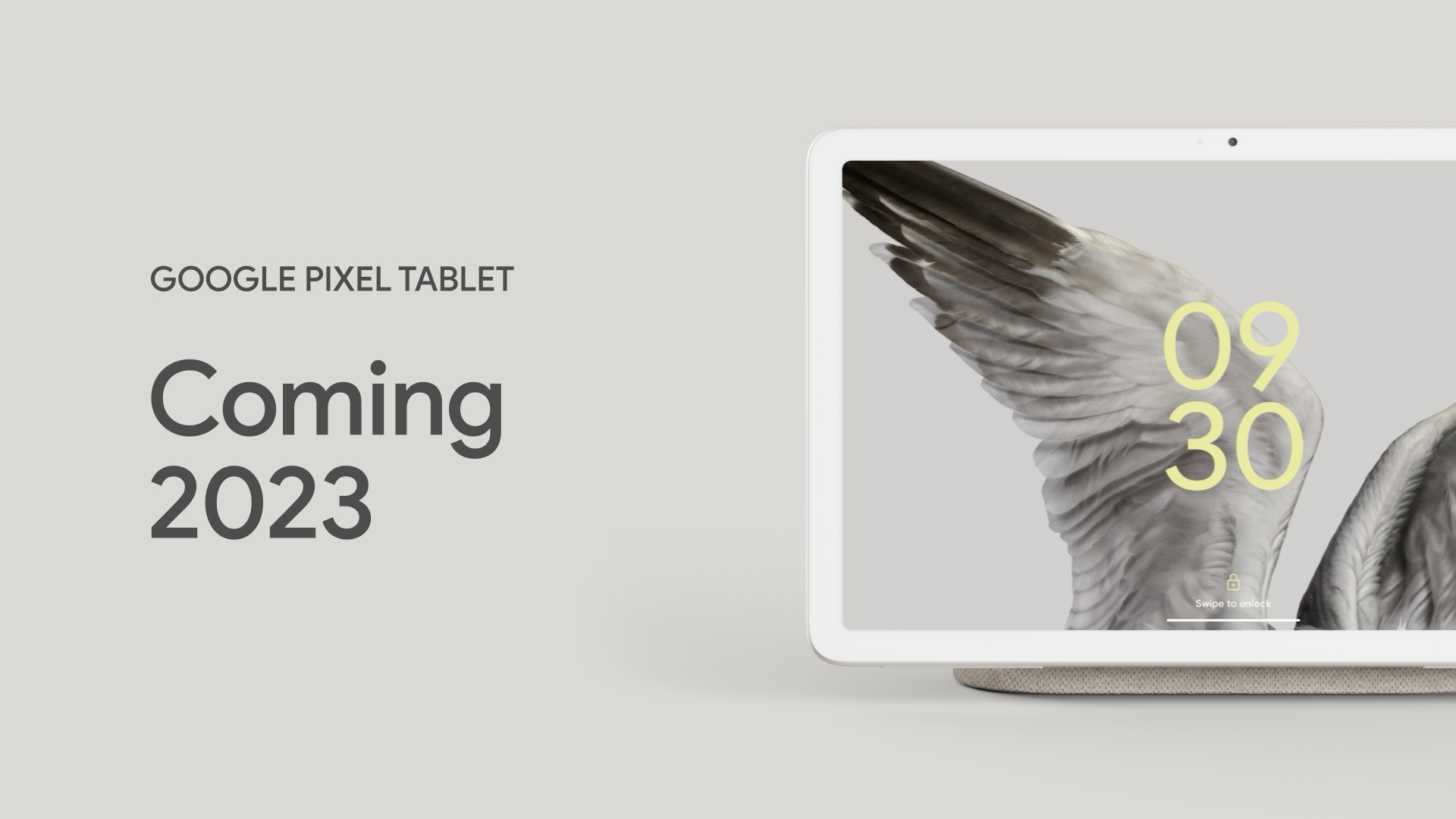
Revealed today and available at some point after the new year, the new Google Pixel Tablet will solve that problem by providing you with a home and on-the-go tablet device that doubles as a Nest Hub via a dock that looks like the original device’s speaker backing.
Not to be confused with 2016’s Google Pixel C tablet, this new one runs the latest version of Android and takes full advantage of all of the groundwork Google has laid over the past year with app developers to create beautiful experiences that properly scale and adjust to a tablet display. It’s also made out of premium materials (a nanoceramic finish) that places it well in line with all of the other Pixel devices. Truly, this is the missing puzzle piece device that many of you have probably been waiting for.
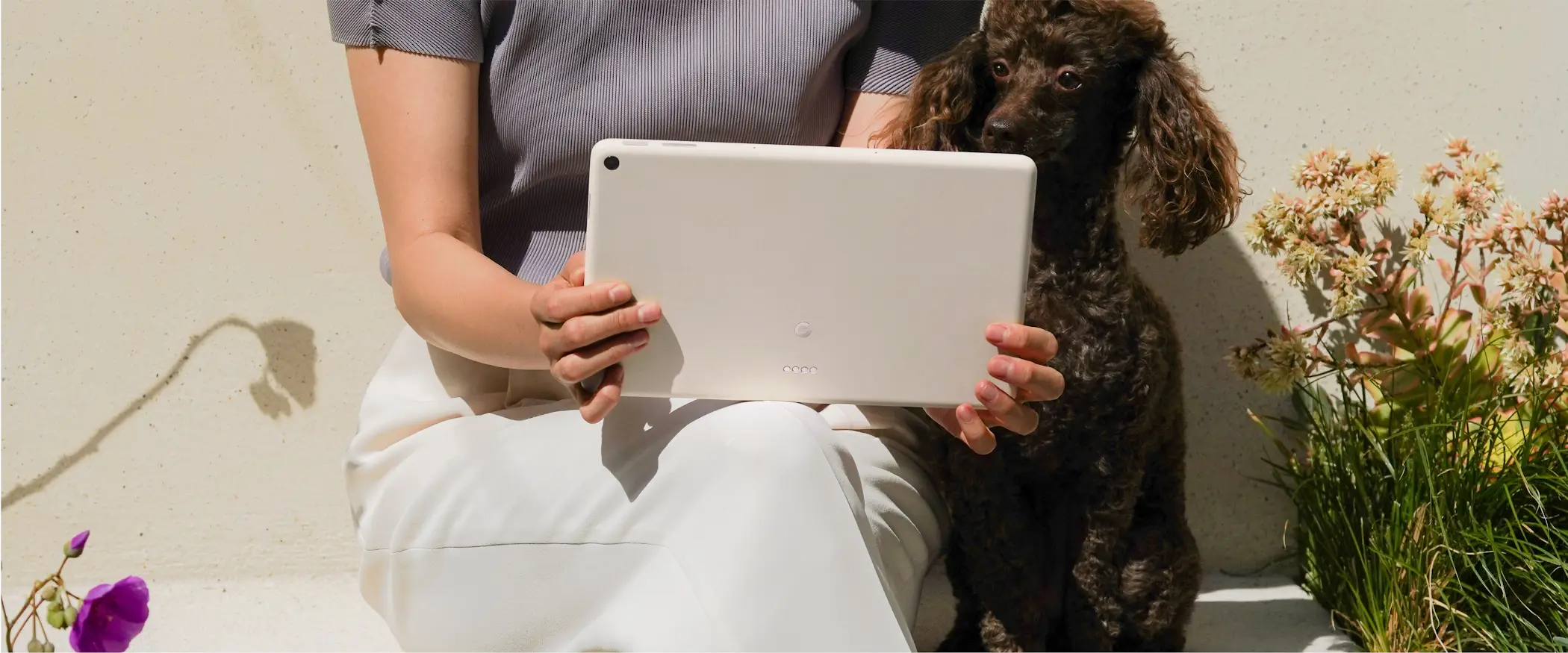
As we began designing the Pixel Tablet, we set out to understand how people use their tablets, and what they love and don’t love about them. And it turns out tablets are homebodies: they’re at home most of the time, but only useful for a small portion of the day. The rest of the time, tablets feel out of place in our homes. Hidden away in a drawer, misplaced, presenting a tripping hazard, or just out of battery. So we set out to build something better.
Google Store
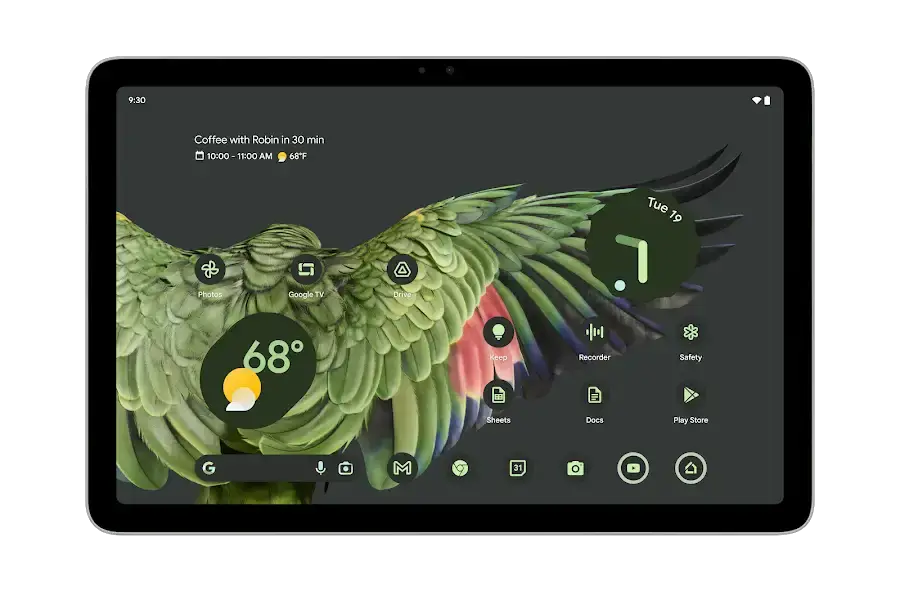
Because it also utilizes Material You – the company’s gorgeous personalization design language, it should feel like an extension of your phone for watching, playing, and creating. The new Pixel Tablet comes with the G2 Tensor chip built-in, giving it better image processing for the onboard camera, machine learning, and other Pixel features like video calling, photo editing, and Assistant commands for day-to-day tasks.
When you’re done using the tablet, you can simply walk over to its stand and place it down. The magnets in the stand itself have been specially created to make it easy to place and remove the device without hassle, but also without it slipping off. Once docked, you can use the Pixel’s ambient display to control your smart home devices, play music from YouTube Music, or watch something on YouTube or Netflix while you cook.
I’m actually very excited for the release of the Pixel Tablet! I’m looking to give up my 2nd generation Next Hub and my Lenovo Chromebook Duet 3 in its place, and I think it will provide not only a more useful smart home control center for all of my needs but also a better note-taking and drawing experience than ChromeOS tablets have in the past. Let me know if you’re going to preorder the Google Pixel Tablet when it finally becomes available.
SUBSCRIBE TO UPSTREAM
Get Chrome Unboxed delivered straight to your inbox
Upstream is our flagship, curated newsletter with the top stories, most click-worthy deals, giveaways, and trending articles from Chrome Unboxed sent directly to your inbox a few times a week. Join 31,000+ subscribers.

