


Support our independent tech coverage. Chrome Unboxed is written by real people, for real people—not search algorithms. Join Chrome Unboxed Plus for just $2 a month to get an ad-free experience, access to our private Discord, and more. Learn more about membership here.
START FREE TRIAL (MONTHLY)START FREE TRIAL (ANNUAL)
Last year, Google Photos for mobile added arguably its best feature – the ability to ‘Explore’ your photos and videos in a more thoughtful and dynamic way. Using its machine learning and artificial intelligence, Google actively tags your content based on who or what appears in it, and when and where it was taken. You know, like we all used to do manually with Picasa (I don’t miss those days!)
Anyway, the Explore tab on mobile also allowed you to filter out your data based on its format. Animations, collages, ‘movies’, screenshots, selfies, videos, motion photos, and more all at the tap of a button. Now, at long last, the Explore tab is available on the web!
Additionally, the option to ‘star’ things in Google Photos traditionally adds them to the ‘Favorites’ section of the app. This too is now available on the web. It should make it much quicker to get to your best selfies – I mean, those adorable photos of your kids or pet that you can’t stop looking at.
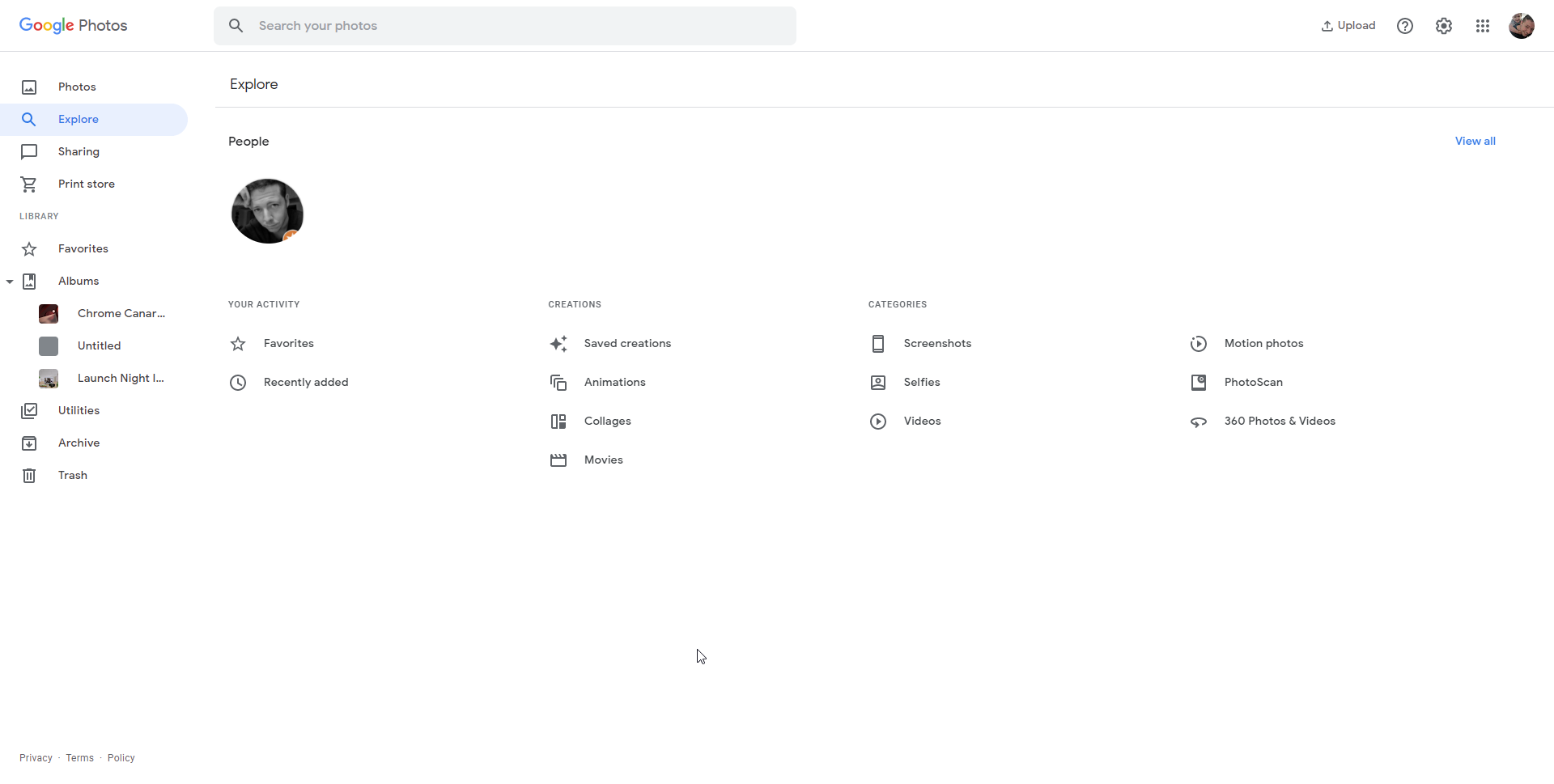
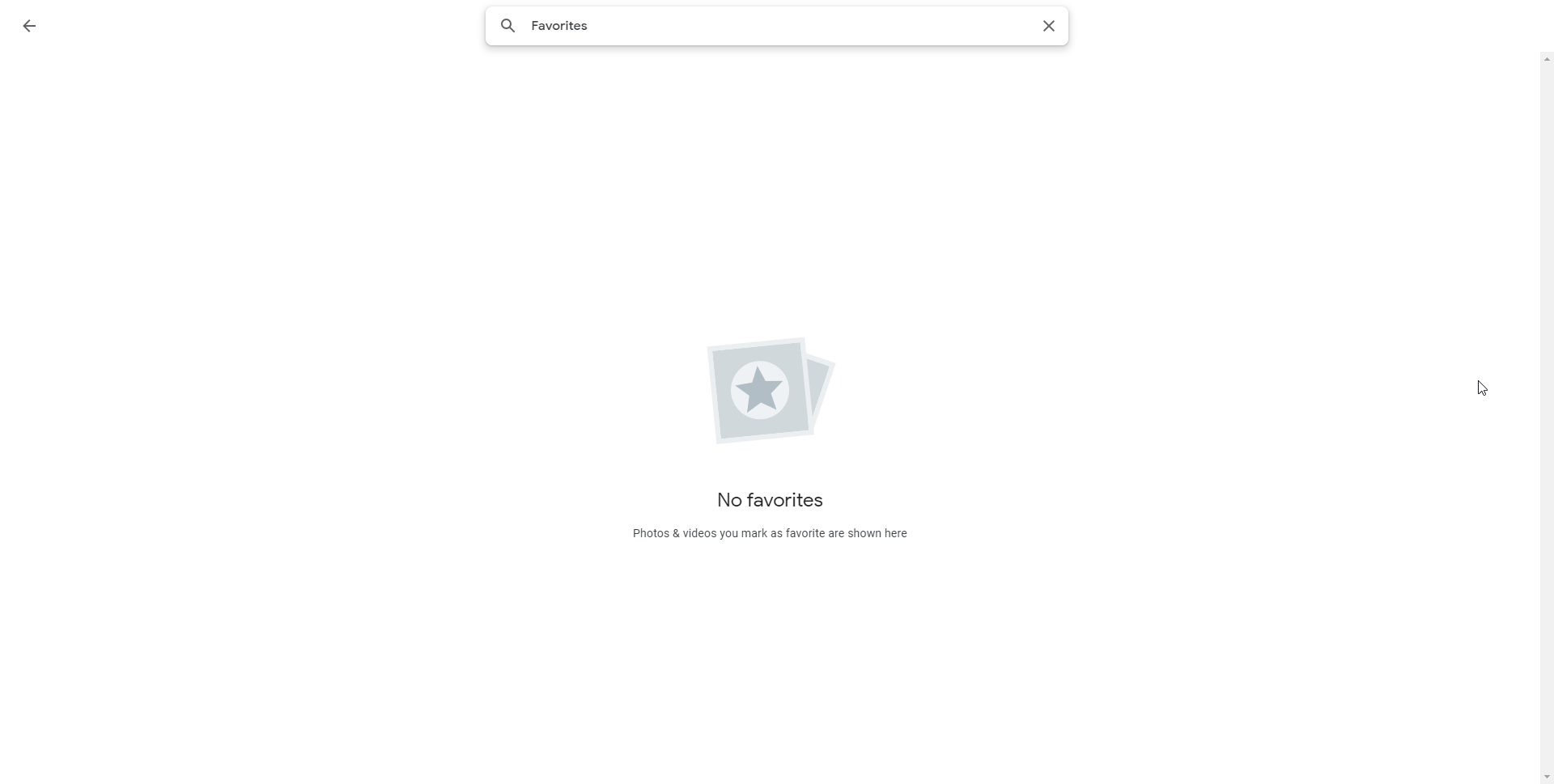
What’s interesting about this update is that we continue to see Google bring feature parity to its web experiences that previously only existed in the apps. Google Photos, in particular, has shown hints of potentially working through the built-in Chrome OS file picker, and with a brand new photo and video editor built-in, it would be incredible to see all of this become available offline as a PWA one day.
If you’re not yet seeing these changes, sit tight – they’re not available across the board yet, but they are showing up for many users. Just use the button below to navigate to Google Photos and you will immediately see the new options on the left side of the screen.
Visit Google Photos on the web
SUBSCRIBE TO UPSTREAM
Get Chrome Unboxed delivered straight to your inbox
Upstream is our flagship, curated newsletter with the top stories, most click-worthy deals, giveaways, and trending articles from Chrome Unboxed sent directly to your inbox a few times a week. Join 31,000+ subscribers.

