


Support our independent tech coverage. Chrome Unboxed is written by real people, for real people—not search algorithms. Join Chrome Unboxed Plus for just $2 a month to get an ad-free experience, access to our private Discord, and more. Learn more about membership here.
START FREE TRIAL (MONTHLY)START FREE TRIAL (ANNUAL)
For the past six months or so, Google has been testing a new home screen design that takes the hamburger off the menu. No, literally, it’s getting rid of the hamburger menu on the left side of the app. Now, this change seems to be rolling out, according to 9to5Google.
In its place, archived texts, spam, and blocked messages, among other things that appeared in the side panel have now been relocated in your profile avatar in the top-right corner. To help you become aware of this post-update, Google has also integrated a prompt bubble to guide you to the new unified storage for all of these tools.
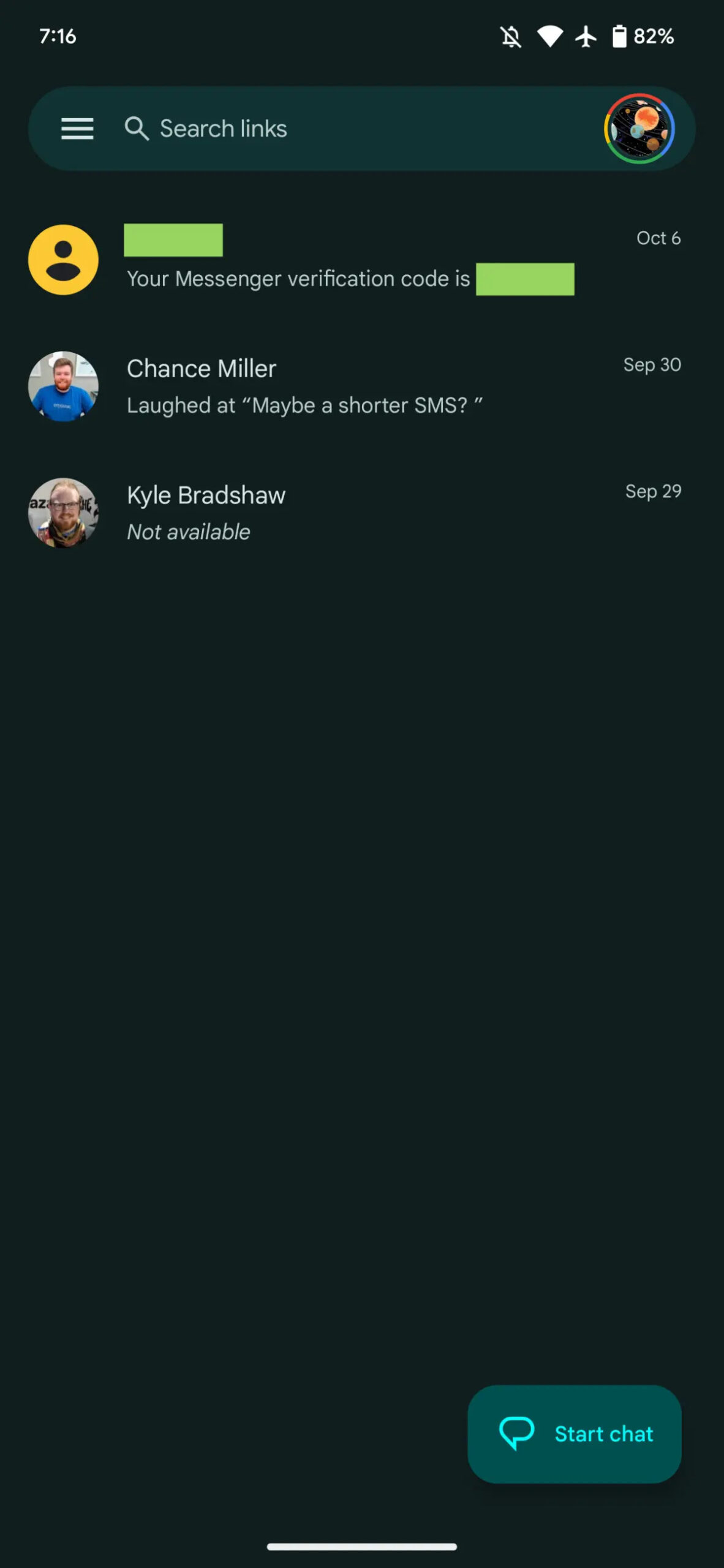
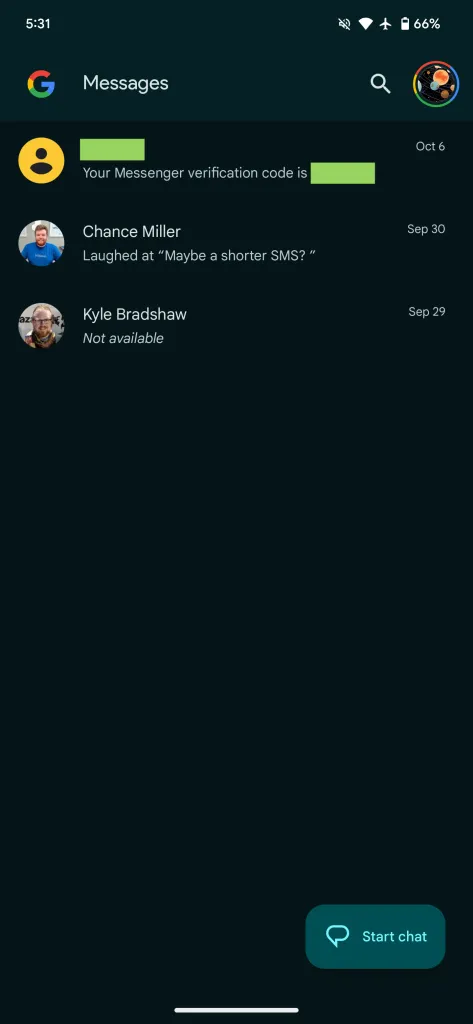
Additionally, the once-familiar search field has been replaced with a “G” logo and a search icon – definitely less user friendly, but takes up less space, and the search screen now features a grid for different types of media you can quickly select (images, videos, starred messages, etc.).
However, with these changes, certain features seem to have been retired. The Message organization feature, which gave you tabs like All, Personal, and Business, has been removed from the interface (even though we waited forever to get them). Luckily, the option to “Auto-delete OTPs after 24 hrs” remains available in the settings.
SUBSCRIBE TO UPSTREAM
Get Chrome Unboxed delivered straight to your inbox
Upstream is our flagship, curated newsletter with the top stories, most click-worthy deals, giveaways, and trending articles from Chrome Unboxed sent directly to your inbox a few times a week. Join 31,000+ subscribers.

