

Support our independent tech coverage. Chrome Unboxed is written by real people, for real people—not search algorithms. Join Chrome Unboxed Plus for just $2 a month to get an ad-free experience, access to our private Discord, and more. Learn more about membership here.
START FREE TRIAL (MONTHLY)START FREE TRIAL (ANNUAL)
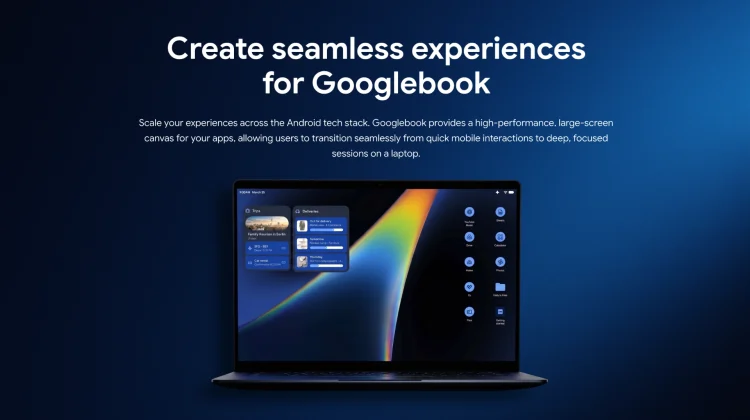
The momentum behind Google’s upcoming Googlebook ecosystem is just getting started as we head into summer. Following a massive wave of AI and operating system announcements at Google I/O, Google has officially published a brand-new, dedicated Googlebook developer hub on the Android Developers site.
While last week’s consumer landing page was all about sleek marketing and gorgeous animations, this new portal is a pure, under-the-hood technical guide. It gives software engineers the exact blueprint, tools, and design principles required to transform standard mobile applications into desktop-grade experiences by this fall.
Here is a breakdown of what Google is pushing to developers and what it tells us about the high-end software experience we expect to be coming to Googlebook.
Smashing the “stretched mobile app” stigma
For years, the biggest hurdle for Android apps on larger screens like tablets and foldables has been layout optimization. Too many apps simply stretch their mobile interfaces to fill the screen, leaving massive amounts of empty space and a clunky user experience.
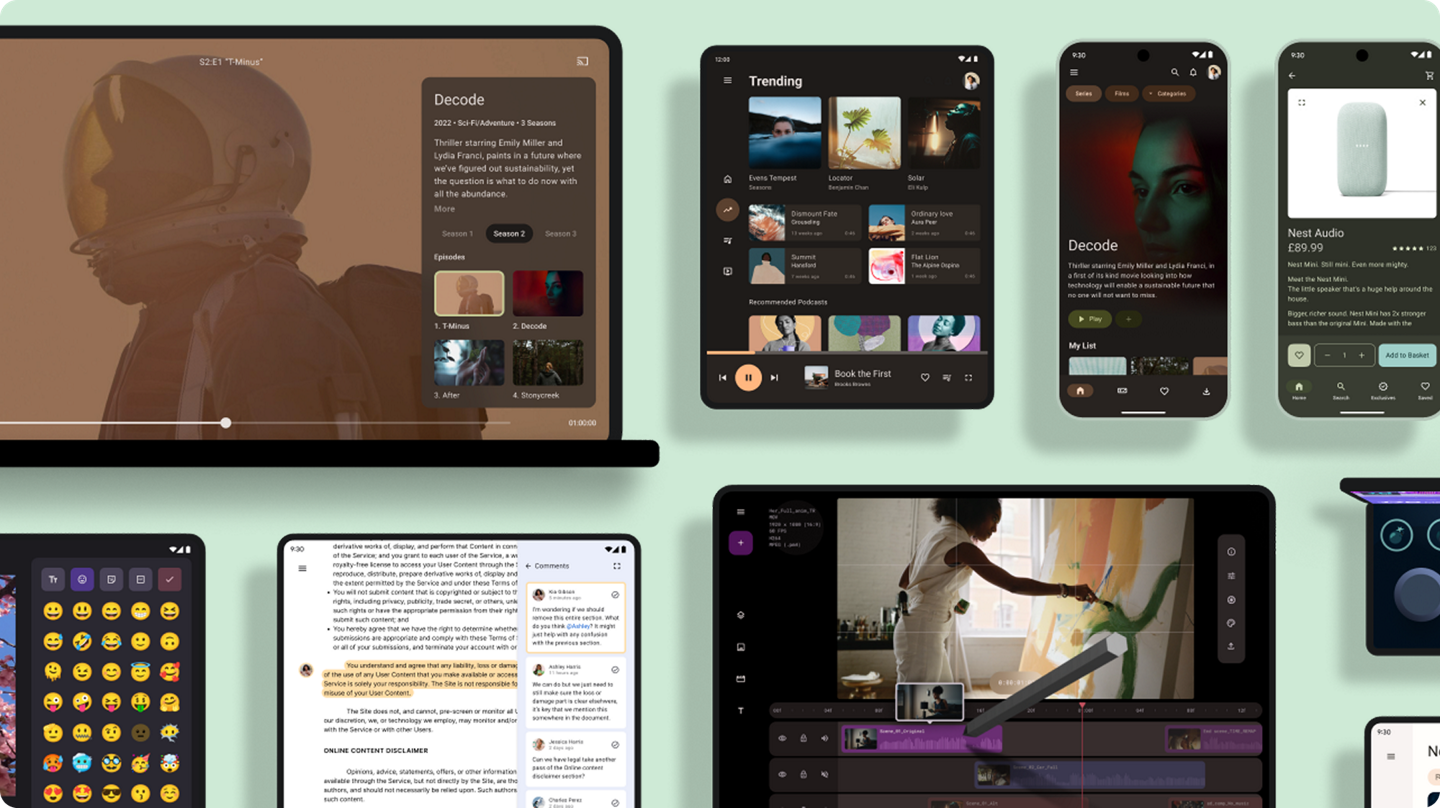
With the Googlebook, Google is making it clear that “desktop-grade” means maximizing productivity through higher information density. The new documentation urges developers to abandon mobile constraints and embrace a “canvas” mentality. By using flexible layout APIs in Jetpack Compose, developers are being guided to build multi-pane interfaces, advanced navigation rails, and side-by-side multitasking views that treat the laptop screen like a traditional workstation.
Comprehensive desktop input and contextual cursors
A premium laptop experience lives and dies by how well it handles physical inputs. Google’s new developer hub puts a massive emphasis on precision and versatility, explicitly telling builders to optimize their software for keyboards, mice, trackpads, styluses, and game controllers.
One of the coolest technical details on the new page is the introduction of contextual cursors. Google is giving developers the code primitives to implement custom, dynamic cursors that change shape depending on what they are hovering over. If a user is resizing a window, editing text, or utilizing a specialized creative tool inside an app, the mouse pointer will provide instant visual feedback. It is a subtle, micro-interaction layer that should help make the Googlebook OS feel incredibly polished and responsive.
True desktop multitasking
To bridge the gap between mobile architecture and a true desktop environment, Google is highlighting three critical software features that apps must support to earn a premium quality tier:
- Multi-instance support: Users will be able to open multiple windows of the exact same app side-by-side—essential for comparing documents, managing separate chat threads, or running complex workflows.
- Drag-and-drop mechanics: The hub provides explicit guides on how to let users seamlessly drag text, images, and local files directly between open application windows.
- Native file and print management: Apps on the Googlebook are expected to handle document export tasks, local file-level interactions, and printing natively without relying on clunky mobile share sheets.
Adaptive AI skills are here to help
Perhaps the most practical addition to the site is that Google isn’t making developers do all this heavy lifting manually. Google has officially updated Android Studio Canary to include a dedicated desktop emulator so developers can test window resizing, multi-instance behavior, and trackpad interactions right from their workstations.
Even better, Google is introducing Adaptive AI Skills directly into the development pipeline. Programmers can leverage these built-in AI insights and automation tools to analyze their existing mobile codebases and automatically generate the necessary desktop-optimized layouts and keyboard shortcut mappings.
Google clearly isn’t just throwing an operating system together and hoping for the best; they are aggressively equipping the global developer community with the precise tools needed to ensure that when you open a Googlebook this fall, the software ecosystem is mature, powerful, and ready for serious work out of the box.
SUBSCRIBE TO UPSTREAM
Get Chrome Unboxed delivered straight to your inbox
Upstream is our flagship, curated newsletter with the top stories, most click-worthy deals, giveaways, and trending articles from Chrome Unboxed sent directly to your inbox a few times a week. Join 31,000+ subscribers.

