


Support our independent tech coverage. Chrome Unboxed is written by real people, for real people—not search algorithms. Join Chrome Unboxed Plus for just $2 a month to get an ad-free experience, access to our private Discord, and more. Learn more about membership here.
START FREE TRIAL (MONTHLY)START FREE TRIAL (ANNUAL)
The countdown to the start of the World Cup has begun and Google is making sure we do not miss a minute of it. It doesn’t matter whether you are a hardcore or casual soccer, or as it is properly called, Football fan, because Google’s got a way for you to keep up with the action as 32 countries go for the championship.
One of the ways to keep up with the action is to just search for “World Cup” and opt in to receive notifications about your favorite team by clicking on the bell located in the top right corner of the screen. Additionally, when you look up a match, you will be able to see detailed statistics, win probabilities, and timelines for important occurrences.

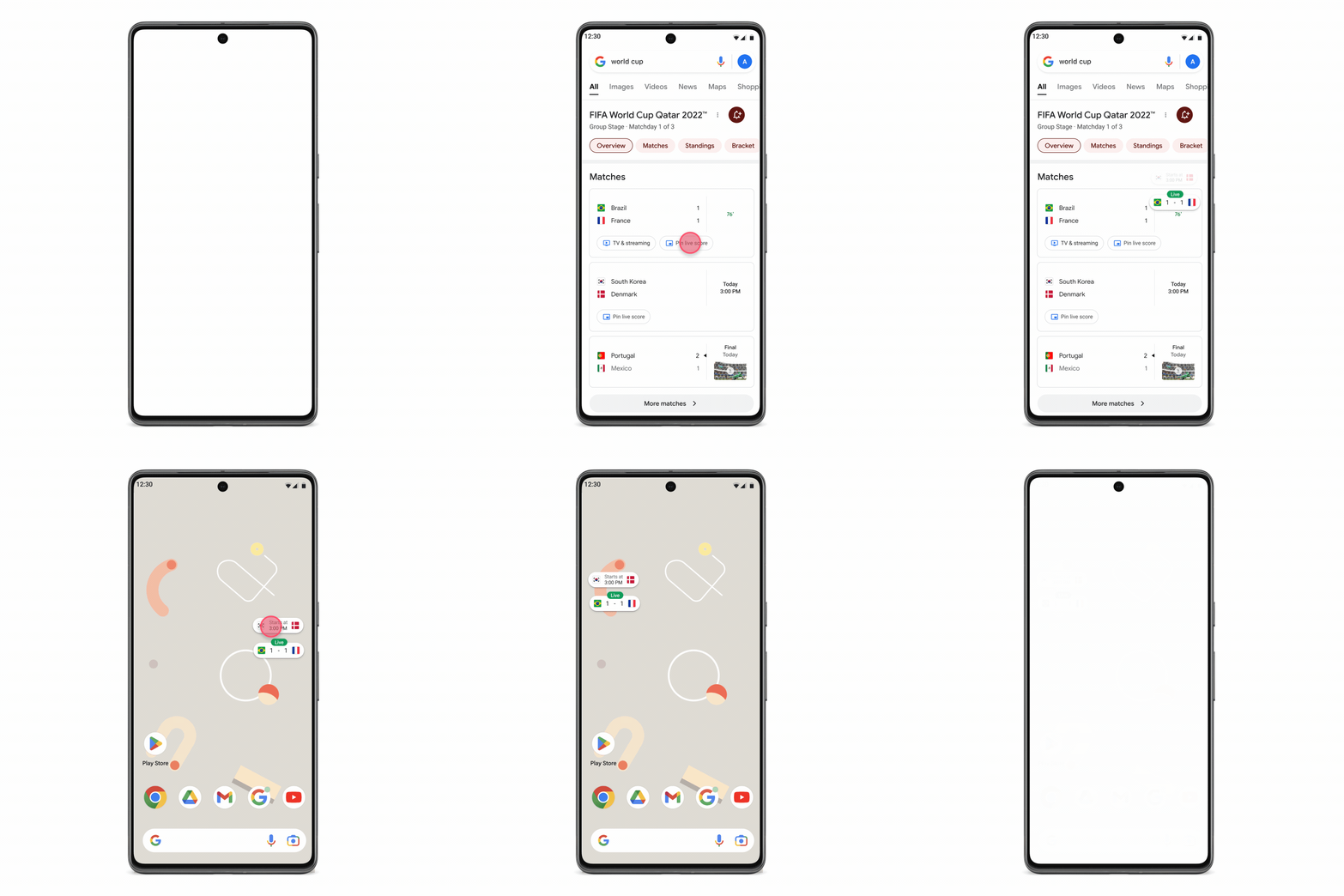
This year’s world cup with be held in Qatar, which is a full 8 hours ahead from the East Coast in the United States and 3 hours ahead from London. This will make for matches scheduled at times that not everyone will be able to watch live. Such is the nature of global events, but that doesn’t mean you can’t keep up with the scores. Now you will be able to pin the score on your Android phone so you can easily see it when you are on the go or simply sneaking a peek in the middle of the night. You can do this from the Google app on Android or Search on mobile browsers by tapping the match you want to track and dragging it to anywhere on your screen where you want to pin it.
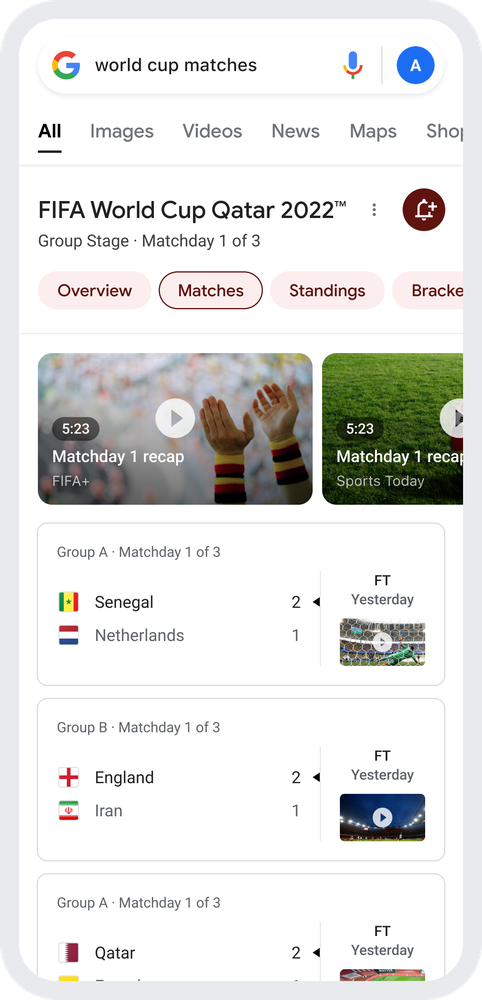
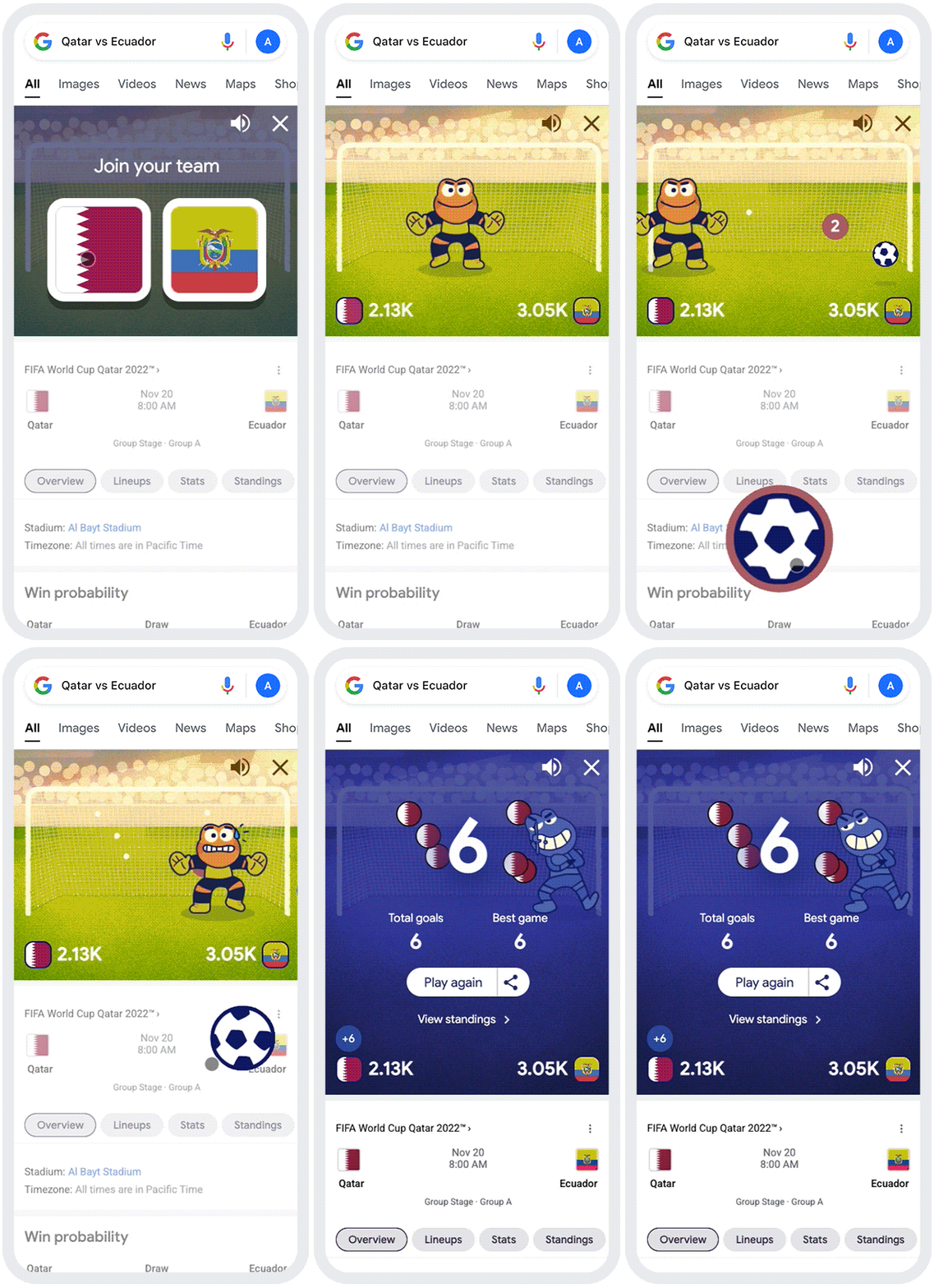
Now, if all you want is the highlights from a past match, you can watch daily recap videos directly on Search from FIFA+ and official broadcasters including beIN SPORTS, BBC, ZDF and more. You will also be able to look up players, grade them depending on how you think they’ll perform, and see how that rating compares to the ratings of the other players. Additionally, you will soon be able to compete against other fans in a multiplayer online game, where people from all around the world will cooperate in order to increase their team’s chances of victory by scoring the most goals possible. Once a real-life match has been scheduled, you and other fans will be able to choose a team and work together to try to score the most virtual goals before the match is over.
Get more FIFA content on YouTube, Google TV, and Search
FIFA and official broadcast outlets will be posting the most spectacular World Cup highlights on YouTube, and YouTube TV customers can watch the FIFA World Cup 2022TM on FOX and FS1 starting November 20, including in ultra high definition for 4K Plus subscribers. For those who wish to watch the matches in Spanish, YouTube TV’s Base Plan includes Telemundo for Spanish-language viewers, which will air the games and include all game day features such as real-time highlights, stats, scores, and standings.
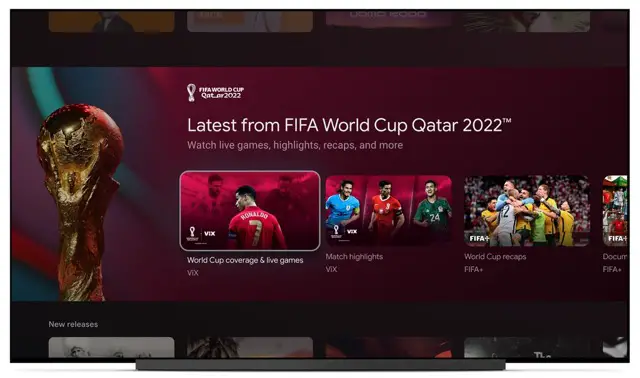
YouTube Shorts will also be present with special World Cup Shorts and long-form material by creators, and everyone can join in and remix their favorite World Cup memories by following and using the #ShortsFIFAWorldCup hashtag when uploading content. Those with Google TV will be able to jump to live matches in the “For you” tab with a new row that lets you explore World Cup content from broadcasters.
However, those that wish to watch the games in the best of ways, which is together with other fans, will be able to find local businesses on Search that are broadcasting the games. This will be possible via a new label that will help you identify them. Soon, you’ll be able to type “Where can I watch the World Cup near me?” into Search to find a place near you. Before putting on the new label, business owners should look at the rules in their area about showing sporting events to the public.

Stay one step ahead with Wear OS
You’ll be able to use your Wear OS by Google watch to make sure you don’t miss any games by using the Agenda app and asking Google to remind you about any upcoming matches. Superfans will also appreciate the Hublot “Big Bang e FIFA World Cup Qatar 2022” connected watch that runs on Wear OS. This watch is the same one that all of the official World Cup referees will wear. Before the tournament starts on November 20, the watch will show a countdown to the first match, and during the tournament, you can find out important things like how the teams are set up and who is on them before a game.

Finally, there’s Google Assistant which is adding more facts about the World Cup to help both soccer fans who know a lot about it and those who don’t. You can ask the assistant things like “Give me a soccer fun fact” or “Do you like soccer?” to which I’m sure it’ll give an enthusiastic answer.
SUBSCRIBE TO UPSTREAM
Get Chrome Unboxed delivered straight to your inbox
Upstream is our flagship, curated newsletter with the top stories, most click-worthy deals, giveaways, and trending articles from Chrome Unboxed sent directly to your inbox a few times a week. Join 31,000+ subscribers.
