

Support our independent tech coverage. Chrome Unboxed is written by real people, for real people—not search algorithms. Join Chrome Unboxed Plus for just $2 a month to get an ad-free experience, access to our private Discord, and more. Learn more about membership here.
START FREE TRIAL (MONTHLY)START FREE TRIAL (ANNUAL)
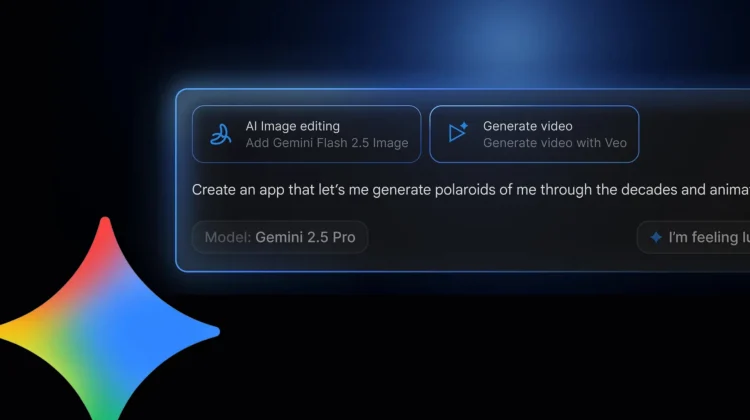
Building an AI-powered application, especially one that combines multiple cutting-edge models like Veo for video or Nano Banana for images, has traditionally required juggling different APIs, SDKs, and services – a significant barrier for many creators. Google is aiming to tear down that wall with a brand new, AI-powered experience in Google AI Studio called vibe coding. This redesigned experience promises to take you from a simple idea to a working AI app in minutes, handling all the complex plumbing behind the scenes.
From a single prompt to a working app
The core idea behind vibe coding is incredibly powerful and intuitive. Instead of writing code or manually connecting different services, you can now simply describe the multi-modal AI app you envision in natural language. AI Studio, powered by the latest Gemini models, takes over from there.
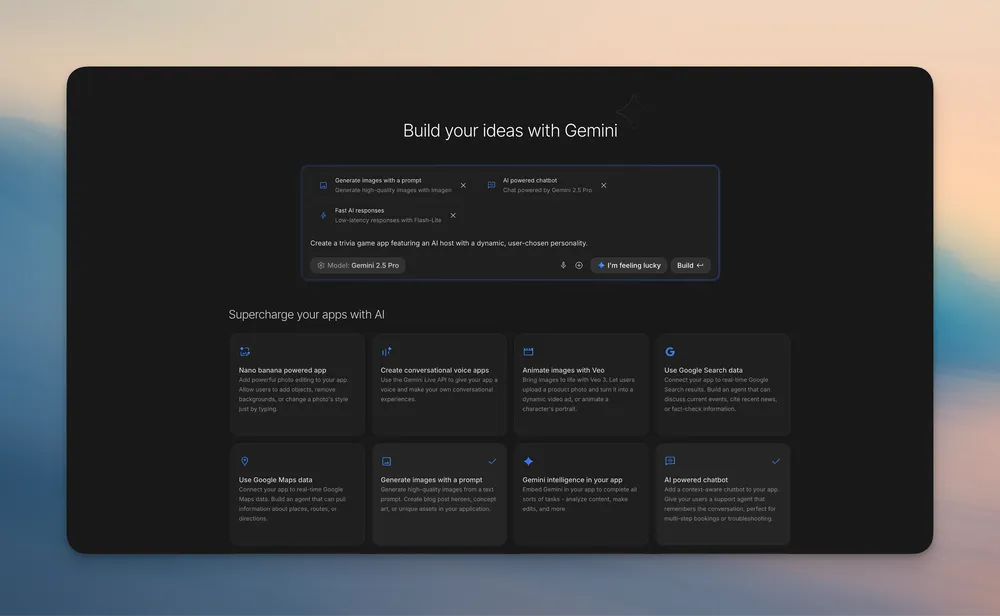
Want to build a “magic mirror” app that takes your photo and transforms it into something fantastical? Just describe it. AI Studio understands the capabilities you need (image input, image generation/editing) and automatically wires up the appropriate models and APIs for you. The goal is to make creating sophisticated AI apps effortless – you bring the idea, and AI Studio connects the magic. Google has even included an “I’m Feeling Lucky” button to help spark ideas if you’re unsure where to start.
Inspiration and intuitive editing
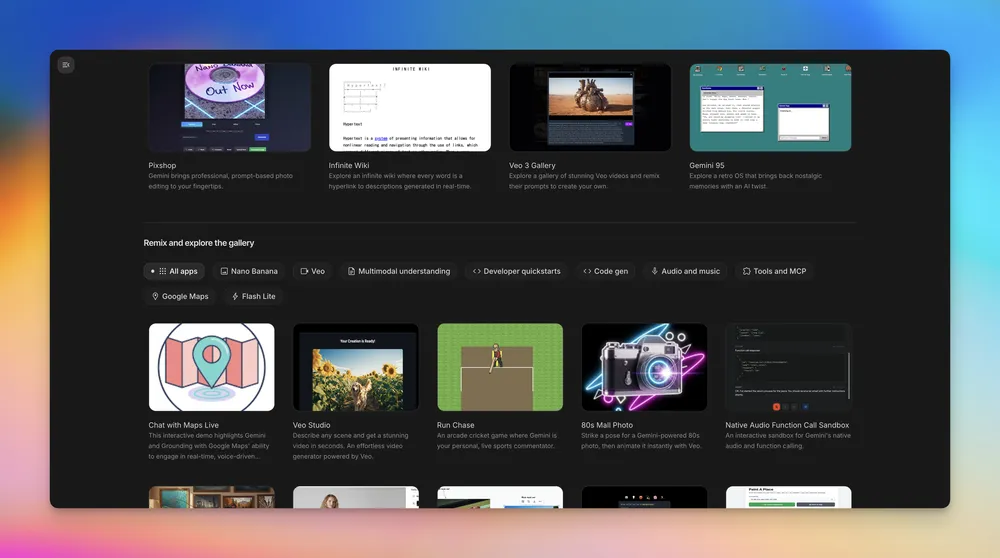
To further fuel creativity, Google has revamped the App Gallery into a rich visual library showcasing what’s possible with Gemini. You can explore project ideas, preview them instantly, learn from the starter code, and even remix existing apps into your own creations. A new Brainstorming Loading Screen even cycles through AI-generated ideas while your app builds, turning wait time into inspiration time.
Refining your app is also getting a more natural, visual approach with the new Annotation Mode. Instead of digging through code or trying to describe changes precisely, you can now simply highlight a part of your app’s interface and tell Gemini what to modify (e.g., “Make this button blue,” “Animate this image from the left”). It allows for a more intuitive dialogue to keep you in your creative flow.
Keeping the momentum going
Recognizing that complex projects might exceed free quotas, AI Studio now allows you to add your own API key. This ensures you can continue building and iterating without interruption, automatically switching back to the free tier when it renews.
These updates collectively represent a significant step towards democratizing AI development. Vibe coding aims to lower the barrier between a great idea and a functional AI application, empowering both seasoned developers and those who’ve never written a line of code to bring their visions to life. Google has also provided a YouTube playlist with tutorials to help users get started.
SUBSCRIBE TO UPSTREAM
Get Chrome Unboxed delivered straight to your inbox
Upstream is our flagship, curated newsletter with the top stories, most click-worthy deals, giveaways, and trending articles from Chrome Unboxed sent directly to your inbox a few times a week. Join 31,000+ subscribers.

