

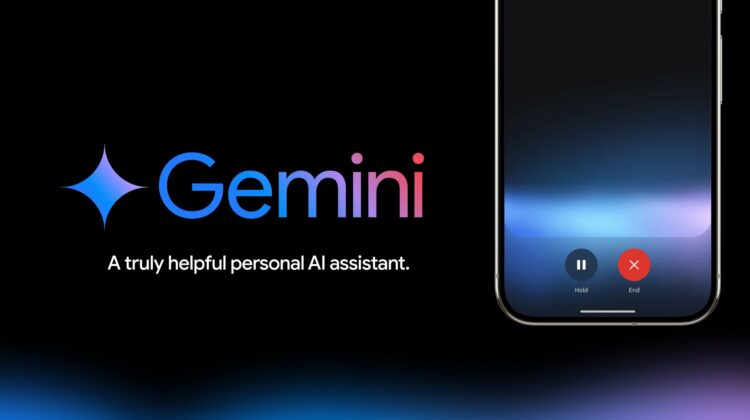
Google’s been working to make Gemini a more capable phone assistant for months on end, and this latest update brings a useful and welcome improvement: the ability to make calls and send messages without first needing to unlock your device.
This new feature, found in Gemini Settings > Gemini on Lock Screen, is rolling out as we speak. You’ll see a new setting called Make calls and send messages without unlocking. To use it, you’ll also need to make sure you’ve turned on the “Phone” and “Messages” Gemini Extensions. As of this moment, I still don’t have those available, so your mileage may vary.
However, even if you don’t have those Extensions yet (they’re still rolling out), this new setting still works by swapping over to Google Assistant in the background. Before, if you tried to make a call with Gemini while your phone was locked, you’d get a First, you’ll have to unlock your device message. But with this update, the will call go straight through; no unlocking needed!
This is a small but significant step forward for Gemini on phones as a replacement for some of the more basic tasks Google Assistant was so good at. Again, this feature is still rolling out (along with the needed extensions), so you might not see it right away. If you’re eager to give it a try, you can try joining the beta program for the Google app, force stopping it after the update, and restarting the app (while crossing your fingers) to see if you now have this new update. Sadly, this has yet to work for me, but I just enrolled in the beta a little while ago.
VIA: 9to5 Google
Join Chrome Unboxed Plus
Introducing Chrome Unboxed Plus – our revamped membership community. Join today at just $2 / month to get access to our private Discord, exclusive giveaways, AMAs, an ad-free website, ad-free podcast experience and more.
Plus Monthly
$2/mo. after 7-day free trial
Pay monthly to support our independent coverage and get access to exclusive benefits.
Plus Annual
$20/yr. after 7-day free trial
Pay yearly to support our independent coverage and get access to exclusive benefits.
Our newsletters are also a great way to get connected. Subscribe here!
Click here to learn more and for membership FAQ

