

Support our independent tech coverage. Chrome Unboxed is written by real people, for real people—not search algorithms. Join Chrome Unboxed Plus for just $2 a month to get an ad-free experience, access to our private Discord, and more. Learn more about membership here.
START FREE TRIAL (MONTHLY)START FREE TRIAL (ANNUAL)
Just a couple of weeks ago, I was lamenting the fact that one of the most exciting new features announced for the ChromeOS 138 update – Freeform AI Wallpapers – was still a frustrating no-show. Well, I’m happy to report that the wait is finally over! With a small, incremental update yesterday, I now have the ability to create completely custom AI wallpapers with an open-ended prompt; and the update should be live and rolling out to Chromebook Plus devices across the board. And let me just say, it is every bit as awesome as I had hoped.
The true promise of AI wallpapers, realized
Ever since Chromebook Plus launched back in the fall of 2023 with generative AI wallpapers, we’ve been waiting for this. The initial version with its pre-set themes and styles was a cool perk, but what we’ve all really wanted was a blank canvas; the ability to simply type what we want and let the AI create something truly unique.
That is exactly what the new Freeform AI Wallpapers deliver. Instead of being funneled through templates, you are now greeted with a simple, open text box, ready for you to type in whatever you can imagine. This is the true promise of generative AI for personalization, and having it baked right into the OS is just fantastic.
How to create your own freeform wallpaper
Getting started is simple. On your Chromebook Plus device:
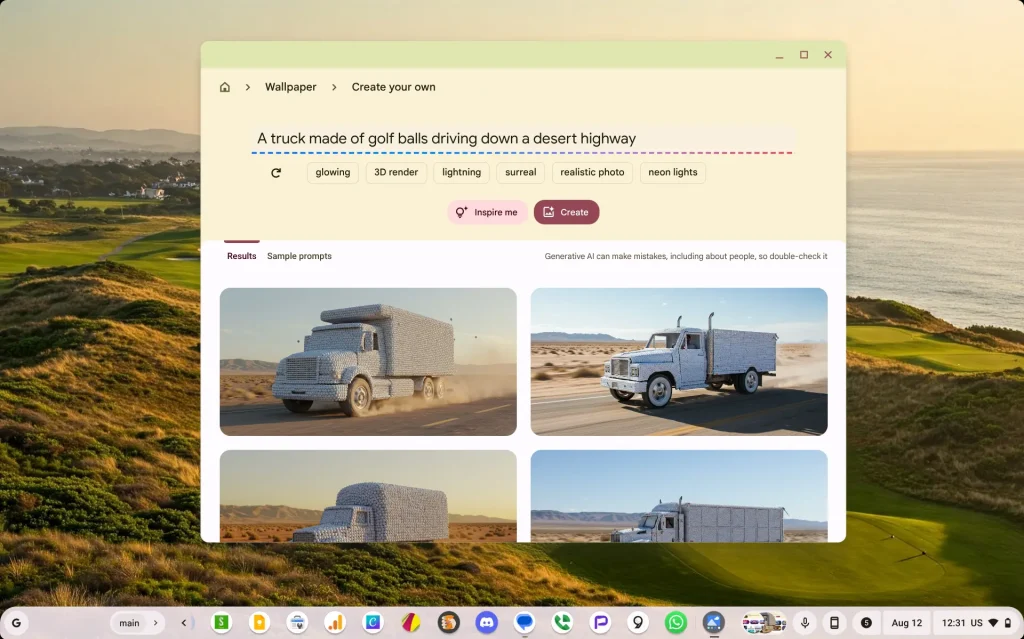
- Right-click on your desktop and choose Set wallpaper & style
- Select Create Your Own
- At the top of the next window, simply type whatever you can think of
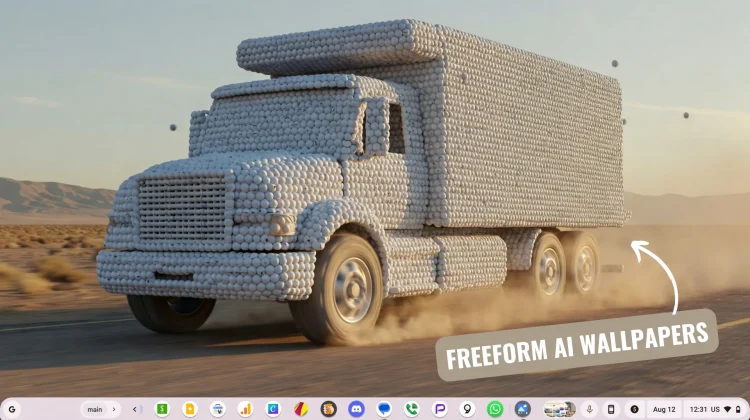
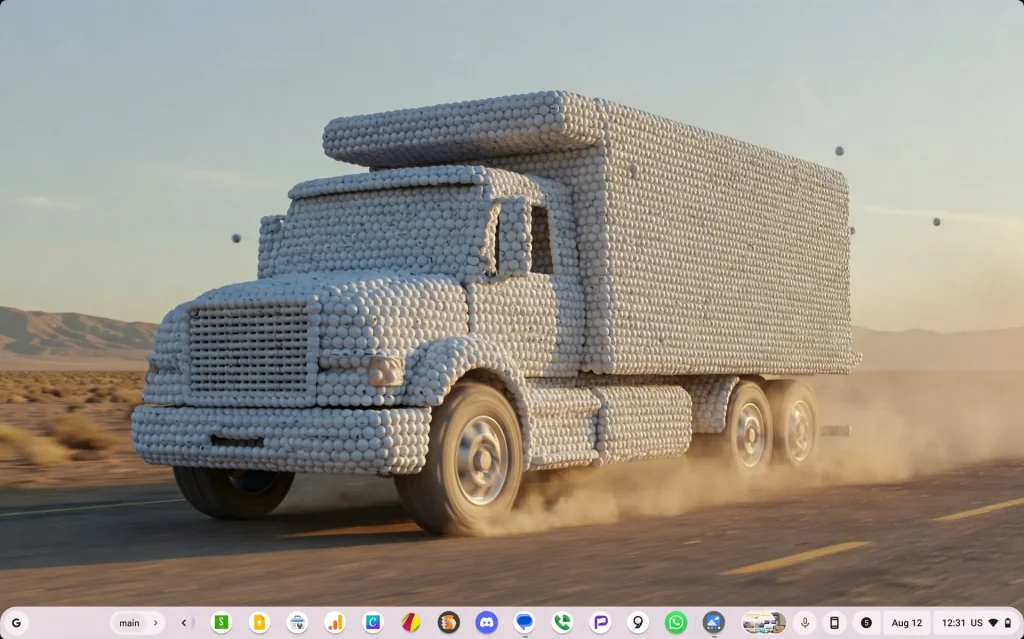
If you’re not sure what you want, the familiar “Inspire me” feature is still there to generate random prompts for you. The high-resolution results are stunning and a massive step up in making your Chromebook feel truly your own. Here’s the step-by-step of me making a ridiculous-yet-accurate “truck made of golf balls driving down a desert highway.”

This was one of those headlining features that felt like a bummer when it didn’t arrive with the initial OS update, but I’m thrilled that it’s here now. It’s a fun, creative, and powerful tool that makes the Chromebook Plus experience that much better. Go check for your update and start creating!
SUBSCRIBE TO UPSTREAM
Get Chrome Unboxed delivered straight to your inbox
Upstream is our flagship, curated newsletter with the top stories, most click-worthy deals, giveaways, and trending articles from Chrome Unboxed sent directly to your inbox a few times a week. Join 31,000+ subscribers.

