

Support our independent tech coverage. Chrome Unboxed is written by real people, for real people—not search algorithms. Join Chrome Unboxed Plus for just $2 a month to get an ad-free experience, access to our private Discord, and more. Learn more about membership here.
START FREE TRIAL (MONTHLY)START FREE TRIAL (ANNUAL)
I have been saying for a while now that NotebookLM is the sleeper hit of the AI era. While everyone else was focused on chatbots, Google built a tool that actually helps you understand information. It started with the “Audio Overviews” feature, which can turn dense documents into listenable podcasts, but today, Google dropped an update that I think is even more significant.
Fresh off a significant upgrade to its underlying model, Google has announced that NotebookLM can now generate Infographics and Slide Decks directly from your sources. This is a fundamental shift for the tool, evolving it from a passive research assistant into an active content creation engine capable of building visual presentations in seconds.
8 ways you can use Slide Decks in NotebookLM
Google shared several examples of how this new visual engine works, and if you are looking to speed up your workflow, here is how you can put them to work immediately:
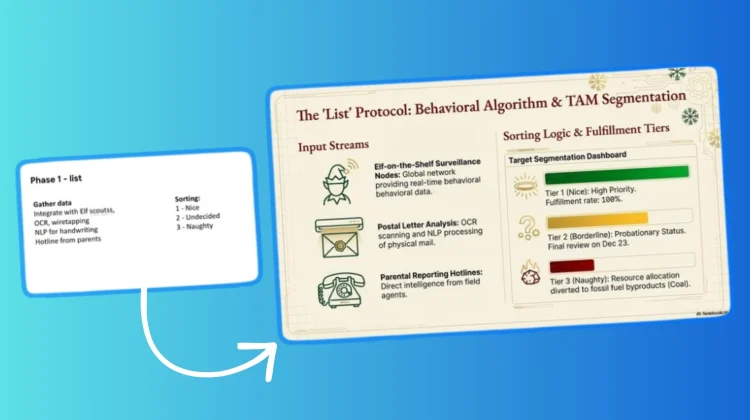
1. Turn your rough notes into slides. We’ve all been there: you have a Google Doc full of messy bullet points for a meeting, but you dread the hour it will take to format them. Now, you can simply ask NotebookLM to take those rough notes and generate a structured slide deck instantly.
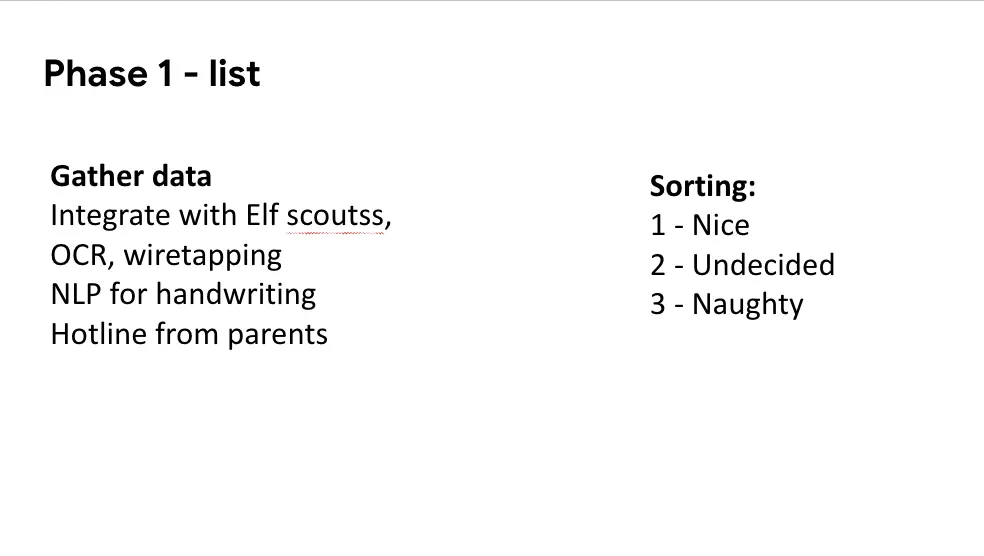
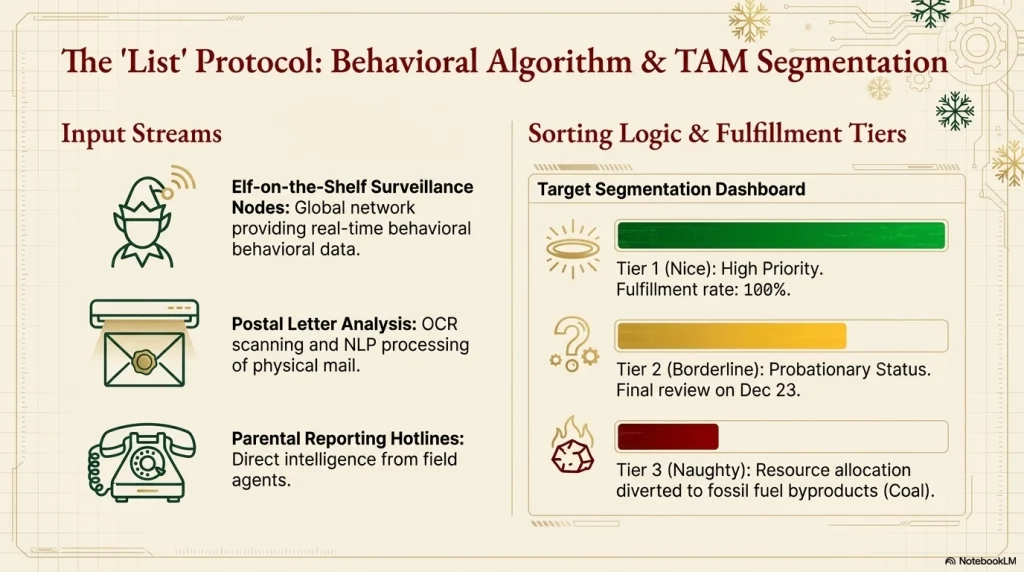
2. Visualize your “Deep Research.” If you use the “Deep Research” agent to gather information on complex topics, you can now transform those text-heavy reports into a custom slide deck. This helps you actually visualize the connections and metaphors in your research rather than just reading a wall of text.
3. Summarize long documents (or even books). Just like you can use the audio feature to listen to long PDFs, you can now ask the tool to condense a massive document—or even an entire book—into a digestible slide deck.
4. Create infographics from images. You can now upload image sources (like screenshots of data, charts, or photos) and have NotebookLM synthesize that visual data into a summarized infographic.
5. Simplify complex topics. If you need to explain a difficult concept to a client or student, you can use the model to generate illustrations and visualizations based on metaphors, making the content much easier to understand.
6. Match your personal style. You aren’t stuck with generic templates. Google says you can apply personalized styling guidance to polish existing presentations, ensuring the aesthetics actually match your brand or personal preference.
7. Brainstorm new ideas. You can use the slide generation feature as a “storyboarding” tool. Ask the AI to explore new concepts based on your sources and visualize them in a deck format to see if the narrative flow makes sense.
8. Sketch plans visually. Finally, being able to define specific creative styles means you can effectively “sketch” plans or mockups visually, even if you have absolutely zero graphic design skills.
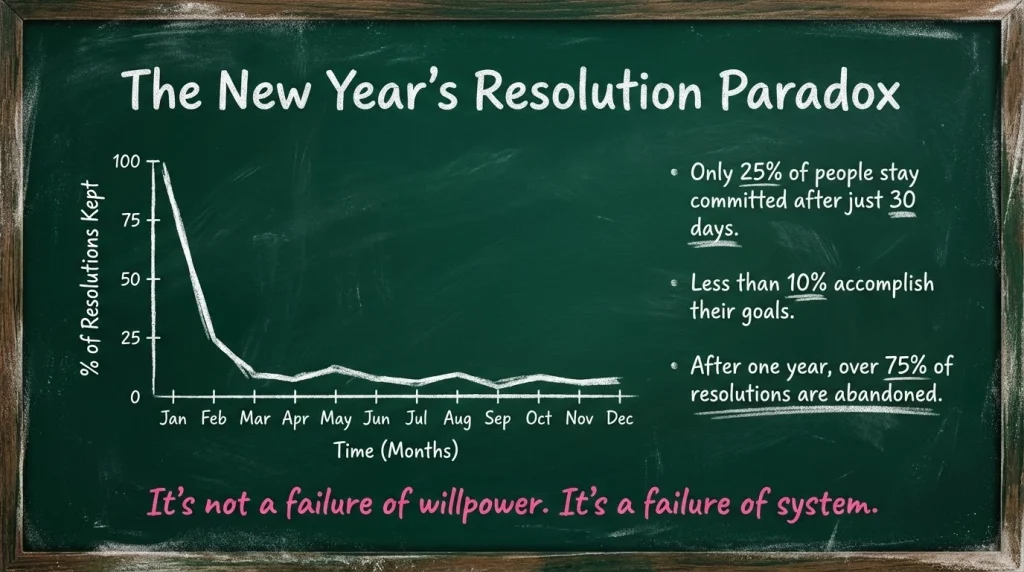
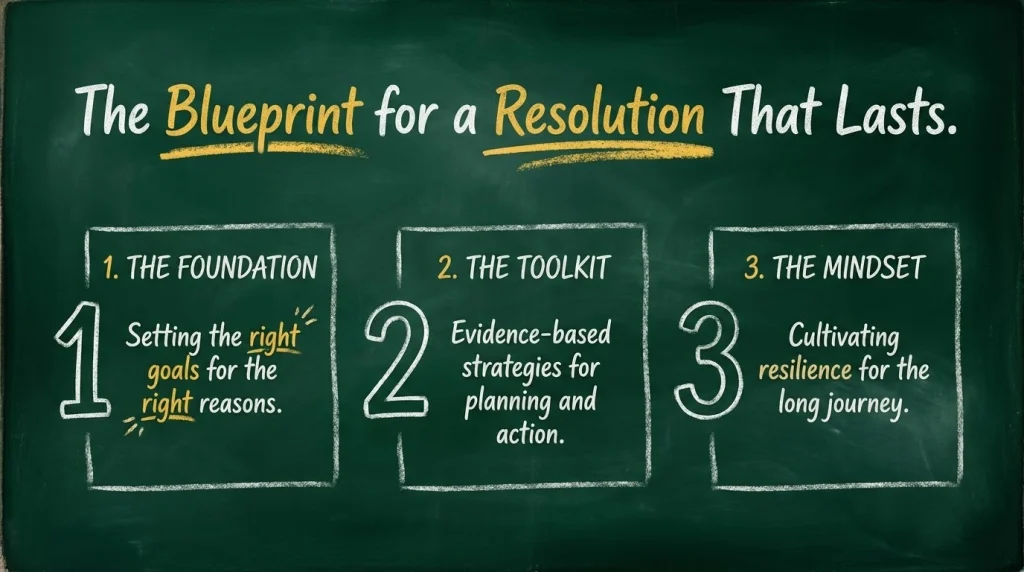
The “Nano Banana” Era
With this release, NotebookLM is rapidly becoming the most versatile AI tool in Google’s ecosystem. By adding visual generation to its existing text and audio capabilities with Nano Banana Pro, it is positioning itself as a comprehensive workspace for understanding and communicating complex information.
These features are rolling out now. If you haven’t checked your Notebook recently, it might be time to log back in.
SUBSCRIBE TO UPSTREAM
Get Chrome Unboxed delivered straight to your inbox
Upstream is our flagship, curated newsletter with the top stories, most click-worthy deals, giveaways, and trending articles from Chrome Unboxed sent directly to your inbox a few times a week. Join 31,000+ subscribers.

