


Support our independent tech coverage. Chrome Unboxed is written by real people, for real people—not search algorithms. Join Chrome Unboxed Plus for just $2 a month to get an ad-free experience, access to our private Discord, and more. Learn more about membership here.
START FREE TRIAL (MONTHLY)START FREE TRIAL (ANNUAL)
So, I was enjoying my morning coffee and perusing Amazon as I frequently do when I came across a listing for an ASUS Chromebox 3. Immediately, I was awestruck when I saw the picture of a Chrome OS-powered MiniPC whose finish was listed simply as “Chrome.”
At first, I thought my eyes were playing tricks on me. In a certain light, black devices can often look silver or grey but much to my delight, this was not the case. As you can see below, this Chromebox was, in fact, Chrome.

The plot thickens
Being that we are all about “all things Chrome,” my interest was instantly piqued. But wait, there’s more.
Right there, in the Amazon listing, was a variety of finishes ranging from sleek carbon fiber to one literally called “out of this world.” At this point, I had to know more.
There are a growing number of methods to customize your Chromebook from wraps to cases but I’ve never seen a customized Chromebox for sale from a retailer. So, I started taking a closer look at the company behind the listing.
Mobile Computing Solutions
A quick search landed my on the website of the Philidelphia-based tech company that specializes in mobile computing solutions and small form factor devices.
I made a couple of calls and just a bit ago, I had the pleasure of speaking with Chris from MCS and he gave me the skinny on these amazing looking Chromeboxes.
First, the hardware.
Currently, the guys in Philly are selling the Celeron version of the ASUS Chromebox 3 but they’re not stock and that’s a good thing. The regular ASUS comes with the Celeron 3865U processor which is more than capable as a desktop device for the average user. However, it only comes with 4GB of RAM and that’s a strain for Chrome OS. We firmly believe that 8GB is the sweet spot for any Chrome device.
Mobile Computing Solutions, with ASUS’ blessing, has upgraded the RAM to 8GB which by itself makes it worth the $50 price bump from the base model. That means you can enjoy the performance boost and keep your warranty! As awesome as that is, let’s talk about these amazing custom paint jobs they’re offering.
Chris explained to me that the Chromeboxes with a solid color are stripped and then painted with automotive grade primer and paint to ensure a clean, durable finish that honestly, just looks incredible.
For the models like the carbon fiber or wood grain, they use a hydro dip process. If you’ve never seen how that’s done, Google it. It’s pretty cool. Check out some of the handy work from MCS:

Wood Grain 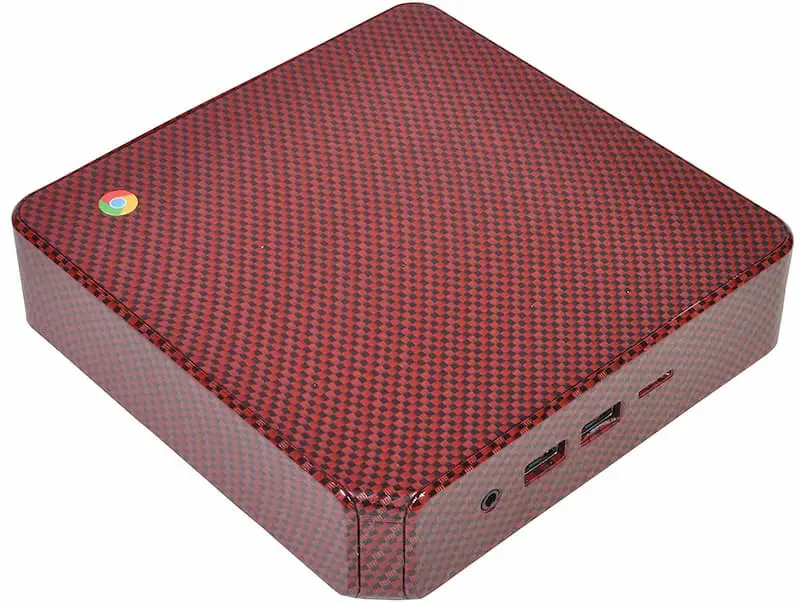
Red Carbon Fiber 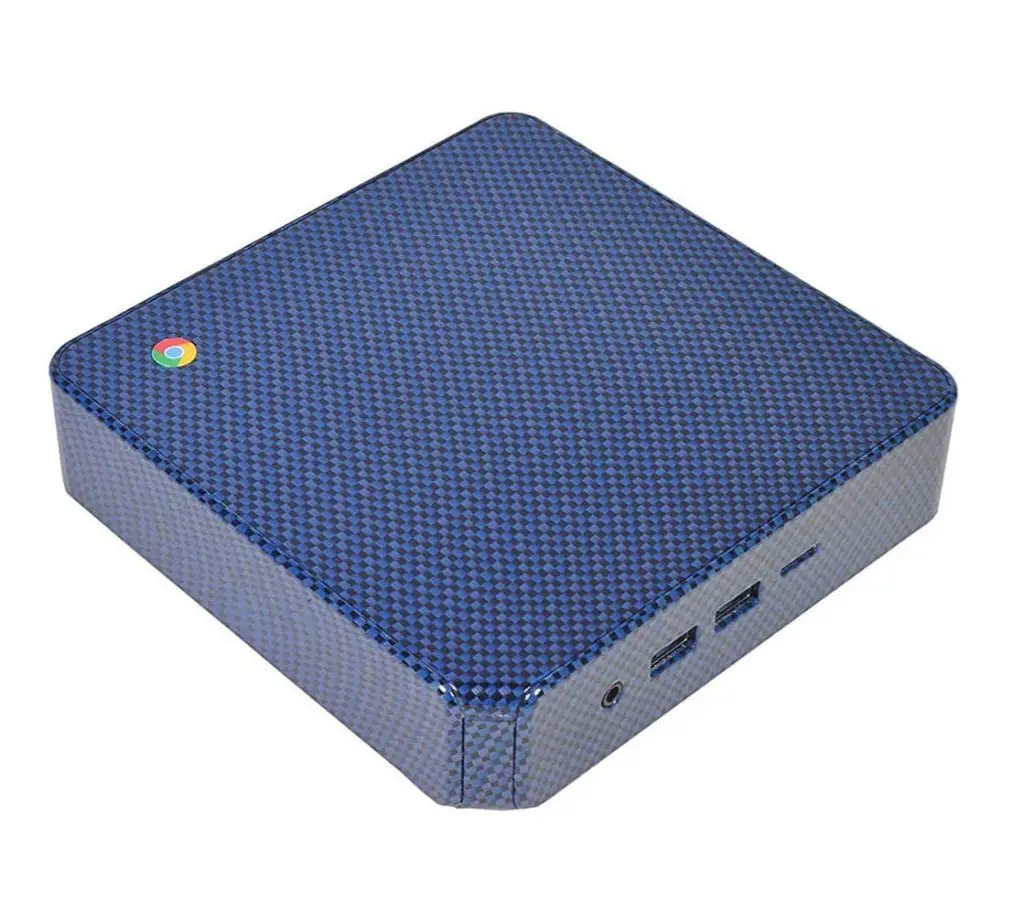
Blue Carbon Fiber 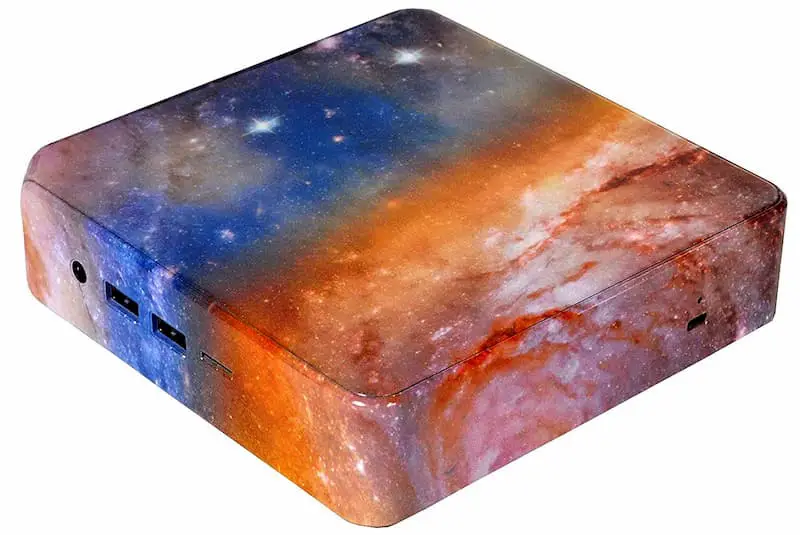
Out of this World
Chris informed me that MCS has just received a fresh shipment of Chromeboxes and they’re ready to take some orders. These custom devices will make a unique addition to any Chrome arsenal and the extra RAM make them more than worth the money. For just under $300, this would be my first choice for the casual user looking for a desktop solution.
You can order yours from the MCS Amazon store front at the link below.
Cutsom ASUS Chromebox 3 From MCS @ Amazon
