

Support our independent tech coverage. Chrome Unboxed is written by real people, for real people—not search algorithms. Join Chrome Unboxed Plus for just $2 a month to get an ad-free experience, access to our private Discord, and more. Learn more about membership here.
START FREE TRIAL (MONTHLY)START FREE TRIAL (ANNUAL)
BEAVERTON, Ore., Feb. 6, 2018 – PRNewswire
Press Release:
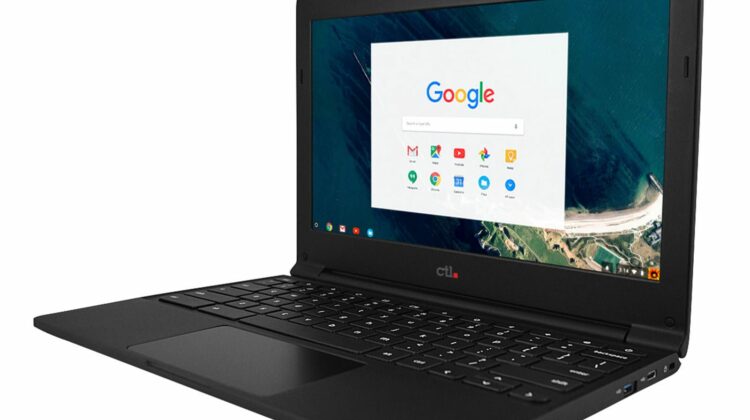
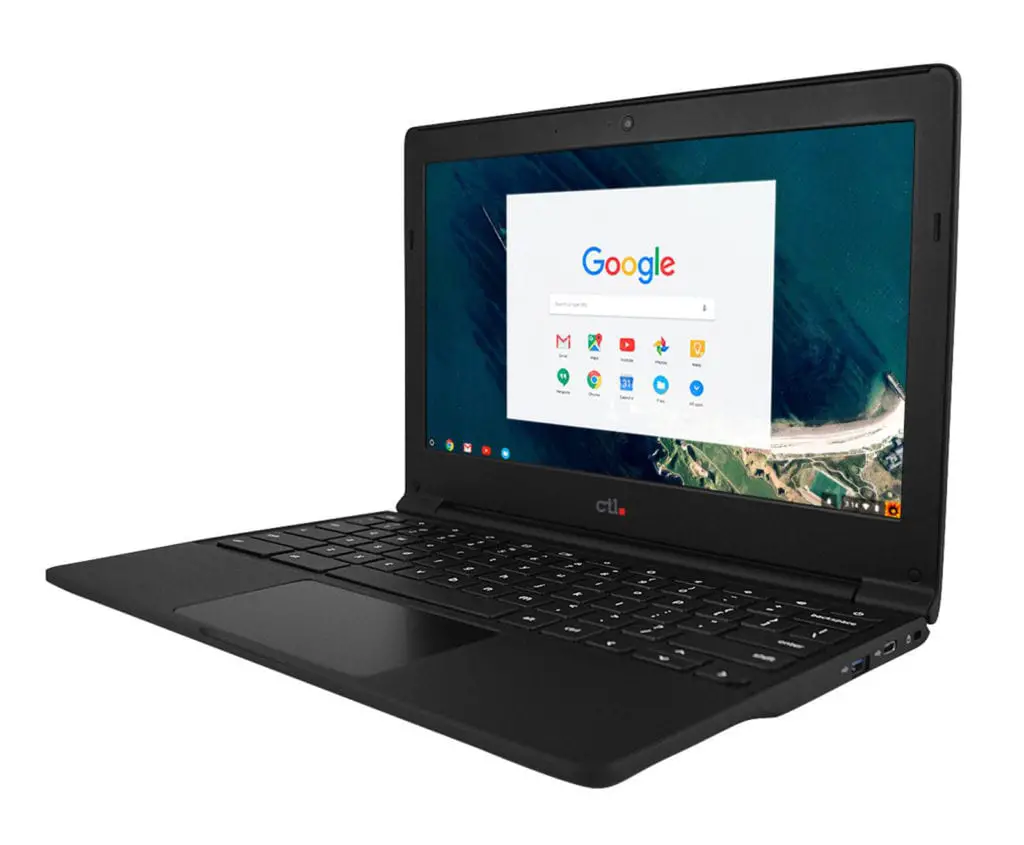
CTL, an Oregon-based company specializing in comprehensive 1:1 solutions for education, announced today the upcoming release of the CTL Chromebook J41 for Education, the newest addition to their lineup of rugged designed CTL Chromebooks tailor-made for student use.
At a glance, the new CTL Chromebook J41 features a soft-touch, anti-slip rubberized texture. The drop-resistant slim profile design creates a lightweight body weighing in at only 2.45 lbs, making it a great option for the K-12 classroom environment. A water-resistant keyboard further protects the CTL Chromebook J41 by allowing spills to be channeled out and away from internal hardware. The 11.6″ matte HD Panel screen is anti-glare ensuring ease of viewing and eye strain as well as being fingerprint-resistant. The CTL Chromebook J41 also comes with the option to be upgraded to an optional 10 point capacitive touchscreen. Sturdy 180 degree hinges help to increase durability as the unit will lay-flat when opened completely. In addition, the unit contains two USB Type-C ports, two USB 3.0 ports, one Micro SD port, and a combo audio jack with an HD Web Camera, Wi-Fi and Bluetooth 4.0.
On the inside, the CTL Chromebook J41 runs Chrome OS on Intel’s updated N3350 (or N3450) processor. The CTL Chromebook J41 comes with either 16GB or 32GB of storage.
“At CTL, we pride ourselves on taking our 1:1 comprehensive solutions one step further by designing products that withstand the rigors of a K-12 environment, and the CTL Chromebook J41 is no exception. We know those looking for a powerful lightweight unit to implement in classroom deployment will love the CTL Chromebook J41.”
-Erik Stromquist, President of CTL
All CTL Chromebooks for Education now include a 2-way ship warranty where CTL will pay freight both to and from qualified education customers should the product need service. CTL also has options for add-ons like warranty upgrades, Chrome Education License, White Glove Service, Buy and Try Discounts, great educational apps from software partners, and more.
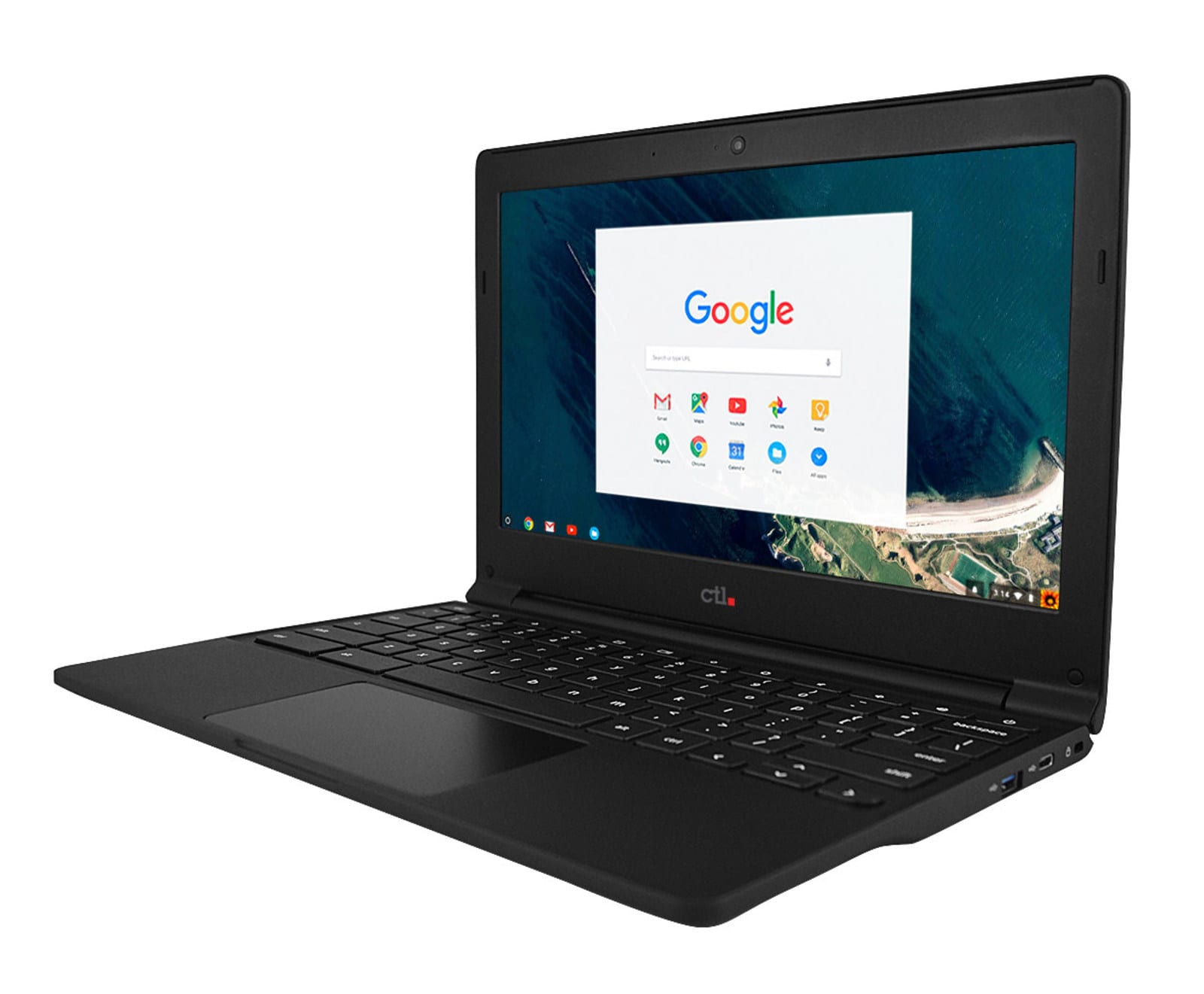
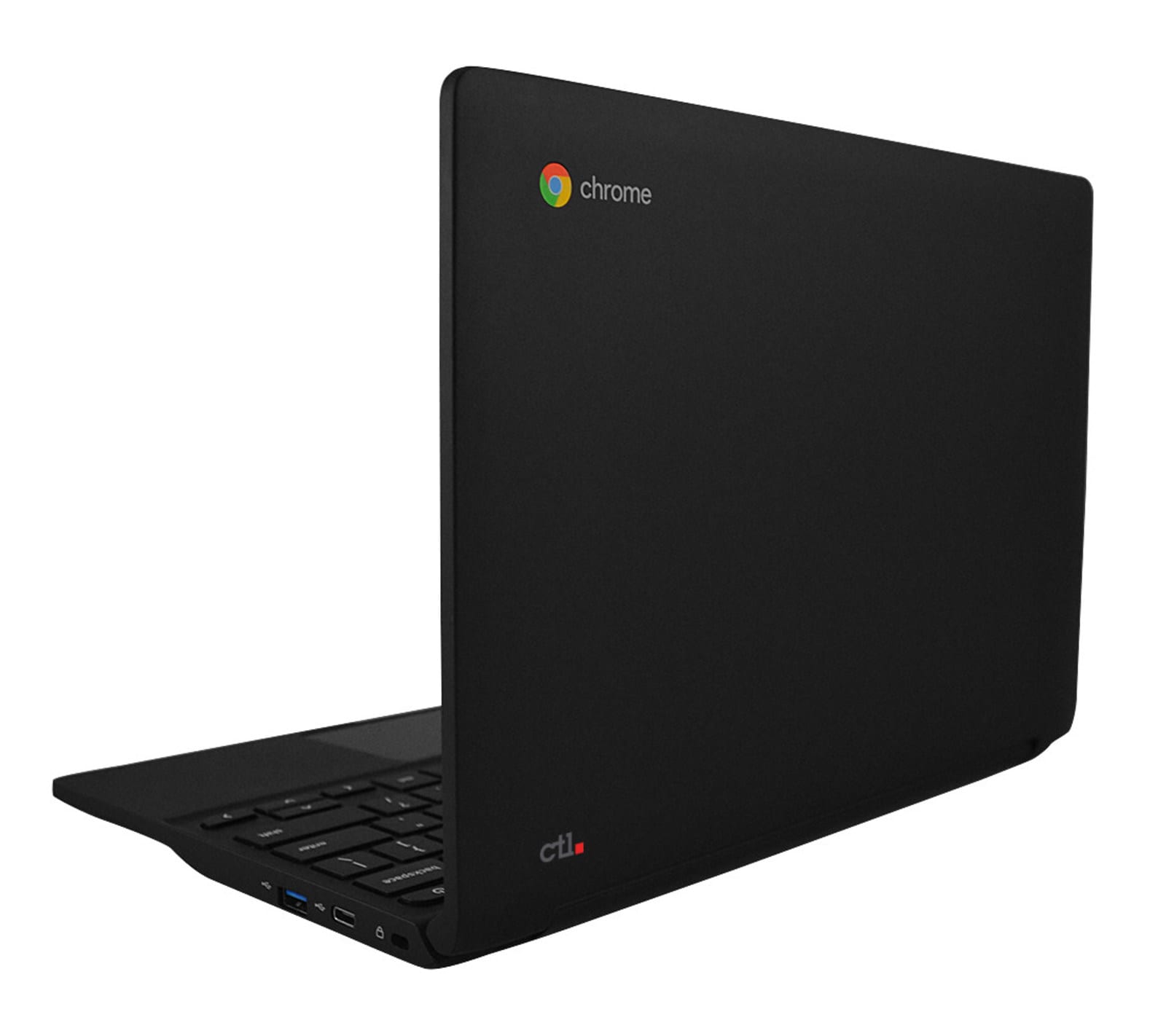
Specs at a Glance:
- 11.6 Non-Glare Panel or Optional IPS 10 point touch
- Intel N3350 or N3450 Celeron Processor
- Intel HD500 Graphics and Intel wireless
- 4GB or optional 8GB
- 16GB/32GB Storage
- 2 USB Type-C
- 2 USB 3.0
- HD Camera
- 180 Degree Hinge
- Water resistant keyboard and designed to withstand drops up to 70cm
- 2.54 lbs
About CTL
Founded in 1989, CTL® designs and manufactures computer products including Chromebooks, desktop and mobile workstations, LED monitors, and high-performance servers. CTL® also manufactures specialty devices including ruggedized tablets. Headquartered in Beaverton, OR, with offices in Asia and Europe, CTL® and their partners supply North American and European consumers, government agencies, and many of the most recognized corporate brands. For more information about CTL®, please visit www.ctl.net.
Check Out Chrome Unboxed’s Top Picks On Amazon
Contact:
Mike Mahanay
Vice President and Chief Marketing Officer
CTL
Direct: 971.327.0101
Toll-Free: 800.642.3087 x 205
Source: CTL via PR Newswire

