

Support our independent tech coverage. Chrome Unboxed is written by real people, for real people—not search algorithms. Join Chrome Unboxed Plus for just $2 a month to get an ad-free experience, access to our private Discord, and more. Learn more about membership here.
START FREE TRIAL (MONTHLY)START FREE TRIAL (ANNUAL)
 We’ve likely only seen the beginning of the flood of convertible Chromebooks that will arrive on the scene in 2017. These devices attempt to fulfill multiple use-cases and can do so pretty well. One feature, up until now, has been sorely missing.
The Many Shapes of The Convertible Chromebook
We’ve all become quite familiar with the main four setups a convertible device can find itself in.
Laptop, display, tent, and tablet.
While I would contend that most convertibles do pretty well with laptop mode, they excel at display and tent mode, giving users a very nice way to sift through content and consume any and everything the device has to offer up.
I’ve written here why I find myself gravitated to convertible devices, and presentation mode is a prime player in that reasoning.
It is great on a desk or in your lap and provides an extended usability over a static laptop form. Feel free to disagree, but I have to say I’ve come to enjoy the flexibility and miss it when it is absent.
BUY THE SAMSUNG CHROMEBOOK PLUS (AMAZON)
The Weakest Form
By far, the weakest form for convertibles is tablet mode. Most devices are too large, too heavy and thick to feel comfortable holding for any length of time. Many also incorporate a 16:9 aspect ratio and feel very awkward when held like a tablet.
Samsung and ASUS recently have made a better pass at this, with the former employing a 3:2, squarer aspect ratio that feels substantially more at home in tablet mode.
Though still not the optimal tablet experience, Samsung gets much closer to usable with the Chromebook Plus.
For me, something is still missing, though, and it is vital to any device attempting to feel like a real tablet.
Buy The ASUS Chromebook Flip on Amazon
Power Switch Functions
Let’s face it, the way a power switch currently functions on a Chromebook in tablet mode is goofy.
In general, the power button on a Chromebook has two features: lock and power off. If held down for a few seconds, the device locks. If held down past that point for a few more seconds, the device powers down.
However, with phones and tablets, we are all very used to a simple click of the power button to put the device to sleep.
Chromebooks don’t do this. But they will very soon.
Available in a Beta Channel Near You
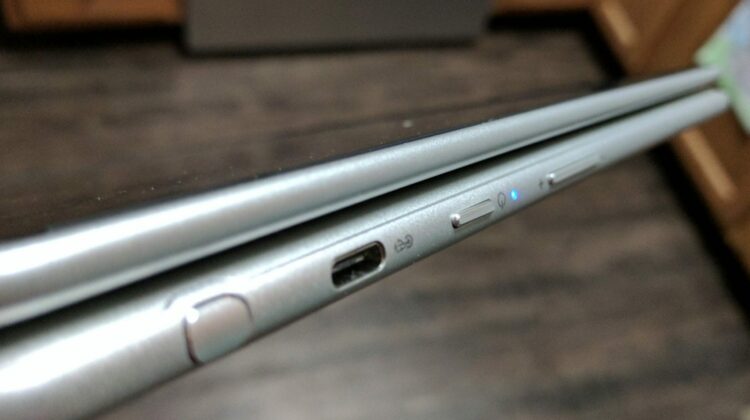
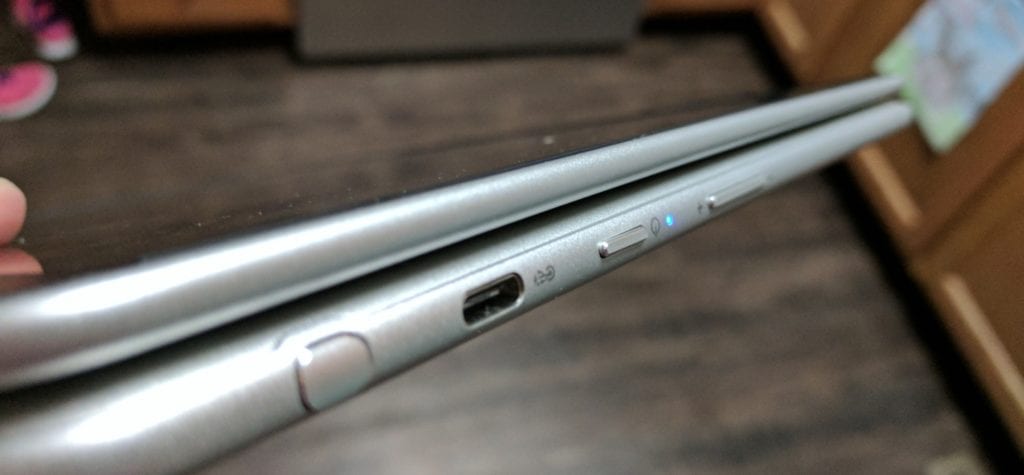
It has come to our attention that some convertible Chromebooks, namely the ASUS Flip C302 and the Samsung Chromebook Plus, have traded out the tried and true function of the power buttons to be more tablet-like.
Of course, we had to give this a try.
When in Stable, the power button on my Samsung behaved as it always has, just as explained above.
After switching to the Beta Channel, however, my power button is behaving like I expect a tablet or phone to behave.
One click and the screen is alseep. Click once more and the screen is awake and on the lockscreen.
Simple, easy and effective. There’s a reason this power/sleep setup has been around on phones and tablets since the earliest iPhone. It works and is intuitive.
It is a much-needed addition to Chromebooks that want to behave more like tablets and for the upcoming detachable and tablet form factors we’re seeing in development. A quick search of our site for those can be done by clicking here and here if you are interested in those developments.
One thing is for sure, Chrome OS only continues to evolve in positive ways and we’re excited to watch it grow up!

