

Support our independent tech coverage. Chrome Unboxed is written by real people, for real people—not search algorithms. Join Chrome Unboxed Plus for just $2 a month to get an ad-free experience, access to our private Discord, and more. Learn more about membership here.
START FREE TRIAL (MONTHLY)START FREE TRIAL (ANNUAL)
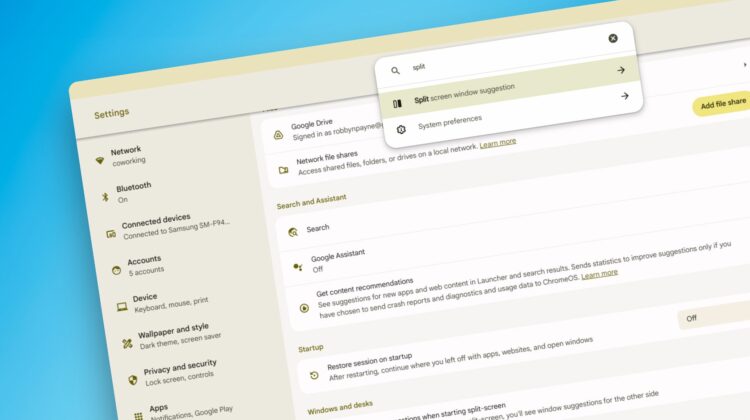
With ChromeOS 124 came the new, overhauled settings app as well. With this new system app, your Chromebook settings are finally parsed out into proper sections instead of being one, long feed of toggles and buttons. It feels far more on-brand for Google and, once again, gives some design alignment between Android and ChromeOS to make new users feel far more welcome.
Last week as I was posting about the new split-screen overview feature that also arrived with ChromeOS 124, I was made aware that you can switch off this feature by @cr_c2cv on Twitter. So I wanted to publish a quick how-to post that explained the process for turning it off.
The problem was, I didn’t know exactly what the feature is actually called. I refer to it as split-screen overview, but I honestly had no clue how Google refers to it. I knew I could scroll through each of the new settings sections, but I gave the search a whirl with “overview” as my query…and it worked!
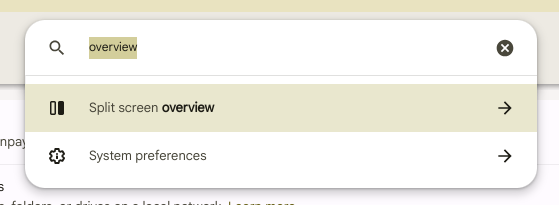

Here’s the fun part: the word “overview” isn’t even in the name or description for this feature. The settings app was simply smart enough to guess what it was I was looking for. And upon seeing this, I searched for a few other things, too, trying to figure out if the new Settings app’s search ability had really grown or not. And I wasn’t disappointed. Here are a few examples:


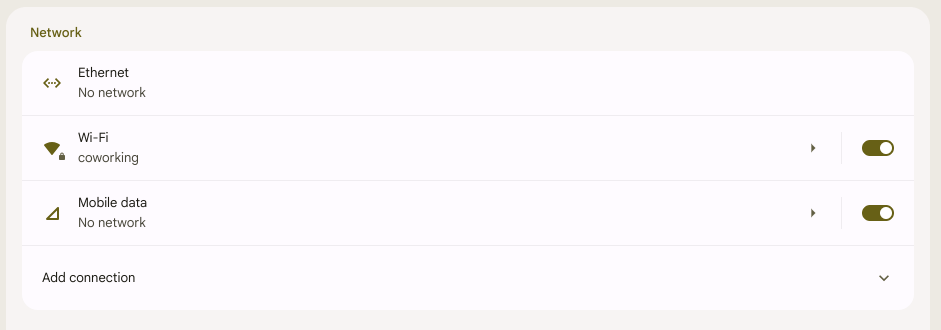
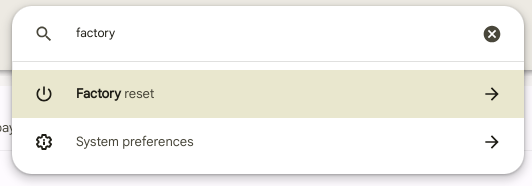

There are more where those came from, but with each search query, you can see that the result never actually has those words present on the screen. Instead, the settings app is simply behaving with a bit of intelligence to assume what you are looking for. And again, for newer users struggling to find their way around a new OS, this is a big deal.
I’m not surprised at all by this since Google is a search company after all. It was simply refreshing to see an app as necessary as settings get some real attention paid to its search functionality. It’s not perfect, of course, but I was very pleased to see it working this well with some pretty vague searches.

