

Support our independent tech coverage. Chrome Unboxed is written by real people, for real people—not search algorithms. Join Chrome Unboxed Plus for just $2 a month to get an ad-free experience, access to our private Discord, and more. Learn more about membership here.
START FREE TRIAL (MONTHLY)START FREE TRIAL (ANNUAL)
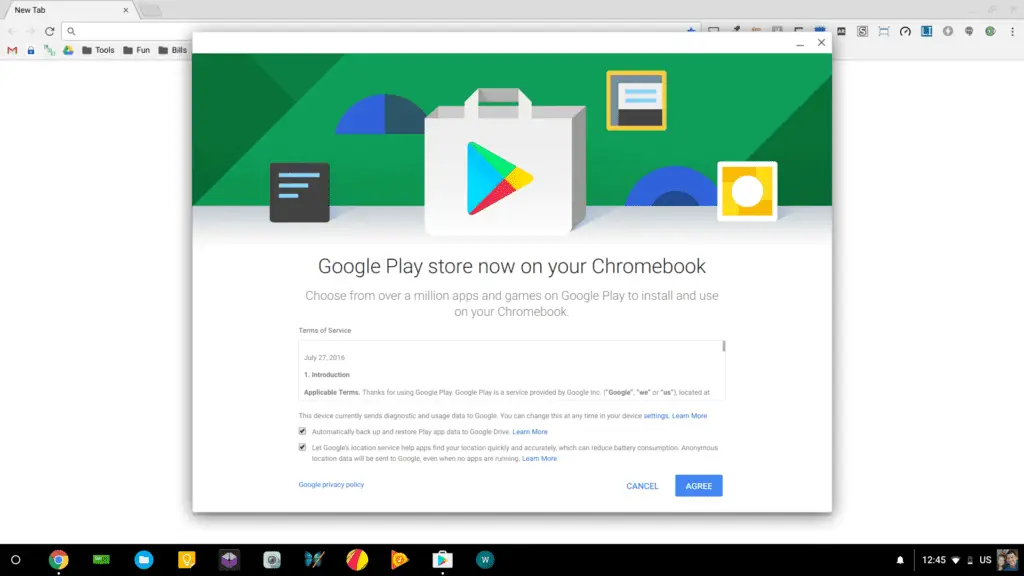
The Google Play Store and over 1 million Android Apps are slowly but surely making their way to Chromebooks everywhere. Officially, there are only 3 devices with access on the Stable channel of Chrome OS.
We have reported on a number of Chromebooks that have gained the Play Store through various methods and wanted to make an updated list of all the devices to share. We will continue to update this list as more information is received. With a little luck, we will see the Play Store hit the Stable channel for all devices sooner than later. Until then, check back here to see if your Chromebook made the list.
*Updated May 2, 2017
The Chromebooks below are listed by channel required for access to the Play Store. Device notated with an (*) also require developer mode and a few tweaks through the crosh screen. You can find the steps for this method here.
Stable Channel
The first 3 devices here are the original 3 that have access to Android apps and require no special steps. You need only make sure your Chromebook is on the Stable channel and updated to the latest version of Chrome OS. These are the only Chromebooks with “official” Play Store access. Until made official by developers, the other devices on the Stable list may require the developer mode method and will not receive official support
ASUS Chromebook Flip C100
Acer Chromebook R11
Google Chromebook Pixel LS(2015)
Samsung Chromebook Plus
ASUS Chromebook Flip C302*
Acer Chromebook 14*
Acer Chromebook 15*(some models)
HP Chromebook 11 G5*
Toshiba 2 (2015)*
ASUS Chromebook Flip C302*
Beta Channel
Acer Chromebook R13
Dell Chromebook 13*
Hp 13 G1( pentium)*
Developer Channel
This list is growing and each day we hear of new devices that have gained access. We will not update a device unless we have confirmation of the Chromebook and the method used to add the Play Store.
ASUS Chromebook Flip C302
ASUS C301SA
ASUS C300SA*
ASUS C201*
ASUS C202SA*
ASUS C213
Lenovo ThinkPad 13*
Edugear CMT Chromebook (Viglen)*
Acer c740*
HP Chromebook 13 G1
Samsung Chromebook 3
There has been a little debate as to whether or not the ASUS 300 has or will have the Play Store. Some have reported access in the developer channel but we have yet to confirm. I believe only the C300SA will get access, not the C300MA. I will update as soon as I can confirm that information.
If you have found that your Chromebook has access to the Play Store and you don’t see it here, send us an email with a screenshot and we will add it to the list.
To see if your device has Arc(Android Apps) on the Stable channel see the article here.
Disclaimer
As always, switching from the Stable channel of Chrome OS does come with a warning. Google, the developers nor us, for that matter, can be responsible for any issues that may arise. Please ensure you know the steps as well as the risk involved with changing channels. Aside from being buggy, moving back from the “experimental” channels will result in a powerwash and the loss of any local data. Make sure you back up anything you do not wish to lose.
Bonus
Here’s a screenshot of Clash of Clans on my Acer Chromebook 14.
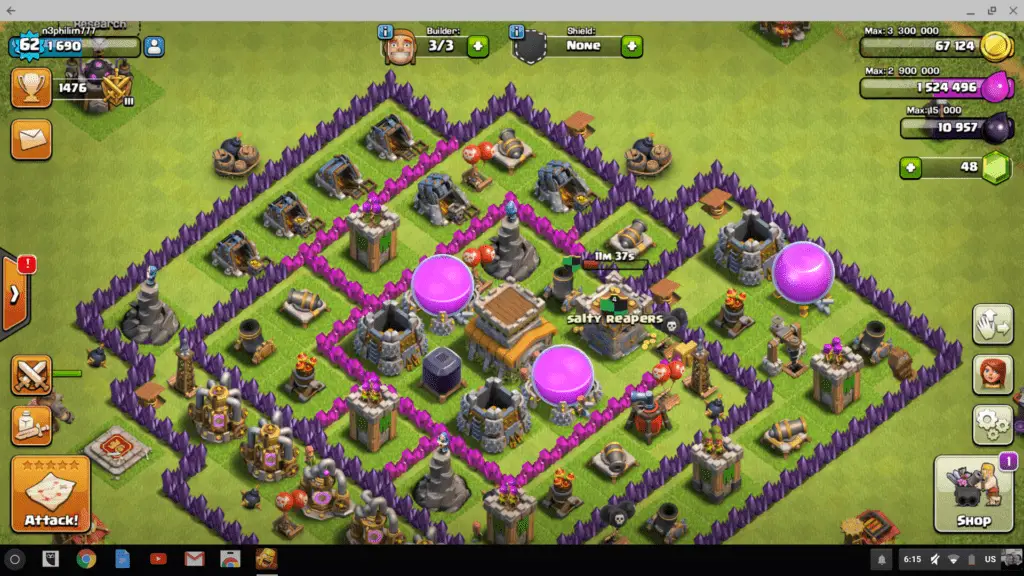
The resolution is a little hinky but all-in-all it is fully functional.

