

Support our independent tech coverage. Chrome Unboxed is written by real people, for real people—not search algorithms. Join Chrome Unboxed Plus for just $2 a month to get an ad-free experience, access to our private Discord, and more. Learn more about membership here.
START FREE TRIAL (MONTHLY)START FREE TRIAL (ANNUAL)
 Chrome OS is evolving at a rapid pace these days and that includes a large number of UI and UX changes that bring the operating system more in line with Google Material Design. Even the yet-to-be-announced Crositin Project for Linux apps on Chrome OS is getting the MD treatment with a polished look to make the containers feel more at home on Chromebooks.
For better or worse, these changes are coming and some have already arrived. The latest update to Chrome OS, version 66, brought with it the newly revamped keyboard shortcut overview that we reported on last month.
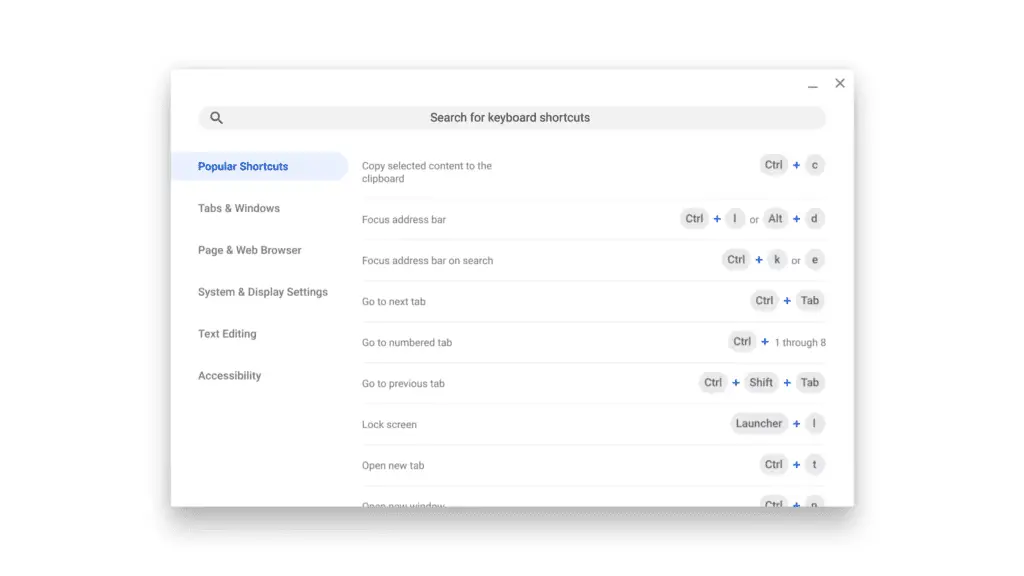
As with anything new, some people don’t care for these UI updates and there are many in particular that would rather keep the old keyboard shortcut layout for various reasons. Many just prefer to have an actual keyboard to reference the key locations and I can understand that completely. Me, I like having the ability to search for shortcuts and I am really digging the rounded, Material Design look that is arriving with all the UI updates but hey, to each his own.
For those of you not ready to make the switch, you’re in luck. At least for now, there is a flag that will allow you to enable the old keyboard shortcuts for Chrome OS.
To revert back, simply head to chrome://flags and type “shortcut” in the search bar. The last flag on the list should be “Enable Keyboard Shortcut Viewer.” Flip the flag to disabled and restart the browser. You’re all set. Alternatively, you can drop chrome://flags/#ash-enable-keyboard-shortcut-viewer in your URL bar and the flag should be at the top of the list.
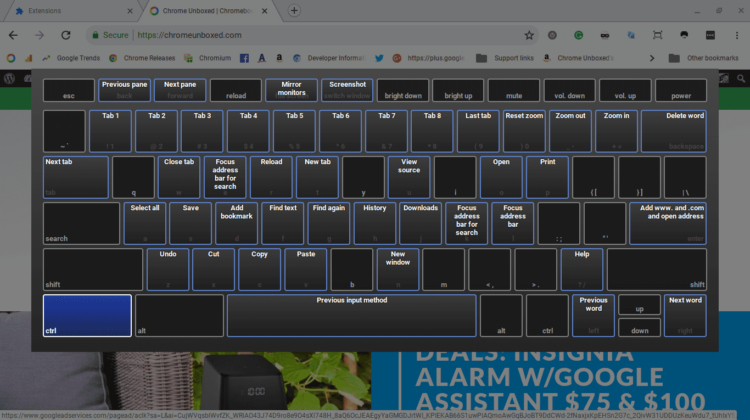
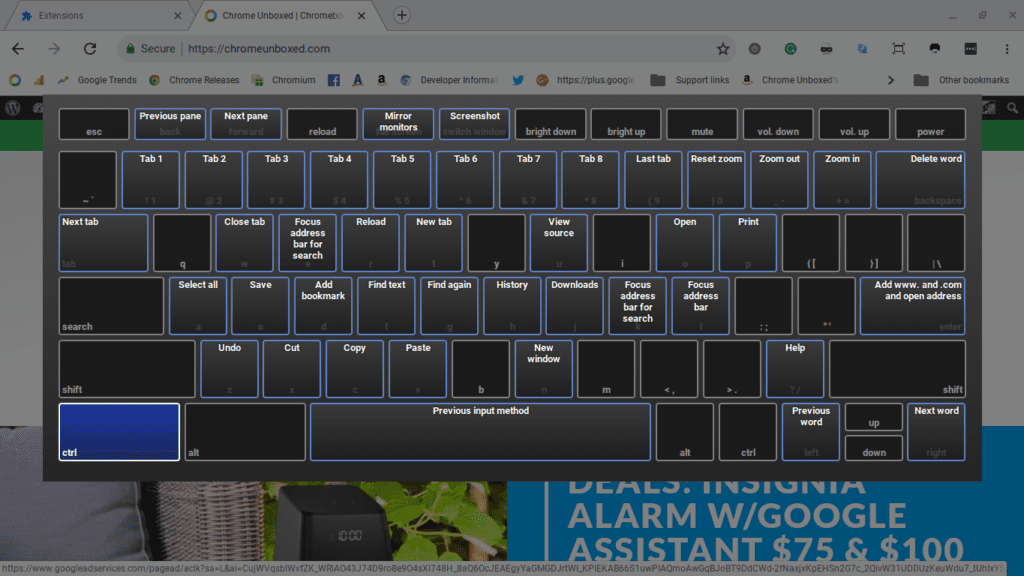
Now, when you click Ctrl+Alt+/ you will be greeted with the familiar onscreen keyboard with all the handy shortcuts. Pressing “Alt” while the keyboard is up will bring up all the other shortcuts not display on the default viewer.
With the push for Material Design, I don’t know that this flag will always be available but for now, you can keep the old look.
Source: Reddit via Will S.

