

Support our independent tech coverage. Chrome Unboxed is written by real people, for real people—not search algorithms. Join Chrome Unboxed Plus for just $2 a month to get an ad-free experience, access to our private Discord, and more. Learn more about membership here.
START FREE TRIAL (MONTHLY)START FREE TRIAL (ANNUAL)
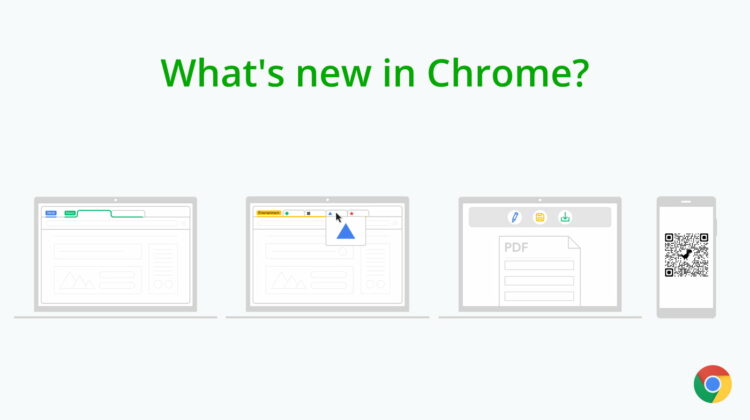
Chrome 85 should be rolling out to Windows, Mac, Linux and Android users over the next few days and with it comes a cartload of productivity tools to help you navigate the web with ease. In addition to new and updated tools, the Chrome developer team has made some changes under the hood that will speed up your browsing by boosting tab page load time as much as 10%. Here’s a quick rundown of what’s new with Chrome 85:
Collapsing Tab Groups
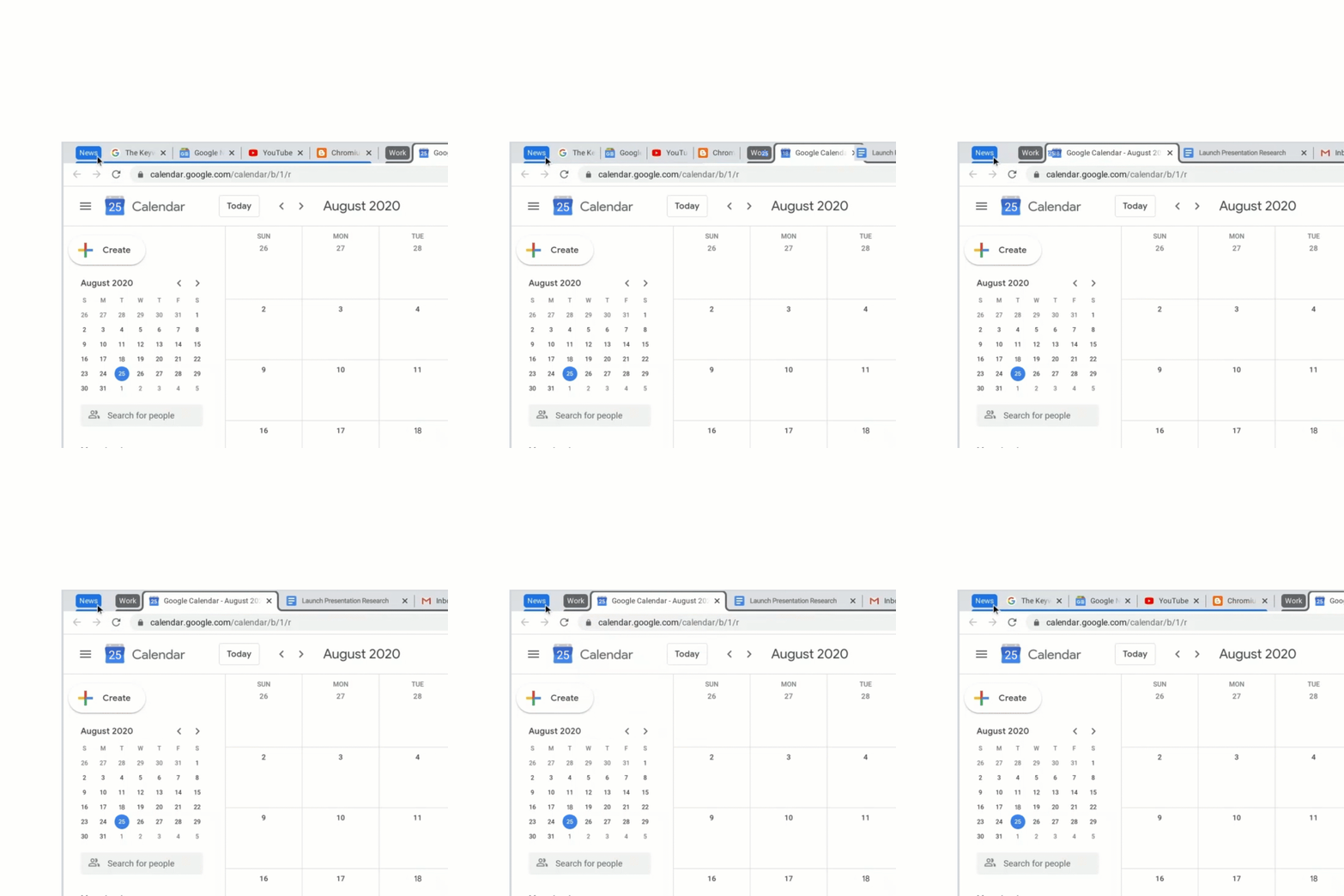
Tab grouping is probably one of the most useful updates to Chrome in recent months and now, you can have even more control over your browser tabs with collapsing groups. If you are the type to keep numerous tabs open, this feature will go a long way to help you keep focus on the groups you’re actually using in a given moment. Once you have your tab groups set up, you can quickly collapse and expand your groups by clicking on the tab group name. This is awesome if you don’t want to lose your place in a group of web pages but you just need them out of the way for the time being. Collapsing tab groups will be rolling out to desktop this week.
Touch-friendly tabs
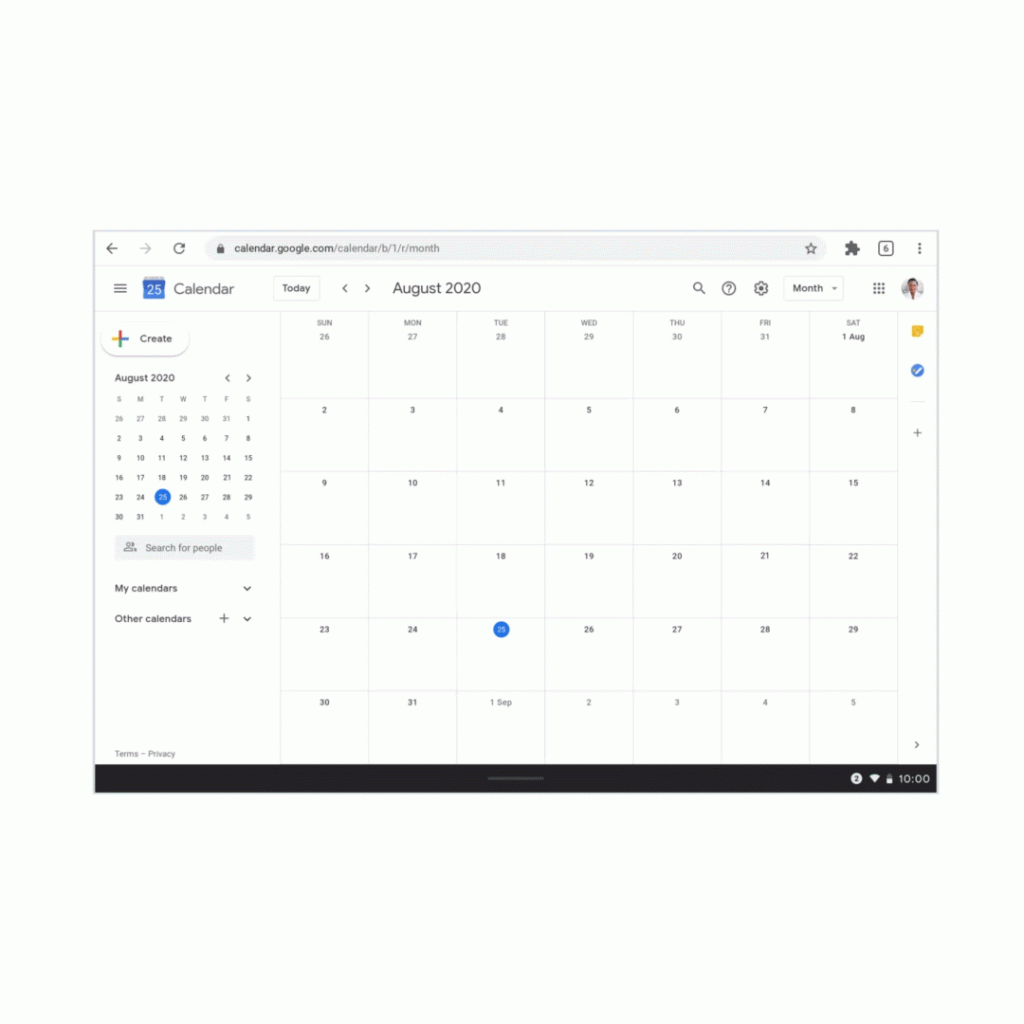
The Lenovo Chromebook Duet is already enjoying this feature but soon, more Chromebooks and non-Chrome OS devices will be able to take advantage of Chrome’s new touch-friendly tabs. When in tablet mode on your device, Chrome will now show a tab strip at the top of the browser that makes it easier to see and navigate through your tabs. When you don’t need them, they can quickly be hidden for fullscreen navigation.
Suggest open tabs on Android
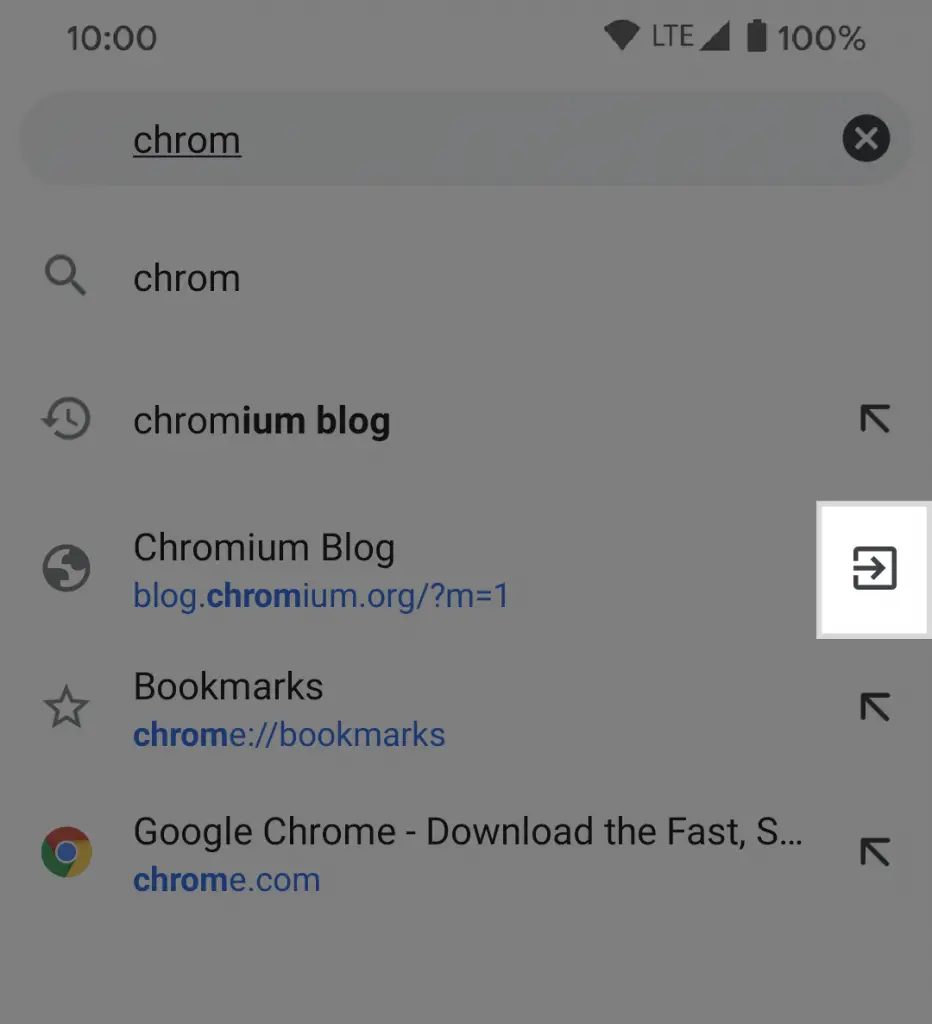
In the latest update to Chrome for Android, you will now get suggestions for tabs that you already have open when searching from the URL bar. Once you start typing, the normal history suggestions will show up and any related open tabs will be in the mix with a different icon to the right to indicate that you’re clicking on a page that’s already open.
Tab hover preview
Tab hover preview has been in the works for months and honestly, I use it all the time as I live in the Dev and Canary channel. Right now, hovering a tab in Chrome gives you a simply preview of the page title and meta data. Chrome Beta will now, by default, give users an image preview that is a snapshot of the actual page that’s loaded in the tab. This has been behind a flag for some time but that fact that it’s enabled by default in Beta means it should be ready for prime time soon. If you’d like to check it out, you can always download Chrome Beta for desktop and use it in tangent with the Stable build.
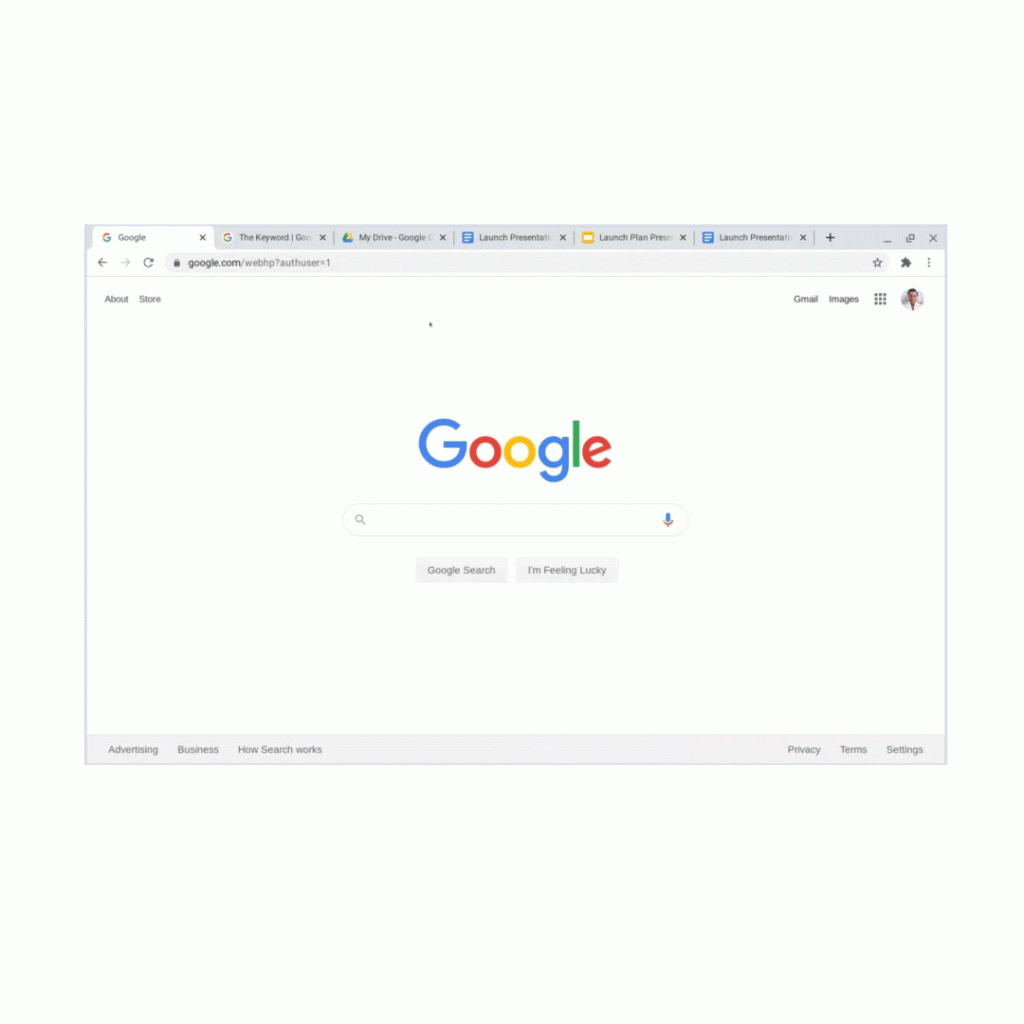
Fill and save PDFs
Chrome developers have been working on a revamped version of the browser’s PDF viewer and the latest desktop update brings some of these features to the Stable channel. In coming weeks, users will be able to fill out PDFs, save them for later and pick up where they left off when reopening the document at a later time.
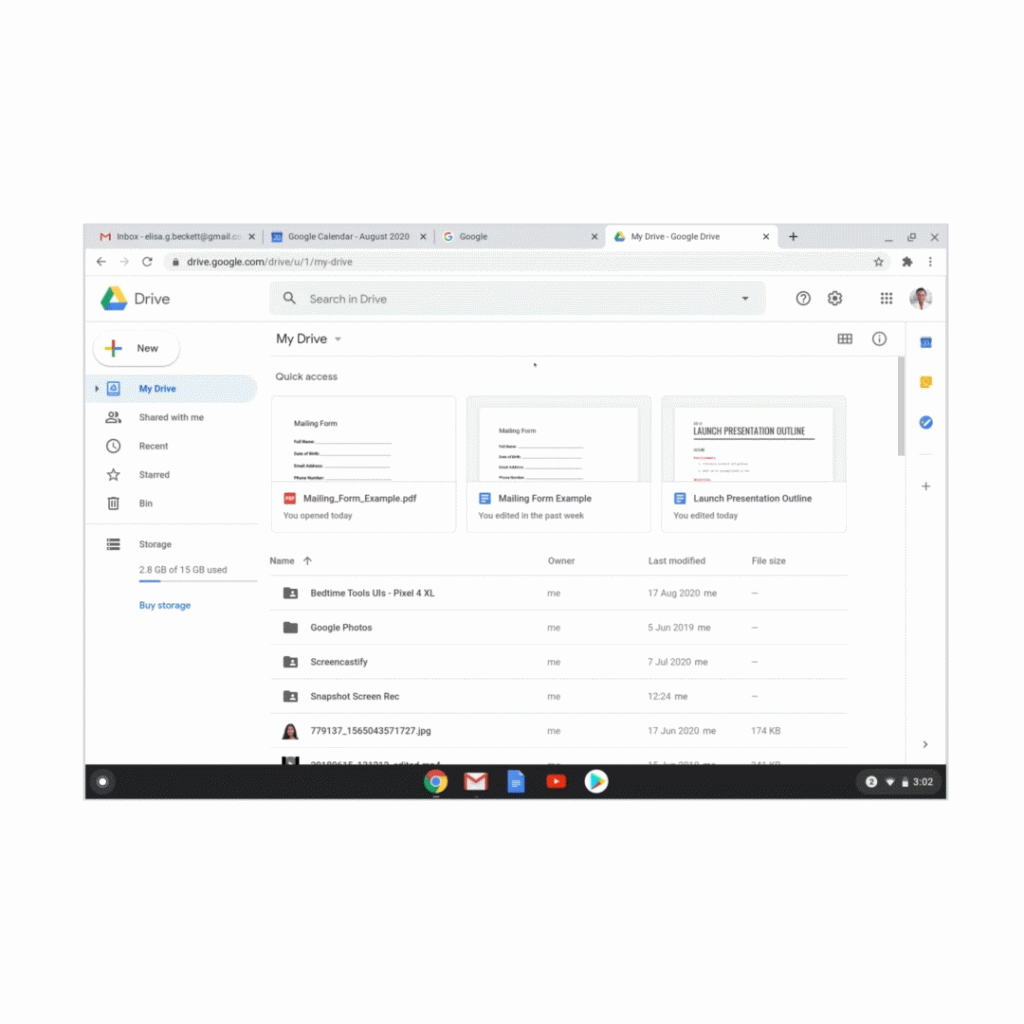
Dino QR codes
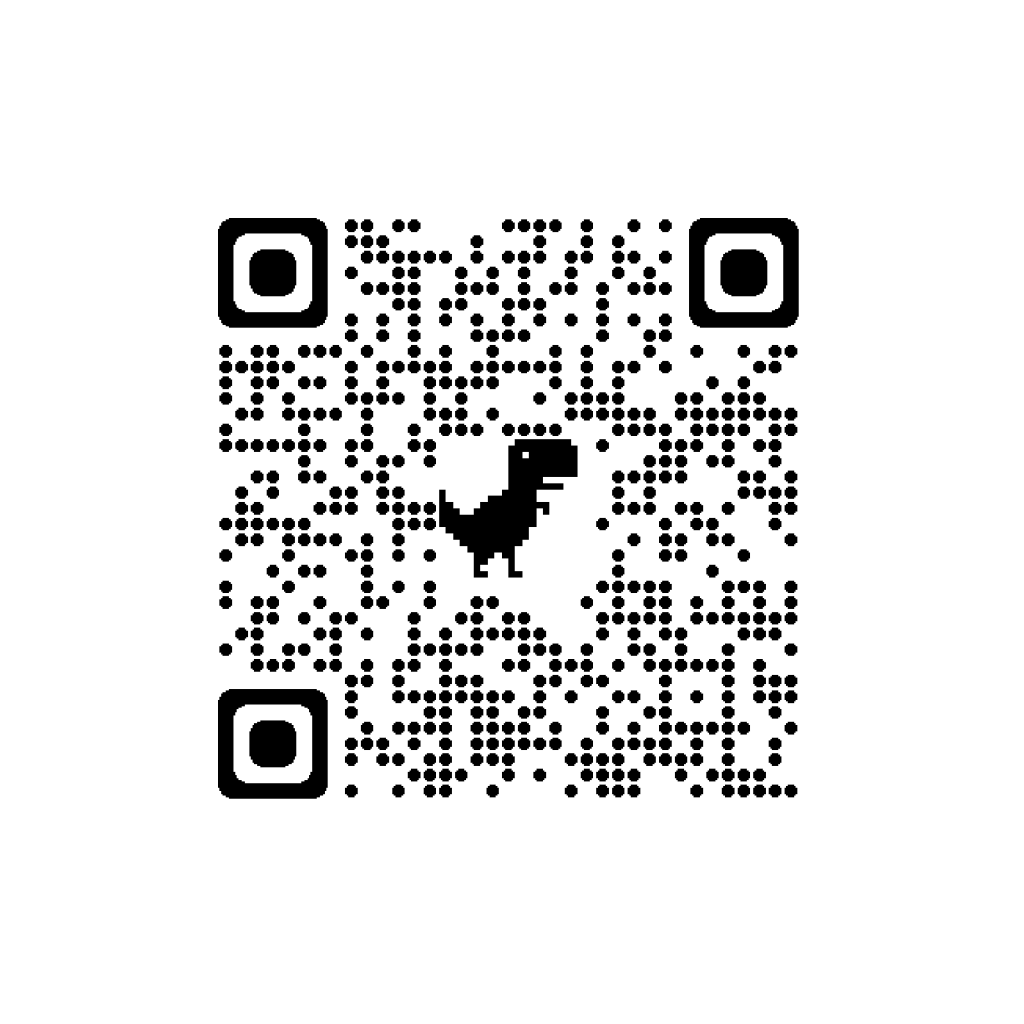
Google has made a concerted effort to blur the lines between Chrome desktop and mobile devices. Users can already send content between devices using Android’s share menu and now, you can access another unique way to share web pages. The QR Code generator for Chrome showed up in a few months back and now it’s coming to the Stable channel. When you’re on a website, you can click the generator and quickly create a dino-themed QR Code that you can scan or download. That will be a very unique and useful tool if you need to send out a mass email and want to include a web page link. You can scan the code with any QR Code reader or simply use Google Lens or the Assistant in your camera app and the link will pop up for you to click. You can try out with the QR Code below and learn a little more about Chrome’s friendly Dino.
Speed improvements
On the more technical side of things, this release of Chrome for desktop boasts improvements that should boost page load speeds by 10%. The gains are achieved with an updated version of Profile Guided Optimization that uses Clang instead of the previously used Microsoft Visual C++. This updated has been tested and reports Speedometer 2.0 boosts between 8%-12% on Windows and macOS.
The second update will help performance by prioritizing resources to the tabs that are actually in use. In the latest Chrome Beta update, tab throttling will be enabled by default. The goal hear is throttle inactive background pages and lend those resources to the active tabs. This should result in improved page load speeds but developers also state that it can improve battery life and save memory which is a welcome gift for all Chrome users. Chrome 85 for desktop and Android will be rolling out over the next few days and we expect Chrome OS 85 to arrive roughly a week from today. Keep an eye out as we report on what’s new.
SUBSCRIBE TO UPSTREAM
Get Chrome Unboxed delivered straight to your inbox
Upstream is our flagship, curated newsletter with the top stories, most click-worthy deals, giveaways, and trending articles from Chrome Unboxed sent directly to your inbox a few times a week. Join 31,000+ subscribers.
Source: The Keyword, Chromium Blog

